https://github.com/kkkooolllyyyaaa/web-lab-2
The second lab on the web programming course
https://github.com/kkkooolllyyyaaa/web-lab-2
css3 html5 java java-ee javascript lombok maven servlet-jsp wildfly-server
Last synced: 4 months ago
JSON representation
The second lab on the web programming course
- Host: GitHub
- URL: https://github.com/kkkooolllyyyaaa/web-lab-2
- Owner: kkkooolllyyyaaa
- Created: 2021-10-13T18:18:21.000Z (almost 5 years ago)
- Default Branch: master
- Last Pushed: 2021-10-15T05:40:34.000Z (almost 5 years ago)
- Last Synced: 2025-03-03T18:43:55.129Z (over 1 year ago)
- Topics: css3, html5, java, java-ee, javascript, lombok, maven, servlet-jsp, wildfly-server
- Language: Java
- Homepage:
- Size: 349 KB
- Stars: 1
- Watchers: 1
- Forks: 0
- Open Issues: 0
-
Metadata Files:
- Readme: README.md
Awesome Lists containing this project
README
# web-lab-2
[report](https://github.com/kkkooolllyyyaaa/web-lab-2/blob/master/tsypandin.pdf)
# stack:
* JAVA 8
* JSP
* JavaScript
* CSS
* HTML5
technologies:
* maven
* wildfly 18
* lombok
* svg
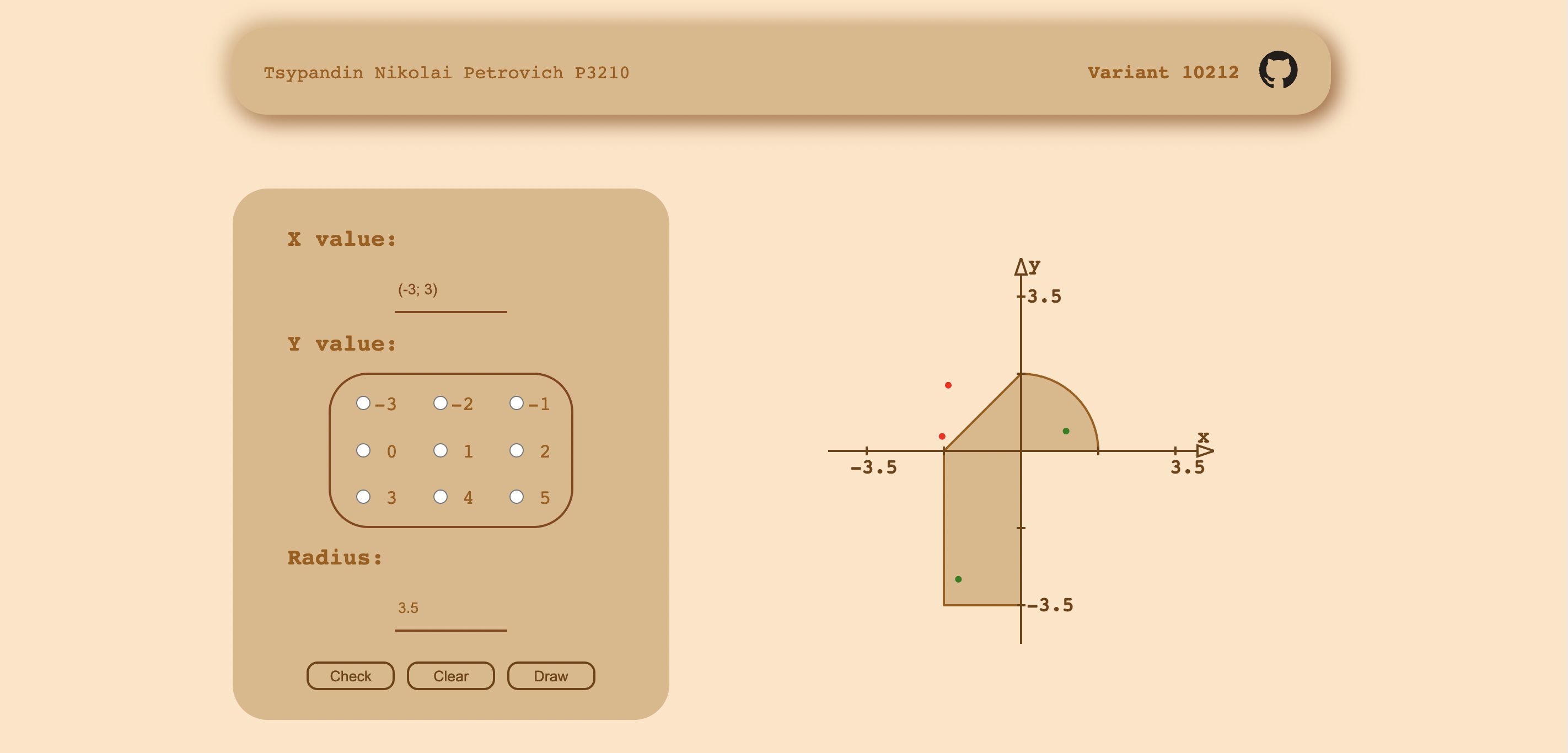
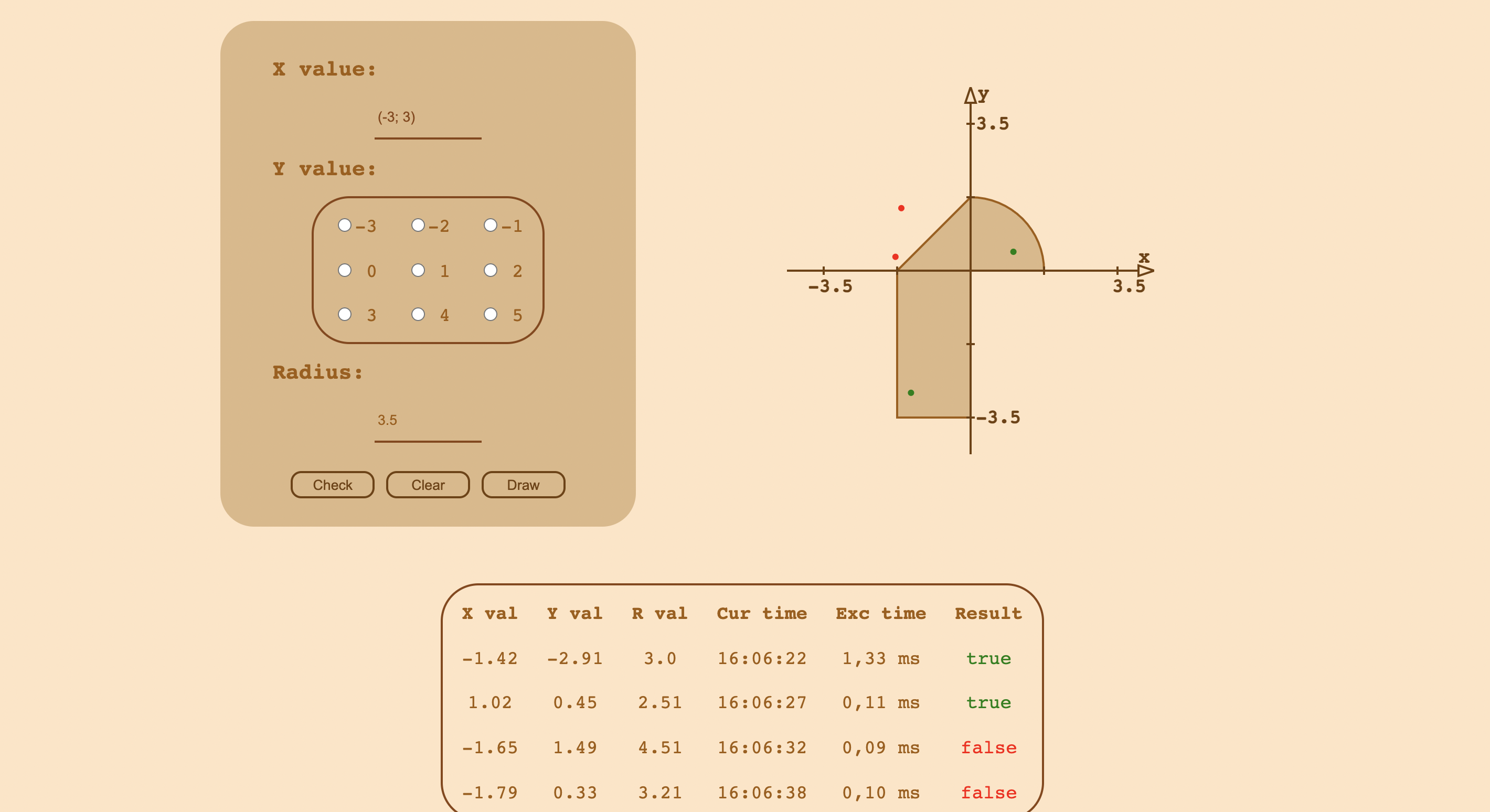
# How it looks
# How to launch:
1. Download wildfly
2. Change jboss bind address in the standalone/configurations/standalone.xml from 127.0.0.1 to 0.0.0.0
4. Put your http and management ports in the standalone/configurations/standalone.xml
5. Launch by: JAVA=java18 wildfly-18.0.1.Final/bin/standalone.sh
6. Forward managament port by: ssh -p 2222 s------@se.ifmo.ru -Y -L{management port}:helios:{management port}
7. Forward client (http) port by: ssh -p 2222 s------@se.ifmo.ru -Y -L{http port}:helios:{http port}
8. Connect to 0.0.0.0:{managament port} and deploy your WAR.
9. Connect to 0.0.0.0:{http port}
10. That's it!