https://github.com/knowm/dropwizard-sundial
Scheduled jobs in dropwizard
https://github.com/knowm/dropwizard-sundial
Last synced: about 1 year ago
JSON representation
Scheduled jobs in dropwizard
- Host: GitHub
- URL: https://github.com/knowm/dropwizard-sundial
- Owner: knowm
- License: apache-2.0
- Created: 2015-02-21T23:52:37.000Z (over 11 years ago)
- Default Branch: master
- Last Pushed: 2024-04-19T12:32:32.000Z (about 2 years ago)
- Last Synced: 2024-05-19T05:40:15.491Z (about 2 years ago)
- Language: Java
- Size: 201 KB
- Stars: 35
- Watchers: 6
- Forks: 12
- Open Issues: 6
-
Metadata Files:
- Readme: README.md
- License: LICENSE
Awesome Lists containing this project
README
## dropwizard-sundial
Scheduled jobs in [Dropwizard](https://github.com/dropwizard/dropwizard) using [Sundial](https://github.com/knowm/Sundial), a quartz fork.
## Note!!!
Before version `1.0.0-rc2.0`, you'll need to add the following lines to your `Application`'s `run()` method. From the 1.0.0-rc2.0 release and onwards, it will be automatically configured, but before that you need to explicitly add all the tasks yourself!
```java
environment.admin().addTask(new LockSundialSchedulerTask());
environment.admin().addTask(new UnlockSundialSchedulerTask());
environment.admin().addTask(new RemoveJobTriggerTask());
environment.admin().addTask(new AddCronJobTriggerTask());
environment.admin().addTask(new StartJobTask());
environment.admin().addTask(new StopJobTask());
environment.admin().addTask(new RemoveJobTask());
environment.admin().addTask(new AddJobTask());
```
To enable only some of the tasks, list the tasks you want enabled in the
`tasks` configuration setting. If left unset, all tasks are enabled.
## In a Nutshell
Sundial makes adding scheduled jobs to your Java application a walk in the park. Simply define jobs, define triggers, and start the Sundial scheduler. **dropwizard-sundial** makes integrating and configuring the job scheduler into dropwizard a snap.
## Adding the dropwizard-sundial dependency
Add the **dropwizard-sundial** library as a dependency to your `pom.xml` file:
```xml
org.knowm
dropwizard-sundial
4.0.0
```
## Adding and configuring the **dropwizard-sundial** bundle
Add the Sundial bundle to the Dropwizard environment:
```java
public void initialize(Bootstrap bootstrap) {
bootstrap.addBundle(new SundialBundle() {
@Override
public SundialConfiguration getSundialConfiguration(MyApplicationConfiguration configuration) {
return configuration.getSundialConfiguration();
}
});
}
```
## Add the 'SundialConfiguration' to your application configuration class (`MyApplicationConfiguration`):
```java
@Valid
@NotNull
public SundialConfiguration sundialConfiguration = new SundialConfiguration();
@JsonProperty("sundial")
public SundialConfiguration getSundialConfiguration() {
return sundialConfiguration;
}
```
## Edit you app's Dropwizard YAML config file (default values are shown below except for `annotated-jobs-package-name` and `tasks`):
```yml
sundial:
thread-pool-size: 10
shutdown-on-unload: true
start-delay-seconds: 0
start-scheduler-on-load: true
global-lock-on-load: false
annotated-jobs-package-name: com.foo.bar.jobs
tasks: [startjob, stopjob]
```
## Configure package name for `Job` classes containing `CronTrigger` and `SimpleTrigger` annotations:
```yml
sundial:
annotated-jobs-package-name: com.foo.bar.jobs
```
## Create a Job Class
```java
public class SampleJob extends org.knowm.sundial.Job {
@Override
public void doRun() throws JobInterruptException {
// Do something interesting...
}
}
```
## ...with CronTrigger or SimpleTrigger Annotation
```java
@CronTrigger(cron = "0/5 * * * * ?")
```
```java
@SimpleTrigger(repeatInterval = 30, timeUnit = TimeUnit.SECONDS)
```
## Alternatively, Put an XML File Called jobs.xml on Classpath
If adding jobs and triggers this way, you should not use annotations.
```xml
SampleJob3
com.foo.bar.jobs.SampleJob3
true
SampleJob3-Trigger
SampleJob3
*/15 * * * * ?
SampleJob2
com.foo.bar.jobs.SampleJob2
MyParam
42
SampleJob2-Trigger
SampleJob2
5
5000
```
### Inject Global Objects or Config Parameters into a Job
You may want access to a global object such as a REST client, and you don't want to have to reinstantiate that object every single time the job is run. It can be done quite easily by
putting the object in the ServletContext during app startup in the `run` method. Since Sundial is bound to the ServletContext's lifecycle, it has direct access to the ServletContext.
The ServletContext has a `String, Object` map for holding these global objects. The following code snippets show how to add an object to the ServletContext in the dropwizard `run` method and how
to access it from a job.
```java
@Override
public void run(XDropWizardApplicationConfiguration configuration, Environment environment) throws Exception {
logger.info("running DropWizard!");
// Add object to ServletContext for accessing from Sundial Jobs
environment.getApplicationContext().setAttribute("MyKey", "MyObject");
...
}
```
```java
@CronTrigger(cron = "0/25 * * * * ?")
public class MyJob extends Job {
private final Logger logger = LoggerFactory.getLogger(MyJob.class);
@Override
public void doRun() throws JobInterruptException {
// pull object from ServletContext, which was added in the application's run method
String myObject = (String) SundialJobScheduler.getServletContext().getAttribute("MyKey");
logger.info("MyJob says: " + myObject);
}
}
```
## Control Scheduler asynchronously via Curl
```bash
curl -X POST http://localhost:9090/admin/tasks/locksundialscheduler
curl -X POST http://localhost:9090/admin/tasks/unlocksundialscheduler
curl -X POST "http://localhost:9090/admin/tasks/startjob?JOB_NAME=MyJob"
curl -X POST "http://localhost:9090/admin/tasks/startjob?JOB_NAME=SampleJob3&MyParam=9999"
curl -X POST "http://localhost:9090/admin/tasks/stopjob?JOB_NAME=SampleJob3"
curl -X POST "http://localhost:9090/admin/tasks/removejob?JOB_NAME=SampleJob3"
curl -X POST "http://localhost:9090/admin/tasks/addjob?JOB_NAME=SampleJob3&JOB_CLASS=org.knowm.xdropwizard.jobs.SampleJob3&MyParam=888"
curl -X POST http://localhost:9090/admin/tasks/removejobtrigger?TRIGGER_NAME=SampleJob3-Trigger
curl -X POST "http://localhost:9090/admin/tasks/addcronjobtrigger?TRIGGER_NAME=SampleJob3-Trigger&JOB_NAME=SampleJob3&CRON_EXPRESSION=0/45%20*%20*%20*%20*%20?"
curl -X POST "http://localhost:9090/admin/tasks/addcronjobtrigger?TRIGGER_NAME=SampleJob3-Trigger&JOB_NAME=SampleJob3" --data-urlencode "CRON_EXPRESSION=0/45 * * * * ?"
```
## Learn
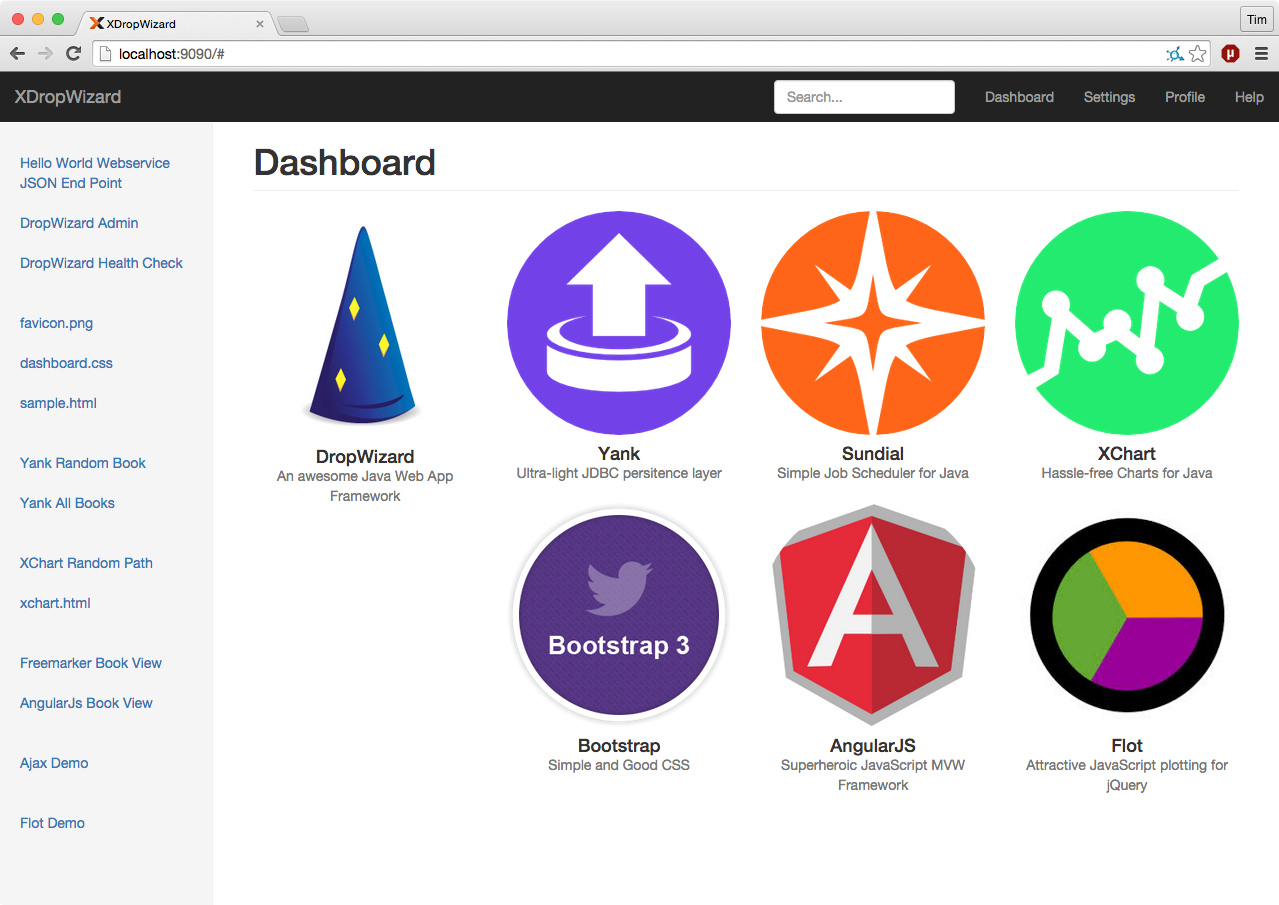
Visit [Sundial](https://github.com/timmolter/Sundial) to find out more about the scheduler itself and [XDropWizard](https://github.com/timmolter/XDropWizard) to see a working example of a DropWizard app integrating Sundial via the `dropwizard-sundial` project.
## Continuous Integration
[](https://travis-ci.org/timmolter/dropwizard-sundial.png)
[Build History](https://travis-ci.org/knowm/dropwizard-sundial/builds)