https://github.com/kodersha/fedora
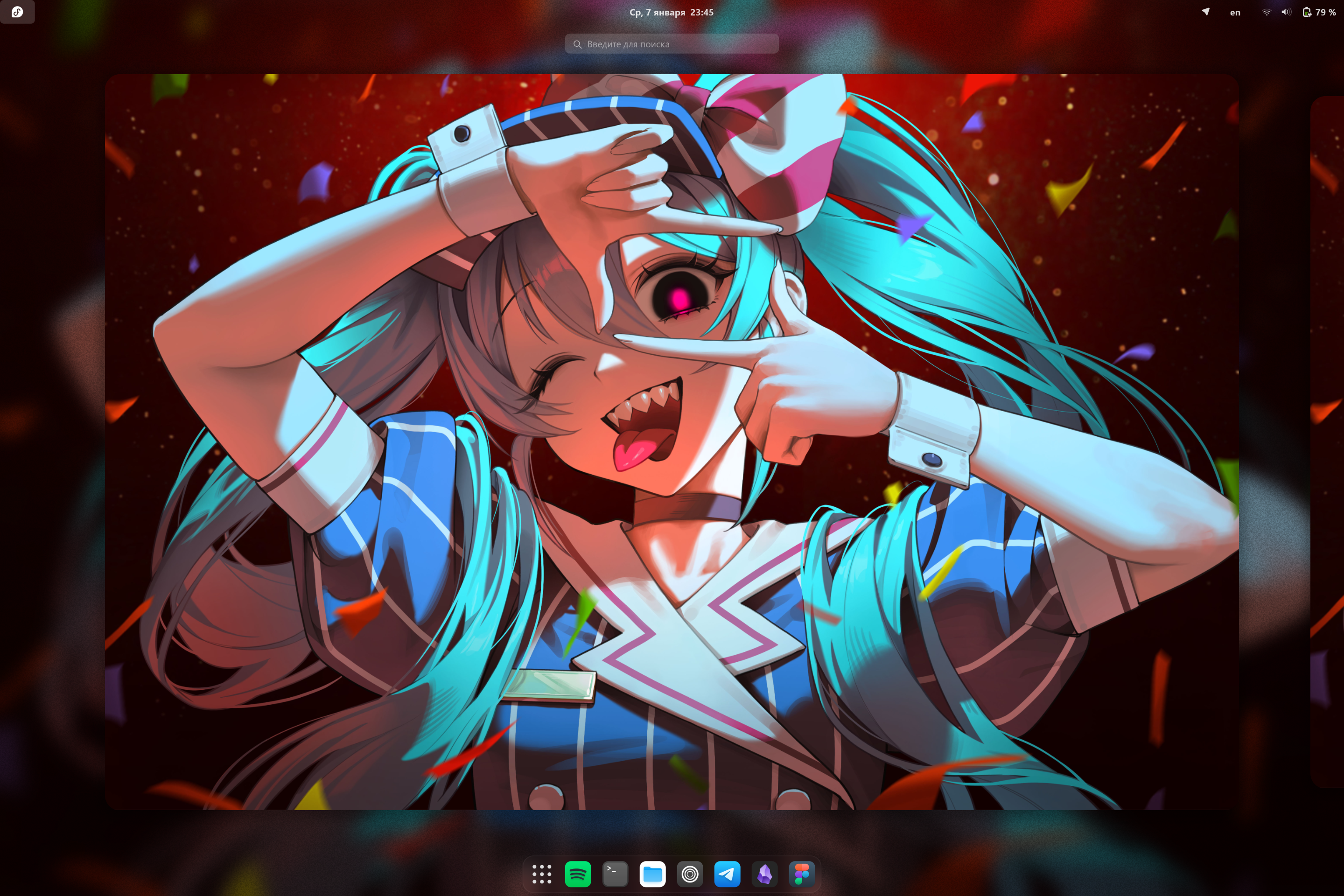
I use fedora, btw.
https://github.com/kodersha/fedora
atomic bluebuild bluebuild-image custom-image image-based immutable linux linux-custom-image oci oci-image operating-system
Last synced: 4 months ago
JSON representation
I use fedora, btw.
- Host: GitHub
- URL: https://github.com/kodersha/fedora
- Owner: kodersha
- License: apache-2.0
- Created: 2025-08-06T08:27:38.000Z (11 months ago)
- Default Branch: main
- Last Pushed: 2025-12-05T04:22:32.000Z (7 months ago)
- Last Synced: 2025-12-08T11:59:05.090Z (7 months ago)
- Topics: atomic, bluebuild, bluebuild-image, custom-image, image-based, immutable, linux, linux-custom-image, oci, oci-image, operating-system
- Language: Shell
- Homepage:
- Size: 58.8 MB
- Stars: 0
- Watchers: 0
- Forks: 0
- Open Issues: 0
-
Metadata Files:
- Readme: README.md
- License: LICENSE
- Codeowners: .github/CODEOWNERS
Awesome Lists containing this project
README
# fedora [](https://github.com/kodersha/fedora/actions/workflows/build.yml)
## Installation
To rebase an existing atomic Fedora installation to the latest build, first rebase to the unsigned image, to get the proper signing keys and policies installed:
```bash
rpm-ostree rebase ostree-unverified-registry:ghcr.io/kodersha/fedora:latest
```
Reboot to complete the rebase:
```bash
systemctl reboot
```
Then rebase to the signed image, like so:
```bash
rpm-ostree rebase ostree-image-signed:docker://ghcr.io/kodersha/fedora:latest
```
Reboot again to complete the installation:
```bash
systemctl reboot
```
## ISO
```bash
mkdir ./iso && sudo podman run --rm --privileged --volume ./iso:/build-container-installer/build --security-opt label=disable --pull=newer ghcr.io/jasonn3/build-container-installer:latest IMAGE_REPO=ghcr.io/kodersha IMAGE_NAME=fedora IMAGE_TAG=latest VARIANT=Server VERSION=42
```
## Verification
These images are signed with [Sigstore](https://www.sigstore.dev/)'s [cosign](https://github.com/sigstore/cosign). You can verify the signature by downloading the `cosign.pub` file from this repo and running the following command:
```bash
cosign verify --key cosign.pub ghcr.io/kodersha/fedora
```
---
#### Sources
- [Blue Build](https://blue-build.org/learn/getting-started/)