https://github.com/korkuttum/tuya_heat_pump
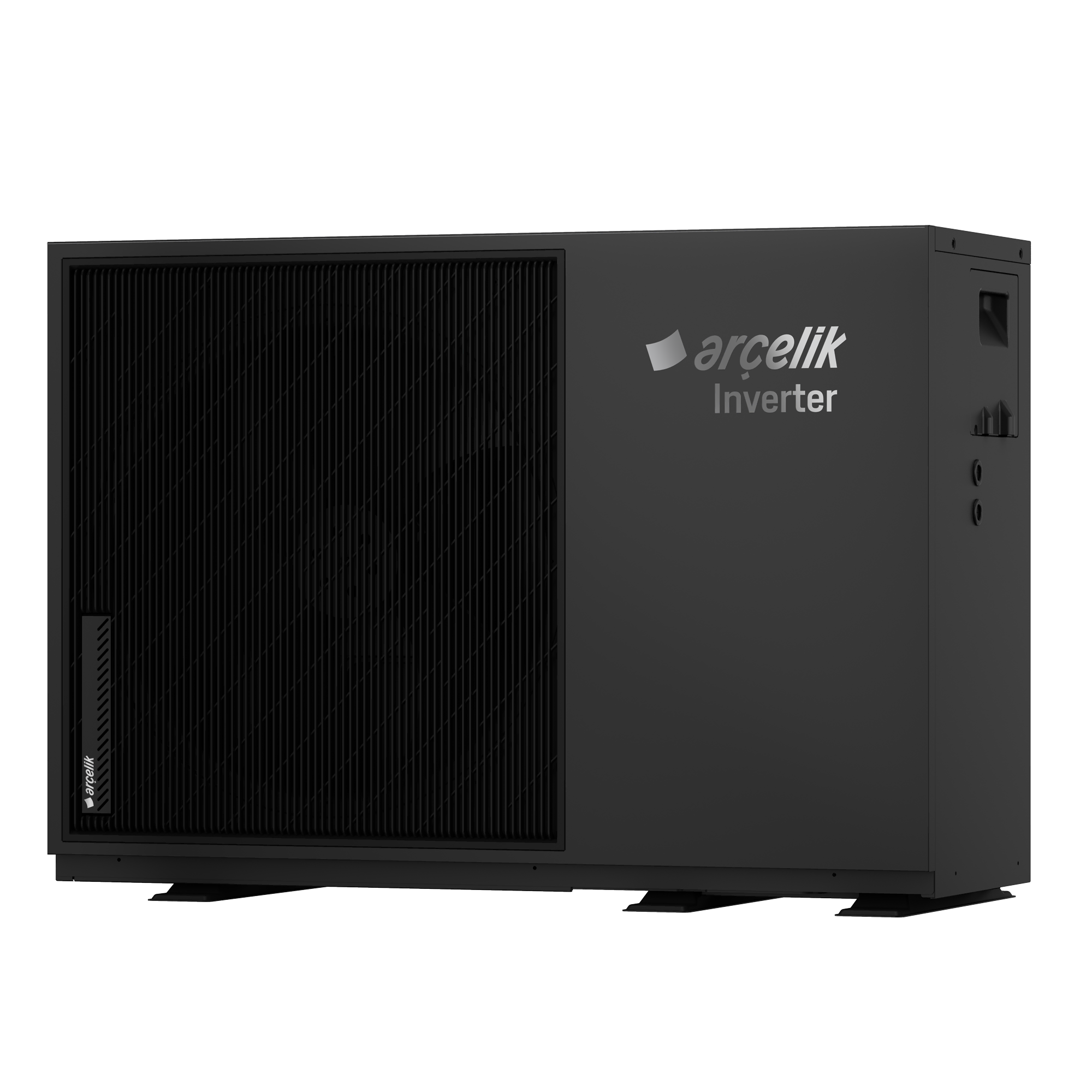
This project allows you to control and monitor your Tuya cloud-based heat pump device through Home Assistant.
https://github.com/korkuttum/tuya_heat_pump
api arcelik axen beko cloud grundig heat heat-pump heater heatpump home-assistant homeassistant pool pump tuya
Last synced: 1 day ago
JSON representation
This project allows you to control and monitor your Tuya cloud-based heat pump device through Home Assistant.
- Host: GitHub
- URL: https://github.com/korkuttum/tuya_heat_pump
- Owner: Korkuttum
- License: mit
- Created: 2025-09-30T13:44:58.000Z (10 months ago)
- Default Branch: main-2.4.0
- Last Pushed: 2026-07-13T09:09:40.000Z (6 days ago)
- Last Synced: 2026-07-13T10:21:50.403Z (6 days ago)
- Topics: api, arcelik, axen, beko, cloud, grundig, heat, heat-pump, heater, heatpump, home-assistant, homeassistant, pool, pump, tuya
- Language: Python
- Homepage:
- Size: 1.03 MB
- Stars: 11
- Watchers: 4
- Forks: 10
- Open Issues: 11
-
Metadata Files:
- Readme: README.md
- License: LICENSE
- Support: supported_models.md
Awesome Lists containing this project
README
# Tuya Heat Pump - Home Assistant Integration
⚠️ **Note:**
> This integration has only been tested with the heat pump brands listed below.
> If your heat pump is a different brand and the integration does not work, please run the script at the following link and share the generated file with me:
> [tuya_api_test.py](https://github.com/Korkuttum/tuya_heat_pump/blob/main-2.4.0/test/tuya_api_test.py)
### Supported Brands
📋 **[Detailed list](https://github.com/Korkuttum/tuya_heat_pump/blob/main-2.4.0/supported_models.md)**
- Arçelik (Beko, Grundig)
- ACIQ
- Adlar Castra
- Aquark
- Aquastrong
- Aquatech X6
- Cordivari Vestalis
- Della
- Ecologic Ecopool
- EnviroSun HP+
- Evoheat 40T
- Fairland
- Fairland Inverter Plus
- Heative Next
- Inventor Xforce
- IPS Pool Systems
- ITS
- Ivapool
- Kensol
- Kushiro (Luqstoff)
- Mango
- Mitte Aerotermia
- MyCond BeeThermic
- Poolsana
- Power World
- Power World PW030
- Power World R290 Full DC
- Pure Blue Onyx
- Reclaim Eco R290
- Rotenso
- SolarEast
- SolarEast BLN
- Swim&Fun Fjord
- Water TechniX
- W'eau
- W'eau WFI-007
- Wopoltop
---
This project allows you to control and monitor your Tuya heat pump device through Home Assistant — supports both Cloud and Local (push) connection modes.
---
## Prerequisites
### Enabling Tuya IoT Cloud Service
To use this integration, you need to create a project in the Tuya IoT Platform, grant API access, and link your device to the project.
**Steps:**
1. Log in to ***[Tuya IoT Platform](https://iot.tuya.com/)***.
2. Go to ***Cloud > Project Management*** and create a new project or select an existing one.
3. Select the ***Devices*** tab:
- If your devices are already listed, proceed to the next step.
- If you have no devices yet, open the ***Link App Account*** tab below. Click the ***Add App Account*** button on the right, then select ***Tuya App Account Authorization***. Scan the QR code using your Tuya mobile app and grant permission. Your devices will then appear.
4. Click on the ***Service API*** tab above, then click the ***Go to Authorize*** button and add the following APIs to your project:
- ***IoT Core***
- ***Smart Home Basic Service***
- ***Device Status Notification***
- ***Authorization Token Management***
5. Retrieve your ***Access ID*** and ***Access Secret*** from the project panel.
> ⚠️ **Important:** The integration will not work without API authorization and device linking.
---
## Installation
[](https://my.home-assistant.io/redirect/hacs_repository/?owner=Korkuttum&repository=tuya_heat_pump&category=integration)
### Method 1: Installation via HACS (Recommended)
1. Make sure you have **HACS** installed in your Home Assistant instance.
2. Go to **HACS** → **Integrations**.
3. Click the search icon in the top right and search for **"Tuya Heat Pump"**.
4. Click **Download** on the integration.
5. Restart Home Assistant.
### Method 2: Manual Installation
1. Download the latest release from the [GitHub repository](https://github.com/Korkuttum/tuya_heat_pump).
2. Extract the files and copy the `tuya_heat_pump` folder into your Home Assistant `custom_components` directory.
3. Restart Home Assistant.
---
## Configuration
After installation, restart Home Assistant and follow these steps:
1. Go to “Settings > Devices & Services”.
2. Click “Add Integration”.
3. Search for and select “Tuya Heat Pump”.
4. For Cloud mode: enter your Tuya IoT Platform credentials:
- Access ID
- Access Secret
- Device ID
5. For Local mode: switch the Connection Type to “Local” and enter:
- Device IP
- Local Key
- Protocol (e.g. 3.3 / 3.4)
- Device ID
---
## Notes
- You can monitor and control features like temperature, operation mode, and fan speed.
- Easily use in automations and dashboards.
---
## Support My Work
If you find this integration helpful, consider supporting the development:
[](https://www.patreon.com/korkuttum)
## License
This project is licensed under the MIT License - see the [LICENSE](LICENSE) file for details.
## Disclaimer
This integration is an independent project and is not affiliated with, endorsed by, or connected to Tuya Inc. in any way. This is a community project provided "as is" without warranty of any kind. Use at your own risk.