https://github.com/kuizuo/api-service
基于 Nuxt 搭建的 API 接口服务网站
https://github.com/kuizuo/api-service
api api-server nuxt
Last synced: 9 months ago
JSON representation
基于 Nuxt 搭建的 API 接口服务网站
- Host: GitHub
- URL: https://github.com/kuizuo/api-service
- Owner: kuizuo
- License: mit
- Created: 2022-07-14T22:21:05.000Z (about 4 years ago)
- Default Branch: main
- Last Pushed: 2024-02-01T12:02:41.000Z (over 2 years ago)
- Last Synced: 2024-02-02T09:41:45.459Z (over 2 years ago)
- Topics: api, api-server, nuxt
- Language: TypeScript
- Homepage: https://api.kuizuo.cn
- Size: 1.97 MB
- Stars: 41
- Watchers: 3
- Forks: 16
- Open Issues: 0
-
Metadata Files:
- Readme: README.md
- License: LICENSE
Awesome Lists containing this project
README

Artwork from Nuxt
🧪 整理稳定、快速、好用的 API 接口




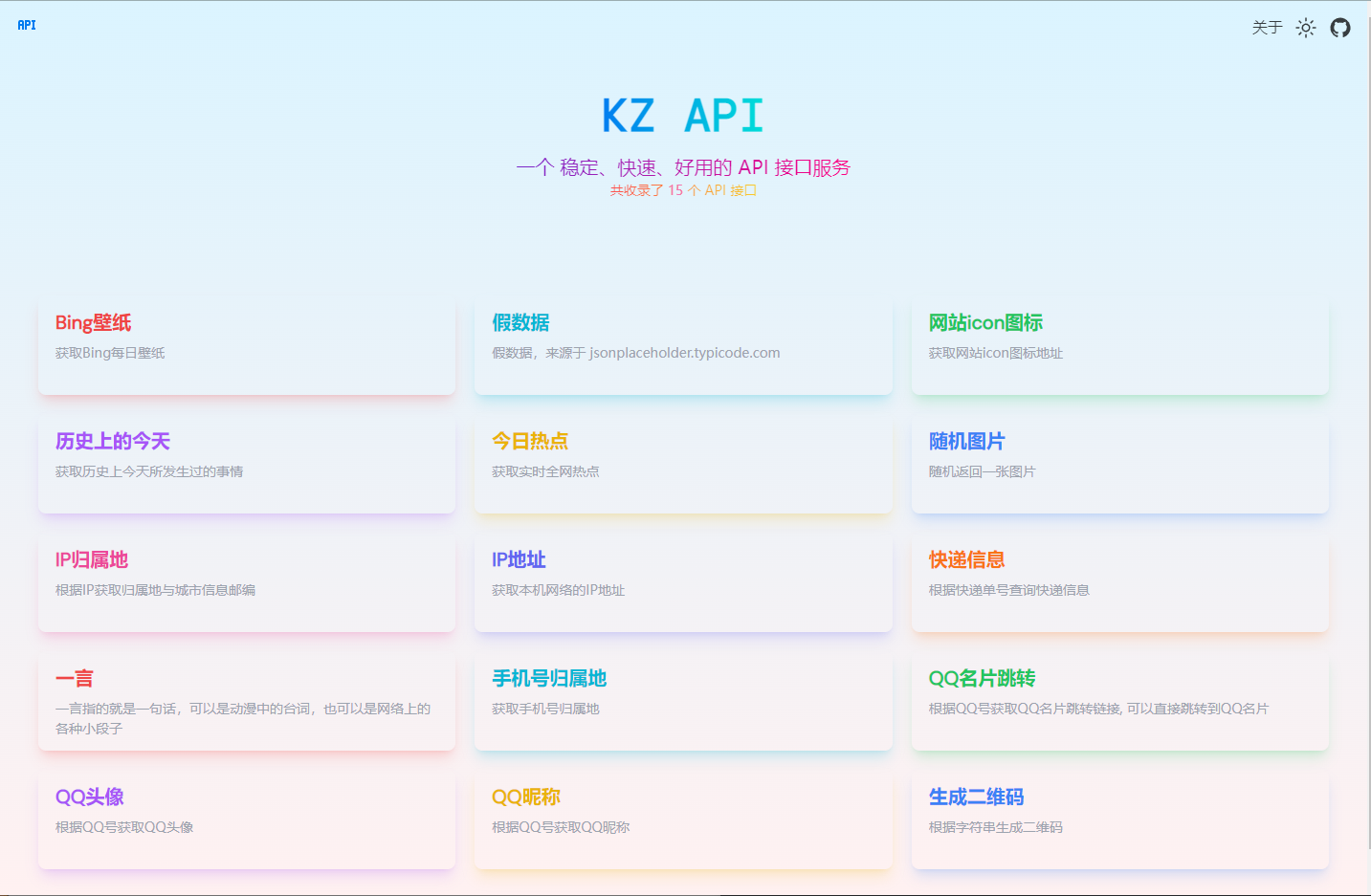
## Preview
## Features
- [x] 接口文档
- [x] 接口限流
- [x] 接口缓存
- [x] 接口测试
- [x] 接口计次
- [ ] 接口监控
## Usage
```
git clone https://github.com/kuizuo/api-service
cd api-service
pnpm i
```
### Development
```
pnpm dev
```
### Build
```
pnpm build
```
## Develop
### Server
这里使用 pm2 进行部署,配置文件 `ecosystem.config.js` 如下:
```js
module.exports = {
apps: [
{
name: 'API-Service',
exec_mode: 'cluster',
instances: '1',
PORT: 8040,
env: {
NUXT_PUBLIC_API_URL: 'https://api.kuizuo.cn',
},
script: './.output/server/index.mjs',
},
],
}
```
执行 `pm2 start ecosystem.config.js` 启动服务。
### Docker
```shell
docker buildx build . -t api-service:latest
```
### Vercel
转到 [Vercel](https://vercel.com/new) 并选择你的项目,点击 "Deploy",您的应用程序将在一分钟内上线。
### Netlify
转到 [Netlify](https://app.netlify.com/start) 并选择您的项目,点击 "Deploy site",您的应用程序将在一分钟内上线。
## Why
我个人经常与 API 接口打交道,因而收集了些常用的 api。但这些 api 接口调用方式各不相同,所以编写这个项目为了将这些接口整合到一起,进行易用性的封装,使其更易调用。
**API 接口均来自网络,如有侵权,请联系作者删除!**
## License
[MIT](https://github.com/kuizuo/api-service/blob/main/LICENSE)
