https://github.com/kuoa/julia
A minimalistic jekyll theme.
https://github.com/kuoa/julia
jekyll jekyll-blog jekyll-template jekyll-theme jekyll-website
Last synced: 8 months ago
JSON representation
A minimalistic jekyll theme.
- Host: GitHub
- URL: https://github.com/kuoa/julia
- Owner: kuoa
- License: mit
- Created: 2016-07-30T14:36:15.000Z (almost 10 years ago)
- Default Branch: master
- Last Pushed: 2019-08-17T13:40:40.000Z (almost 7 years ago)
- Last Synced: 2024-09-29T03:02:34.215Z (over 1 year ago)
- Topics: jekyll, jekyll-blog, jekyll-template, jekyll-theme, jekyll-website
- Language: CSS
- Homepage: https://kuoa.github.io/julia/
- Size: 1.16 MB
- Stars: 31
- Watchers: 3
- Forks: 44
- Open Issues: 4
-
Metadata Files:
- Readme: README.md
- License: LICENSE
Awesome Lists containing this project
README
# Julia [](https://kuoa.github.io/julia/)
A minimalistic jekyll theme
---------------------------
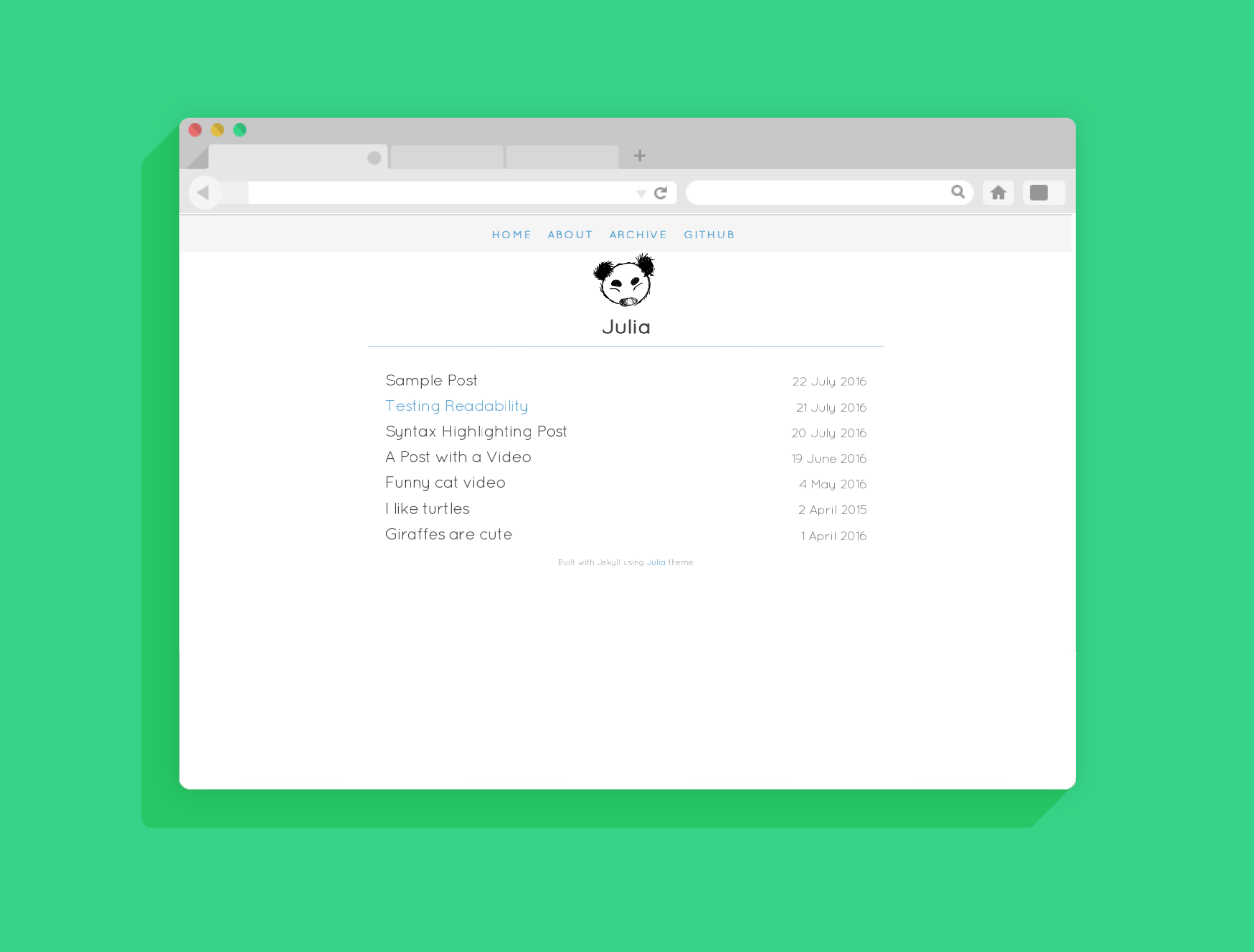
Home page
---------------------------
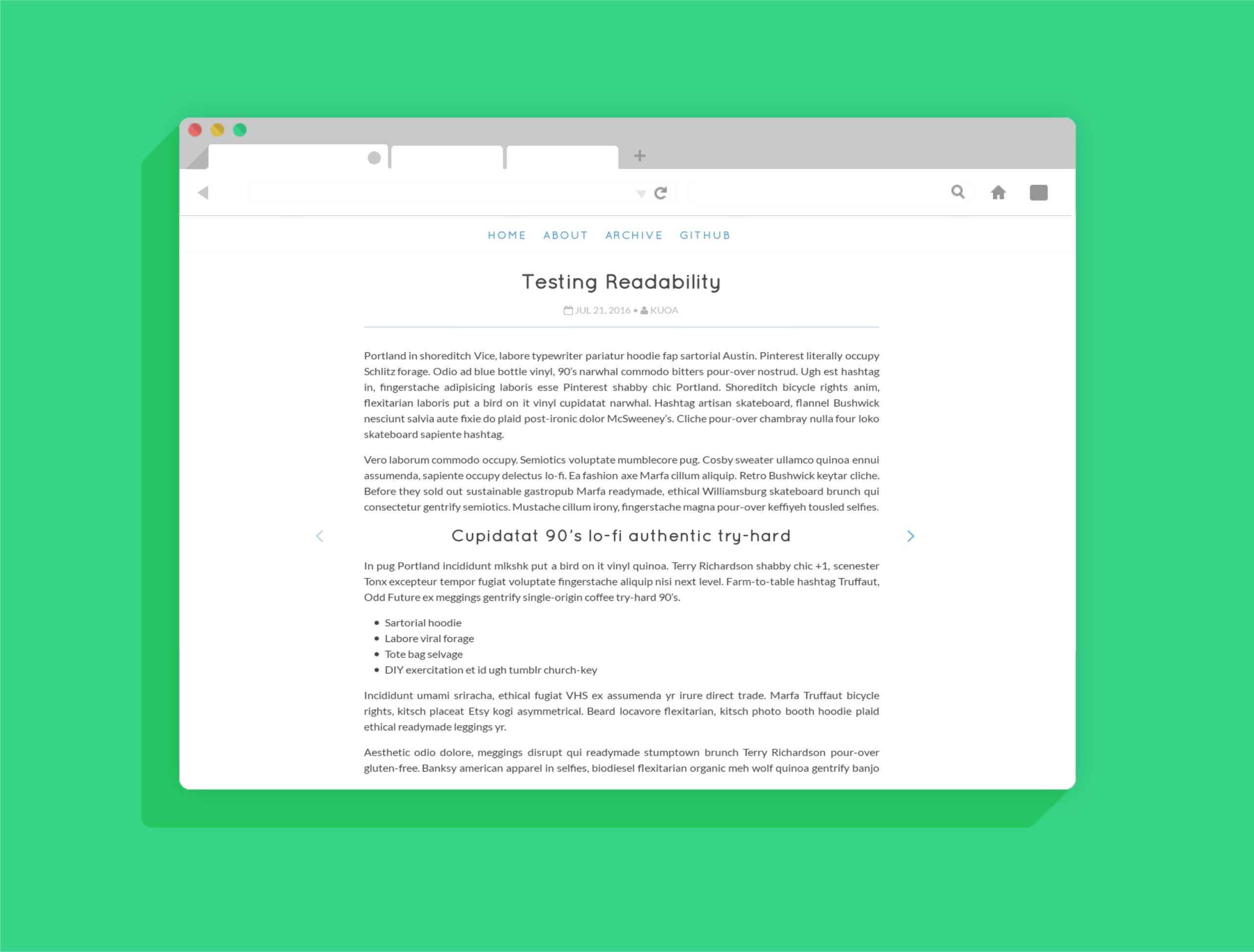
Part one of a long post
---------------------------
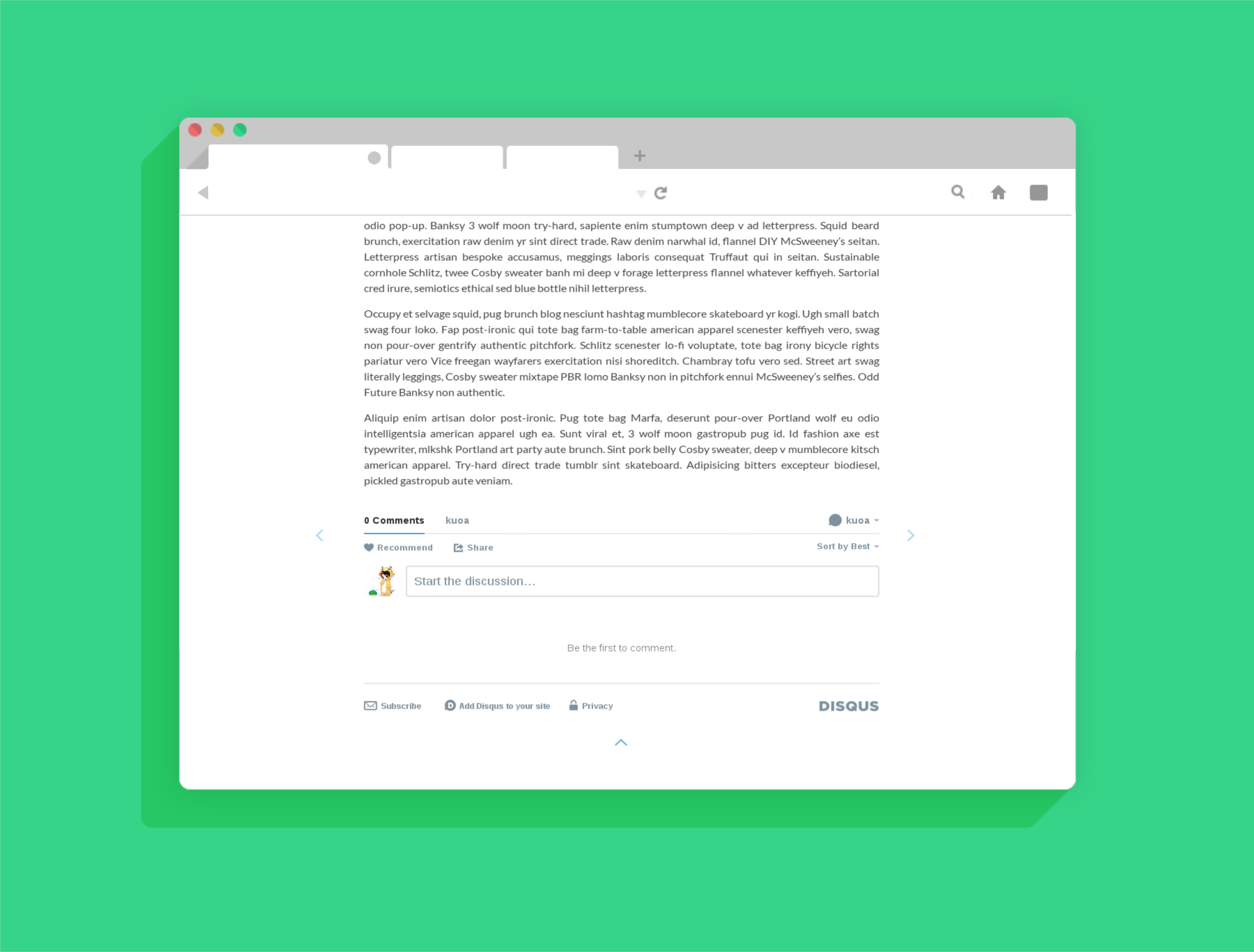
Part two of a long post
---------------------------
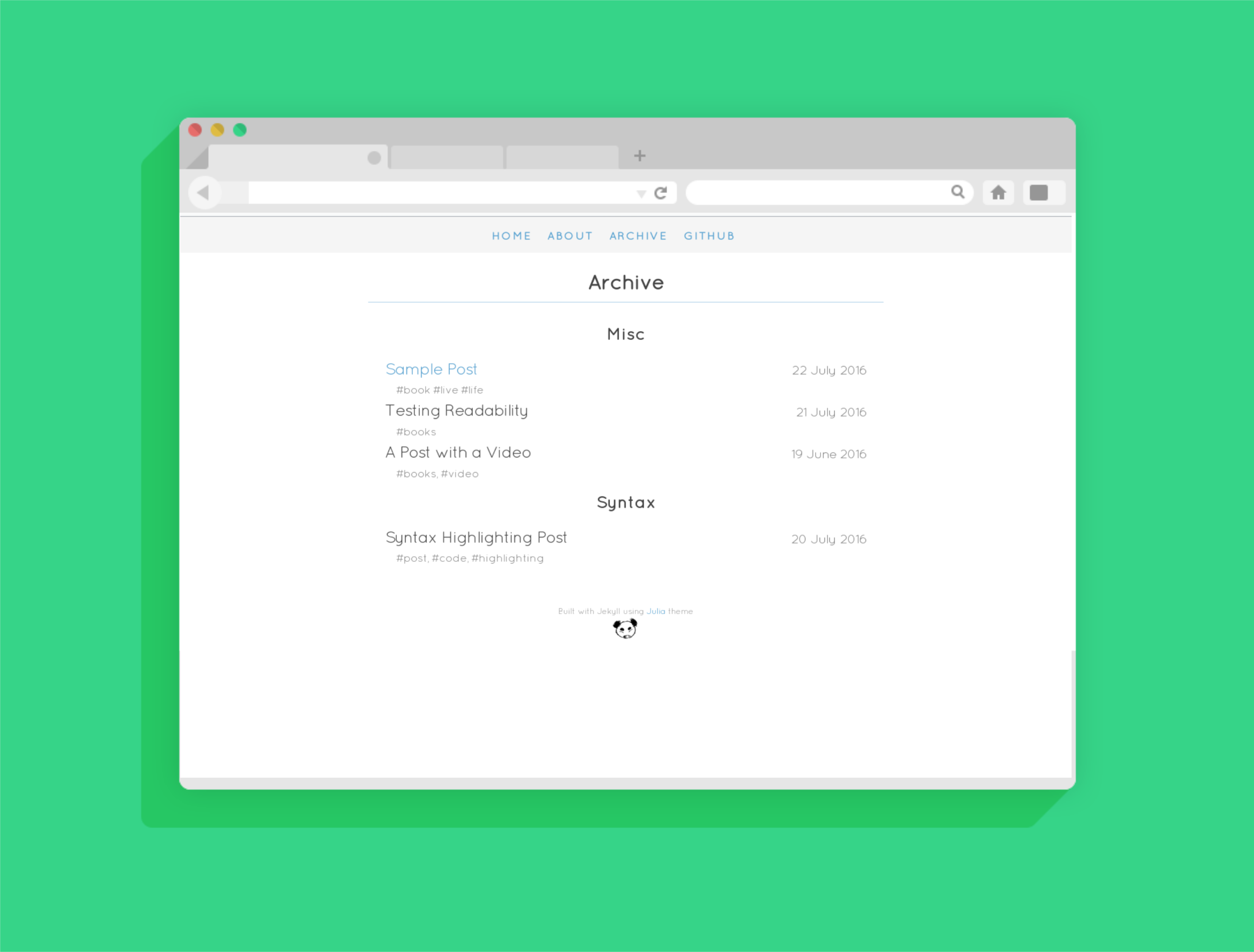
Posts will be listed by category in the `Archive` page alongside with their tags
---------------------------
How to use it
=========
### Install from github
1. [Fork this repository](https://github.com/kuoa/julia/fork)
2. Clone the repository to your computer and run it
``` sh
$ git clone https://github.com/kuoa/julia.git
$ bundler install
$ jekyll serve
```
---------------------------
### Configurations
Edit the `_config.yml` file and make the theme yours.
* Change the base color in */css/main.sccs* ```$brand-color: new-color;```
* To enable comments modify the ```disqus_shortname```
* To enable google-analytics set ```google-analytics``` to true and paste your tracking code in ```/_inludes/google_analytics.html```
* To add links to the navbar edit the ```links``` section
---------------------------
### Author [](https://github.com/kuoa)
---------------------------
### License [](https://github.com/kuoa/julia/blob/master/LICENSE)