https://github.com/kvnwolf/vscode-quiet-canvas
🎨 Minimal, quiet, and distraction-less theme for VS Code.
https://github.com/kvnwolf/vscode-quiet-canvas
Last synced: 11 months ago
JSON representation
🎨 Minimal, quiet, and distraction-less theme for VS Code.
- Host: GitHub
- URL: https://github.com/kvnwolf/vscode-quiet-canvas
- Owner: kvnwolf
- License: mit
- Created: 2023-09-04T18:47:08.000Z (almost 3 years ago)
- Default Branch: main
- Last Pushed: 2023-09-06T16:08:59.000Z (almost 3 years ago)
- Last Synced: 2025-08-10T07:36:08.905Z (11 months ago)
- Language: TypeScript
- Homepage: https://marketplace.visualstudio.com/items?itemName=kevinwolfcr.vscode-quiet-canvas
- Size: 2.34 MB
- Stars: 5
- Watchers: 1
- Forks: 0
- Open Issues: 0
-
Metadata Files:
- Readme: readme.md
- License: license
Awesome Lists containing this project
README

Quiet Canvas
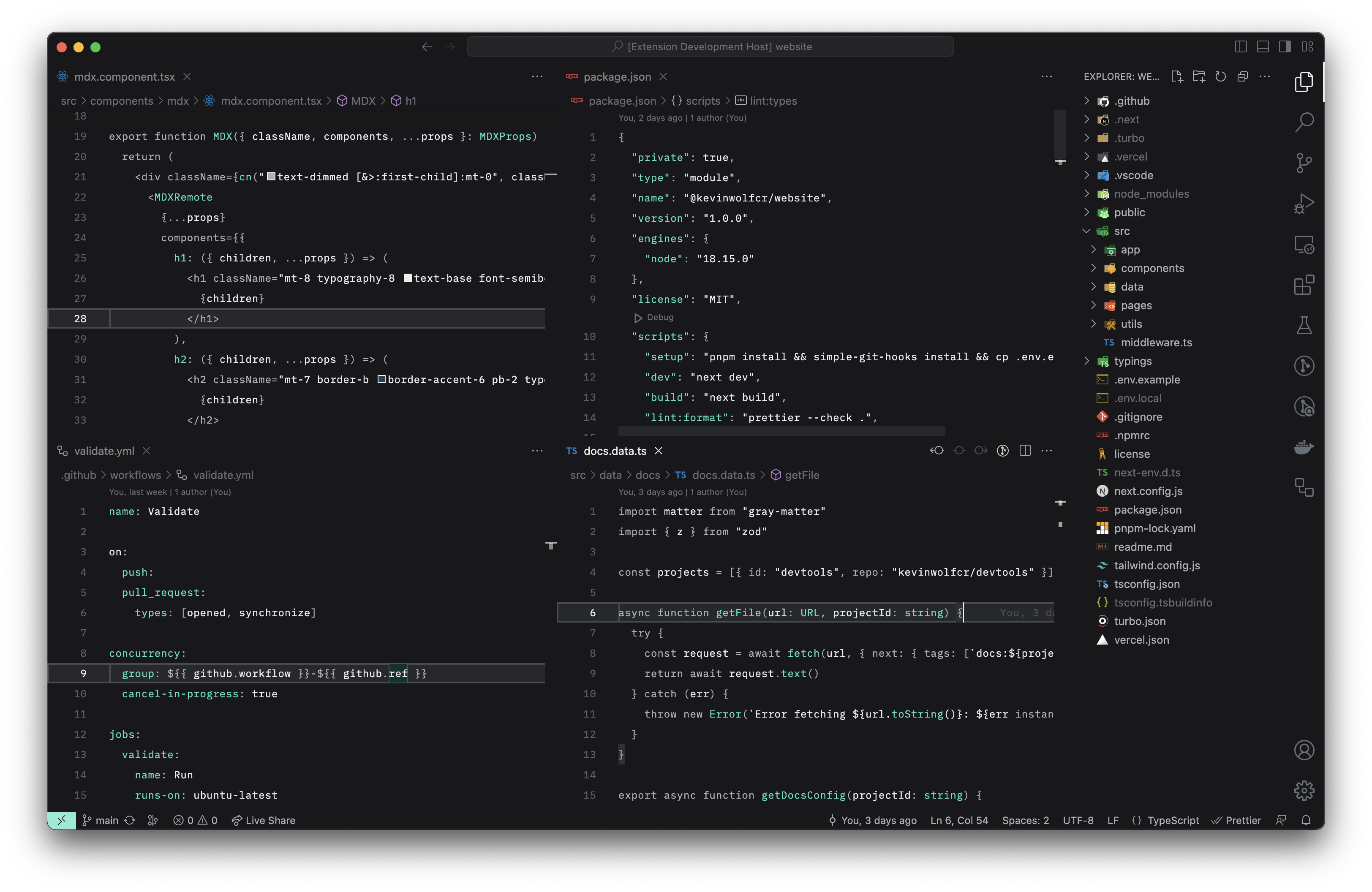
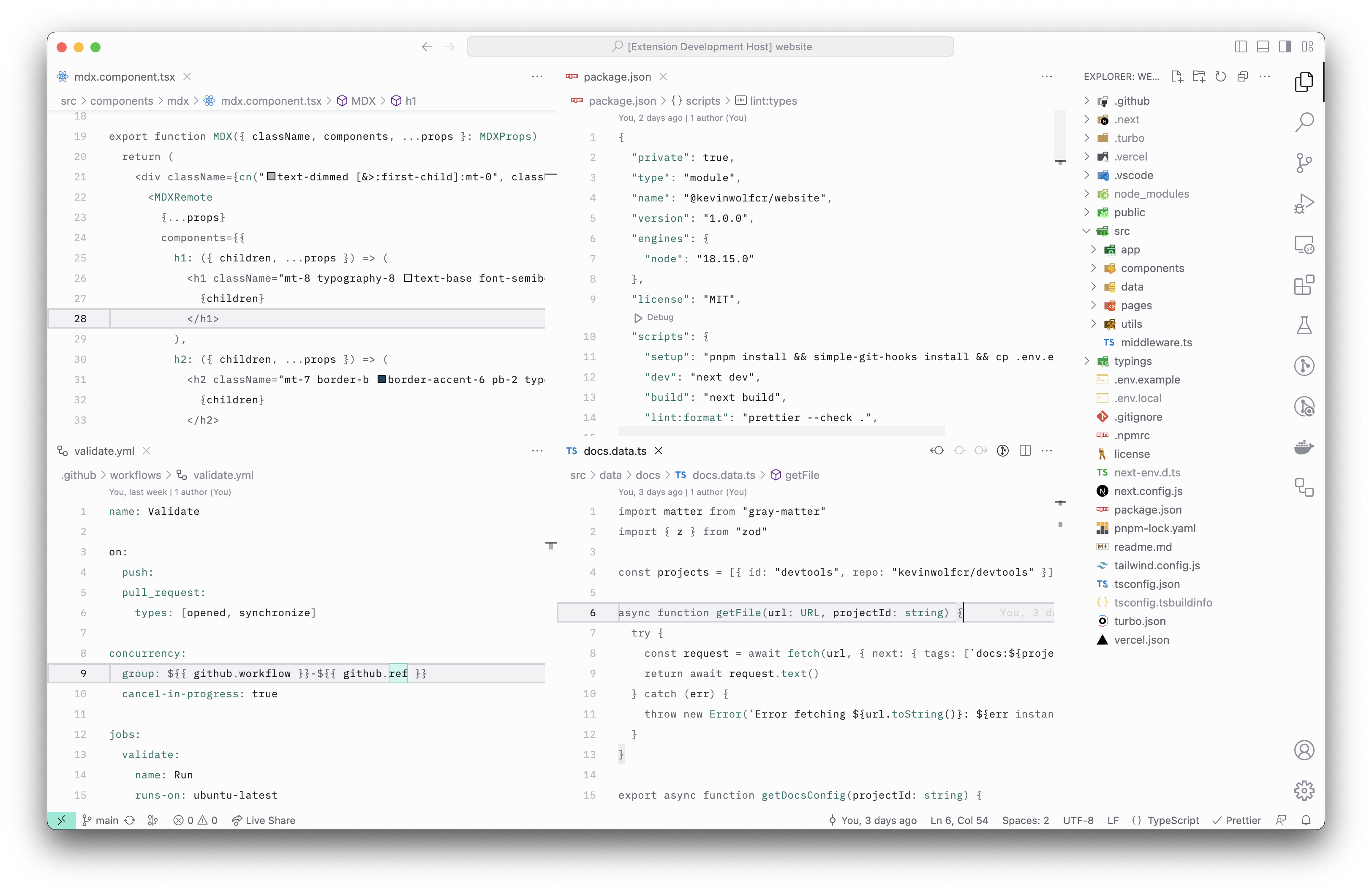
Minimal, quiet, and distraction-less theme for VS Code



## Quiet Canvas — Dark
## Quiet Canvas — Light
## Installation via VS Code
1. Open the **Extensions** sidebar panel in VS Code.
2. Search for `Quite Canvas`
3. Click `Install`
4. Select either `Quiet Canvas — Dark` or `Quiet Canvas — Light` from the menu
5. Click `Reload`
## Contributing
If you wish to contribute to this project, please read the [Contributing Guidelines](https://github.com/kevinwolfcr/.github/blob/HEAD/contributing.md) first.
## License
This project is licensed under the [MIT license](https://github.com/kevinwolfcr/vscode-quiet-canvas/blob/HEAD/license).