https://github.com/kyj9447/pixseal
Cryptographic image integrity & authenticity verification tool. Detects any image modification via pixel-level validation.
https://github.com/kyj9447/pixseal
cryptography digital-forensics image-authenticity image-integrity-check image-verification steganography-tool tamper-detection
Last synced: 5 months ago
JSON representation
Cryptographic image integrity & authenticity verification tool. Detects any image modification via pixel-level validation.
- Host: GitHub
- URL: https://github.com/kyj9447/pixseal
- Owner: kyj9447
- License: apache-2.0
- Created: 2025-12-01T13:40:38.000Z (7 months ago)
- Default Branch: main
- Last Pushed: 2026-01-20T17:20:46.000Z (5 months ago)
- Last Synced: 2026-01-20T21:10:30.119Z (5 months ago)
- Topics: cryptography, digital-forensics, image-authenticity, image-integrity-check, image-verification, steganography-tool, tamper-detection
- Language: Python
- Homepage:
- Size: 124 MB
- Stars: 0
- Watchers: 0
- Forks: 0
- Open Issues: 0
-
Metadata Files:
- Readme: README.md
- Changelog: CHANGELOG.md
- License: LICENSE
Awesome Lists containing this project
README
# Pixseal
### Prove what you published — and what you didn’t.
Pixseal is a Python-based **image integrity and authenticity verification tool**
designed to **detect whether an image has been modified since signing.**
Pixseal embeds a **cryptographically verifiable integrity seal** into an image in an
invisible manner. During verification, **any modification** — including editing,
filtering, cropping, resizing, re-encoding — will cause verification to **fail**.
Pixseal signs the payload and image hash with an RSA private key. Verification uses
the matching RSA public key or an X.509 certificate that contains it.
Pixseal is not a visual watermarking or branding tool.
The watermark exists solely as a **means to achieve strict, deterministic image
tamper detection**.
Pixseal prioritizes tamper sensitivity over robustness against intentional adversarial manipulation.
- GitHub: https://github.com/kyj9447/Pixseal
- Changelog: https://github.com/kyj9447/Pixseal/blob/main/CHANGELOG.md
## Features
- **Image Integrity Verification**
- Cryptographically proves that an image remains in its original, unmodified state
- Detects single-pixel changes with deterministic verification results
- **Tamper Detection**
- Detects image modifications such as:
- editing
- filters and color adjustments
- cropping and resizing
- re-encoding and recompression
- pixel-level changes
- **Invisible Integrity Seal**
- Embeds verification data without any visible watermark
- Preserves the original visual appearance of the image
- **RSA Signatures + Certificate Support**
- Signs payloads and image hashes with an RSA private key
- Validates with RSA public keys or X.509 certificates (PEM/DER)
- **Flexible Key Inputs**
- Accepts key/cert objects, PEM/DER bytes, or file paths
- **Fully Local & Offline**
- No external servers or network dependencies
- Pure Python implementation
- **Lossless Format Support**
- Supports PNG and BMP (24-bit) images
- Lossy formats (e.g., JPEG, WebP) are intentionally excluded to preserve integrity guarantees
## Installation
```bash
pip install Pixseal
# or for local development
pip install -e ./pip_package
```
Python 3.8+ is required. Wheels published to PyPI already include the compiled
Cython extension, so `pip install Pixseal` automatically selects the right build
for your operating system and CPU.
### Building the Cython extension
If you cloned the repository (or downloaded the source), run the helper script
to compile the `simpleImage_ext` extension for your environment:
```bash
git clone https://github.com/kyj9447/Pixseal.git
cd Pixseal
python3 -m pip install -r requirements.txt
./compile_extension.sh
```
This command regenerates the C source via Cython and invokes your local C
compiler (`clang` or `gcc`) to produce `pip_package/Pixseal/simpleImage_ext*.so`.
You still need a working build toolchain (`gcc`/`clang` and Python headers)
installed through your OS package manager. If you skip this step, Pixseal falls
back to the pure Python implementation, which works but is significantly slower.
## Quick start
### Sign an image
```python
from Pixseal import signImage
signed = signImage(
imageInput="assets/original.png",
payload="AutoTest123!",
private_key="assets/CA/pixseal-dev-final.key",
keyless=False, # default: key-based channel selection
)
signed.save("assets/signed_original.png")
```
- The payload is looped if it runs out before the image ends, so even small files carry the full sentinel/payload/end pattern.
### Validate a signed image
```python
from Pixseal import validateImage
report = validateImage(
imageInput="assets/signed_original.png",
publicKey="assets/CA/pixseal-dev-final.crt", # cert or public key
keyless=False, # default: key-based channel selection
)
print(report["verdict"])
```
## Key and certificate inputs
Pixseal accepts multiple input formats so you can keep the calling code minimal.
- `signImage(..., private_key=...)` accepts:
- `RSAPrivateKey`
- PEM/DER bytes (`bytes`, `bytearray`, `memoryview`)
- file path (`str` or `Path`)
- `validateImage(..., publicKey=...)` accepts:
- `RSAPublicKey`
- `x509.Certificate`
- PEM/DER bytes (`bytes`, `bytearray`, `memoryview`)
- file path (`str` or `Path`)
If a certificate is provided, Pixseal extracts the embedded RSA public key and
verifies the signatures. Certificate chain validation is the responsibility of
the calling application.
## Channel selection mode
Both `signImage()` and `validateImage()` accept a `keyless` flag.
- `keyless=False` (default): key-based channel selection using raw public-key bytes.
- `keyless=True`: pixel-based channel selection.
Keyless mode is provided as an option and differs in extractability:
1. Keyless-signed images: payload extraction is possible without a key; but verification fails.
2. Key-based-signed images: without the key, Pixseal cannot even recognize that
it was applied, and extraction is impossible; verification fails too.
## Payload structure
Pixseal embeds a compact JSON payload with the signed data and image hash:
```json
{
"payload": "AutoTest123!",
"payloadSig": "BASE64_SIGNATURE",
"imageHash": "SHA256_HEX",
"imageHashSig": "BASE64_SIGNATURE"
}
```
- `payload`: user-provided text
- `payloadSig`: RSA signature of `payload` (Base64)
- `imageHash`: SHA256 hex digest computed over the signed image buffer.
- `imageHashSig`: RSA signature of `imageHash` (Base64)
## Embedded sequence layout
Pixseal writes the following newline-delimited sequence into the image:
```
...(Repeated until it fills the entire image)...
# truncated tail (prefix of payload JSON)
```
During extraction, Pixseal deduplicates the sequence and typically returns four
lines in order: start signature, full payload JSON, truncated payload prefix,
and end signature.
For a valid image, deduplication results in four extracted
lines.
```
# truncated tail
```
※ In rare edge cases, the truncated payload prefix may be absent, in which
case only three lines are returned.
## Validation output
Validation Report
- `lengthCheck`
- `length` : Length of deduplication result array.
- `result` : True for 4 or 3 (valid deduplication cases).
- `tailCheck`
- `full` : Full payload intact. (output truncated)
- `tail` : Truncated payload intact. (output truncated)
- `result` : True when the full and truncated payload portions match.
- `startVerify` : Verification result of the first SIG against "START-VALIDATION"
- `endtVerify` : Verification result of the last SIG against "END-VALIDATION"
- `payloadVerify` : Verification result of the "payload" against "payloadSig"
- `imageHashVerify` : Verification result of the "imageHash" against "imageHashSig"
- `imageHashCompareCheck`
- `extractedHash` : Value of "imageHash" from extracted payload
- `computedHash` : Image hash computed directly from the image
- `result` : True when extractedHash and computedHash are identical
- `verdict` : True when all validation checks pass.
## CLI demo script
`python testRun.py` offers an interactive flow:
Before the menu, it prompts for the SimpleImage backend
(Enter/1=cython, 2=python fallback) and sets `PIXSEAL_SIMPLEIMAGE_BACKEND`.
1. Choose **1** to sign an image. It reads `assets/original.png` and writes `assets/signed_original.png`.
2. Choose **2** to validate. It reads `assets/signed_original.png` and prints the validation report.
3. Choose **3** to run the failure test. It reads `assets/currupted_signed_original.png`.
4. Choose **4** to benchmark performance (sign + validate with timings).
5. Choose **5** to benchmark performance in keyless mode.
6. Choose **6** to test signing and validation using in-memory bytes.
7. Choose **7** to run the optional line-profiler demo.
8. Choose **8** to run validation multi-pass tests.
Option **7** requires the optional dependency `line_profiler` and must be run via
`kernprof -l testRun.py` so that `builtins.profile` is provided. Without
`line_profiler` installed the script will continue to work, but the profiling
option will display an informative message instead of running.
## API reference
| Function | Description |
| --- | --- |
| `signImage(imageInput, payload, private_key, keyless=False)` | Loads a PNG/BMP from a filesystem path or raw bytes, injects `payload` plus sentinels, and signs the payload/hash using the RSA private key. Returns a `SimpleImage` that you can `save()` or `saveBmp()`. |
| `validateImage(imageInput, publicKey, keyless=False)` | Reads the hidden bit stream from a path or raw bytes, rebuilds the payload JSON, verifies signatures and the computed image hash, and returns a validation report. Accepts RSA public keys or X.509 certificates. |
## Examples
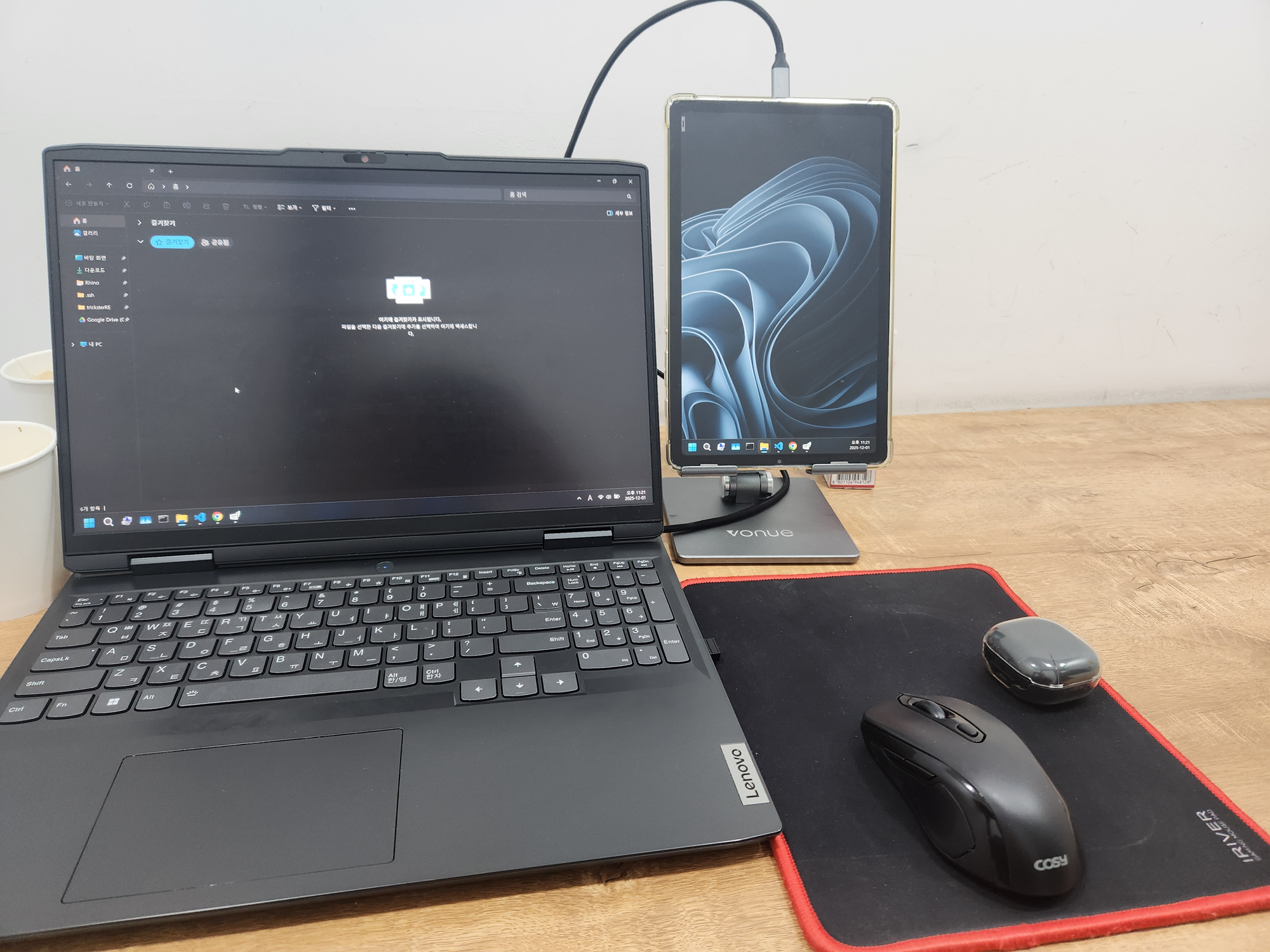
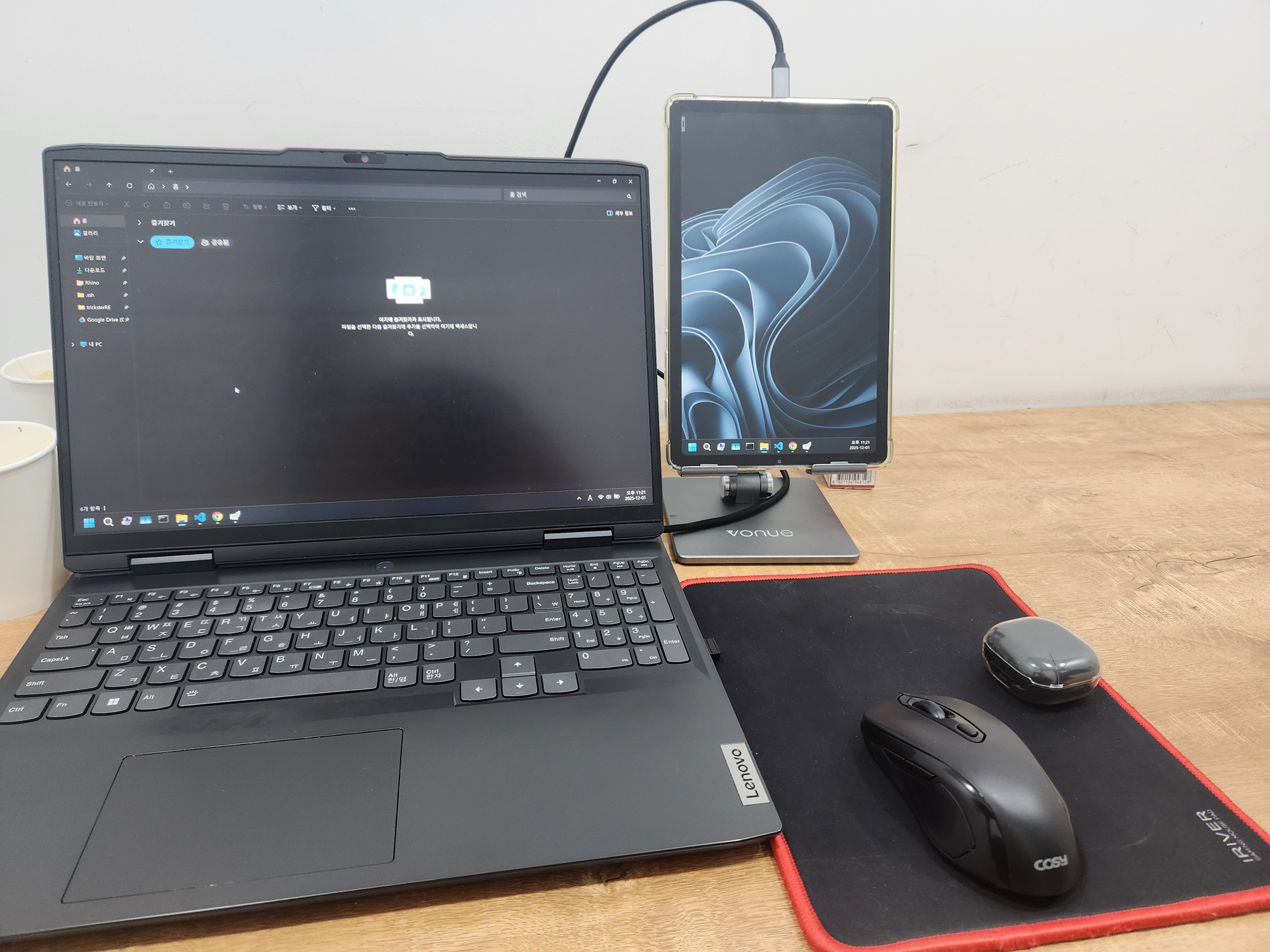
| Original | Signed (`AutoTest123!`) |
| --- | --- |
|  |
|  |
|
Validation output (success):
```
Validation Report
{'lengthCheck': {'length': 4, 'result': True},
'tailCheck': {'full': '{"payload":"AutoTest...lgu9lUM+s7OHUZywYqYYOYIFVTWCmq...',
'tail': '{"payload":"AutoTest...lgu9lUM+s7',
'result': True},
'startVerify': True,
'endtVerify': True,
'payloadVerify': True,
'imageHashVerify': True,
'imageHashCompareCheck': {'extractedHash': '2129e43456029f39b20bbe96340dce6827c0ad2288107cb92c0b92136fec48d6',
'computedHash': '2129e43456029f39b20bbe96340dce6827c0ad2288107cb92c0b92136fec48d6',
'result': True},
'verdict': True}
```
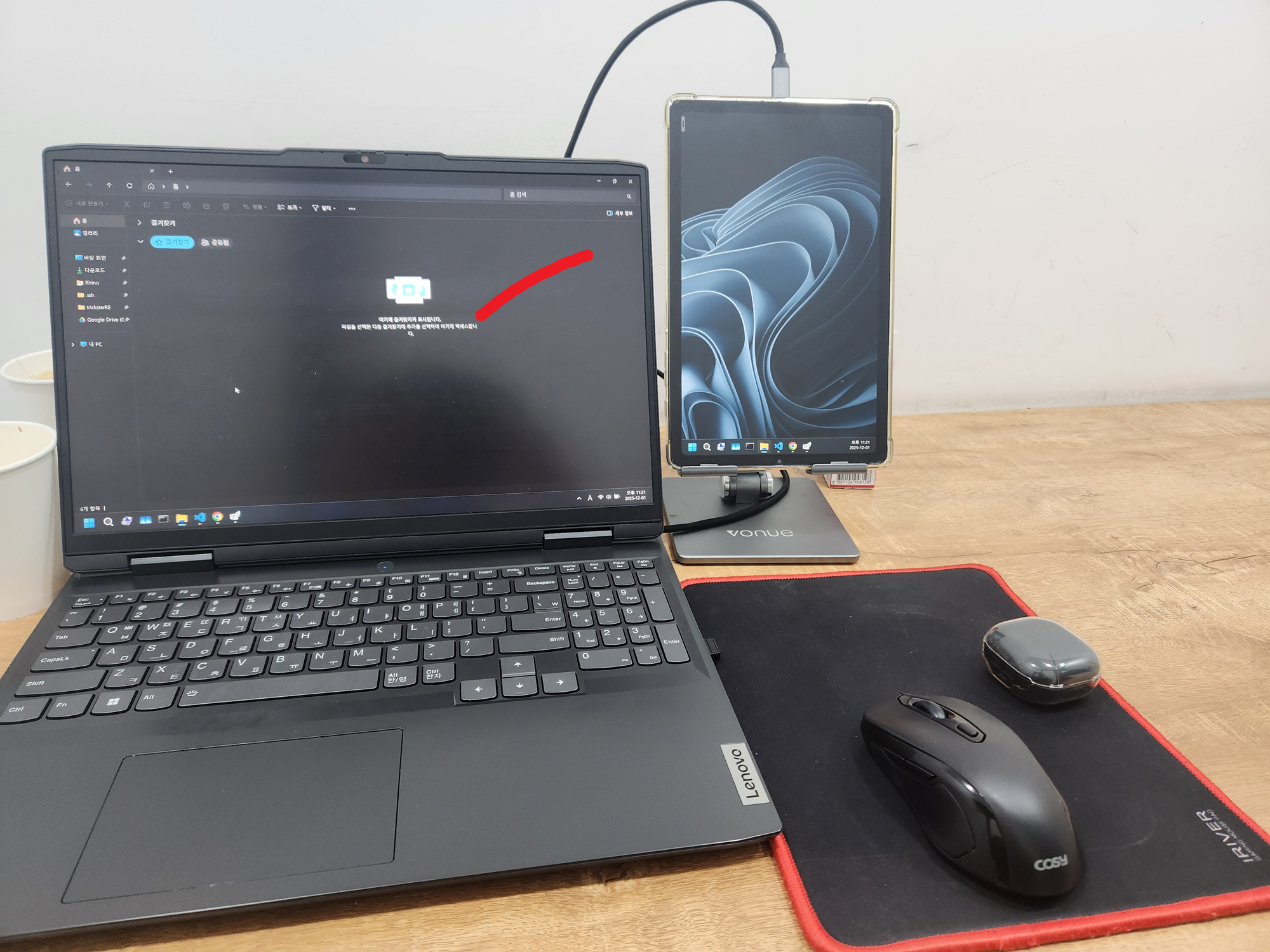
| Corrupted after signing |
| --- |
|  |
|
Validation output (failure):
```
Validation Report
{'lengthCheck': {'length': 31, 'result': False},
'tailCheck': {'result': 'Not Required'},
'startVerify': True,
'endtVerify': True,
'payloadVerify': True,
'imageHashVerify': True,
'imageHashCompareCheck': {'extractedHash': '68d500c751dfa298d55dfc1cd2ab5c9f43ec139f02f6a11027211c4d144c2870',
'computedHash': '43fd2108f5aa16045f4b64d70a0ce05991043cba6878f66d82abd3e7edb9d51e',
'result': False},
'verdict': False}
```