https://github.com/lachee/discord-chat-preview
Live preview of Discord Channel
https://github.com/lachee/discord-chat-preview
Last synced: 4 months ago
JSON representation
Live preview of Discord Channel
- Host: GitHub
- URL: https://github.com/lachee/discord-chat-preview
- Owner: Lachee
- License: mit
- Created: 2022-07-22T10:24:46.000Z (almost 4 years ago)
- Default Branch: master
- Last Pushed: 2023-03-22T05:50:16.000Z (about 3 years ago)
- Last Synced: 2025-10-04T00:44:01.626Z (9 months ago)
- Language: JavaScript
- Size: 1.12 MB
- Stars: 2
- Watchers: 1
- Forks: 1
- Open Issues: 0
-
Metadata Files:
- Readme: README.md
- License: LICENSE
Awesome Lists containing this project
README
# Discord Chat Preview
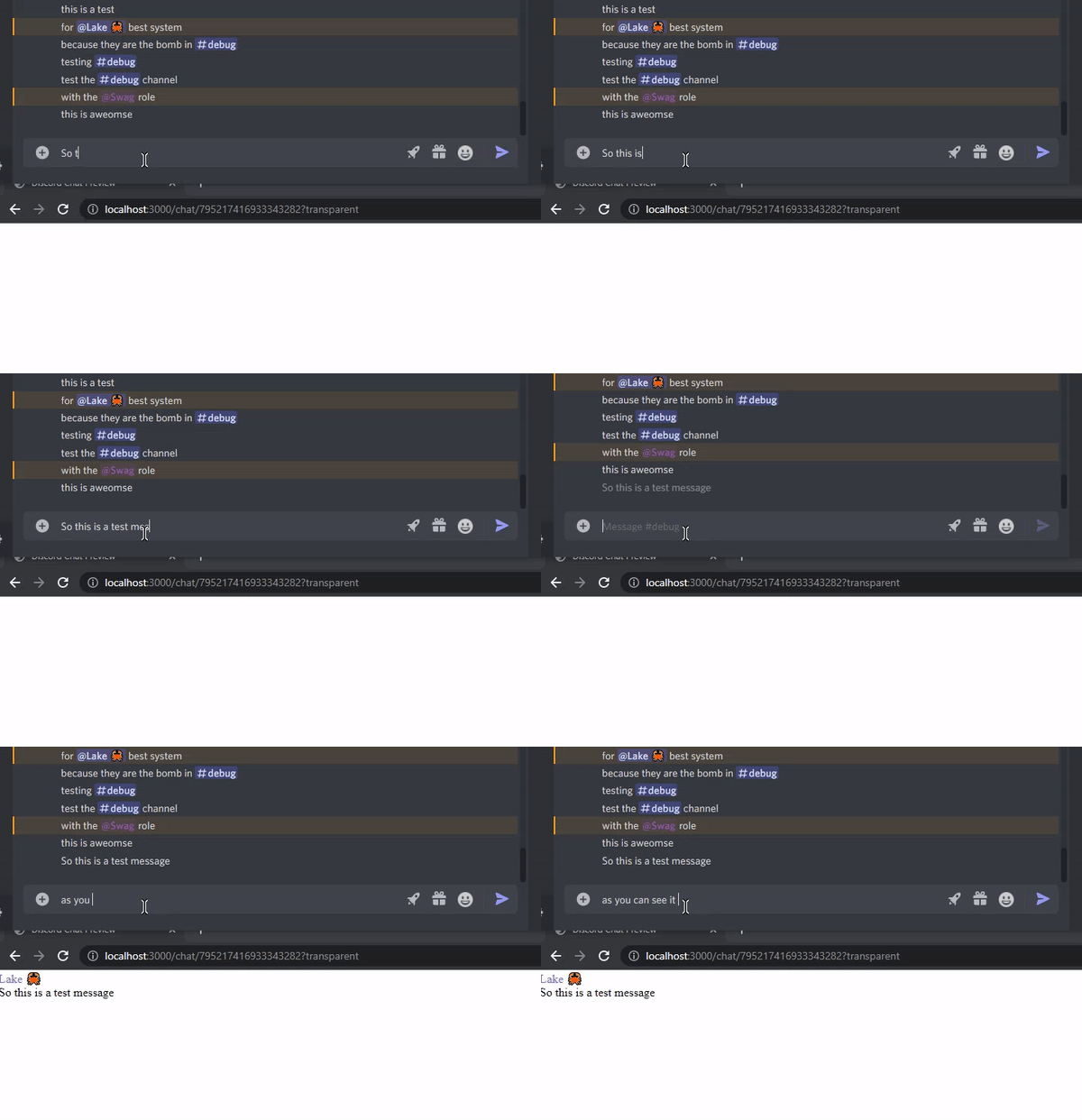
Preview your Discord Chat LIVE. Useful for streams.
# Install
`npm install discord-chat-preview`
# Deps
- Discord.js >= 14
- Express
- Express-WS
# Usage
```js
// Import and configure dotenv.
import dotenv from 'dotenv';
dotenv.config();
// Import discord, express, and express-ws
import { Client, GatewayIntentBits, Partials } from 'discord.js';
import express from 'express';
import expressWebSocket from "express-ws";
// Import the createRouter method from the library
import { createRouter } from 'discord-chat-preview';
// Create the discord client
const client = new Client({
intents: [
GatewayIntentBits.Guilds,
GatewayIntentBits.MessageContent, // This is REQUIRED
GatewayIntentBits.GuildMessages, // This is REQUIRED
GatewayIntentBits.GuildMessageReactions, // This is optional for reactions
],
partials: [Partials.GuildMember, Partials.Message]
});
// Create the express client
const app = express();
const port = process.env.EXPRESS_PORT || 3000;
expressWebSocket(app); // << Make sure you have WS support on your express
// Create the /chat middleware.
// << THIS IS WHAT YOU ADD TO YOUR BOT >>
app.use('/chat', createRouter(client));
// Listen to the react and login with the bot
app.listen(port, () => {
console.log(`Application is listenting too http://localhost:${port}`);
client.login(process.env.BOT_TOKEN);
});
```
# Building
If you fork this package and make changes to how it renders, you need to rebuild it and install the dev dependencies (webpack).
```
npx webpack
```
# Sample Data
to test you can run sample data. Add a `sample.js` that exports a array called `data` with your records. Then build your UI. This will automatically load.