https://github.com/lancejpollard/ht.js
Hyperbolic tessellations in JavaScript.
https://github.com/lancejpollard/ht.js
hyperbolic-geometry hyperbolic-tessellations hyperbolic-tilings
Last synced: 12 months ago
JSON representation
Hyperbolic tessellations in JavaScript.
- Host: GitHub
- URL: https://github.com/lancejpollard/ht.js
- Owner: lancejpollard
- Created: 2023-01-18T14:31:46.000Z (over 3 years ago)
- Default Branch: make
- Last Pushed: 2023-01-28T05:00:03.000Z (over 3 years ago)
- Last Synced: 2025-03-23T19:16:43.103Z (about 1 year ago)
- Topics: hyperbolic-geometry, hyperbolic-tessellations, hyperbolic-tilings
- Language: TypeScript
- Homepage:
- Size: 17.2 MB
- Stars: 1
- Watchers: 2
- Forks: 1
- Open Issues: 0
-
Metadata Files:
- Readme: readme.md
Awesome Lists containing this project
README
# ht.js
Hyperbolic tessellations in the 2D plane in JavaScript.
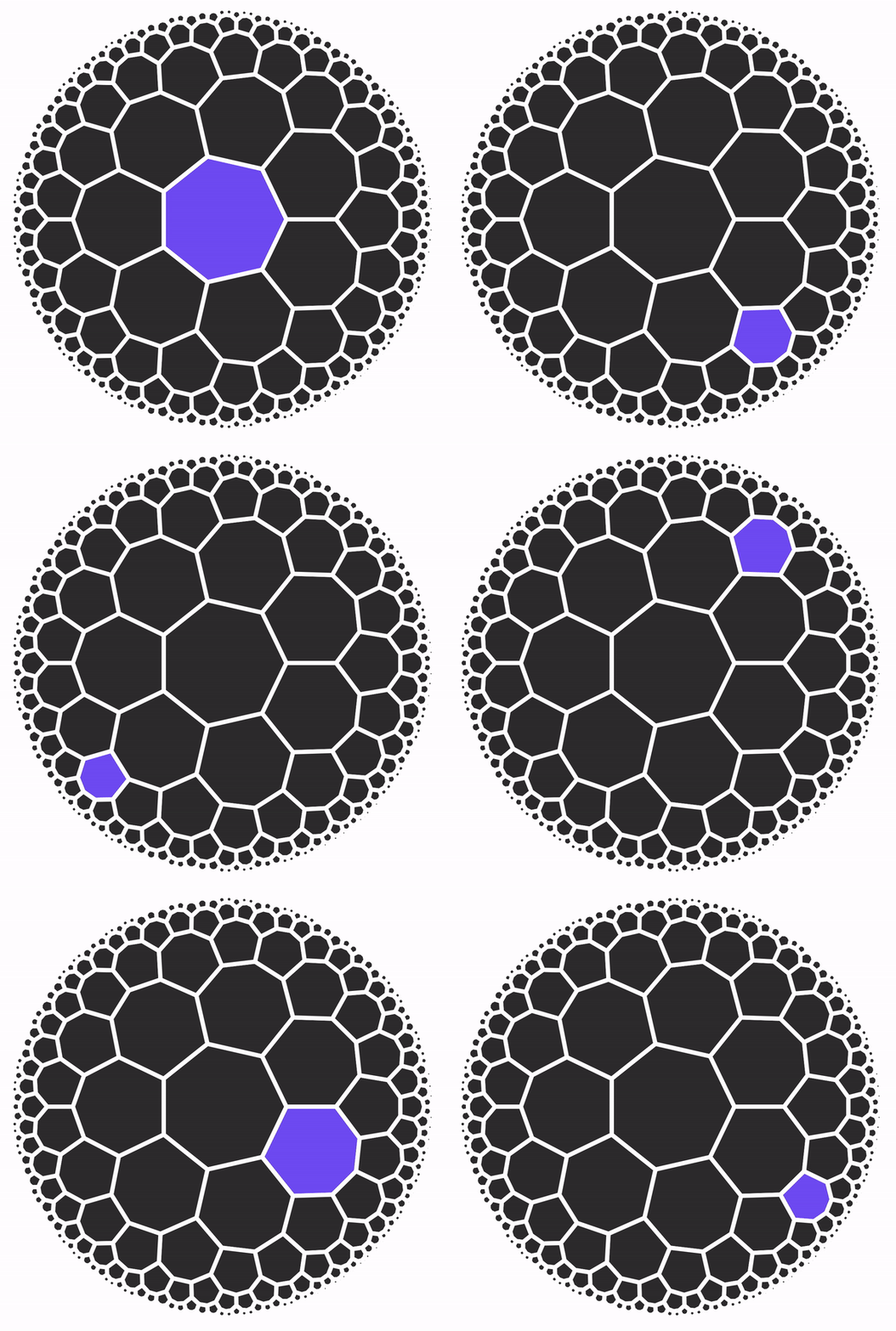


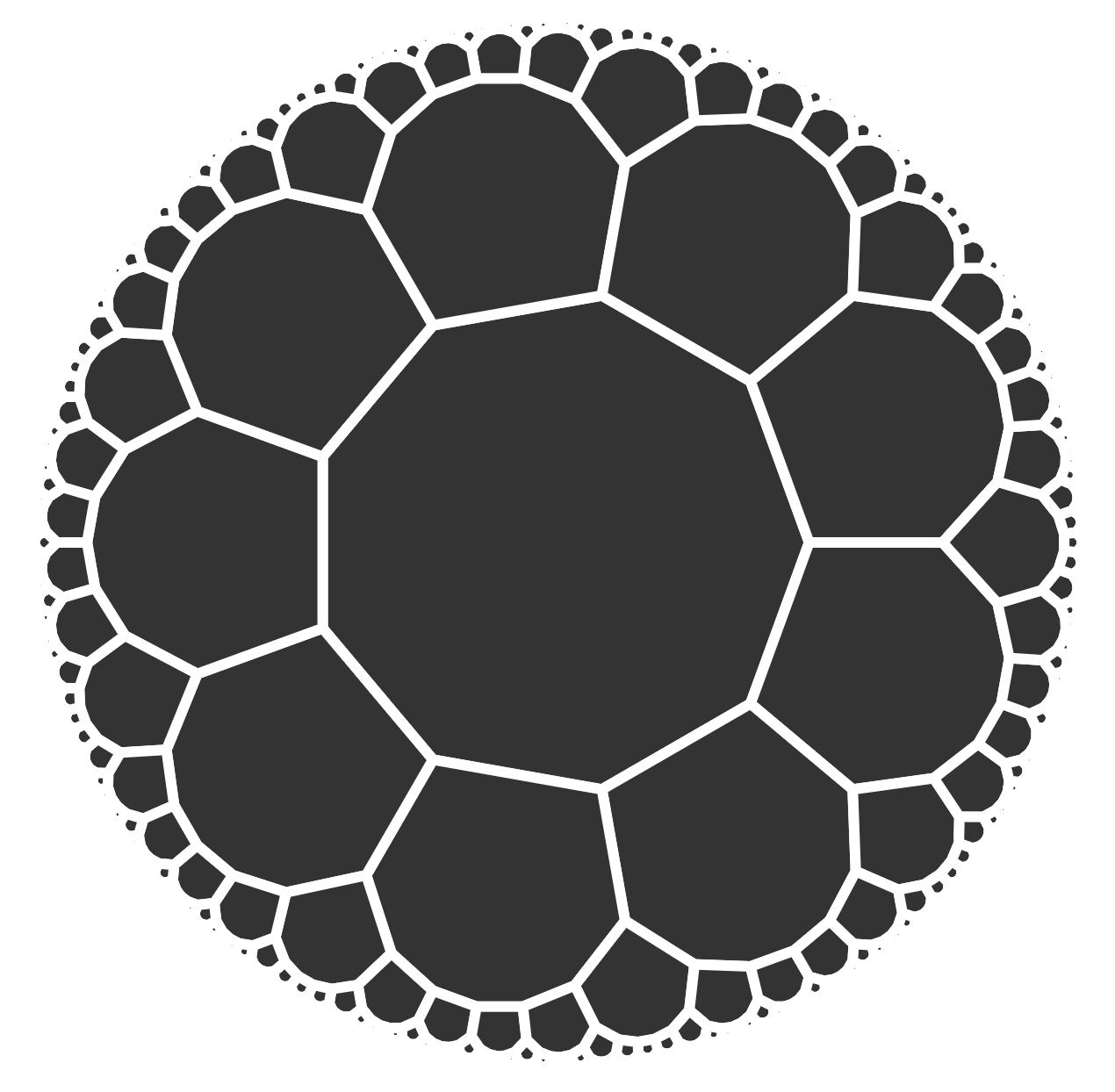
## Overview
This is a direct port of
[roice3/Honeycombs](https://github.com/roice3/Honeycombs) from CSharp to
TypeScript. It is in the process of being developed over the next few
years.
## Inspiration
- [roice3/Honeycombs](https://github.com/roice3/Honeycombs)
- [thoszhang/hyperbolic-tiling](https://github.com/thoszhang/hyperbolic-tiling)
- [knexator/hyperbolic-tiling](https://github.com/knexator/hyperbolic-tiling)
- [mountain/hyperbolic-wythoff](https://github.com/mountain/hyperbolic-wythoff)
- [cduck/hyperbolic](https://github.com/cduck/hyperbolic)
## Papers
- [Visualizing hyperbolic honeycombs](https://becomingborealis.com/wp-content/uploads/2018/05/Visualizing-hyperbolic-honeycombs.pdf)
- [Abstracting Rubik’s Cube](http://roice3.org/papers/abstracting_rubiks_cube.pdf)
## Notes
- [Poincaré half-plane model](https://en.wikipedia.org/wiki/Poincar%C3%A9_half-plane_model)
- [Wythoff construction](https://en.wikipedia.org/wiki/Wythoff_construction)
- [List of hyperbolic tilings](https://en.wikipedia.org/wiki/Lists_of_uniform_tilings_on_the_sphere,_plane,_and_hyperbolic_plane)
- [CSharp to TypeScript](http://www.carlosag.net/tools/codetranslator/)
- [CSharp codebase](https://github.com/microsoft/referencesource/blob/master/mscorlib/system/collections/ienumerable.cs)
- https://docs.google.com/document/d/1vUQPHvO4zOy5S1fyQIWMcy7vyzTvu5OYrUI6jmjpG90/edit
## Dev
```ts
import { Tiling } from './src/Geometry/Tiling'
import { TilingConfig } from './src/Geometry/Tiling'
import { SVG } from './src/Format/SVG'
const config = new TilingConfig(3, 7, 10000)
const tiling = new Tiling(config)
tiling.Generate()
const polygons = tiling.m_tiles.map(tile => tile.Boundary)
SVG.WritePolygons('example.svg', polygons)
```
```
# count files with extension
find . -name "*.ts" -type f | wc -l
# count lines in files with extension
find . -name '*.ts' -type f | xargs wc -l
```
## Ideas
The ideal is to have tiles, faces, points, and edges, and work with each
tile like that.
```ts
const tessellation = new Tessellation(3, 7, {
point: {
visibility: 'hidden',
},
edge: {
width: 8,
fill: 'black',
},
face: {
fill: 'gray',
},
})
tiling.center(tile)
tiling.lock()
tiling.unlock()
// inch toward another block
tiling.move()
tiling.rotate()
tiling.querySelectorAll('face')
tiling.base
tiline.base.neighbors
tiline.base.points
tiline.base.edges
tiline.base.face
tiline.base.face.style.fill = 0x00ff00
tiline.base.face.addEventListener
tessellation.addEventListener('keyup', e => {
if (e.key === 'up') {
tessellation.center(tessellation.center.tiles[0])
}
})
tessellation.addEventListener('tile:click', event => {
tessellation.focus(event.currentTarget)
})
tessellation.addEventListener('tile:dblclick', event => {
tessellation.orient(event.currentTarget)
})
tessellation.rotate(90)
tessellation.addEventListener('tile:remove')
tessellation.addEventListener('tile:create')
tessellation.addEventListener('tile:mouseover')
tessellation.addEventListener('tile:mouseupoutside')
tessellation.addEventListener('tile:click')
tessellation.addEventListener('tile:touchstart')
tessellation.addEventListener('tile:touchend')
tessellation.addEventListener('resize')
tessellation.addEventListener('hover')
tessellation.center.edges.forEach(point => {
point.style.fill = 'red'
})
function render() {
tessellation.render()
requestAnimationFrame(render)
}
```