https://github.com/launchscout/launch_elements
Launch Elements: dynamic functionality for static websites
https://github.com/launchscout/launch_elements
customelements elixir livestate phoenix
Last synced: 12 months ago
JSON representation
Launch Elements: dynamic functionality for static websites
- Host: GitHub
- URL: https://github.com/launchscout/launch_elements
- Owner: launchscout
- License: mit
- Created: 2022-10-09T23:45:09.000Z (almost 4 years ago)
- Default Branch: main
- Last Pushed: 2024-11-28T21:40:30.000Z (over 1 year ago)
- Last Synced: 2025-07-22T21:46:44.987Z (about 1 year ago)
- Topics: customelements, elixir, livestate, phoenix
- Language: Elixir
- Homepage: http://elements.launchscout.com
- Size: 6.29 MB
- Stars: 9
- Watchers: 8
- Forks: 3
- Open Issues: 16
-
Metadata Files:
- Readme: README.md
- License: LICENSE.md
Awesome Lists containing this project
README
# Launch Elements
Launch Elements is a set of Custom Elements that make it easy to add dynamic features to a static website. You can think of them as a set of "universal plugins" that work regardless of hosting environment, platform, or technology. This repo contains the server side event handling code in Elixir and the front end TypeScript code for the custom elements.
## Launch Elements Cart
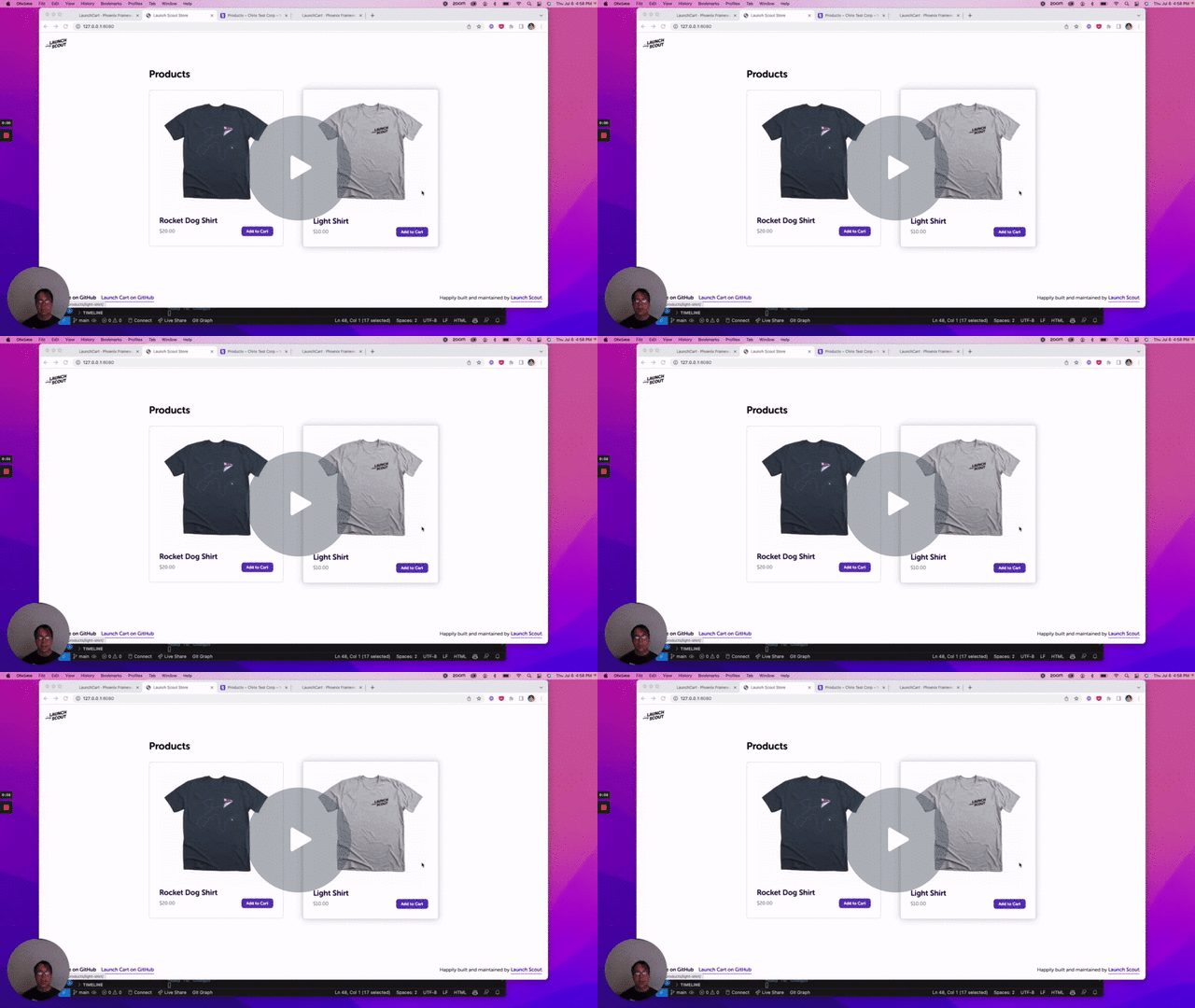
The `` element lets you easily add interactive ecommerce to a static html website. Currently it uses Stripe for the back end payment and product data. Other backends will be supported in the future.
[](https://www.loom.com/share/90d2f739bdac4fc0bee53aa2c59cb9aa)
## Using Launch Elements
The easiest way to use Launch Elements is the hosted environment at https://elements.launchscout.com. Currently we are in active beta. Use the registration form to sign up and we'll get you going.
## On your own server (or locally)
Launch Elements is a Phoenix app. To start your server:
* Install dependencies with `mix deps.get`
* Create and migrate your database with `mix ecto.setup`
* Start Phoenix endpoint with `mix phx.server` or inside IEx with `iex -S mix phx.server`
Now you can visit [`localhost:4000`](http://localhost:4000) from your browser.