https://github.com/leyap/vue-dialog-loading
A light vue dialog plugin with loading animation and image preview
https://github.com/leyap/vue-dialog-loading
dialog image-previewer loading-animations loading-screen vue vue-dialog vue-loading vue-plugin vue2 vuejs web
Last synced: 27 days ago
JSON representation
A light vue dialog plugin with loading animation and image preview
- Host: GitHub
- URL: https://github.com/leyap/vue-dialog-loading
- Owner: leyap
- Created: 2019-06-17T10:17:19.000Z (about 7 years ago)
- Default Branch: master
- Last Pushed: 2023-01-04T00:48:17.000Z (over 3 years ago)
- Last Synced: 2025-10-11T04:35:45.854Z (9 months ago)
- Topics: dialog, image-previewer, loading-animations, loading-screen, vue, vue-dialog, vue-loading, vue-plugin, vue2, vuejs, web
- Language: Vue
- Homepage: https://vue-dialog-loading.github.io
- Size: 4.1 MB
- Stars: 9
- Watchers: 0
- Forks: 3
- Open Issues: 25
-
Metadata Files:
- Readme: README.md
Awesome Lists containing this project
README
# vue-dialog-loading
### A light vue dialog plugin with loading animation and image preview
View the [Demo](https://vue-dialog-loading.github.io/)
and its [source](https://github.com/leyap/vue-dialog-loading) for more.
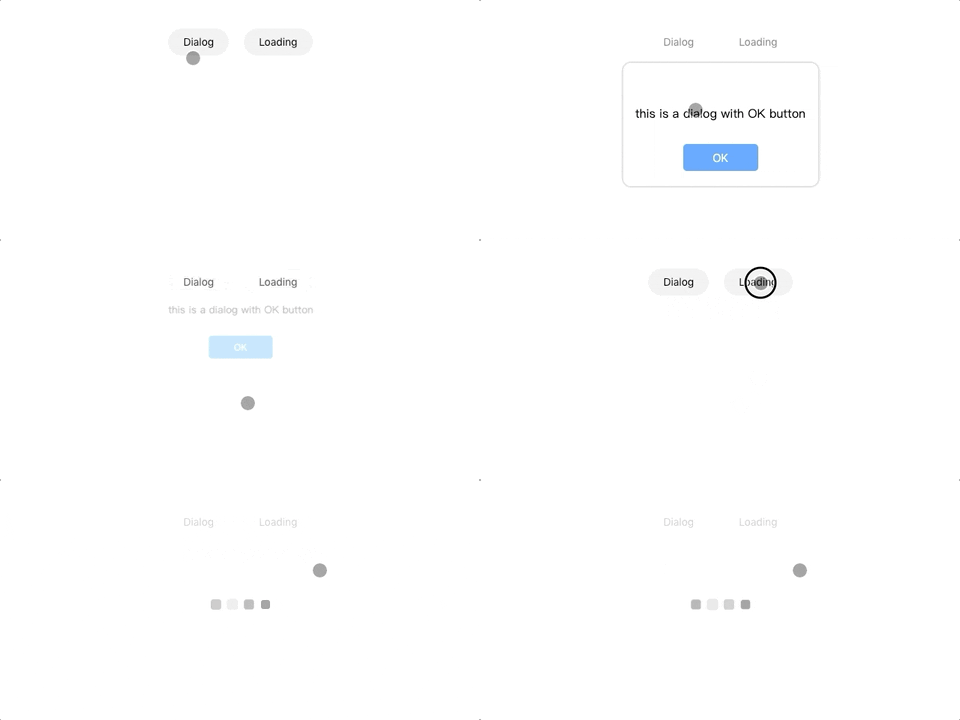
## Install
````
npm install --save vue-dialog-loading
````
## Quick Start
> main.js
````
import Dialog from 'vue-dialog-loading'
//global config
Vue.use(Dialog, {
dialogBtnColor: '#0f0',
background:'rgba(0, 0, 0, 0.5)'
})
````
> your vue file
````
this.$dialog({
title: 'title',
content: 'some information',
// background:'rgba(0,0,0, 0.5)',
delay: 3000, //options, close after 3s
btns: [{
label: 'OK',
color: '#09f',
},
{
label: 'Cancel',
color: '#444',
ghost: true,
callback: () => {
window.alert('onOk callback')
},
}],
})
this.$loading.show({delay:0, background: '#444'}) //delay 0ms, default is 300ms
this.$loading.hide()
//Loading Components:
//preview image, support double touch to scale 2.0 and touch drag
this.$ImagePreview.show(imgUrl)
````