https://github.com/leytonoday/bookmanager
Manage your academic and personal reading
https://github.com/leytonoday/bookmanager
electron googlebook js study vue vuejs
Last synced: about 2 months ago
JSON representation
Manage your academic and personal reading
- Host: GitHub
- URL: https://github.com/leytonoday/bookmanager
- Owner: leytonoday
- Created: 2022-02-02T18:56:39.000Z (over 4 years ago)
- Default Branch: main
- Last Pushed: 2022-06-09T02:33:56.000Z (about 4 years ago)
- Last Synced: 2025-01-11T23:12:44.512Z (over 1 year ago)
- Topics: electron, googlebook, js, study, vue, vuejs
- Language: Vue
- Homepage:
- Size: 967 KB
- Stars: 0
- Watchers: 1
- Forks: 0
- Open Issues: 0
-
Metadata Files:
- Readme: README.md
Awesome Lists containing this project
README
# Book Manager

The Book Manager is used to manage, track and note your reading progress during your academic endeavours. I created this program for
2 reasons:
- To track my reading progress, because I prefer to read to learn programming concepts.
- To practice my JavaScript and VueJS abilities.
This application was written using Vue 2.0 rather than Vue 3.0. This is
because I wanted to use a component library called Vuesax, however this does not support Vue 3.0 yet. The conversion to Vue 3.0
is not a huge effort, so when Vuesax for Vue 3.0 is available, I shall convert the code over to Vue 3.0.
**Warning:** This requires Node.js version 15. For some god damn reason, Vue CLI Plugin Electron Builder breaks when using Node.js version 16; it simply doesn't build. I'm sure this issue will be resolved in the future.
## Features
Features include:
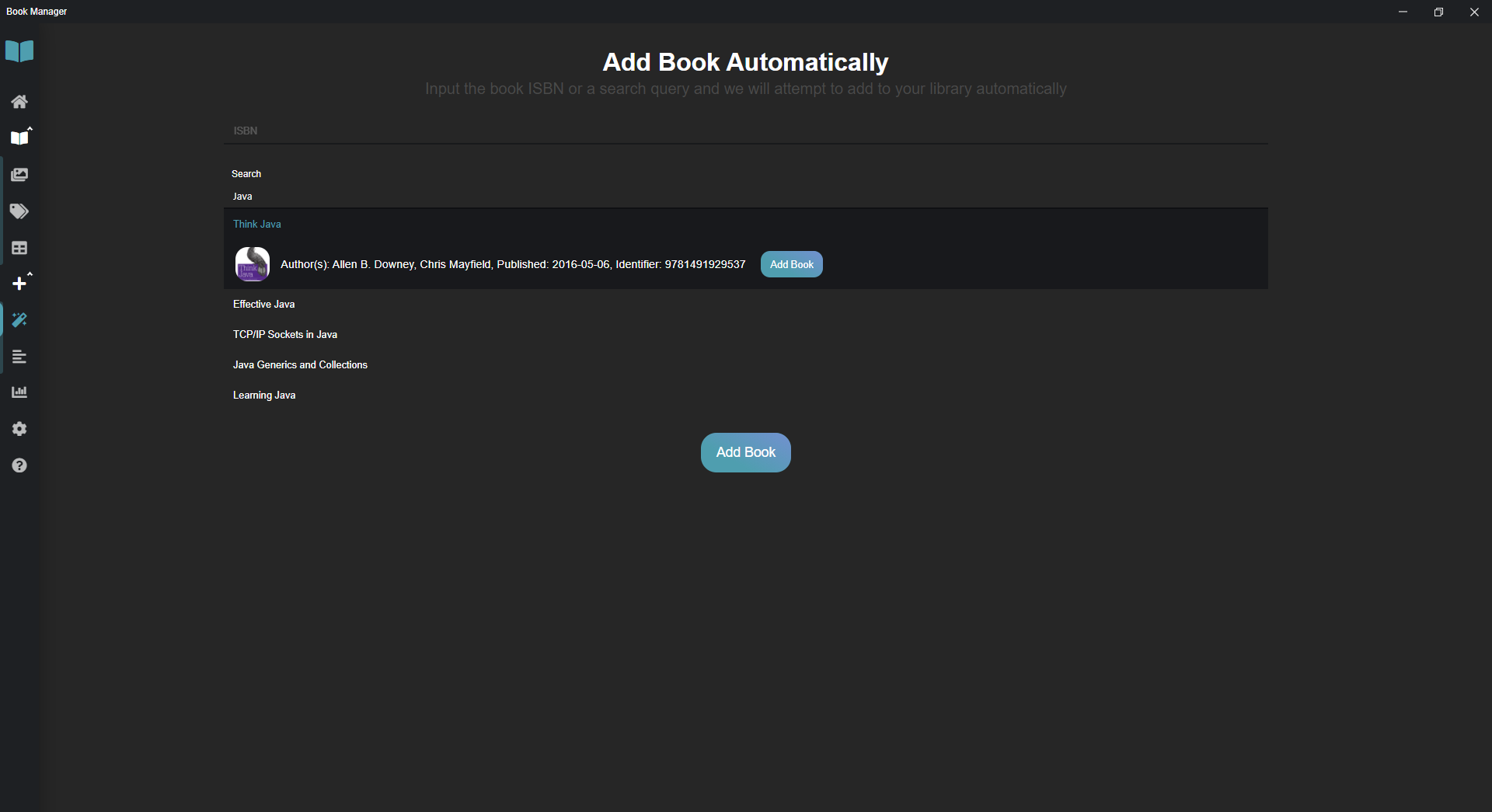
- Automatic addition of book data, just search the book name and pick from the search results, and click to see a preview! See figure 1
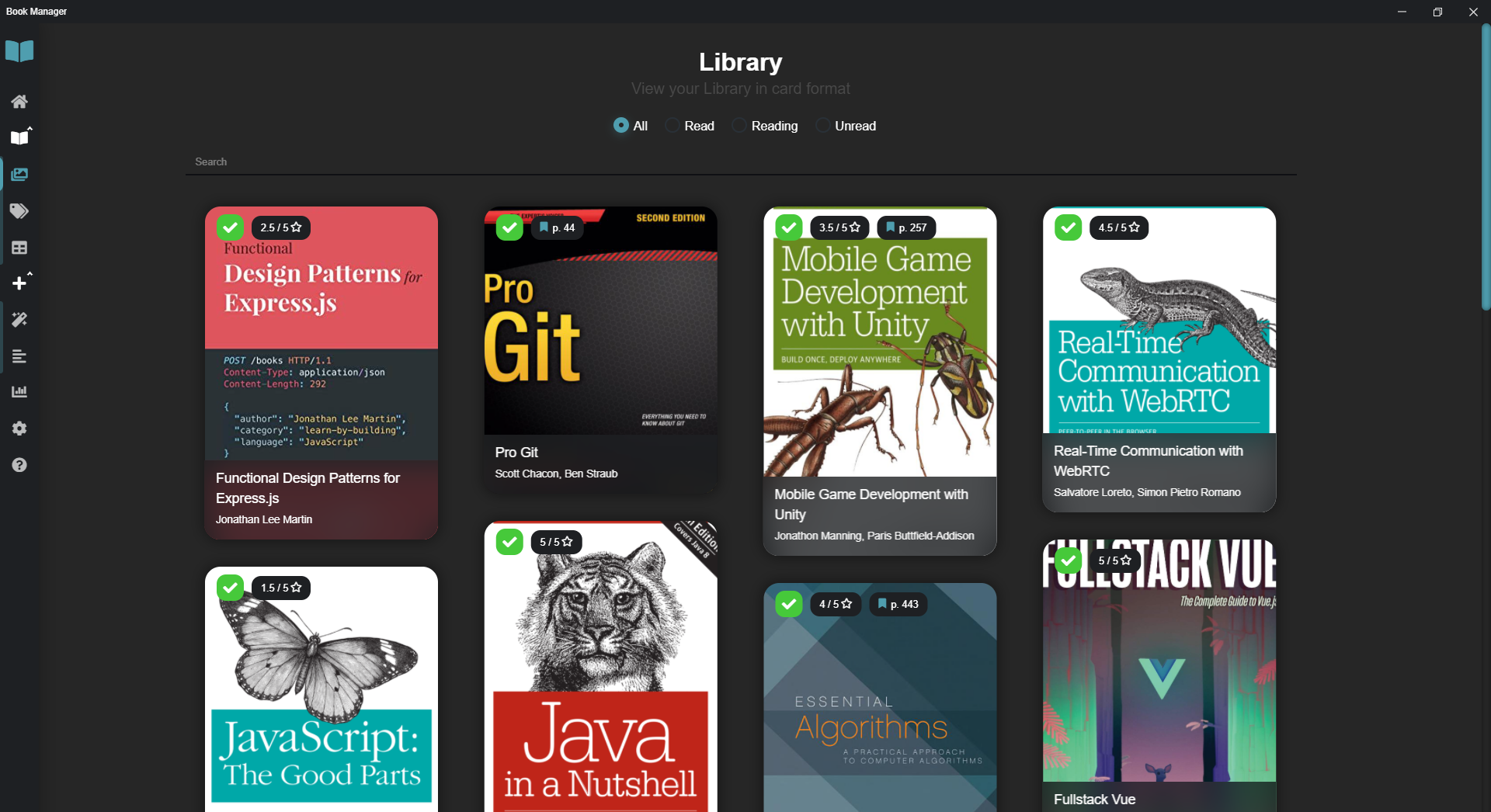
- Beautiful pinterest-esque stacking book cards in the Card View. See figure 2
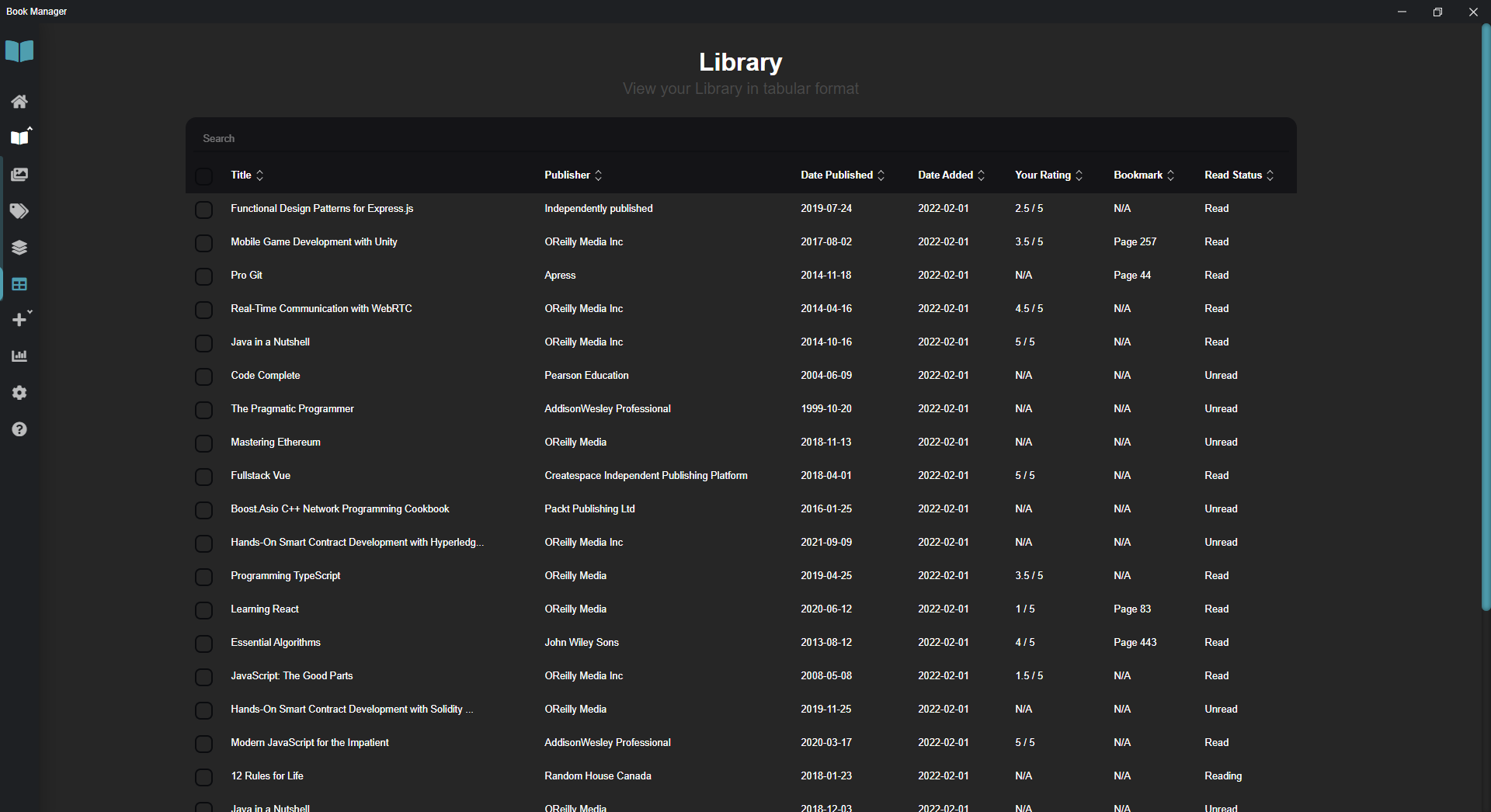
- Efficient Tabular View for managing and editing several books at once. See figure 3
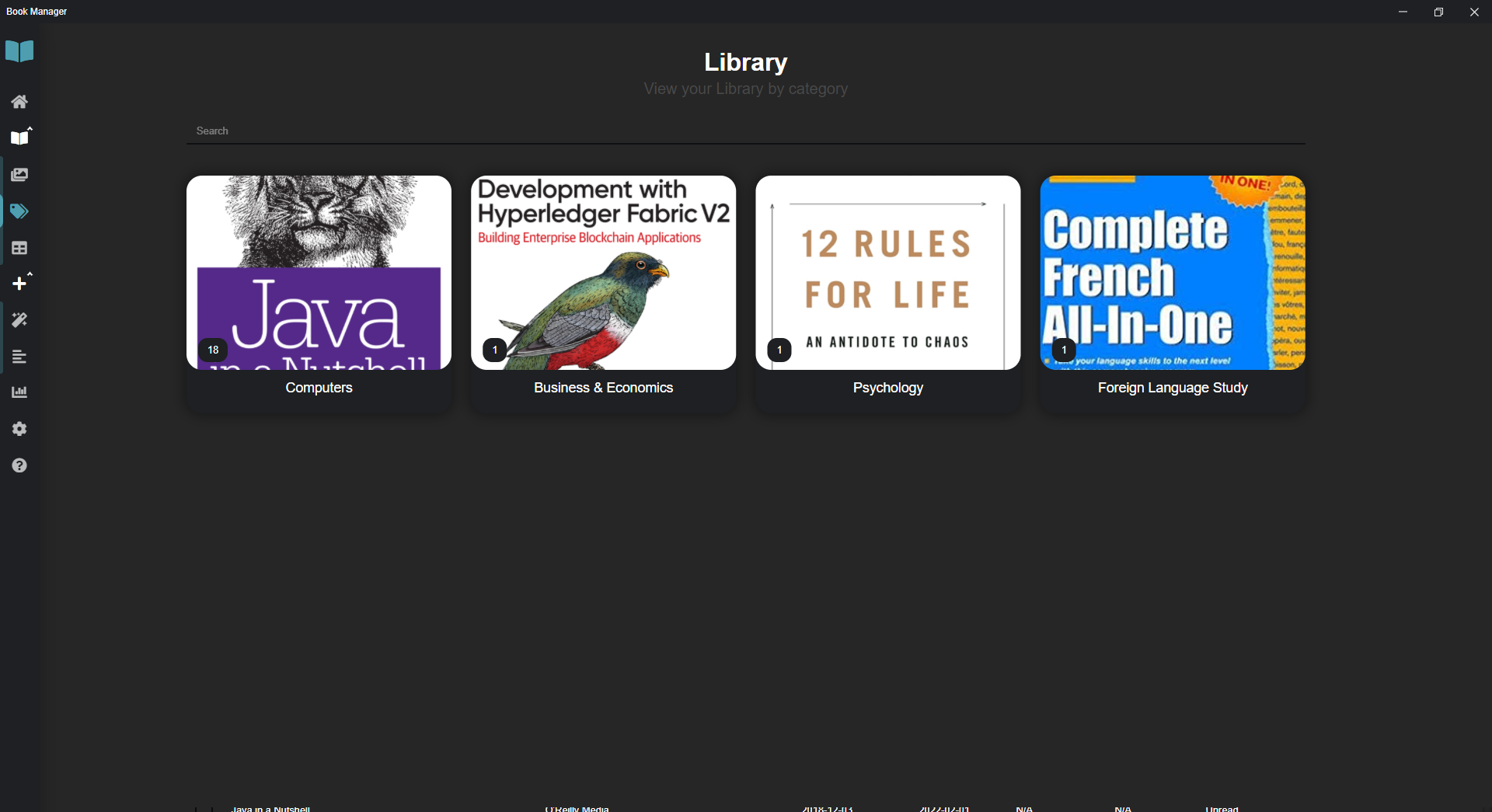
- Category View for if you want to view your Library by category. See figure 4
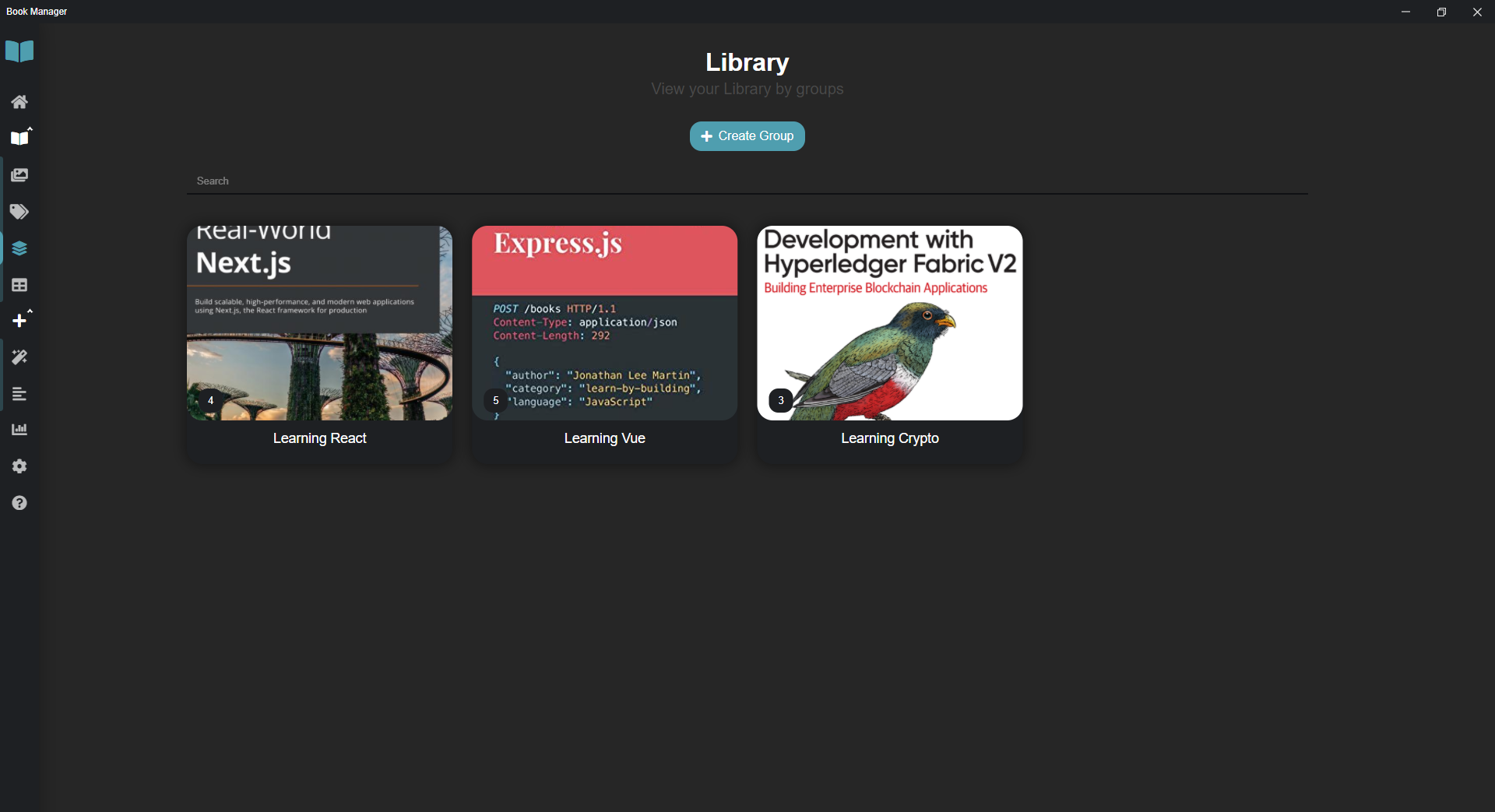
- Group View for creating groups and viewing books by common purpose. See figure 5
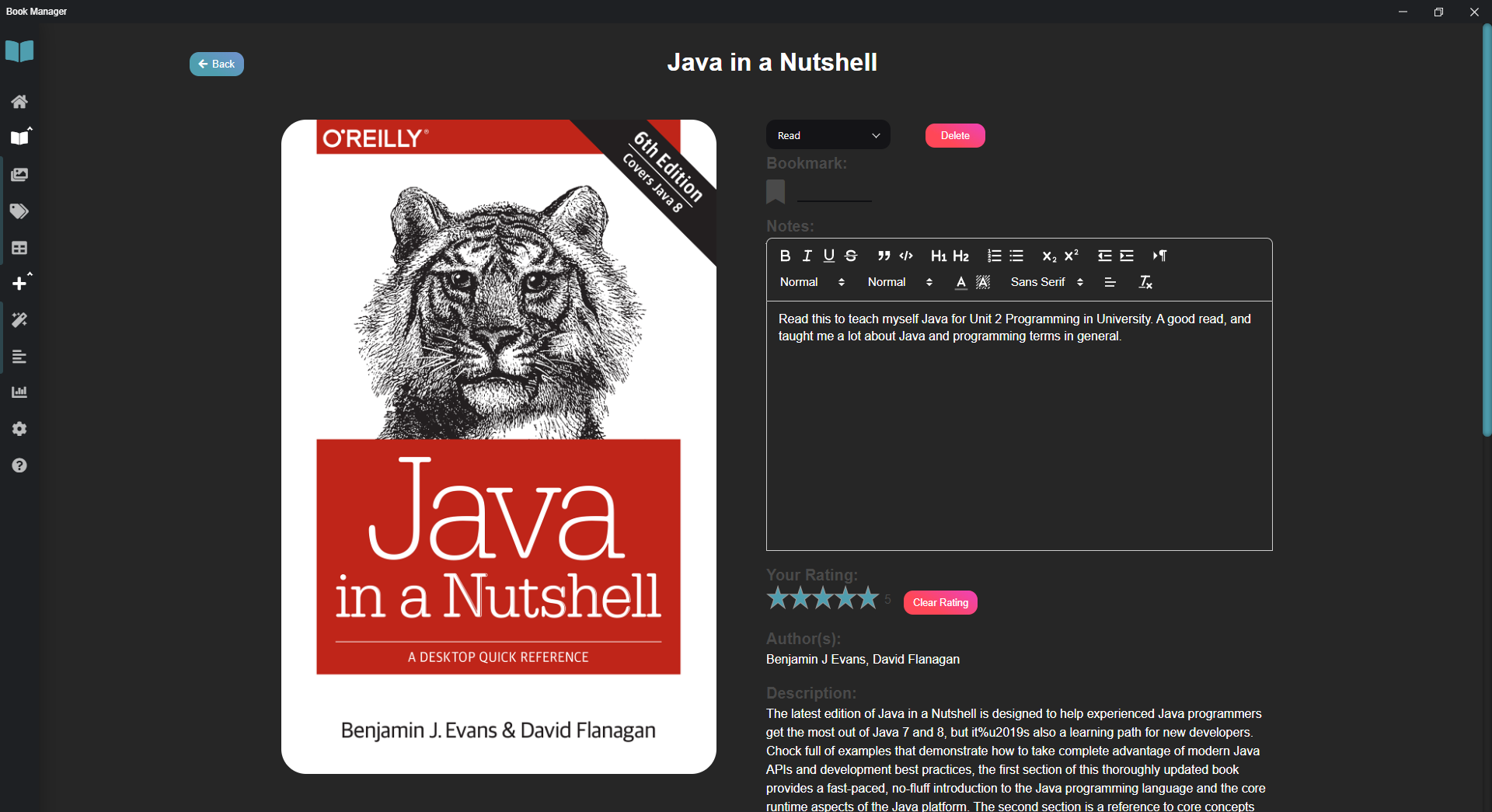
- Bookmarking, personal star rating, and note taking with a rich text editor! See figure 6
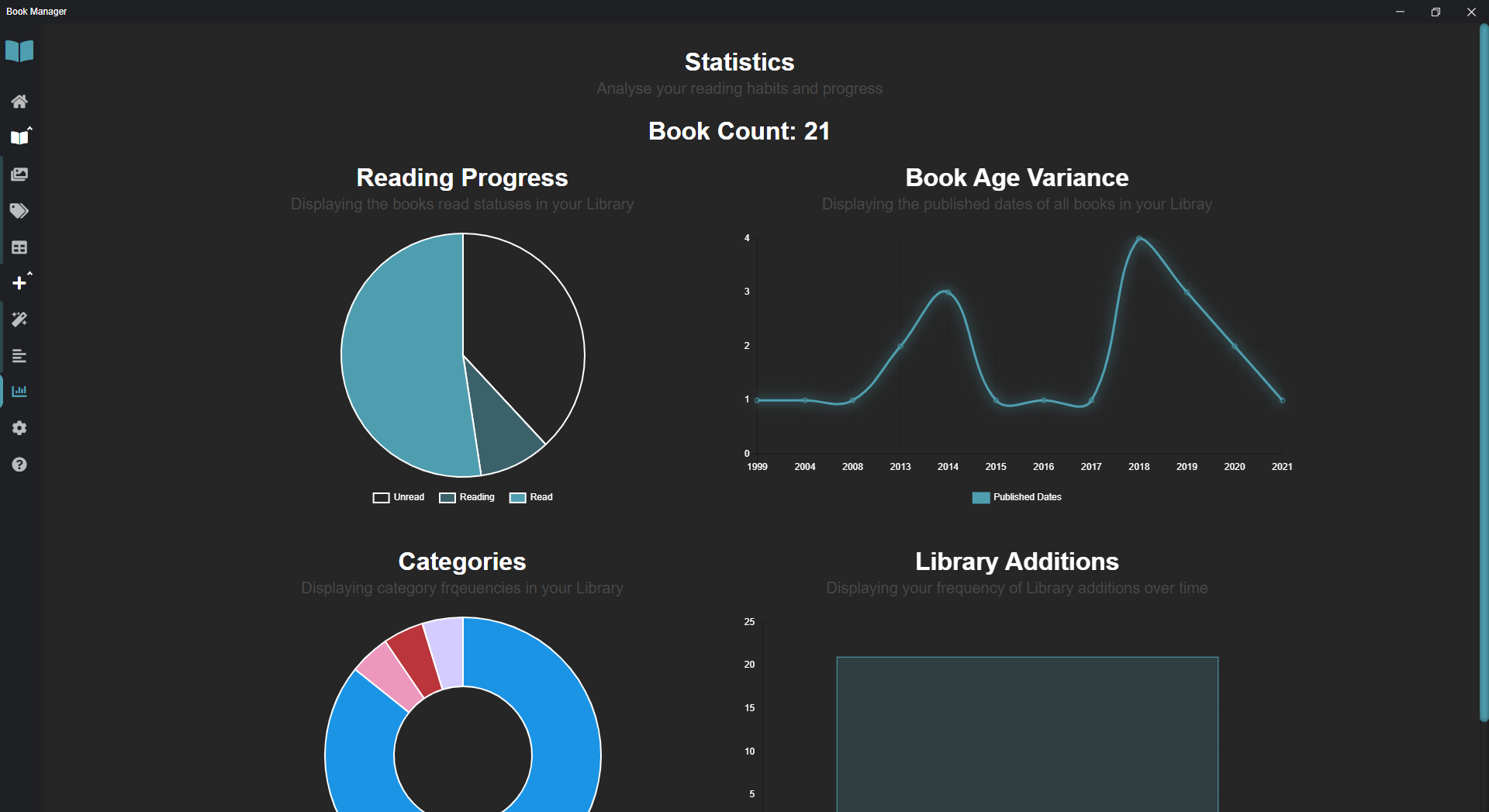
- Statistics to analyse your reading habits and your libraries growth. See figure 7
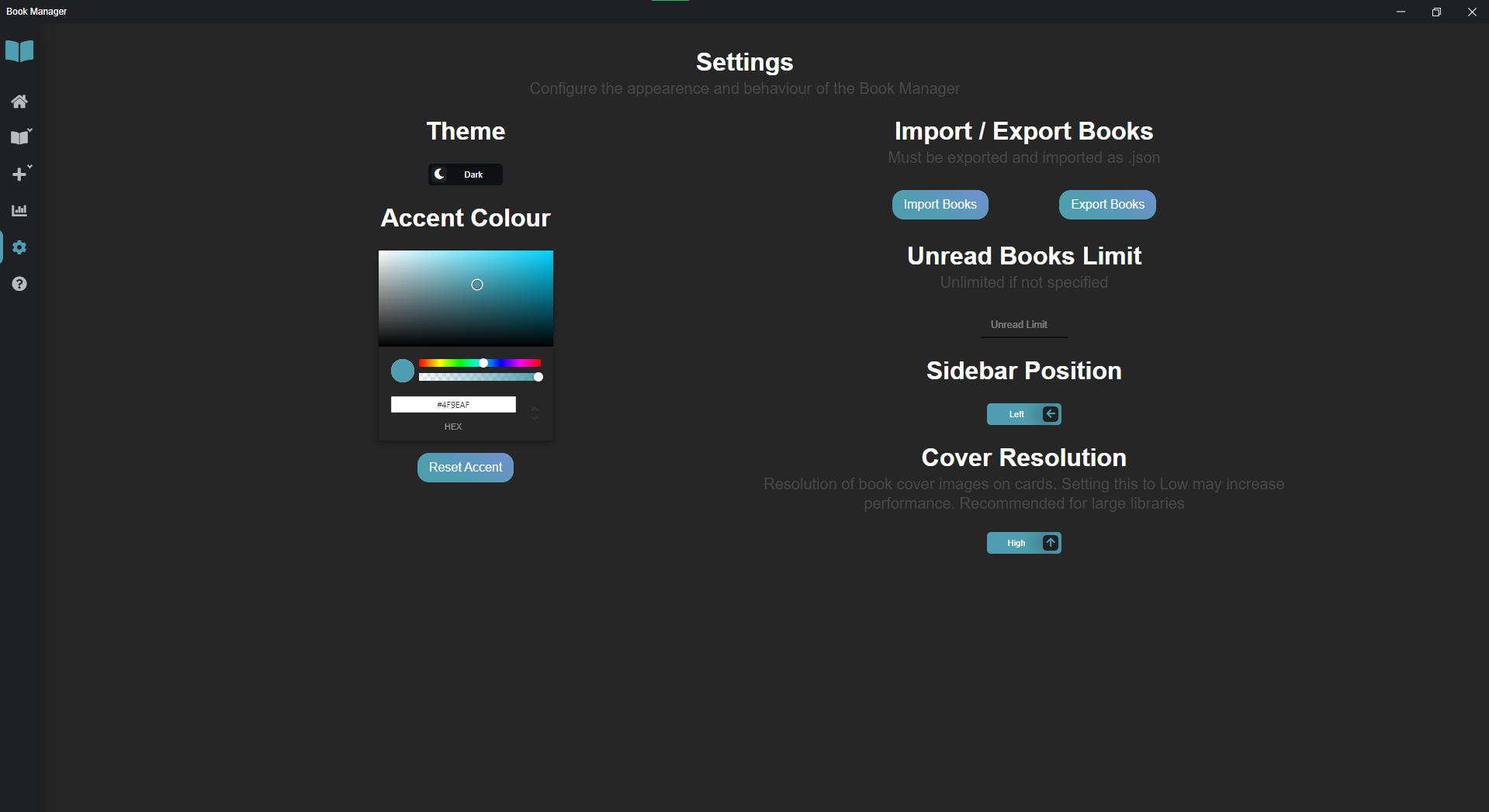
- Fully customizable accent colour, and a crisp light mode available. See figure 8 and 9
- Finally, for those obscure books that aren't documented by the Google Books API, you can manually input their details
## Project setup
Using npm:
```
npm install
```
Using Yarn:
```
yarn install
```
### Compiles and hot-reloads for development
Using npm:
```
npm run electron:serve
```
Using Yarn:
```
yarn electron:serve
```
### Compiles and minifies for production
Using npm:
```
npm run electron:build
```
Using Yarn:
```
yarn electron:build
```
Once built, go to dist_electron, and run the "Book Manager Setup 0.1.0" installer.
## Figures
### Figure 1
Auto add book, with search
### Figure 2
Card View of Library
### Figure 3
Tabular View of Library
### Figure 4
Category View of Library
### Figure 5
Group View of Library
### Figure 6
Book details, with rich text notes and bookmark
### Figure 7
Library statistics
### Figure 8
Settings and customization
### Figure 9
Light mode example

## Contributing
Pull requests are welcome. For major changes, please open an issue first to discuss what you would like to change.
Contact me for general enqueries here: leytonodayabc123@gmail.com