https://github.com/lianghx-319/setup-mac_os
Setup My macOS environment
https://github.com/lianghx-319/setup-mac_os
developer developer-tools environment macos
Last synced: 11 months ago
JSON representation
Setup My macOS environment
- Host: GitHub
- URL: https://github.com/lianghx-319/setup-mac_os
- Owner: lianghx-319
- Created: 2021-02-10T06:15:38.000Z (over 5 years ago)
- Default Branch: master
- Last Pushed: 2021-10-16T04:38:24.000Z (over 4 years ago)
- Last Synced: 2025-06-29T17:49:24.212Z (about 1 year ago)
- Topics: developer, developer-tools, environment, macos
- Homepage:
- Size: 6.84 KB
- Stars: 2
- Watchers: 1
- Forks: 0
- Open Issues: 0
-
Metadata Files:
- Readme: README.md
Awesome Lists containing this project
README
# Step of Setup My MacOS
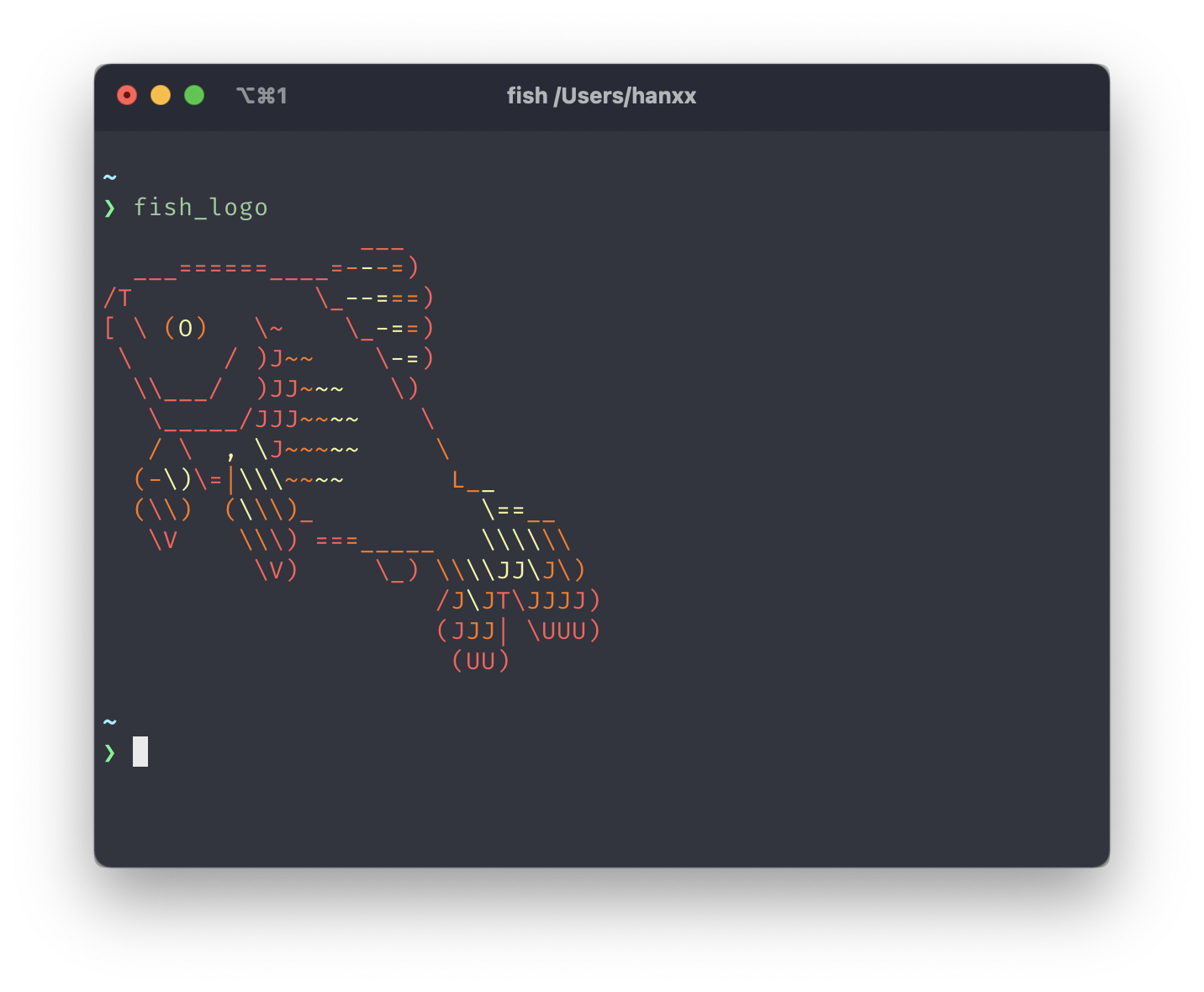
## Feature
- [fish shell](https://fishshell.com/)
- use [fisher](https://github.com/jorgebucaran/fisher) to manager fish plugin
- support [nvm](https://github.com/FabioAntunes/fish-nvm) in fish
- auto detect `.npmrc` to init node version
- git alias for fish
- [starship](https://starship.rs/) support
- iterm2 default settings
- my app and program in common use (You can customize following this repo or [origin repo](https://github.com/bkuhlmann/mac_os#customization))
## Prepare
### Install Brew
```bash
# Jsdelivr is Chinese friendly
/bin/bash -c "$(curl -fsSL https://cdn.jsdelivr.net/gh/ineo6/homebrew-install/install.sh)"
```
### Install VPN ClashX
> Only for user in China Mainland, just install your VPN
- [Download ClashX](https://github.com/yichengchen/clashX/releases)
```bash
brew install --cask clashx
```
- [Add VPN subscribe](https://portal.shadowsocks.nz/)
- Set Terminal Proxy with VPN
```bash
export https_proxy=http://127.0.0.1:7890 http_proxy=http://127.0.0.1:7890 all_proxy=socks5://127.0.0.1:7890
```
### Clone This Repository
```bash
# clone all git submoudles
git clone --recurse-submodules $REPO_URL
```
### Install Mac App and Program
> Make sure set VPN proxy if in China Mainland
>
> Before Instal, is better to read the [origin repo](https://github.com/bkuhlmann/mac_os-config#pre-install) first
```bash
bin/run i
```
### Setup fish shell
> Remember run this with fish
>
> Open an fish shell first, just reload iterm2 or terminal
```bash
# install fisher
curl -sL https://git.io/fisher | source && fisher install jorgebucaran/fisher
# install fish plugin
mac_os-config/bin/setup_fisher
```
## System Settings
- [ ] use terminal to set if possible
- maximum tracking speed
- System Preference - TrackPad - Tracing Speed
- Three finger drag windows
- System Preference - Accessibility - Pointer Control - TrackPad Options - Enable Dragging
- Input Method
- add xiaohe shuangpin and remove pinyin
- enable caps lock to change input method
- Key Bindings
- switch between caps lock and left control
## App Settings
- Iterm2
- set config path to dotfiles
## Install Manually
- [dash](https://www.macwk.com/soft/dash?__cf_chl_jschl_tk__=8c877039ba7f33bdc5333c3599360e140c90fe02-1613034282-0-Afy31U5A_udK4w-y7lHqRLtLHZNRQyjUfZRCCNZ_j_WYCTWsVS8rQQG63c44YCFRaYkspU16ah0fDFs8R6KLqPqNq_0cJXEyVFnBOQB3p73jQ-tHcAy4_o2yeDmv4bGPEvhtijqoqlLFMmTHJhvv3N7YgI8qWGVYOacP7VSU9HQUciaVtLI5yUdJSU7yhSYKZ2StLHq3NrGEWYoXH9KGrJIxw6DKqzqtUnDreptXpLLxmQ9q8tYYghyMeNC-eP4tRBW1-GZtckG7ycuiieXWl24vGcp3uoMbs1rcfQIIfv-1rtkr1Gyy0duWBvtkKeZ0kw)
## TODO
- [ ] neovim for web developer