https://github.com/libhide/mnml-ecosia
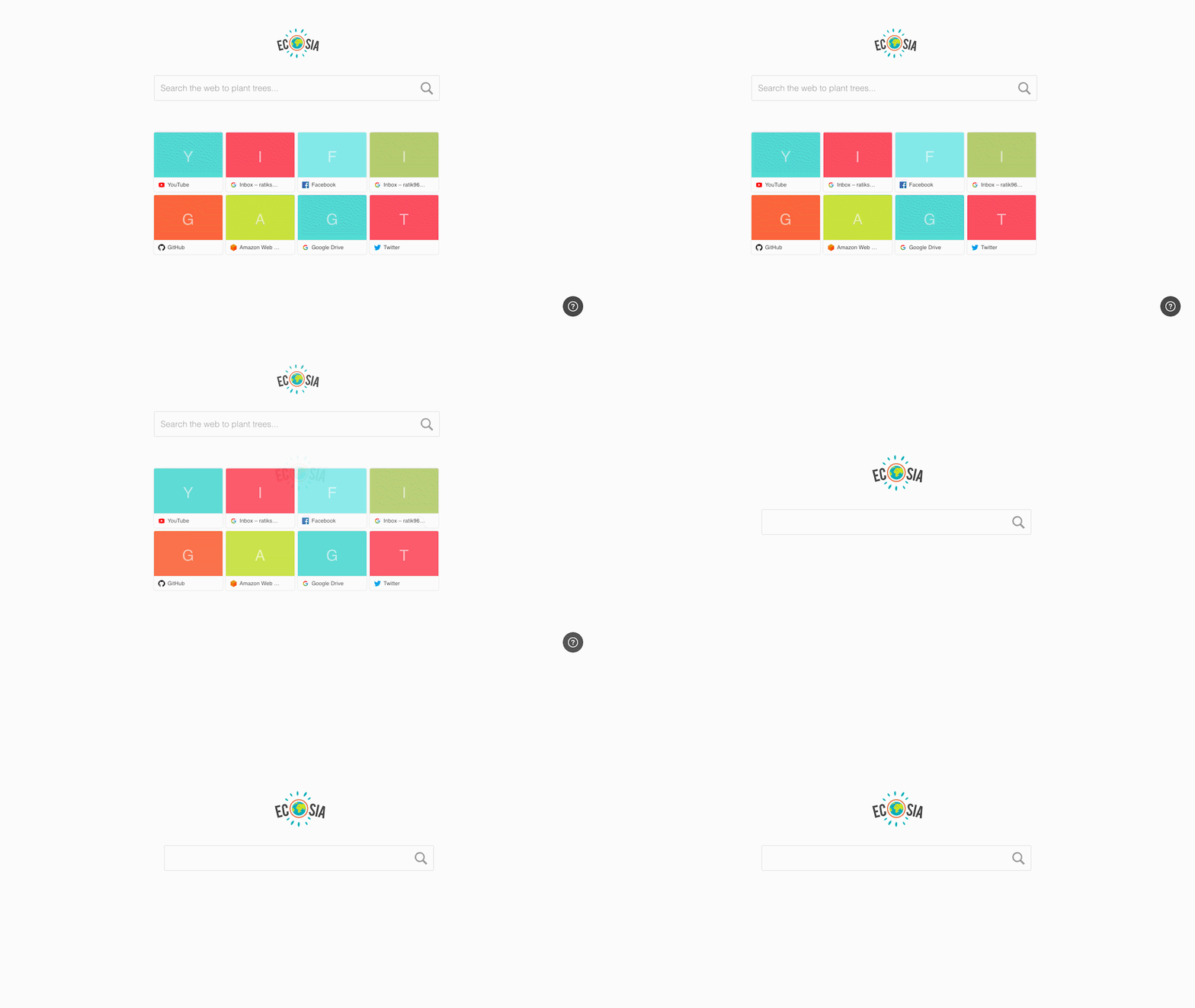
A Cleaner, more minimal version of Ecosia's New Tab Chrome extension.
https://github.com/libhide/mnml-ecosia
chrome-extension new-tab
Last synced: 8 months ago
JSON representation
A Cleaner, more minimal version of Ecosia's New Tab Chrome extension.
- Host: GitHub
- URL: https://github.com/libhide/mnml-ecosia
- Owner: libhide
- License: unlicense
- Created: 2018-10-14T17:02:51.000Z (over 7 years ago)
- Default Branch: master
- Last Pushed: 2018-10-14T19:08:21.000Z (over 7 years ago)
- Last Synced: 2025-02-09T11:11:26.501Z (over 1 year ago)
- Topics: chrome-extension, new-tab
- Language: HTML
- Homepage: https://ecosia.org
- Size: 4.49 MB
- Stars: 1
- Watchers: 3
- Forks: 0
- Open Issues: 0
-
Metadata Files:
- Readme: README.md
- License: LICENSE.md
Awesome Lists containing this project
README
# mnml-ecosia
A Cleaner, more minimal version of [Ecosia](https://ecosia.org)'s New Tab [Chrome extension](https://chrome.google.com/webstore/detail/ecosia-the-search-engine/eedlgdlajadkbbjoobobefphmfkcchfk).
## Installation
1. Make sure you have Ecosia's Chrome Extension already installed.
2. Download the plugin from [here](https://github.com/libhide/mnml-ecosia/releases/download/v1.0.0/mnml-ecosia.crx).
3. In Chrome, go to `chrome://extensions/` and enable `Developer Mode` from the top right.
4. Drag the `.crx` file you downloaded in (2) onto the Chrome window.
5. Chrome should ask you if you want to install the plugin. Say Yes.
6. That's it!