https://github.com/likeich/bible-sh
A very simple Bible app for the Miyoo Mini with Onion OS
https://github.com/likeich/bible-sh
Last synced: 4 months ago
JSON representation
A very simple Bible app for the Miyoo Mini with Onion OS
- Host: GitHub
- URL: https://github.com/likeich/bible-sh
- Owner: likeich
- License: mit
- Created: 2024-05-03T01:09:18.000Z (about 2 years ago)
- Default Branch: main
- Last Pushed: 2024-05-04T06:02:33.000Z (about 2 years ago)
- Last Synced: 2024-05-04T08:31:51.368Z (about 2 years ago)
- Language: Shell
- Homepage:
- Size: 1.33 MB
- Stars: 0
- Watchers: 1
- Forks: 0
- Open Issues: 0
-
Metadata Files:
- Readme: README.md
- License: LICENSE
Awesome Lists containing this project
README
|  |  |
|---|---|
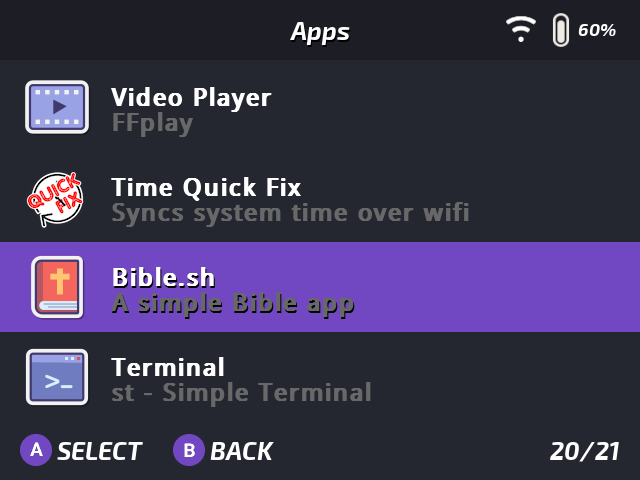
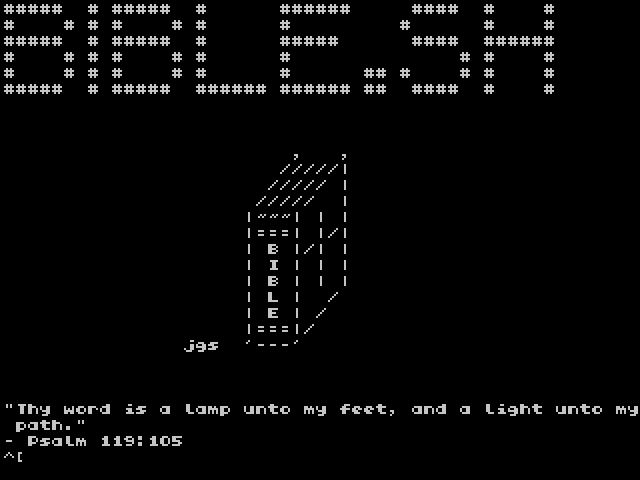
| *Bible.sh Shortcut in OnionOS* | *Welcome/Loading Screen* |
# Bible.sh
A simple King James Version Bible shell script for the Miyoo Mini on OnionOS.
To exit the book/chapter/verse viewer press "X" on the Miyoo Mini to open the software keyboard and press "q" (quit) on the keyboard.
### Features
1. View every book of the Old and New Testament.
2. Quick navigation to any chapter or verse.
3. Holy Bible.
## Installation
Option 1: Drag the "App" folder to the root of the OnionOS SD Card and select the "merge" option.
Option 2: Drag the "Bible-sh" folder in the "App" folder into the "App" folder of the OnionOS SD Card.
Restart your device.
## Screenshots
|  |  |
|---|---|
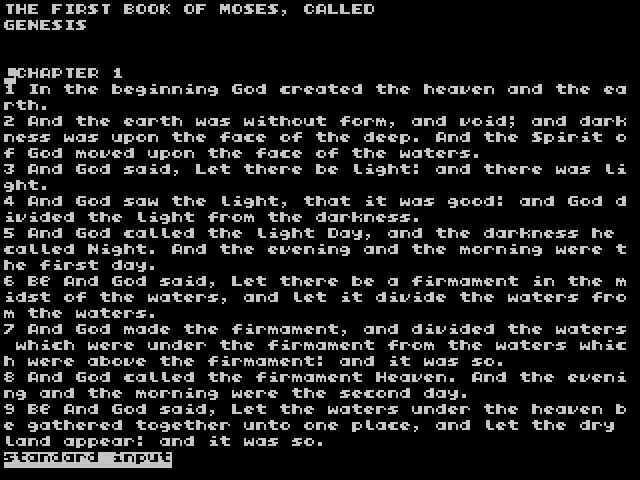
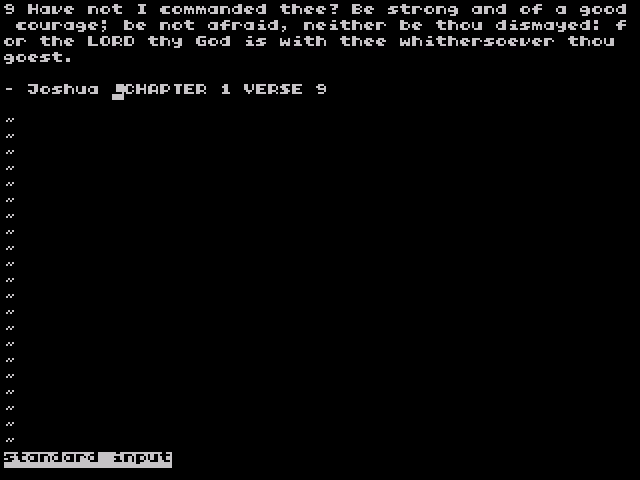
| *The Book of Genesis* | *Joshua 1:9* |
| 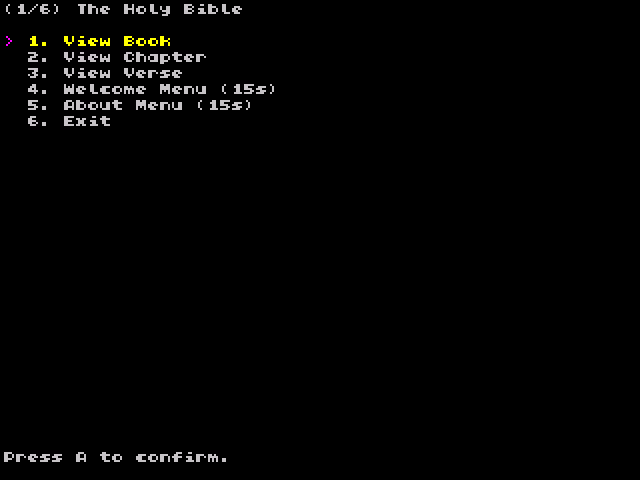 | 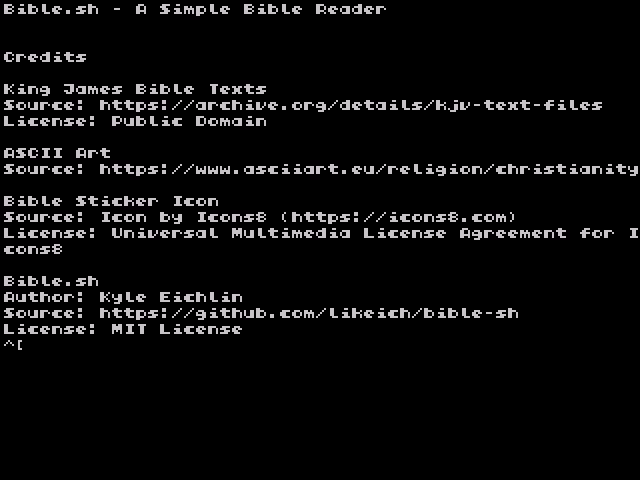 |
| *Bible.sh Menu* | *About Menu* |