https://github.com/lirael/vuejs-d3-uxgraph
Vue / D3 UX graphs components
https://github.com/lirael/vuejs-d3-uxgraph
d3-visualization d3v4 graph ux ux-graph vue vue-components vuejs vuejs2
Last synced: 12 months ago
JSON representation
Vue / D3 UX graphs components
- Host: GitHub
- URL: https://github.com/lirael/vuejs-d3-uxgraph
- Owner: lirael
- License: mit
- Created: 2017-04-09T13:48:37.000Z (about 9 years ago)
- Default Branch: master
- Last Pushed: 2017-04-11T14:10:44.000Z (about 9 years ago)
- Last Synced: 2025-05-31T10:30:05.725Z (about 1 year ago)
- Topics: d3-visualization, d3v4, graph, ux, ux-graph, vue, vue-components, vuejs, vuejs2
- Language: Vue
- Homepage:
- Size: 671 KB
- Stars: 19
- Watchers: 2
- Forks: 5
- Open Issues: 3
-
Metadata Files:
- Readme: README.md
- License: LICENSE
Awesome Lists containing this project
README

# ux-graph
> Vue wrapper for d3.js predesigned somponents
> *Please,note:* library is still in the development mode!!!
## Live demo and code example
- Demo: https://lirael.github.io/vuejs-d3-uxgraph-demo/
- Code: https://github.com/lirael/vuejs-d3-uxgraph-demo/
## Principles used to design the graphs
All designs are based on recommendations of Stephen Few described in a book "Information Dashboard Design".
## How to use with npm
[](https://nodei.co/npm/ux-graph/)
Firstly you need to create Vue wrapper component. Exaple of `SparklinesBase.vue`:
```javascript
import { Sparklines } from 'ux-graph'
export default Sparklines.extend({
mounted () {
// Overwriting base render method with actual data
this.createSparkline('#sCanvas', this.data, this.label, this.circle, this.color)
}
})
```
Then in other your components you can sumply use it as follows:
```javascript
import Sparklines from './SparklinesBase.vue'
export default {
name: 'SparklinesContainer',
components: {
'sparklines': Sparklines
}
[...]
```
and call it anywhere in the template using:
```
```
## Manual integration
If you want to integrate some component manualy, and not via `npm`, it is needed to import components with a needed graph (graph components are located in `src/components/`. Then you can use it as usual Vue instance, and pass custom parameters when needed. Though `npm` usage is strongly recommended.
```javascript
import barcharts from './Barcharts.vue'
export default {
name: 'barcharts',
components: {
'barcharts': barcharts
}
[...]
```
And to use it in a template:
```javascript
```
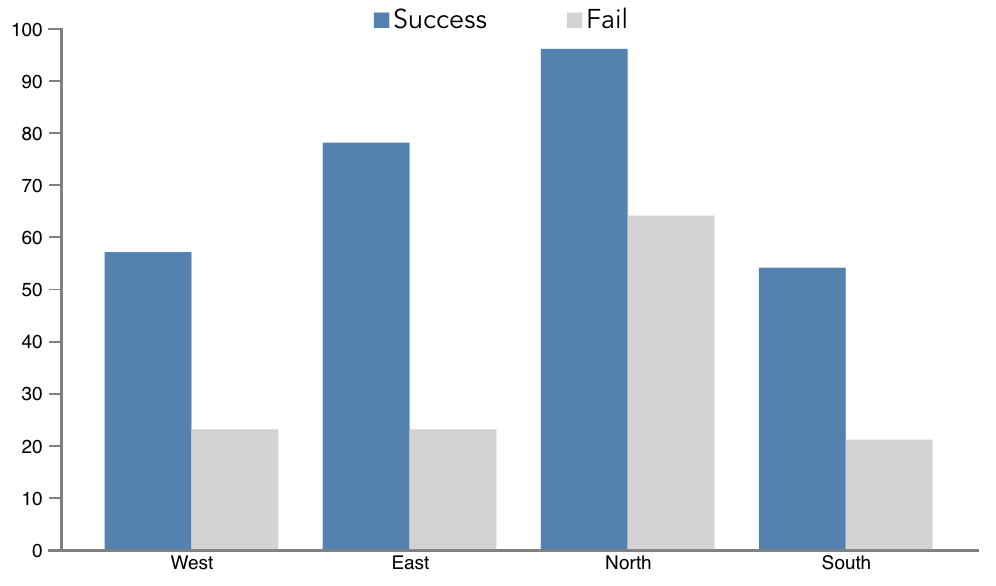
Result is as follows:
## Available graphs
More graphs would be added during the next stage
### Sparklines

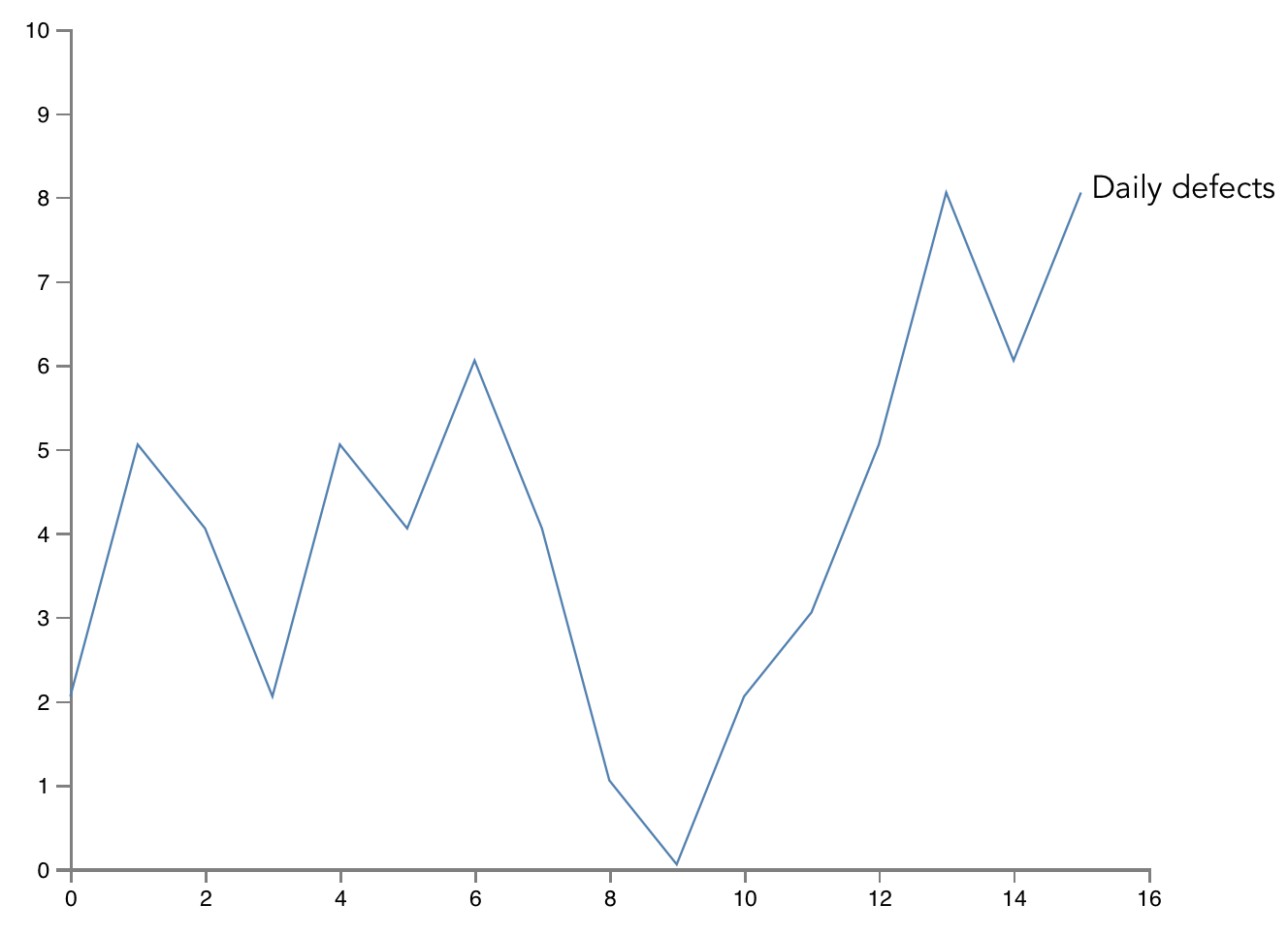
### Line chart
### Vertical Bar charts
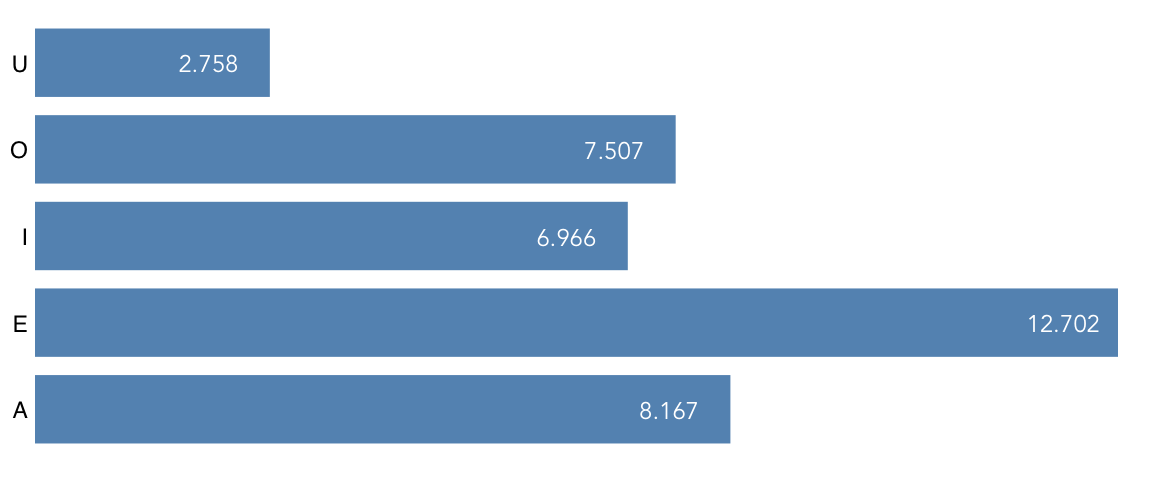
### Horizontal Bar charts
## Contributing
1. Fork it ( https://github.com/lirael/vuejs-d3-uxgraph/fork )
2. Create new branch for your feature (`git checkout -b new-feature`)
3. Commit your changes (`git commit -m 'Feature description'`)
4. Push to the branch (`git push origin new-feature`)
5. Create a new Pull Request
Thanks!
## License
This software is distributed under [MIT license](LICENSE).