https://github.com/lisawray/fontbinding
A full example of custom fonts in XML using data binding and including font caching.
https://github.com/lisawray/fontbinding
Last synced: about 1 year ago
JSON representation
A full example of custom fonts in XML using data binding and including font caching.
- Host: GitHub
- URL: https://github.com/lisawray/fontbinding
- Owner: lisawray
- License: apache-2.0
- Created: 2015-10-20T17:09:15.000Z (over 10 years ago)
- Default Branch: master
- Last Pushed: 2017-09-07T20:19:01.000Z (almost 9 years ago)
- Last Synced: 2025-03-29T06:01:30.979Z (about 1 year ago)
- Language: Java
- Homepage:
- Size: 2.56 MB
- Stars: 770
- Watchers: 21
- Forks: 59
- Open Issues: 0
-
Metadata Files:
- Readme: README.md
- License: License.md
Awesome Lists containing this project
- awesome-android-ui - https://github.com/lisawray/fontbinding
README
## [Deprecated]
Fonts in XML are now supported by the Android support library as of 26.0, including in styles and themes. I recommend using the support library and IDE integration for all your modern font needs!
https://developer.android.com/guide/topics/ui/look-and-feel/fonts-in-xml.html#using-support-lib
# fontbinding
Easy custom fonts in XML using [data binding](http://developer.android.com/tools/data-binding/guide.html).
No setup required, no extra Java code, and no custom views.
```xml
```
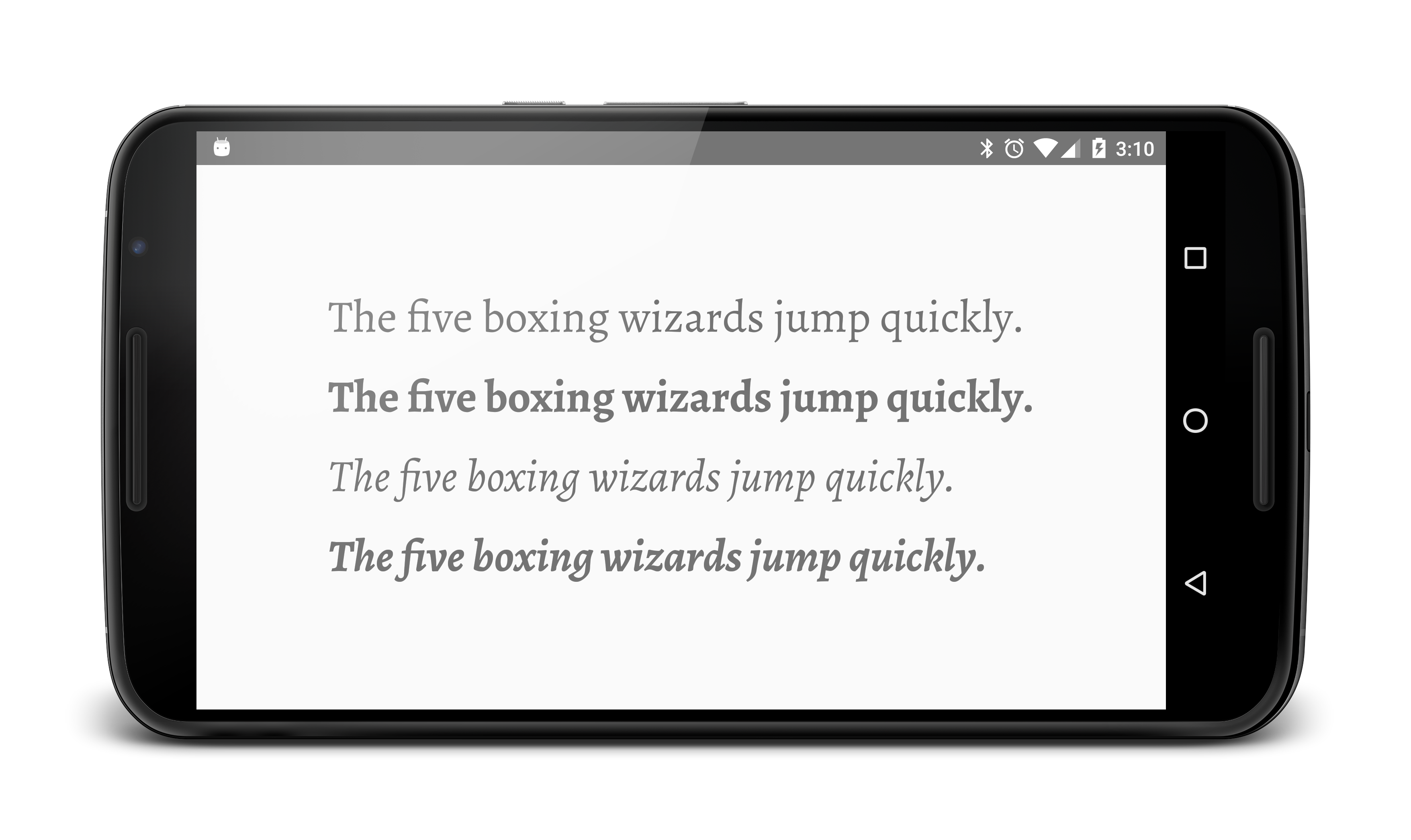
This example includes a simple font cache that automatically loads names from your `assets/fonts` folder and lazy-loads typefaces. Just drag and drop font files and use them in XML by their normal or lowercase filenames (e.g. "Roboto-Italic" or "roboto-italic" for `Roboto-Italic.otf`). That's it!
### Data Binding
Make sure to use the data binding framework to inflate your layout.
```java
public class MainActivity extends AppCompatActivity {
@Override
protected void onCreate(Bundle savedInstanceState) {
super.onCreate(savedInstanceState);
DataBindingUtil.setContentView(this, R.layout.activity_main);
}
}
```
More about data binding: http://developer.android.com/tools/data-binding/guide.html
### Custom Naming
You can set custom names for your fonts, but you don't have to.
```java
FontCache.getInstance().addFont("alegreya", "Alegreya-Regular.ttf");
```
## Note:
It's not currently possible to define custom attributes in styles using data binding. If you require this, check out [Calligraphy](https://github.com/chrisjenx/Calligraphy) by Chris Jenx.