https://github.com/liushuchun/wechatcmd
提供微信终端版本、微信命令行版本聊天功能、微信机器人
https://github.com/liushuchun/wechatcmd
client golang mac terminal wechat wechat-bot wechat-sdk
Last synced: 5 months ago
JSON representation
提供微信终端版本、微信命令行版本聊天功能、微信机器人
- Host: GitHub
- URL: https://github.com/liushuchun/wechatcmd
- Owner: liushuchun
- License: gpl-3.0
- Created: 2016-06-16T07:54:41.000Z (almost 10 years ago)
- Default Branch: master
- Last Pushed: 2020-05-09T06:42:58.000Z (about 6 years ago)
- Last Synced: 2025-08-13T19:43:05.538Z (10 months ago)
- Topics: client, golang, mac, terminal, wechat, wechat-bot, wechat-sdk
- Language: Go
- Homepage:
- Size: 45.2 MB
- Stars: 712
- Watchers: 39
- Forks: 164
- Open Issues: 12
-
Metadata Files:
- Readme: README.md
- License: LICENSE
Awesome Lists containing this project
README
# wechatcmd [](http://github.com/liushuchun/wechatcmd) [](http://github.com/liushuchun/wechatcmd/fork) 
=================
## 微信命令行版本
开发这个命令行版本,一是为了熟悉微信的接口,二是方便咱们习惯命令行的同学。
现在是中文的支持不是很好,还没有什么特别好的解决方法。
项目还是远未完成,热烈欢迎有兴趣的朋友一起加入开发。
有什么建议可以提issue。谢谢,也欢迎直接提PR。
### 功能特性
1. 用户检索
2. 聊天表情包快捷键
3. 自动聊天
4. Vimer式快捷键让操作丝般顺滑
5. 更加Geek的feel.
### 键盘快捷键
Ctrl-n下一页
Ctrl-p上一页
Enter输入
Ctrl-c退出
Ctrl-1退出自动回复
Ctrl-2启用自动回复
Ctrl-3机器人自动回复(还没好)
### 运行bin文件
linux,mac,windows编好的包分别在install 下面的linux/ mac/ win/下。(windows暂时支持的不好,虽然是交叉编译可以运行,但是其UI机制和unix系差的很多,termui支持的并不是很好)
```
git clone git@github.com:liushuchun/wechatcmd.git
cd wechatcmd/install/
进入各自目录
```
### Mac安装
$ go get -u github.com/liushuchun/wechatcmd
### Linux安装
$ go get -u github.com/liushuchun/wechatcmd
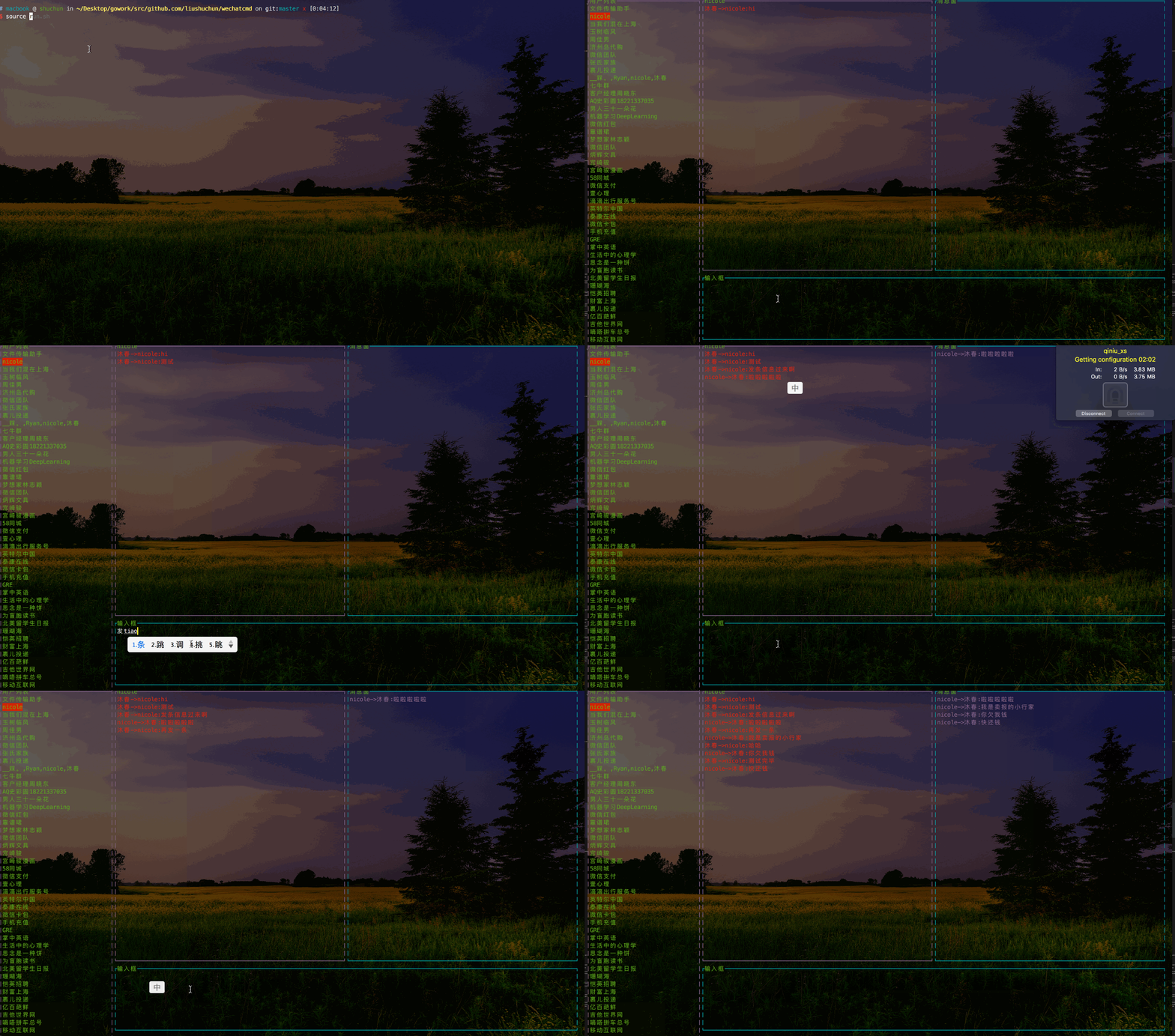
### 现在实现的界面:
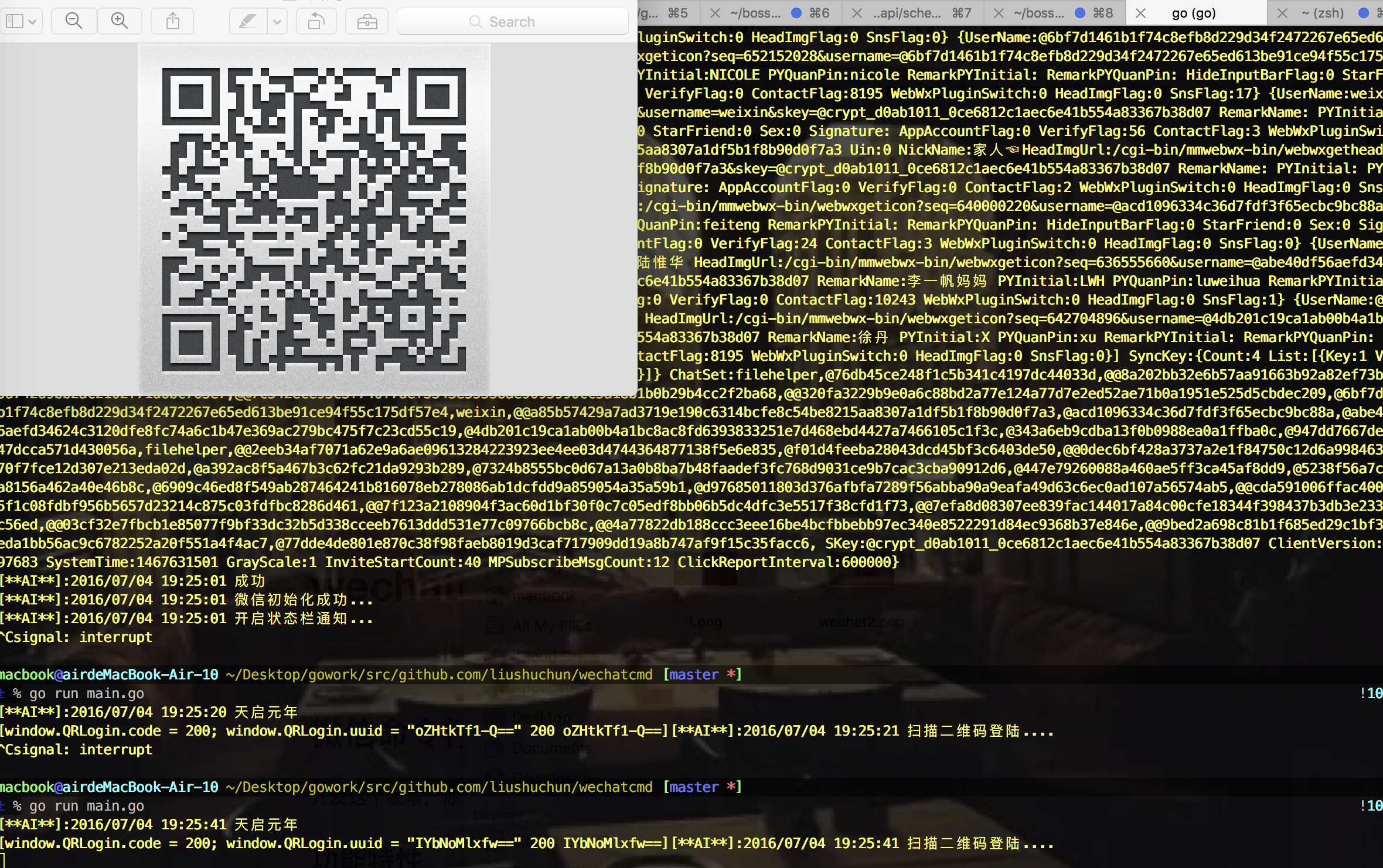
出现二维码之后,使用微信扫描二维码,进行登录。
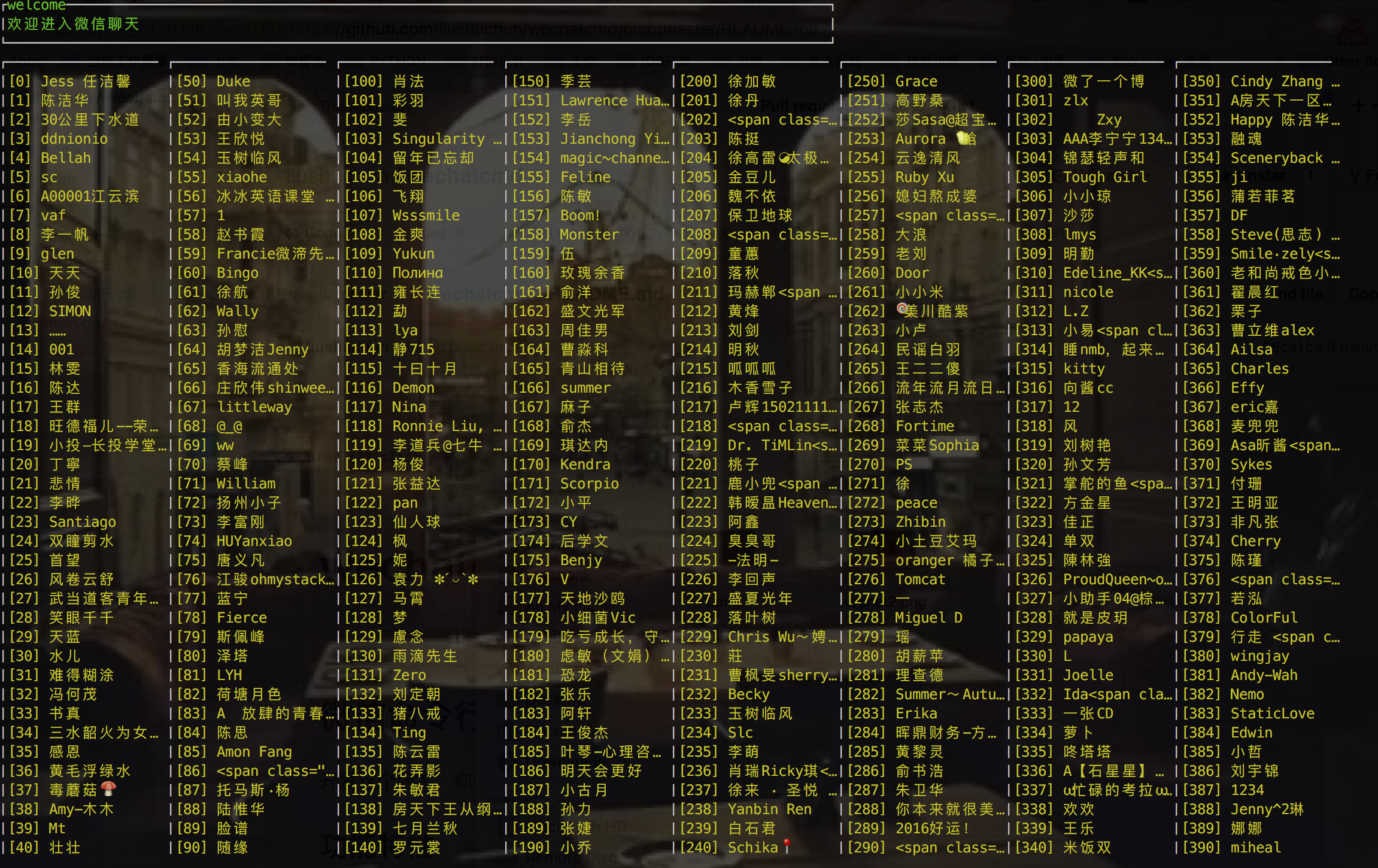
### 使用
$ wechatcmd
### 现在完成的功能
- [x] 实现微信登陆
- [x] 实现微信认证
- [x] 实现拉取用户信息
- [x] 同步消息
- [x] 设置自动回复:正在忙,稍后回来,等等。
- [x] 自动更新消息
- [x] 自动回复消息
- [x] 获取其他消息
- [x] 聊天
- [ ] 群聊
- [ ] 读取图片
- [ ] 自动保存消息到本地
- [ ] 表情包的翻译
### 由于工作太忙,后期已经没有精力继续开发,欢迎有兴趣的同学继续开发