https://github.com/loadept/qtheme
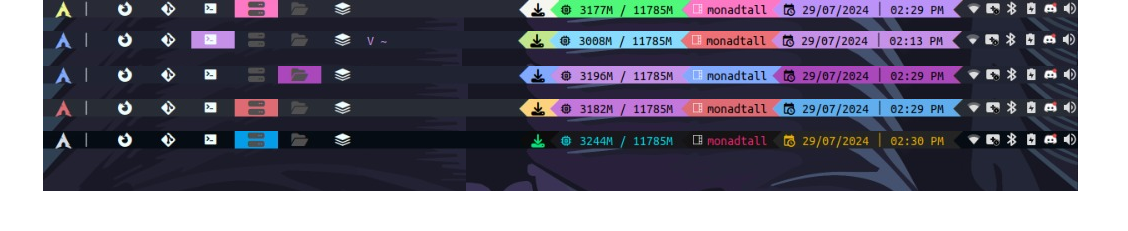
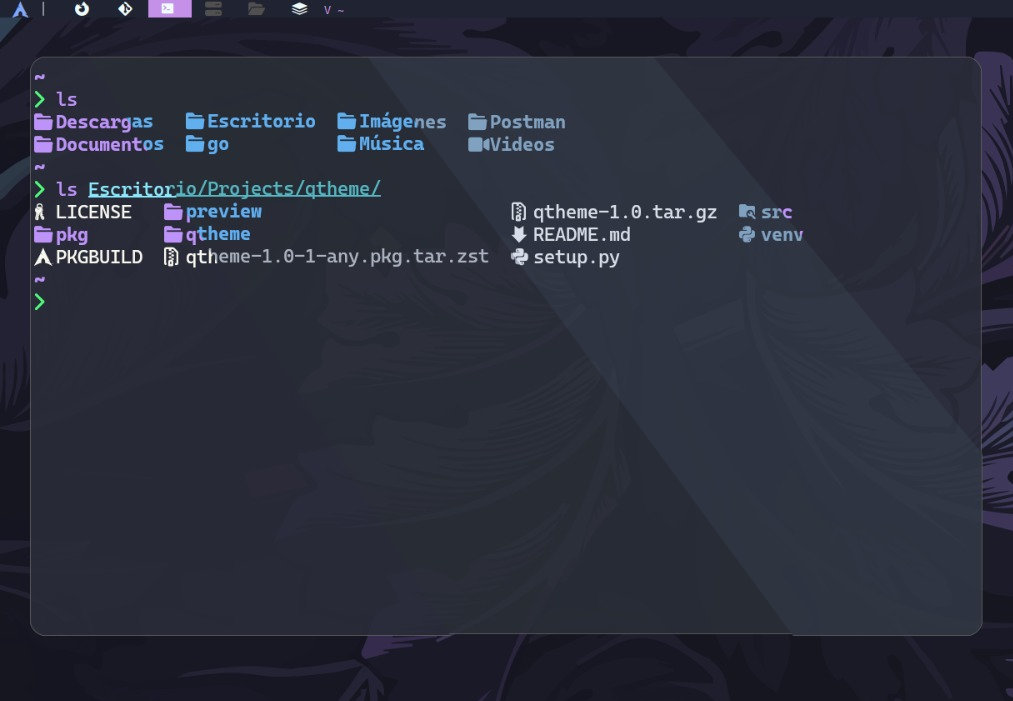
Terminal tool to manage themes, fonts, and more in qtile and kitty
https://github.com/loadept/qtheme
archlinux kitty-terminal linux python-script python3 qtile
Last synced: 3 months ago
JSON representation
Terminal tool to manage themes, fonts, and more in qtile and kitty
- Host: GitHub
- URL: https://github.com/loadept/qtheme
- Owner: loadept
- License: mit
- Created: 2024-07-29T14:45:11.000Z (almost 2 years ago)
- Default Branch: master
- Last Pushed: 2025-02-07T01:55:58.000Z (over 1 year ago)
- Last Synced: 2025-06-09T02:41:41.627Z (about 1 year ago)
- Topics: archlinux, kitty-terminal, linux, python-script, python3, qtile
- Language: Python
- Homepage: https://pypi.org/project/qtheme/
- Size: 583 KB
- Stars: 3
- Watchers: 1
- Forks: 0
- Open Issues: 0
-
Metadata Files:
- Readme: README.md
- License: LICENSE
Awesome Lists containing this project
README
# QTHEME
# Installation
```sh
git clone https://github.com/jsusmachaca/qtheme.git
cd qtheme
```
In Arch Linux
```sh
makepkg -si
```
In other distros
```sh
python setup.py build
python setup.py install
```
# Aplication
## Qtile
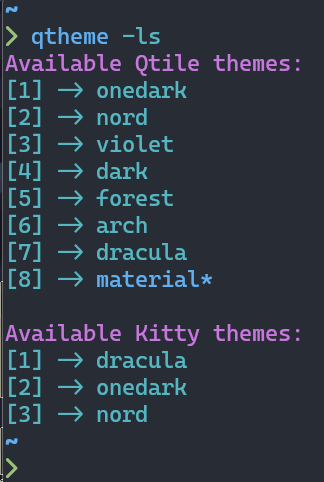
To list available themes for qtile and kitty
```sh
qtheme -ls
```
Output:
To change the qtile theme
```sh
qtheme --theme [theme]
```
To change the position of the bar
```sh
qtheme --position [top/bottom]
```
You can put the parameters together
```sh
qtheme -t nord -p t
```
## Kitty
To change the terminal theme
```sh
qtheme --terminal [theme]
```
To change the opacity
```sh
qtheme --terminal-opacity [opacity-value]
```
To change the terminal font family
```sh
qtheme --terminal-font [font-family]
```
## Qtile + Kitty
You can use the parameters together
```sh
qtheme -t onedark -To 0.80 -kf "UbuntuMono Nerd Font"
```
You can also use the qtile and kitty parameters
```sh
qtheme -t forest -p b -k onedark -ko 1 -kf "Hack Nerd Font"