https://github.com/loggingnewmemory/charamelon-conky
Charamelon is Conky Theme
https://github.com/loggingnewmemory/charamelon-conky
Last synced: about 1 month ago
JSON representation
Charamelon is Conky Theme
- Host: GitHub
- URL: https://github.com/loggingnewmemory/charamelon-conky
- Owner: LoggingNewMemory
- Created: 2021-09-22T04:25:44.000Z (over 4 years ago)
- Default Branch: main
- Last Pushed: 2021-09-22T05:40:35.000Z (over 4 years ago)
- Last Synced: 2025-08-01T18:07:43.300Z (11 months ago)
- Language: Shell
- Size: 5.86 KB
- Stars: 0
- Watchers: 1
- Forks: 0
- Open Issues: 0
-
Metadata Files:
- Readme: README.md
Awesome Lists containing this project
README
# Charamelon-Conky
Charamelon is Conky Theme based on LinuxScoop Conky
Youtube: https://www.youtube.com/channel/UCNnUnr4gwyNmzx_Bbzvt29g
You May Modify The Files For Your Needs
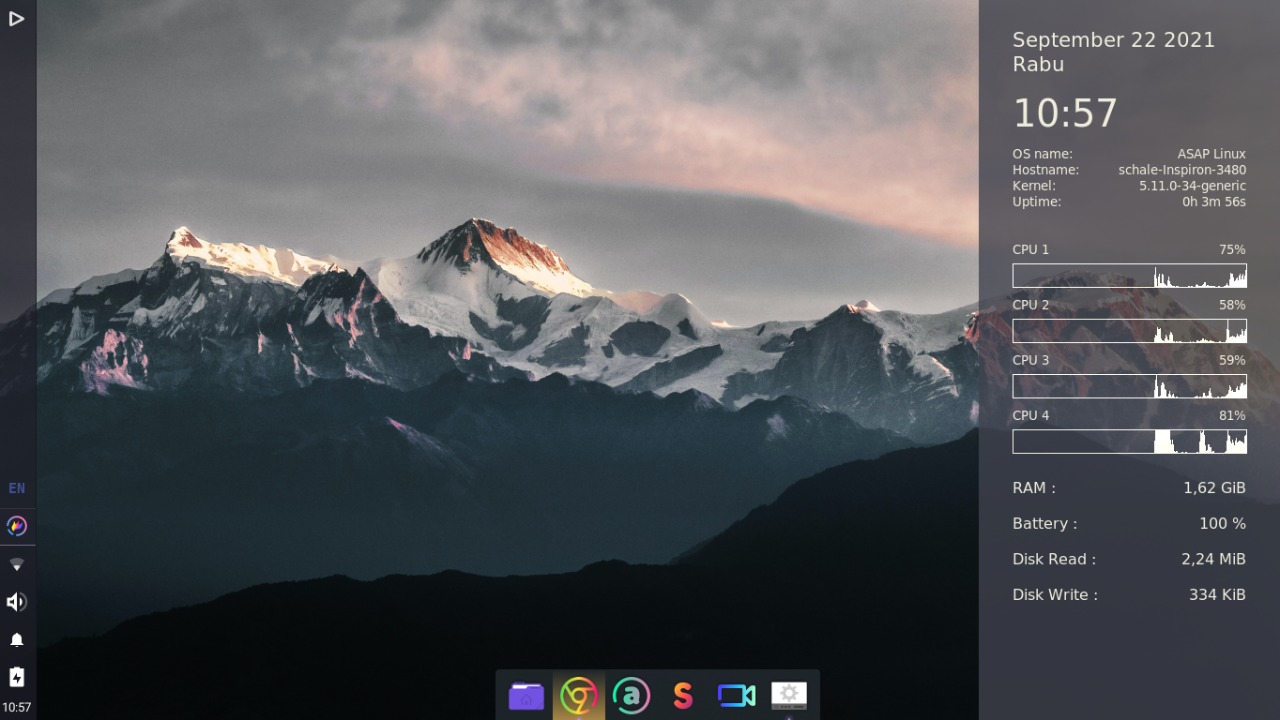
[Preview On Desktop]
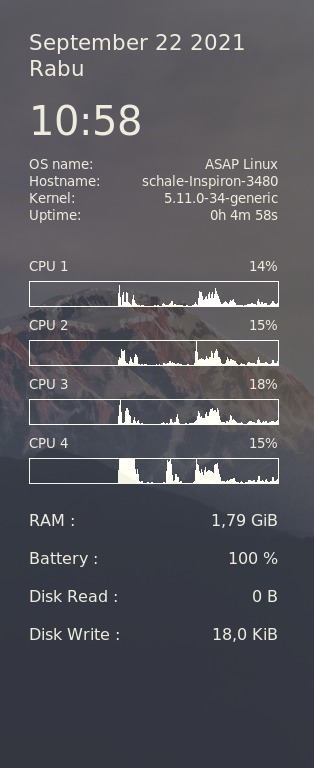
[Conky Only]
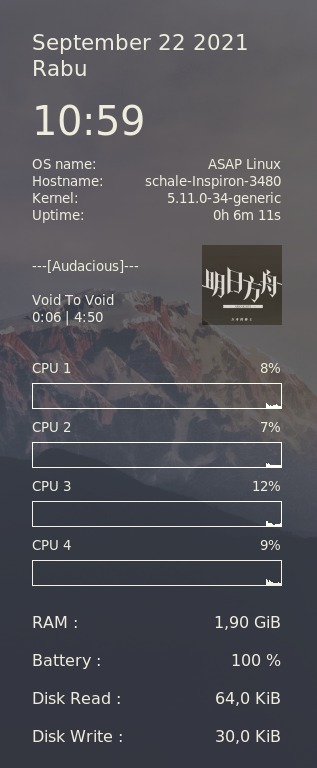
[Conky + Audacious]
Setup Audacious:
1. Go to Services > Plugins > General
2. Enable the "Song Change" Plugin
3. set the "Commands to run when starting a new song" to cp /tmp/audacious-temp* /tmp/audacious-cover.jpg
4. set the "Commands to run at the end of a song" to %n
Installing conky:
Ubuntu :
sudo apt install conky
Fedora :
sudo dnf install conky
openSUSE :
sudo zypper install conky
Arch linux:
sudo pacman -S conky
Installing the Conky Theme:
just copy all the files to /.config/conky
Note: if the conky folder doesn't exist just make the folder
Pardon Me For My Bad English