https://github.com/lordmauve/python-now
Interactive Python tutorial, in the browser
https://github.com/lordmauve/python-now
python tutorial
Last synced: over 1 year ago
JSON representation
Interactive Python tutorial, in the browser
- Host: GitHub
- URL: https://github.com/lordmauve/python-now
- Owner: lordmauve
- License: mit
- Created: 2020-02-06T21:01:24.000Z (over 6 years ago)
- Default Branch: master
- Last Pushed: 2020-07-23T17:12:29.000Z (almost 6 years ago)
- Last Synced: 2025-03-25T07:11:58.472Z (over 1 year ago)
- Topics: python, tutorial
- Language: JavaScript
- Homepage: https://lordmauve.github.io/python-now/
- Size: 1.21 MB
- Stars: 5
- Watchers: 4
- Forks: 3
- Open Issues: 2
-
Metadata Files:
- Readme: README.md
- Contributing: Contributing.md
- License: LICENSE
Awesome Lists containing this project
README
# Python Now
An interative Python tutorial in the browser, as a static site.
[Jump straight in!](https://lordmauve.github.io/python-now/).
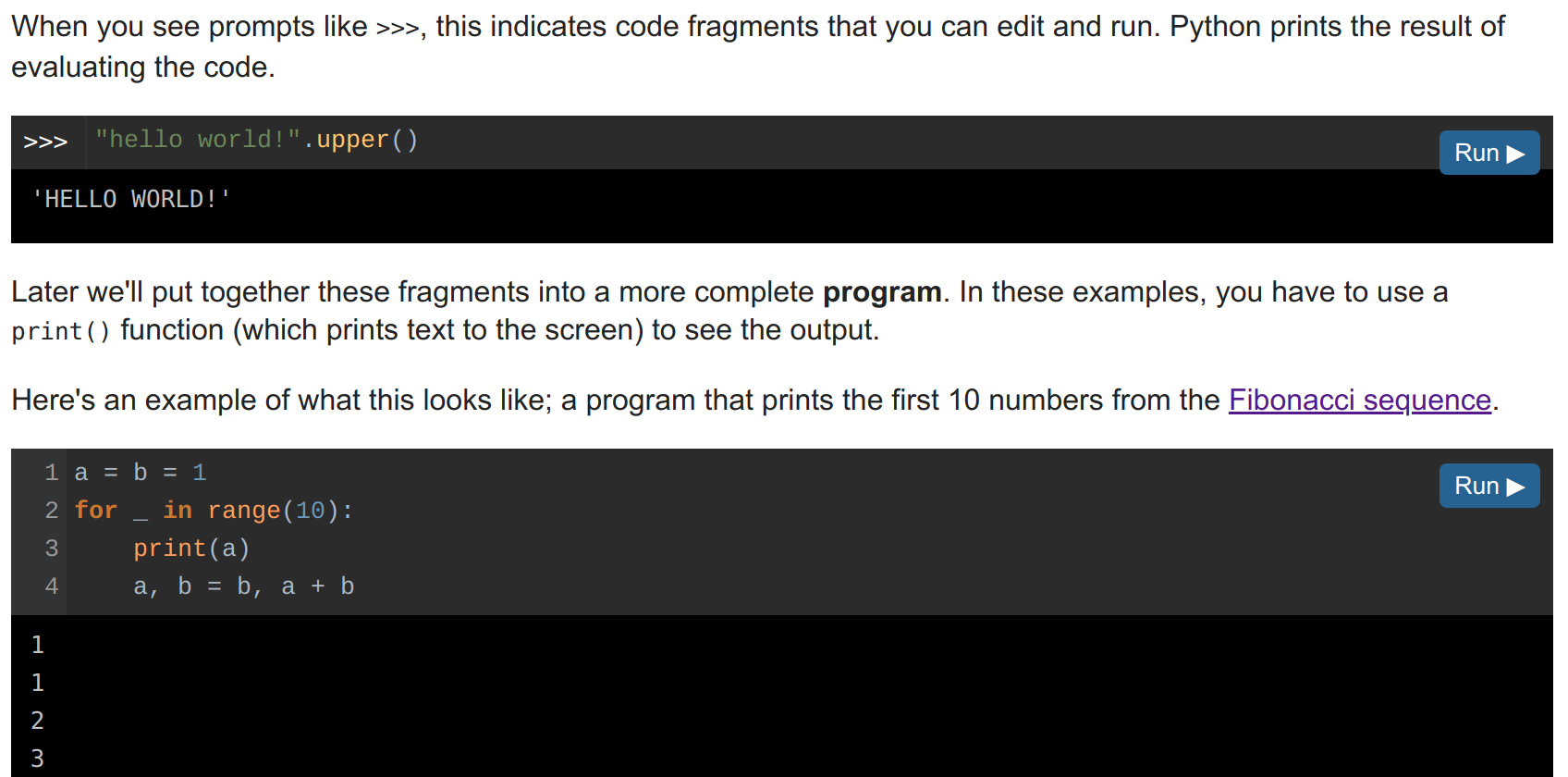
Example screenshot:
## Current status
This project is fully functional, but lacks content.
It can
* Render tutorial pages loaded as Markdown
* Edit and run code, and display output
* Navigate between pages
If you'd like to contribute, you can write content
([it's just Markdown](https://github.com/lordmauve/python-now/tree/master/lessons)),
or check out the [issues](https://github.com/lordmauve/python-now/issues).
## Running
To see the tutorial, serve index.html using a web server:
```
$ python3 -m http.server
```
To run the code in an editor, press `Ctrl-Enter`.
## Adding content
* Content is under `lessons/` in Markdown format.
* The navigation panel is in `index.html` in HTML format.
While developing a lesson, you can press `Ctrl-R` to reload the current lesson
more quickly than reloading the page.