https://github.com/luastoned/obs-csgo
OBS Plugin to capture CS:GO with Trusted Mode enabled
https://github.com/luastoned/obs-csgo
csgo obs streamlabs
Last synced: about 1 year ago
JSON representation
OBS Plugin to capture CS:GO with Trusted Mode enabled
- Host: GitHub
- URL: https://github.com/luastoned/obs-csgo
- Owner: luastoned
- License: mit
- Created: 2021-04-21T16:55:15.000Z (over 5 years ago)
- Default Branch: main
- Last Pushed: 2021-04-22T14:56:10.000Z (over 5 years ago)
- Last Synced: 2025-03-24T03:02:45.352Z (over 1 year ago)
- Topics: csgo, obs, streamlabs
- Language: C++
- Homepage:
- Size: 43.9 KB
- Stars: 105
- Watchers: 4
- Forks: 9
- Open Issues: 4
-
Metadata Files:
- Readme: README.md
- License: LICENSE
Awesome Lists containing this project
README
# OBS Plugin to capture CS:GO with Trusted Mode enabled
[](https://twitter.com/OBSProject/status/1281016442733854725)
Ever since Valve introduced [Trusted Mode](https://blog.counter-strike.net/index.php/2020/07/30991/) you could no longer capture Counter-Strike: Global Offensive without using `-allow_third_party_software` in your start parameters.
This is not desireable, as it might have a negative impact on your game experience (Trust Factor).
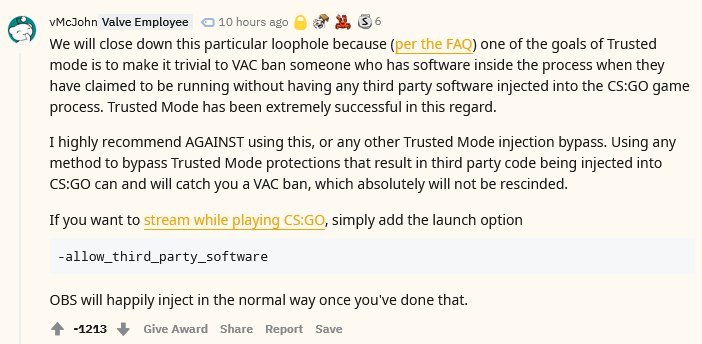
## 🚨 [Disclaimer from Valve / John McDonald](https://www.reddit.com/r/GlobalOffensive/comments/mvldce/i_created_an_obs_plugin_to_capture_csgo_with/gveoqgc?&context=3) 🚨
## How it works
Signed dlls from `C:\Windows\` are whitelisted, so this plugin will create a folder `obs-studio-hook` and copy the following two signed dlls from OBS there.
```
graphics-hook32.dll
graphics-hook64.dll
```
Further the library path in OBS will be patched to load the same dlls but from the new location.
## Download
[Go to the releases page.](https://github.com/luastoned/obs-csgo/releases)
## Installing the Plugin
Put `obs-csgo.dll` into the respective folder:
* OBS - `\obs-studio\obs-plugins\64bit`
* Streamlabs - `\Streamlabs OBS\resources\app.asar.unpacked\node_modules\obs-studio-node\obs-plugins\64bit`
## FAQ / Important Information
* Why does the popup require admin privileges?
* Copying anything to `C:\Windows\` requires admin privileges, so for the first time and when OBS updates the dlls, the plugin will ask you to start OBS/Streamlabs with admin privileges.
* Will VAC / FaceItAC / etc. ban me?
* This should have no effect on VAC / FaceIt / etc. since the original signed dlls from OBS are untouched and only copied to a different location. Check Valves response above.
* CS:GO crashes when the plugin is installed
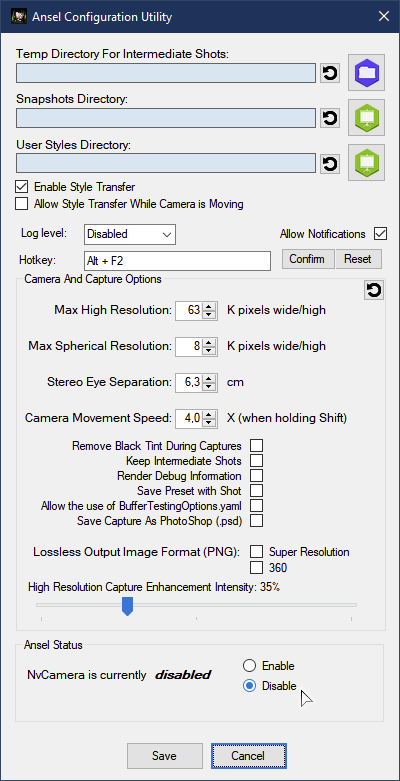
* It looks like this is a bug with Nvidia Ansel since one of their dlls gets blocked by CS:GO.
You will need to disable Ansel to stop CS:GO from crashing.
In your `C:\Program Files\NVIDIA Corporation\Ansel[\Tools]` you can find `NvCameraConfiguration.exe` application (needs admin privileges to run). After running it, a dialog window is displayed and in the bottom part you can find Ansel status frame, check disabled there, then Save.
## Donations
[](https://buymeacoffee.com/luastoned)
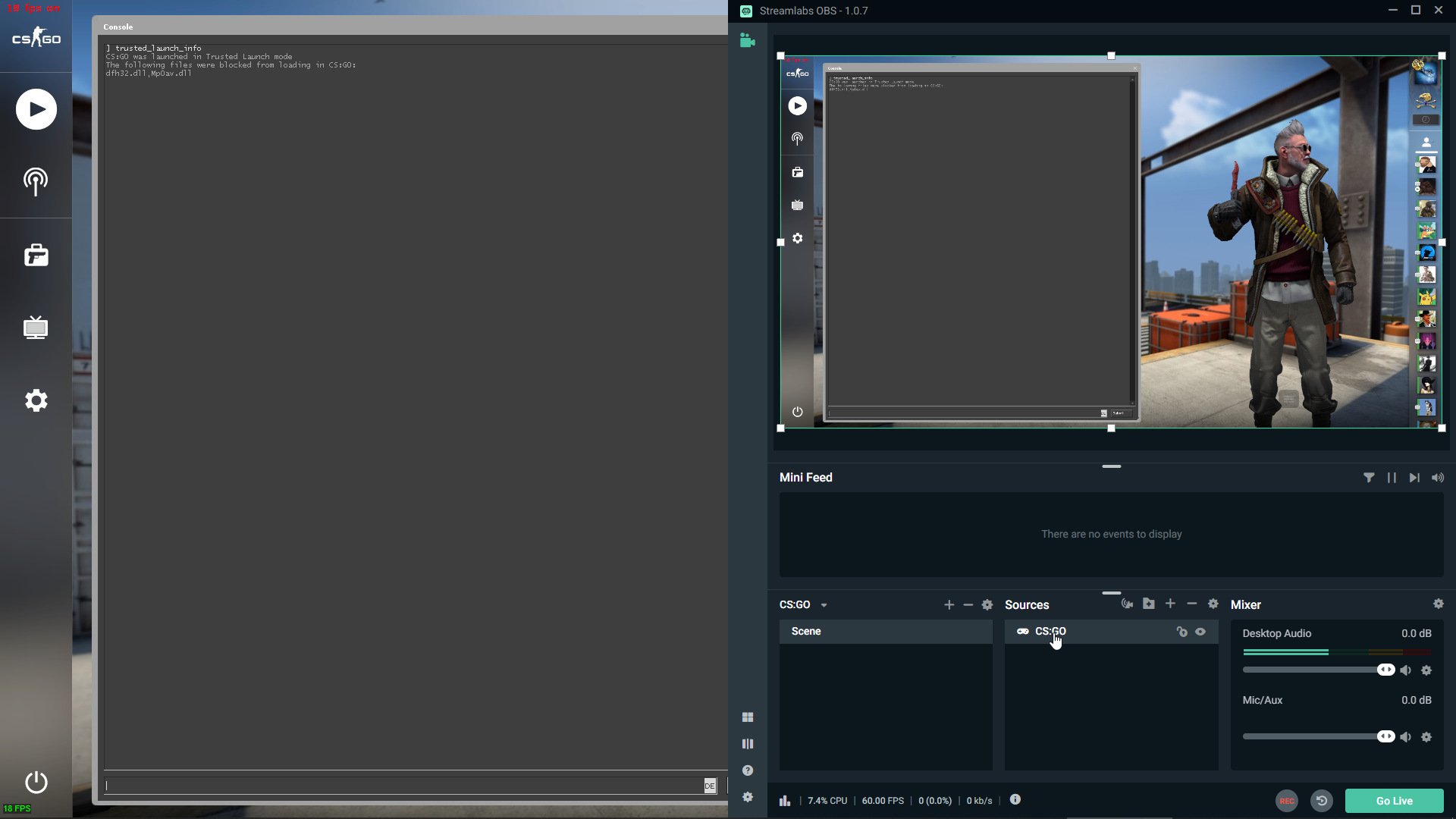
## Screenshots