https://github.com/lupyuen/lvgltest-nuttx
LVGL Test App for Apache NuttX RTOS
https://github.com/lupyuen/lvgltest-nuttx
lvgl nuttx pinecone pinedio riscv32 st7789
Last synced: 8 months ago
JSON representation
LVGL Test App for Apache NuttX RTOS
- Host: GitHub
- URL: https://github.com/lupyuen/lvgltest-nuttx
- Owner: lupyuen
- License: apache-2.0
- Created: 2022-04-03T23:13:53.000Z (about 4 years ago)
- Default Branch: main
- Last Pushed: 2022-08-19T03:28:32.000Z (almost 4 years ago)
- Last Synced: 2025-08-08T15:49:24.479Z (10 months ago)
- Topics: lvgl, nuttx, pinecone, pinedio, riscv32, st7789
- Language: C
- Homepage: https://github.com/lupyuen/pinedio-stack-nuttx
- Size: 79.1 KB
- Stars: 1
- Watchers: 2
- Forks: 0
- Open Issues: 0
-
Metadata Files:
- Readme: README.md
- Funding: .github/FUNDING.yml
- License: LICENSE
Awesome Lists containing this project
README
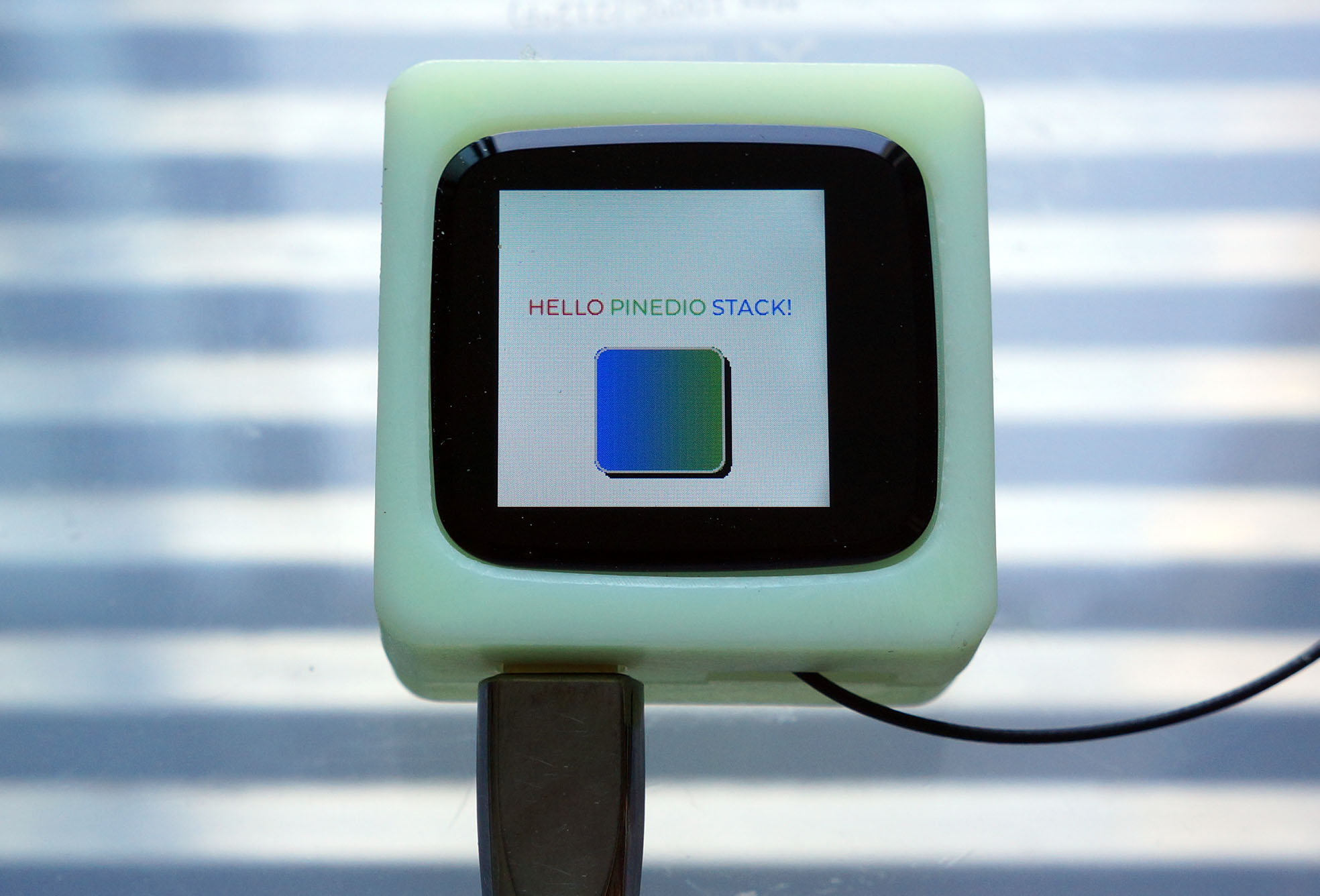
# LVGL Test App for Apache NuttX RTOS
Read the articles...
- ["PineDio Stack BL604 runs Apache NuttX RTOS"](https://lupyuen.github.io/articles/pinedio2)
- ["NuttX Touch Panel Driver for PineDio Stack BL604"](https://lupyuen.github.io/articles/touch)
This NuttX App is a simplified version of the LVGL Demo App for NuttX...
- [incubator-nuttx-apps/examples/lvgldemo](https://github.com/lupyuen/incubator-nuttx-apps/tree/pinedio/examples/lvgldemo)
# Install App
To add this repo to your NuttX project...
```bash
## TODO: Change this to the path of our "incubator-nuttx-apps/examples" folder
pushd nuttx/apps/examples
git submodule add https://github.com/lupyuen/lvgltest-nuttx lvgltest
popd
```
Then update the NuttX Build Config...
```bash
## TODO: Change this to the path of our "incubator-nuttx" folder
cd nuttx/nuttx
## Preserve the Build Config
cp .config ../config
## Erase the Build Config and Kconfig files
make distclean
## For PineDio Stack BL604: Configure the build for PineDio Stack BL604
./tools/configure.sh bl602evb:pinedio
## For BL602 / BL604: Configure the build for BL602 / BL604
./tools/configure.sh bl602evb:nsh
## For ESP32: Configure the build for ESP32.
## TODO: Change "esp32-devkitc" to our ESP32 board.
./tools/configure.sh esp32-devkitc:nsh
## Restore the Build Config
cp ../config .config
## Edit the Build Config
make menuconfig
```
In menuconfig, enable the LVGL Test App under "Application Configuration" → "Examples".
To run the app, enter this in the NuttX Shell...
```bash
lvgltest
```