https://github.com/luqmanoop/use-kbd-list
Add full keyboard navigation support to your list component
https://github.com/luqmanoop/use-kbd-list
Last synced: about 2 months ago
JSON representation
Add full keyboard navigation support to your list component
- Host: GitHub
- URL: https://github.com/luqmanoop/use-kbd-list
- Owner: luqmanoop
- License: mit
- Created: 2023-05-14T11:37:22.000Z (about 3 years ago)
- Default Branch: main
- Last Pushed: 2023-05-21T20:31:34.000Z (about 3 years ago)
- Last Synced: 2025-10-08T22:01:09.778Z (8 months ago)
- Language: TypeScript
- Homepage: https://use-kbd-list.vercel.app
- Size: 38.1 KB
- Stars: 1
- Watchers: 1
- Forks: 0
- Open Issues: 0
-
Metadata Files:
- Readme: readme.md
- Changelog: CHANGELOG.md
- License: license
Awesome Lists containing this project
README
# use-kbd-list
> Add full keyboard navigation support to your list components
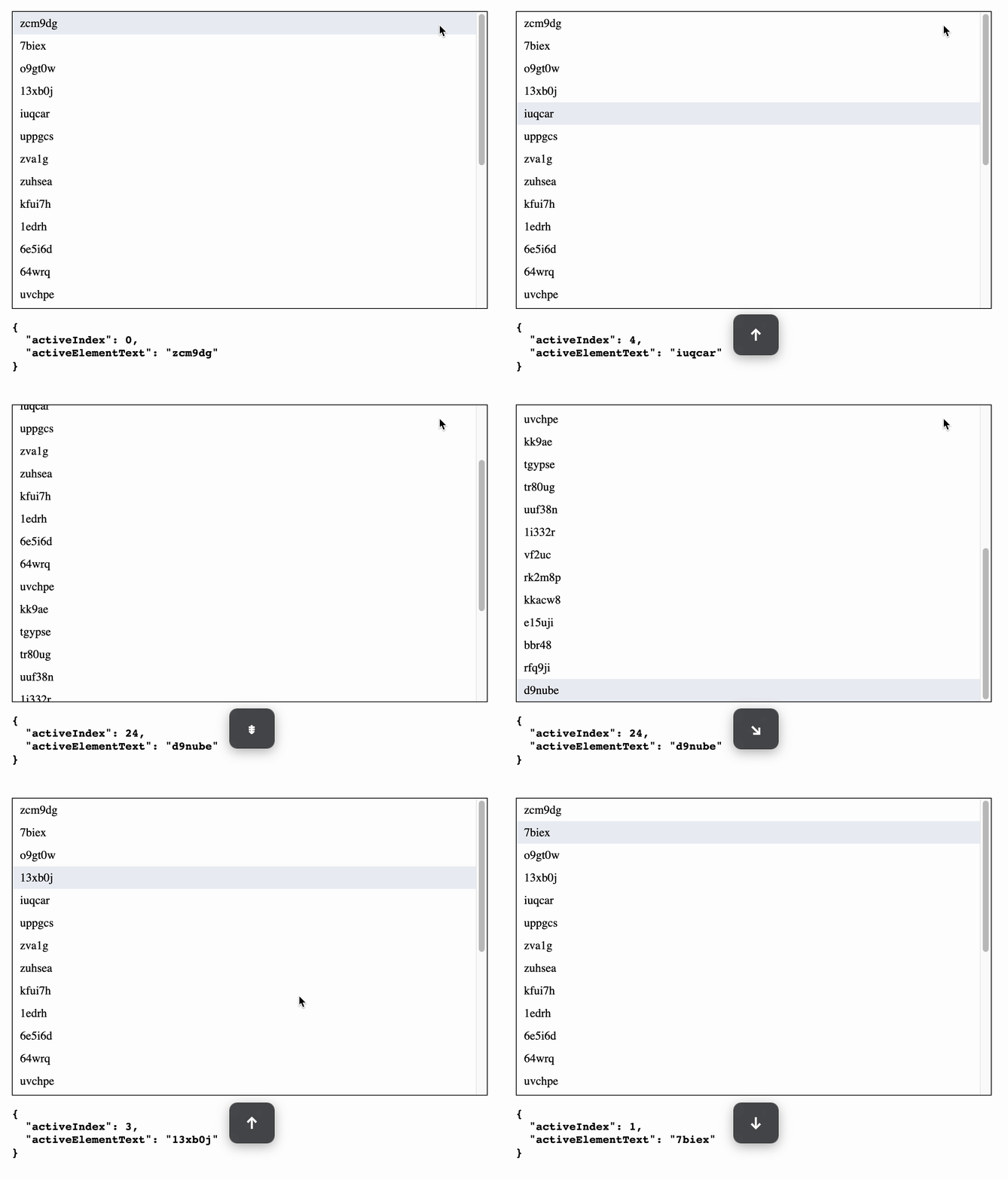
Add `ArrowDown`, `ArrowUp`, `PageDown`, `PageUp`, `Home` & `End` keyboard support w/ smooth scrolling to your list component.
Live demo https://use-kbd-list.vercel.app
## Install
```sh
npm install use-kbd-list
```
## Example
```tsx
import { useKbdList } from "use-kbd-list";
function App() {
const {
ref, // scroll container ref
activeIndex, // index of the element navigated to
activeElement, // element navigated to
handleLeave, // handler function for the scroll container onMouseLeave, onPointerLeave event
handleMove // handler function for the list item onMouseMove, onPointerMove event
} = useKbdList(myList.length, "data-index");
console.log(activeElement?.textContent);
return (
-
{item}
{myList.map((item, index) => (
))}
);
}
```
## API
`useKbdList(listLength, listItemIndexAttribute, options)`
### listLength
The length of your list e.g. `users.length`
Type: `number`
Required: `true`
### listItemIndexAttribute
The name of an attribute set on the list item. You could use anything else other `data-index` as the attribute name
NOTE: **The value of this attribute must be the index of the list item in the list** e.g.
```tsx
const App = () => {
useKbdList(items, "data-index");
...
return (
-
{item}
{items.map((item, index) => (
))}
);
};
```
### options
`react-hotkeys-hooks` [options](https://github.com/JohannesKlauss/react-hotkeys-hook#options)
Type: `object`
Required: `false`
E.g. If you want the hook to run while an input is focused, like in a ComboBox
```tsx
useKbdList(myList.length, "data-index", {
enableOnFormTags: true
});
```