https://github.com/lyskouski/flutter_grid_layout
Grid Layout (CSS) for Flutter
https://github.com/lyskouski/flutter_grid_layout
flutter flutter-examples flutter-layout
Last synced: 2 months ago
JSON representation
Grid Layout (CSS) for Flutter
- Host: GitHub
- URL: https://github.com/lyskouski/flutter_grid_layout
- Owner: lyskouski
- License: mit
- Created: 2023-09-09T09:47:22.000Z (almost 3 years ago)
- Default Branch: main
- Last Pushed: 2023-12-28T20:18:02.000Z (over 2 years ago)
- Last Synced: 2025-06-26T12:51:53.535Z (about 1 year ago)
- Topics: flutter, flutter-examples, flutter-layout
- Language: C++
- Homepage:
- Size: 313 KB
- Stars: 1
- Watchers: 1
- Forks: 0
- Open Issues: 0
-
Metadata Files:
- Readme: README.md
- Changelog: CHANGELOG.md
- Funding: .github/FUNDING.yml
- License: LICENSE
Awesome Lists containing this project
README
# Grid Layout (CSS) for Flutter
[](https://github.com/lyskouski/flutter_grid_layout/actions/workflows/test.yml)
[](https://github.com/lyskouski/flutter_grid_layout/actions/workflows/build.yml)


Embracing a grid layout is essential for creating adaptable and user-friendly digital designs. Grids ensure visual consistency, prioritize content, and seamlessly adapt to various screen sizes, enhancing the overall user experience across devices and displays.
## Features
- Basic implementation of [CSS Grid](https://css-tricks.com/snippets/css/complete-guide-grid/).
## Getting started
https://pub.dev/packages/flutter_grid_layout
```bash
flutter pub add flutter_grid_layout
```
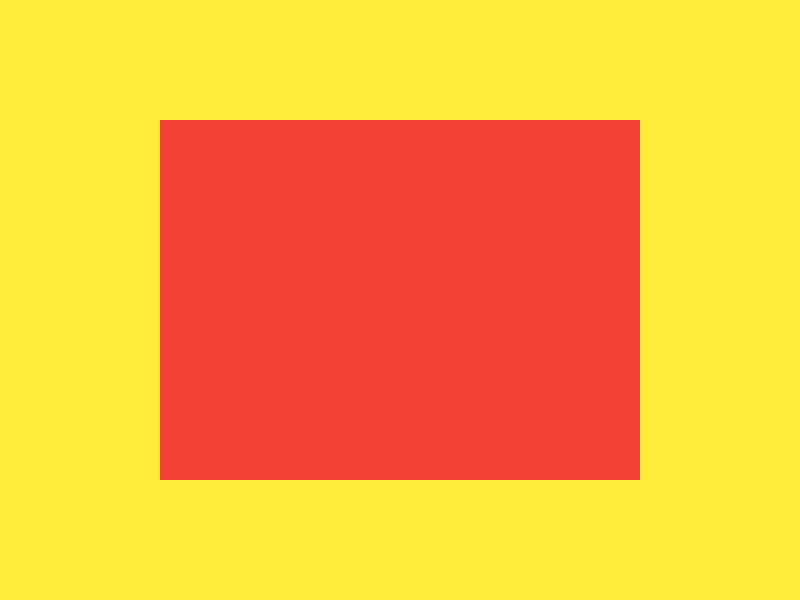
## Simple Sample
```dart
GridContainer(
columns: [0.2, null, 0.2],
rows: [0.2, null, 0.2],
children: [
GridItem(
start: const Size(1, 1),
end: const Size(2, 2),
child: Container(color: Colors.red),
)
],
),
```
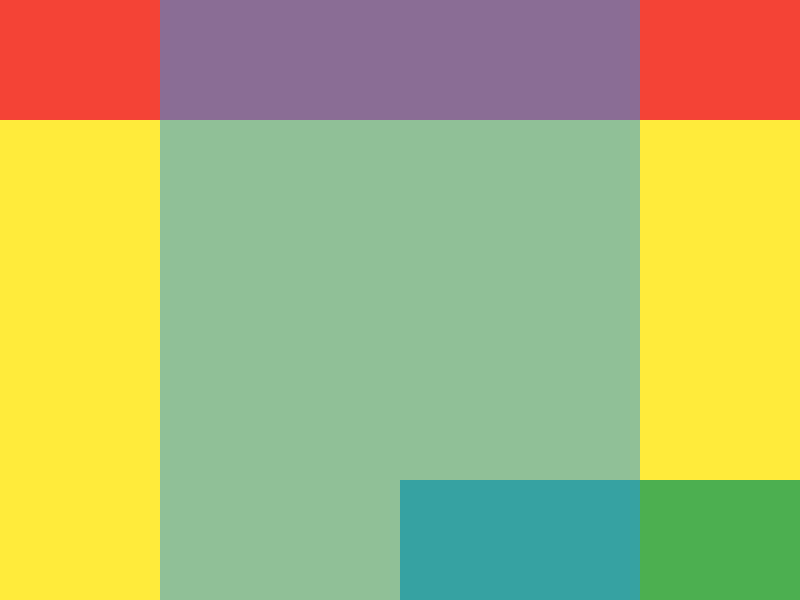
## Multiple Items with different layers
```dart
GridContainer(
columns: [0.2, 0.3, 0.3, 0.2],
rows: [0.2, 0.3, 0.3, 0.2],
children: [
GridItem(
start: const Size(0, 0),
end: const Size(4, 1),
child: Container(color: Colors.red),
),
GridItem(
start: const Size(1, 0),
end: const Size(3, 4),
order: 1,
child: Container(color: Colors.blue.withOpacity(0.5)),
),
GridItem(
start: const Size(2, 3),
end: const Size(4, 4),
child: Container(color: Colors.green),
),
],
),
```
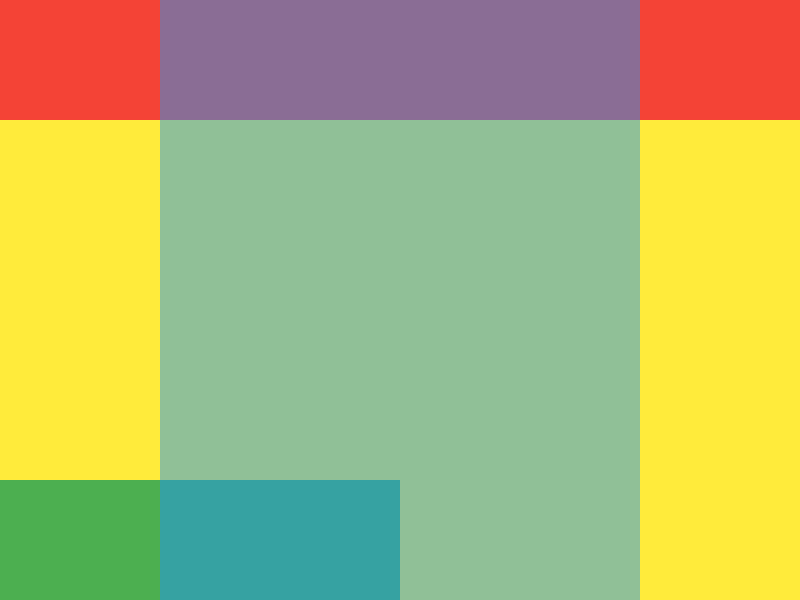
## Reversed Multiple Items with different layers
```dart
GridContainer(
alignment: MainAxisAlignment.end,
columns: [0.2, 0.3, 0.3, 0.2],
rows: [0.2, 0.3, 0.3, 0.2],
children: [
GridItem(
start: const Size(0, 0),
end: const Size(4, 1),
child: Container(color: Colors.red),
),
GridItem(
start: const Size(1, 0),
end: const Size(3, 4),
order: 1,
child: Container(color: Colors.blue.withOpacity(0.5)),
),
GridItem(
start: const Size(2, 3),
end: const Size(4, 4),
child: Container(color: Colors.green),
),
],
),
```
In addition to thanking, you may [treat us to :coffee:](https://www.buymeacoffee.com/lyskouski).