https://github.com/m-sarabi/rain-char
A lightweight JavaScript library that creates a 'Matrix-style' falling character effect with depth. Customize the font, colors, character range, and animation speed for dynamic visual effects on your webpage.
https://github.com/m-sarabi/rain-char
animation-library canvas cdn effect effects falling-code hacking javascript jsdelivr library matrix visual-effects
Last synced: 7 months ago
JSON representation
A lightweight JavaScript library that creates a 'Matrix-style' falling character effect with depth. Customize the font, colors, character range, and animation speed for dynamic visual effects on your webpage.
- Host: GitHub
- URL: https://github.com/m-sarabi/rain-char
- Owner: m-sarabi
- License: mit
- Created: 2024-08-20T17:48:32.000Z (almost 2 years ago)
- Default Branch: main
- Last Pushed: 2025-10-06T18:56:43.000Z (9 months ago)
- Last Synced: 2025-10-06T18:59:06.797Z (9 months ago)
- Topics: animation-library, canvas, cdn, effect, effects, falling-code, hacking, javascript, jsdelivr, library, matrix, visual-effects
- Language: JavaScript
- Homepage: http://m-sarabi.ir/rain-char/
- Size: 900 KB
- Stars: 8
- Watchers: 1
- Forks: 0
- Open Issues: 0
-
Metadata Files:
- Readme: readme.md
- Changelog: changelog.md
- License: LICENSE
Awesome Lists containing this project
README
# RainChar - Customizable Matrix Rain Effect




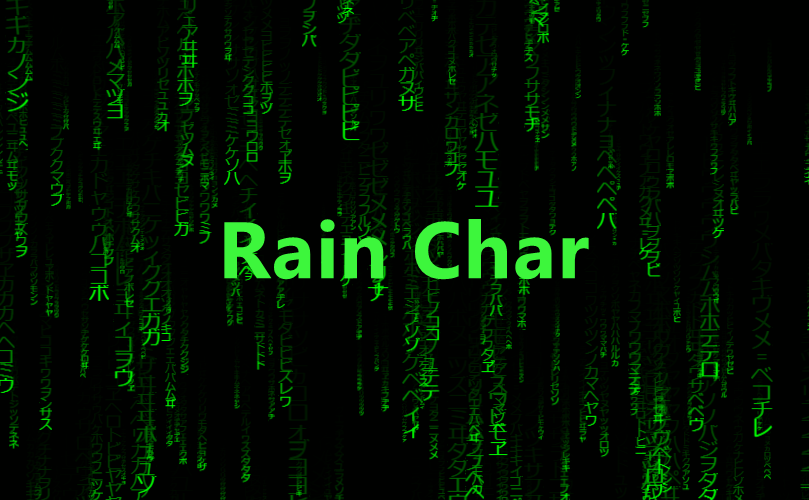
Bring the iconic, "Matrix" digital rain effect to your website with just a few lines of code.
This library is built with modern web technologies for maximum performance. It offloads all the heavy animation and rendering logic to a Web Worker, ensuring your main UI thread stays smooth and responsive.
### [➡️ Check out the live demo here! ⬅️](https://m-sarabi.ir/rain-char/)
Play with all the settings and see it in action.
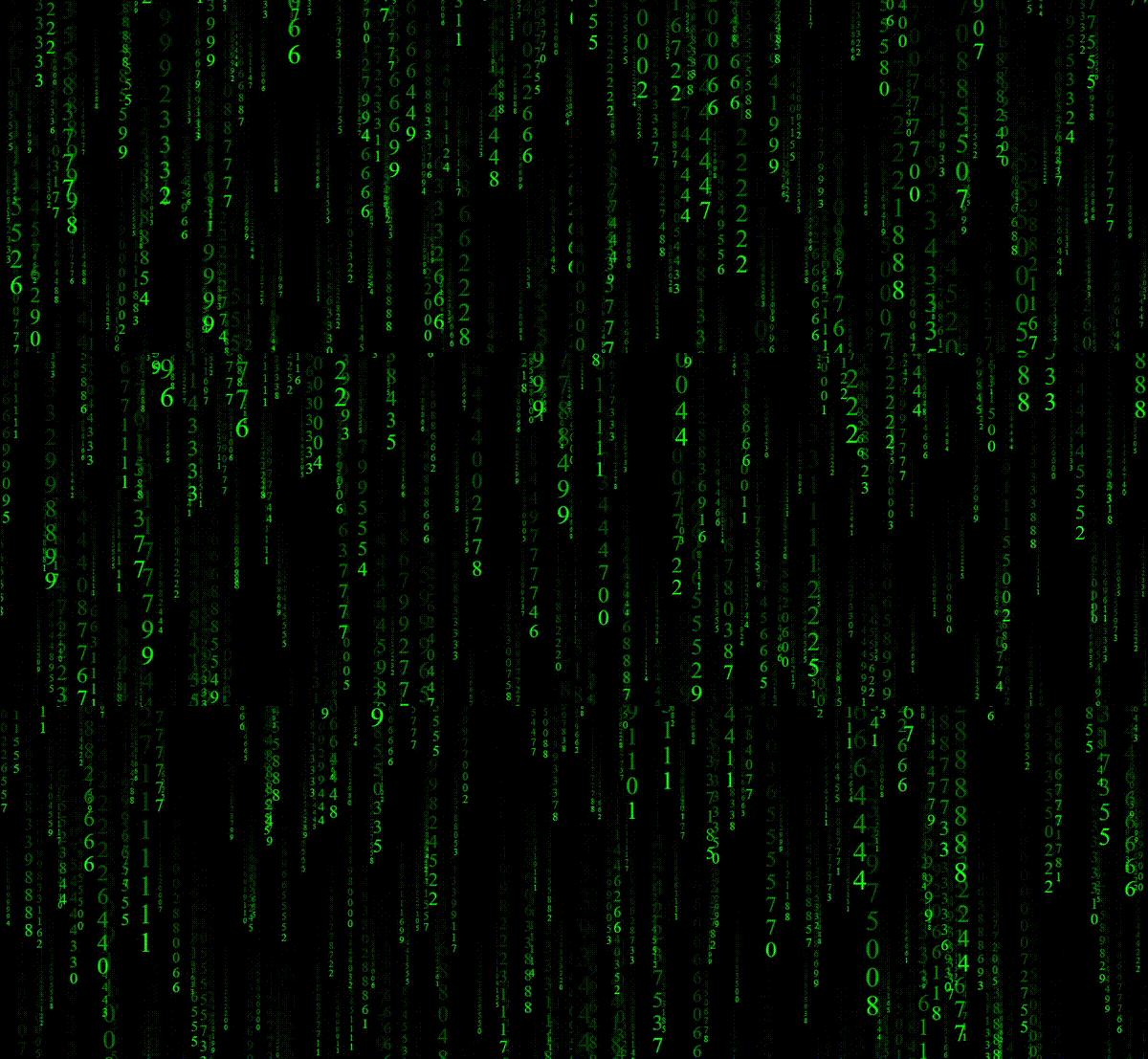
### Key Features
- **Blazing Fast:** Uses `OffscreenCanvas` in a Web Worker to keep your main thread free.
- **Highly Customizable:** Colors, character sets, font sizes, rain density, trail length, and more.
- **Easy to Use:** A simple and clean API.
- **Responsive:** Automatically observes and adapts to the new size.
- **Lightweight:** No dependencies, just pure JavaScript.
## 💻 Quick Start
The easiest way to get started is by using the JSDelivr CDN.
### 1. CDN
Just add a `` element to your HTML, and include the script.
```html
Rain Char Demo
// Find your canvas element
const canvas = document.getElementById('my-canvas');
// Create a new instance
const rain = new RainChar(canvas);
// Let it rain!
rain.start();
```
### 2. NPM / Yarn
If you're using a bundler like Vite, Webpack, or Rollup:
```bash
# Using npm
npm install rain-char
# Using yarn
yarn add rain-char
```
Then, you can import it into your project:
```javascript
import RainChar from 'rain-char';
const canvas = document.querySelector('#my-canvas');
// Create a new instance with some custom settings
const rain = new RainChar(canvas, {
fg: '#00ccff',
density: 0.05,
charRange: '0123456789',
});
// Let it rain!
rain.start();
```
## ⚙️ Configuration Options
You can pass a settings object as the second argument to the `RainChar` constructor. Here are all the available options:
| Option | Type | Default | Description |
|------------------|------------------------------------------|--------------------|-------------------------------------------------------------------------------------------------|
| `font` | `string` | `'monospace'` | The CSS `font-family` to use for the characters. |
| `charSize` | `[number, number]` | `[10, 40]` | The minimum and maximum font size for the characters. |
| `charRange` | `string` \| `[number, number]` \| `[][]` | `[0x0021, 0x007e]` | Characters to use. Can be a string, a single Unicode range `[min, max]`, or an array of ranges. |
| `bg` | `string` | `'black'` | Background color in a CSS-compatible format. |
| `fg` | `string` | `'limegreen'` | Font color in a CSS-compatible format. |
| `fps` | `number` | `60` | The maximum frames per second for the animation. |
| `density` | `number` | `0.2` | How dense the rain is (0 to 1). A larger value means more characters. |
| `trailDecay` | `number` | `0.2` | The length of the character trails (0 to 1). A smaller value means a longer, more faded trail. |
| `charSpacing` | `number` | `0.5` | The vertical gap between characters in a stream. `1` means they are tightly packed. |
| `charChangeFreq` | `number` | `0.25` | How often characters change (0 to 1). A lower value means characters change less frequently. |
## 🕹️ API Methods
Here are the public methods you can call on your `RainChar` instance.
- `rain.start()`: Starts or resumes the animation.
- `rain.pause()`: Pauses the animation. Call `start()` to resume.
- `rain.stop()`: Stops the animation and completely clears the canvas.
- `rain.updateSetting(key, value)`: Updates a single setting on the fly.
```javascript
// Make the rain trails longer
rain.updateSetting('trailDecay', 0.05);
// Change the color to a nice shade of blue
rain.updateSetting('fg', '#3399FF');
```
- `rain.destroy()`: Stops the animation, terminates the Web Worker, and cleans up all resources. Use this when you're removing the effect from the page permanently, to prevent memory leaks.
## 📜 License
This project is licensed under the MIT License. See the [LICENSE](LICENSE) file for details.
---
Created by [Mohammad Sarabi](https://github.com/m-sarabi).