https://github.com/ma-px/tailwindcss-browser-based-builder
A browser-based build tool for Tailwind CSS that lets you generate your Tailwind CSS output directly in the browser, no Node.js or build setup required.
https://github.com/ma-px/tailwindcss-browser-based-builder
build build-tool builder builder-tools tailwind tailwindcss-v3 tailwindcss-v4 tainwindcss
Last synced: 2 months ago
JSON representation
A browser-based build tool for Tailwind CSS that lets you generate your Tailwind CSS output directly in the browser, no Node.js or build setup required.
- Host: GitHub
- URL: https://github.com/ma-px/tailwindcss-browser-based-builder
- Owner: ma-px
- Created: 2025-10-19T15:57:23.000Z (9 months ago)
- Default Branch: main
- Last Pushed: 2025-10-19T16:15:57.000Z (9 months ago)
- Last Synced: 2025-10-20T00:25:49.080Z (9 months ago)
- Topics: build, build-tool, builder, builder-tools, tailwind, tailwindcss-v3, tailwindcss-v4, tainwindcss
- Language: JavaScript
- Homepage:
- Size: 66.4 KB
- Stars: 0
- Watchers: 0
- Forks: 0
- Open Issues: 0
-
Metadata Files:
- Readme: README.md
Awesome Lists containing this project
README
# tailwindcss-browser-based-builder
A **browser-based build tool for Tailwind CSS** that lets you generate your Tailwind CSS output **directly in the browser**, no Node.js or build setup required.
---
## 🚀 Features
* Build Tailwind CSS styles entirely in the browser
* No need for Node.js or any external build tools
* Works across multiple HTML pages
* Supports copying both **unminified** and **minified** CSS outputs
---
## 🧩 Usage
1. **Add the scripts**
Include the two provided script tags on every page whose Tailwind classes you want to capture.
```html
```
2. **Capture Tailwind classes**
Once the scripts are added, start the capture process.
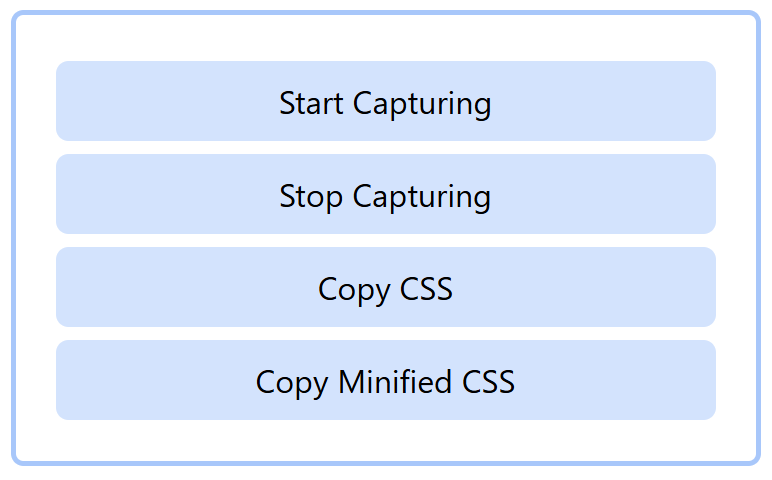
Visit each page that should contribute its Tailwind classes to the final stylesheet.
3. **Export the CSS**
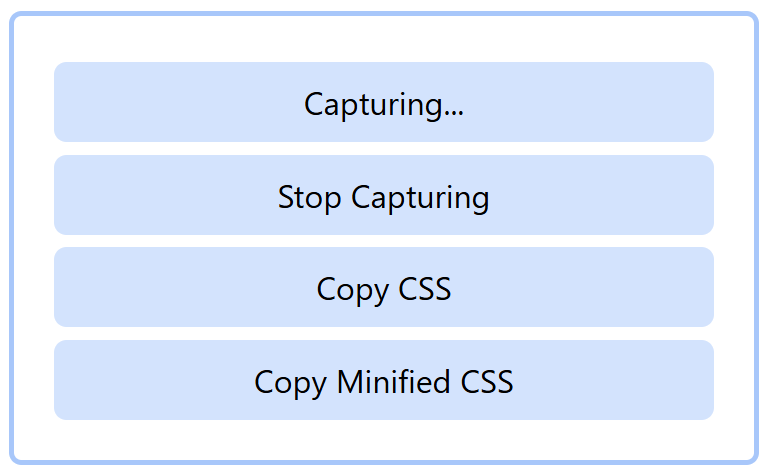
When you’re done capturing, click **Copy CSS** or **Copy Minified CSS** to copy the compiled Tailwind output.
---
## ⚠️ Important Notes
* This tool works **best with static pages** or sites where all Tailwind classes are already present in the DOM.
* For **highly dynamic web apps** (that add or remove elements at runtime), some Tailwind classes may not be captured — since this tool only detects classes that exist in the DOM at capture time.
* If your project dynamically injects new Tailwind classes, it’s recommended to:
* Use a proper Tailwind build setup (via Node.js), or
* Generate all possible class variants manually while capturing.
---
## 🧠 Supported Tailwind CSS Versions
* Tailwind CSS **v3**
* Tailwind CSS **v4**
---
## 📝 Example
After including these on your pages, start the capture process in the browser interface, visit all relevant pages, and copy your generated CSS.
---
## Browser Support
Works in all modern browsers that support ES modules.
## License
MIT © Ma Px
## Contributing
Contributions are welcome! Please feel free to submit a Pull Request.
## Issues
If you encounter any problems, please file an issue along with a detailed description.