https://github.com/maciekt07/todoapp
📝 React.js todo app with many features, including sharing tasks via link, theme customization and offline usage as a PWA.
https://github.com/maciekt07/todoapp
badge intl mui productivity productivity-app react-todo react-todo-app react-todo-list react-todolist task-manager to-do-app to-do-list todo todo-app todo-application todo-list todo-list-app todoapp todolist window-ai
Last synced: about 1 year ago
JSON representation
📝 React.js todo app with many features, including sharing tasks via link, theme customization and offline usage as a PWA.
- Host: GitHub
- URL: https://github.com/maciekt07/todoapp
- Owner: maciekt07
- License: mit
- Created: 2023-05-24T20:58:48.000Z (about 3 years ago)
- Default Branch: main
- Last Pushed: 2025-05-15T23:52:33.000Z (about 1 year ago)
- Last Synced: 2025-05-16T00:28:52.643Z (about 1 year ago)
- Topics: badge, intl, mui, productivity, productivity-app, react-todo, react-todo-app, react-todo-list, react-todolist, task-manager, to-do-app, to-do-list, todo, todo-app, todo-application, todo-list, todo-list-app, todoapp, todolist, window-ai
- Language: TypeScript
- Homepage: https://react-cool-todo-app.netlify.app/
- Size: 175 MB
- Stars: 229
- Watchers: 2
- Forks: 125
- Open Issues: 2
-
Metadata Files:
- Readme: README.md
- License: LICENSE
Awesome Lists containing this project
README
# 📝React.js Todo App
A fast and modern Todo app built with React, featuring task sharing via link, theme customization, offline usage as a PWA, and caching for smooth performance.
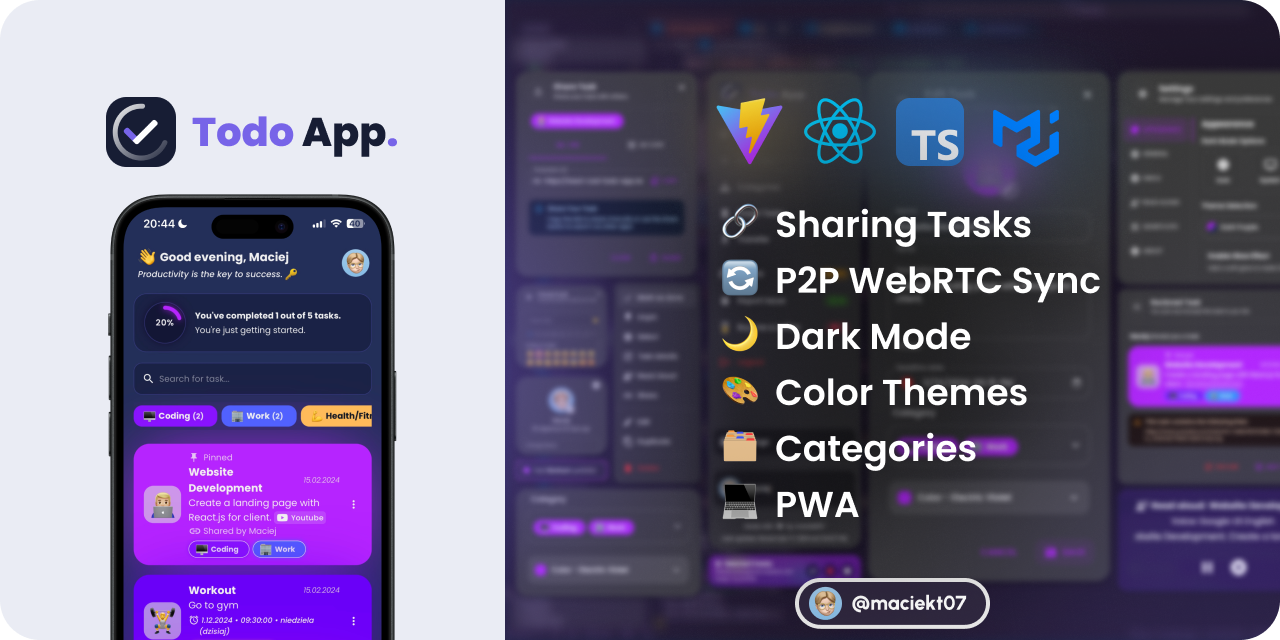
## [https://react-cool-todo-app.netlify.app/](https://react-cool-todo-app.netlify.app/)
[](https://app.netlify.com/sites/react-cool-todo-app/deploys)



## 💻 Tech Stack
-
React
-
Typescript
-
Vite
-
Vitest
-
Emotion
-
Material UI (MUI)
## ⚡ Features
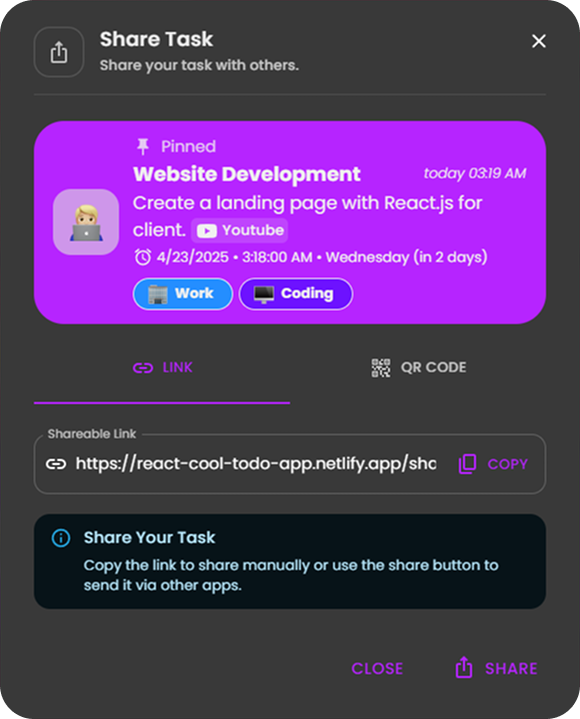
### 🔗 Share Tasks by Link or QR Code
Easily share your tasks with others using a link or QR code.
**[Example Link](https://react-cool-todo-app.netlify.app/share?task=N4IgJg9gdgpiBcAzAhgGwM4wDQgA4EspYwEAXAJwFdsQpkBbOeEAdRgCN19SYACAERgA3GKgi5GUUiBxgY6AMbl8uUvmgIQAYXIxkPXsl6pkUMIQDmvXMgt8A7twAWvAEp6FpAHQArdL0QIcl4FVHwYKS9eJ1JSXHR4AHpE+1SvAE8ISlJKdhgvBQh6FP0FJwB+IQBedgBZAGsoRABpAA0ASQAxAEEADgAyUiqAJgBmdH7kdgB9MtNYVCrEXRgtCDktBlwvIIsZEBh6CB98TQBGRABOMDOAWgvRxAVb4YAGV7B7xAAWdnZ9wpiciaADE7AAbMNvohEPswPomCA3sMAKy3V7fF6vAAqrzO8DOl3gr3BXleAHZRgAtOF6MBhWCaZFojEvUa4-FnXrE15k940nAKBEWILpBAAbVA+BIzFew0uwwU7GQaMQ4Jgw1u3zOCkx7BRyHJtwUKMuyFeyGQMAUiBgo32dEYmhYQXq+0Ox1OzAeGoBECBoKhvRgMJAAF8sFKZWdwb1yWdUdryd9waMyaMcI7EWtzFA9jgPSdzogDaqYK9YYL-UFQeCbsNQ2GALo4EzoUgAZWQIiZcpZmLeHPgb3go15oxR1PDQA&userName=Maciej)**
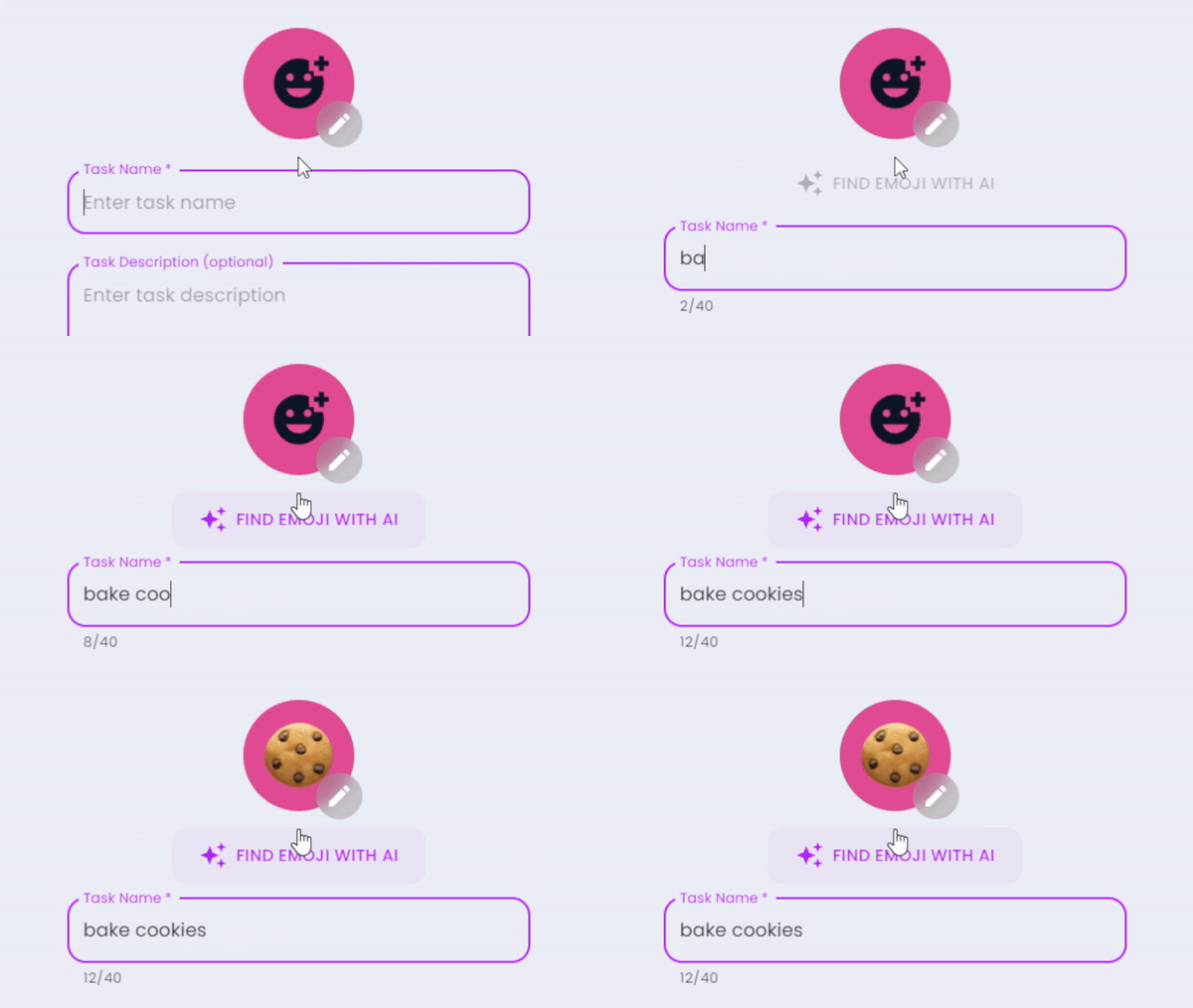
### 🤖 AI Emoji Suggestions
This uses `window.ai` which is an experimental feature that works only in dev version of Chrome with some flags enabled. [More info](https://afficone.com/blog/window-ai-new-chrome-feature-api/)
Code: [src/components/EmojiPicker.tsx](https://github.com/maciekt07/TodoApp/blob/main/src/components/EmojiPicker.tsx#L116)
### 🎨 Color Themes & Dark Mode
Choose from various color themes and toggle between light and dark modes to suit your preferences.

### 🗣️ Task Reading Aloud
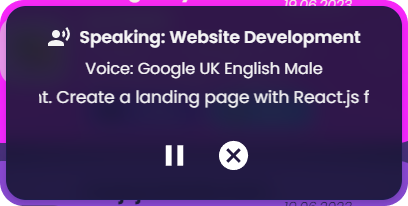
Option to have tasks read aloud using the native `SpeechSynthesis` API, with a selection of voices to choose from.
### 📥 Import/Export Tasks
Users can import and export tasks to/from JSON files. This feature allows users to back up their tasks or transfer them to other devices easily. [Example Import File](https://github.com/maciekt07/TodoApp/blob/main/example-import.json)
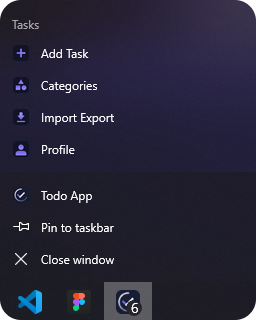
### 📴 Progressive Web App (PWA)
This app is a Progressive Web App (PWA), which means it can be installed on your device, **used even when you're offline** and behave like a native app with shortcuts and app badges.
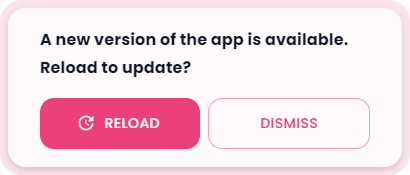
### 🔄 Update Prompt
The app features a custom update prompt that notifies users when a new version is available, allowing for easy refresh to access the latest improvements.
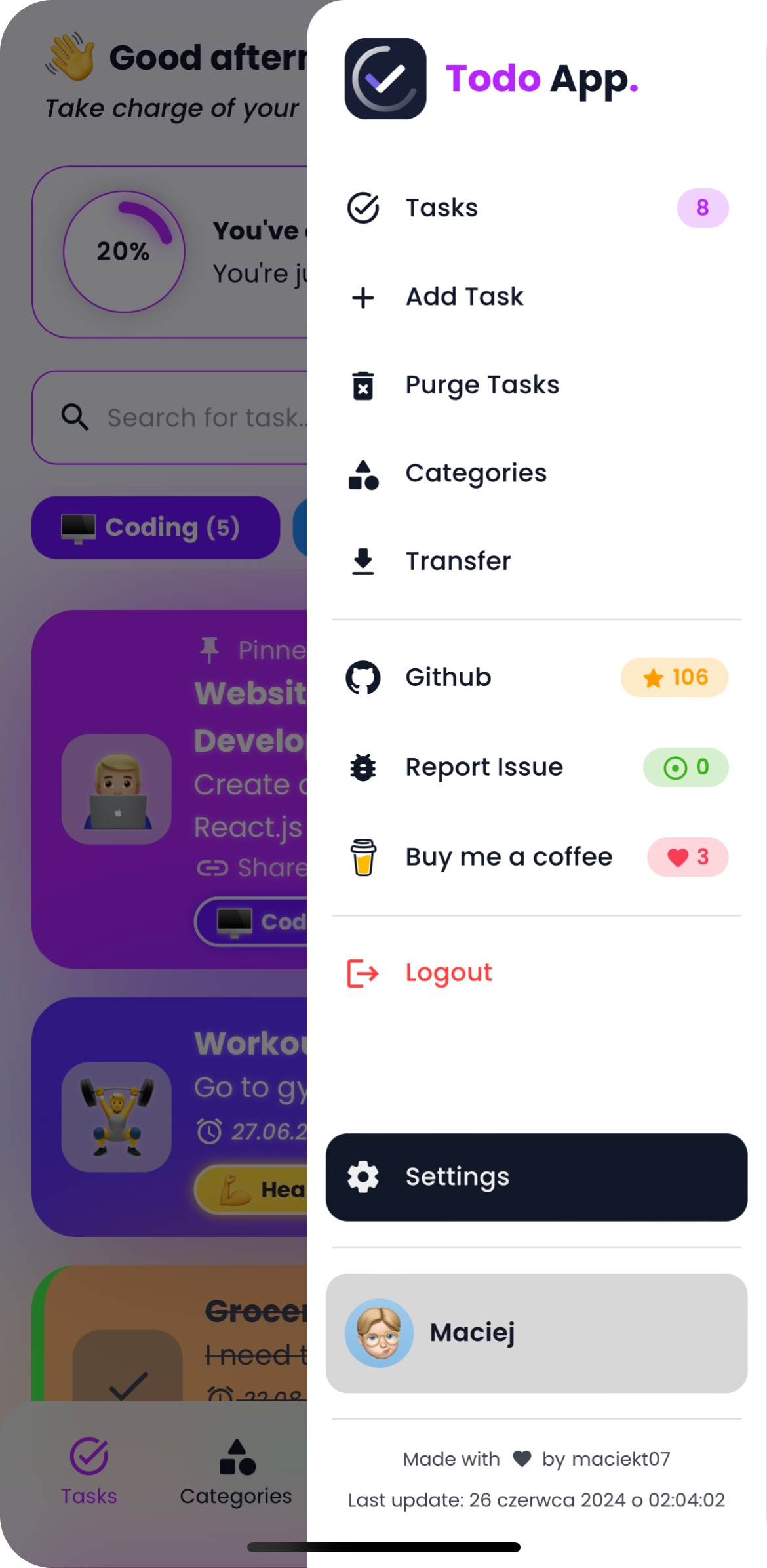
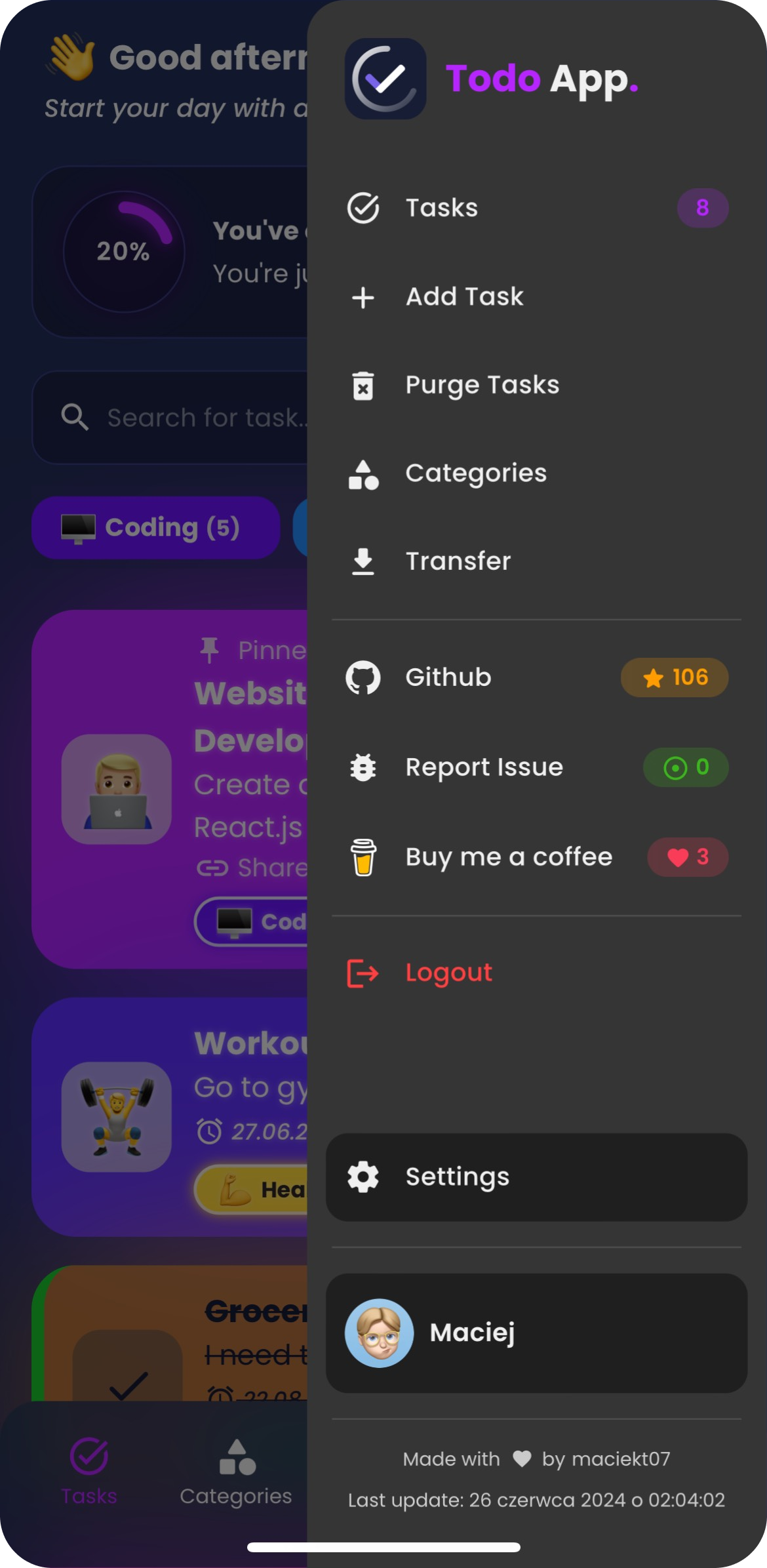
### 📱 Custom Splash Screens
The app automatically generates custom splash screens for various iOS and iPadOS devices in both light and dark modes. These splash screens provide a smooth, native-like launch experience when the app is opened as a PWA.

To generate splash screens: `npm run generate-splash`
## 👨💻 Installation
To install and run the project locally, follow these steps:
- Clone the repository: `git clone https://github.com/maciekt07/TodoApp.git`
- Navigate to the project directory: `cd TodoApp`
- Install the dependencies: `npm install`
- Start the development server: `npm run dev`
The app will now be running at [http://localhost:5173/](http://localhost:5173/).
> [!TIP]
> For mobile device testing, use `npm run dev:host` to preview the app on your local network.
## 📷 Screenshots
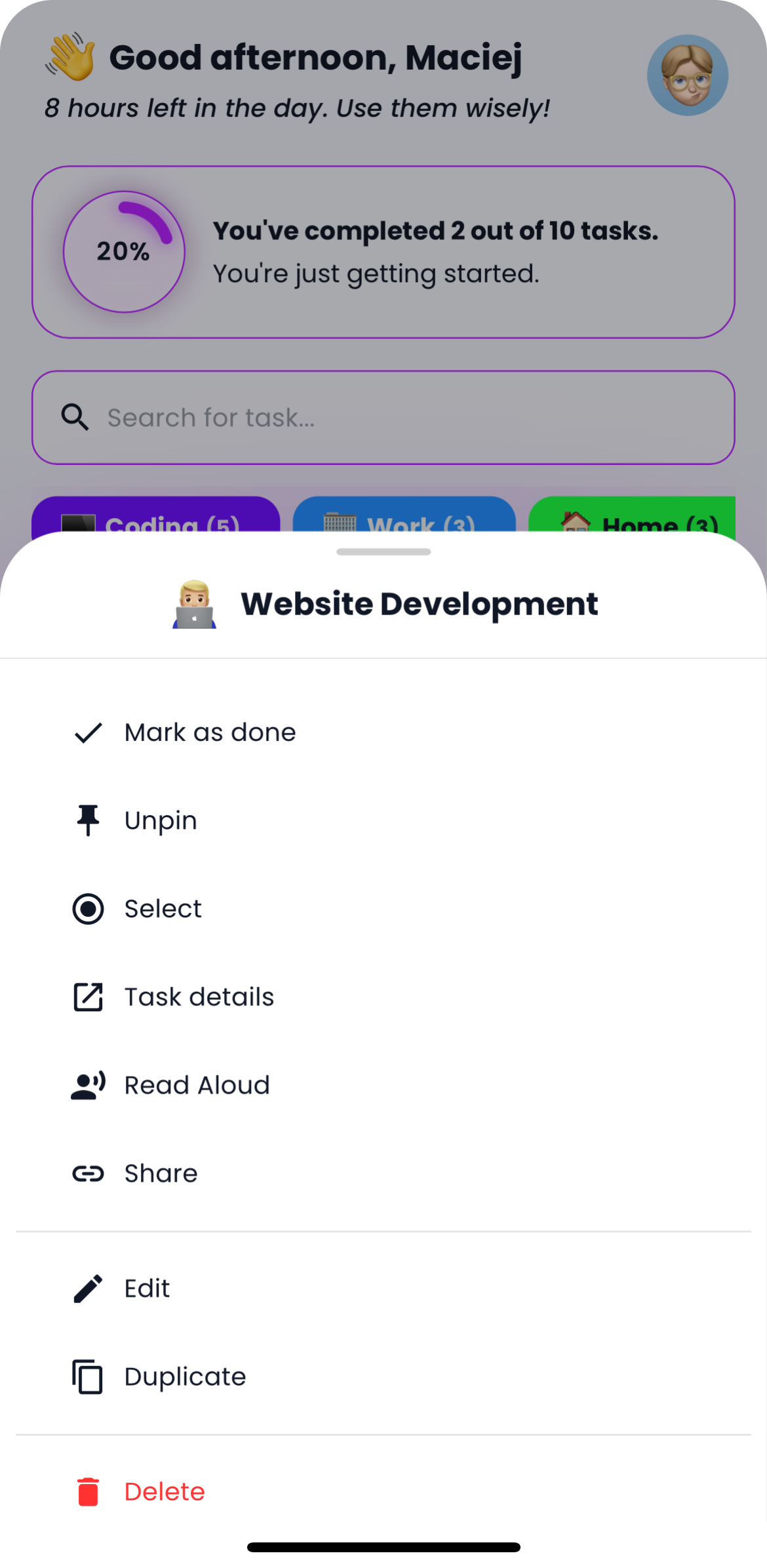
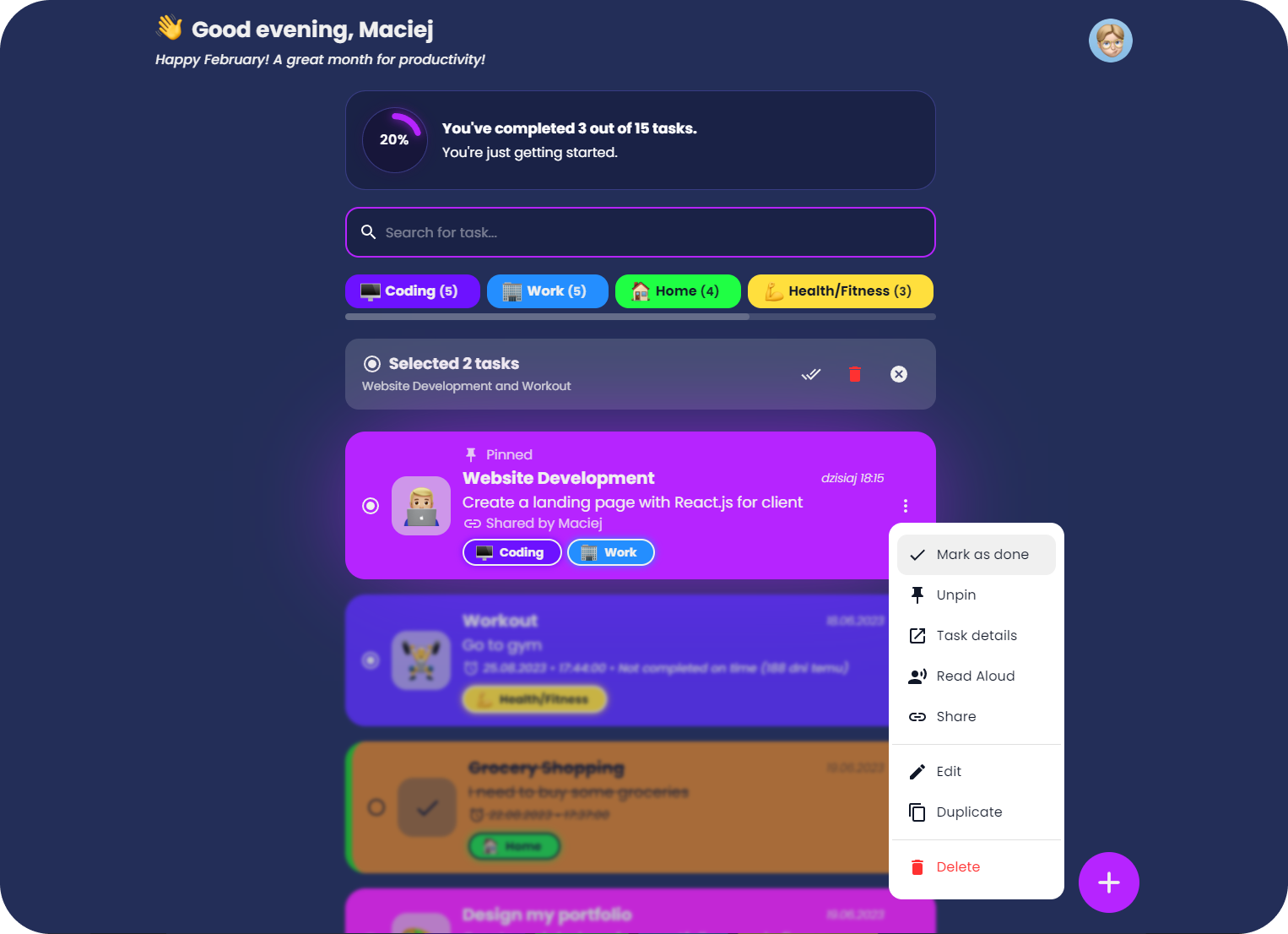
## 🚀 Performance
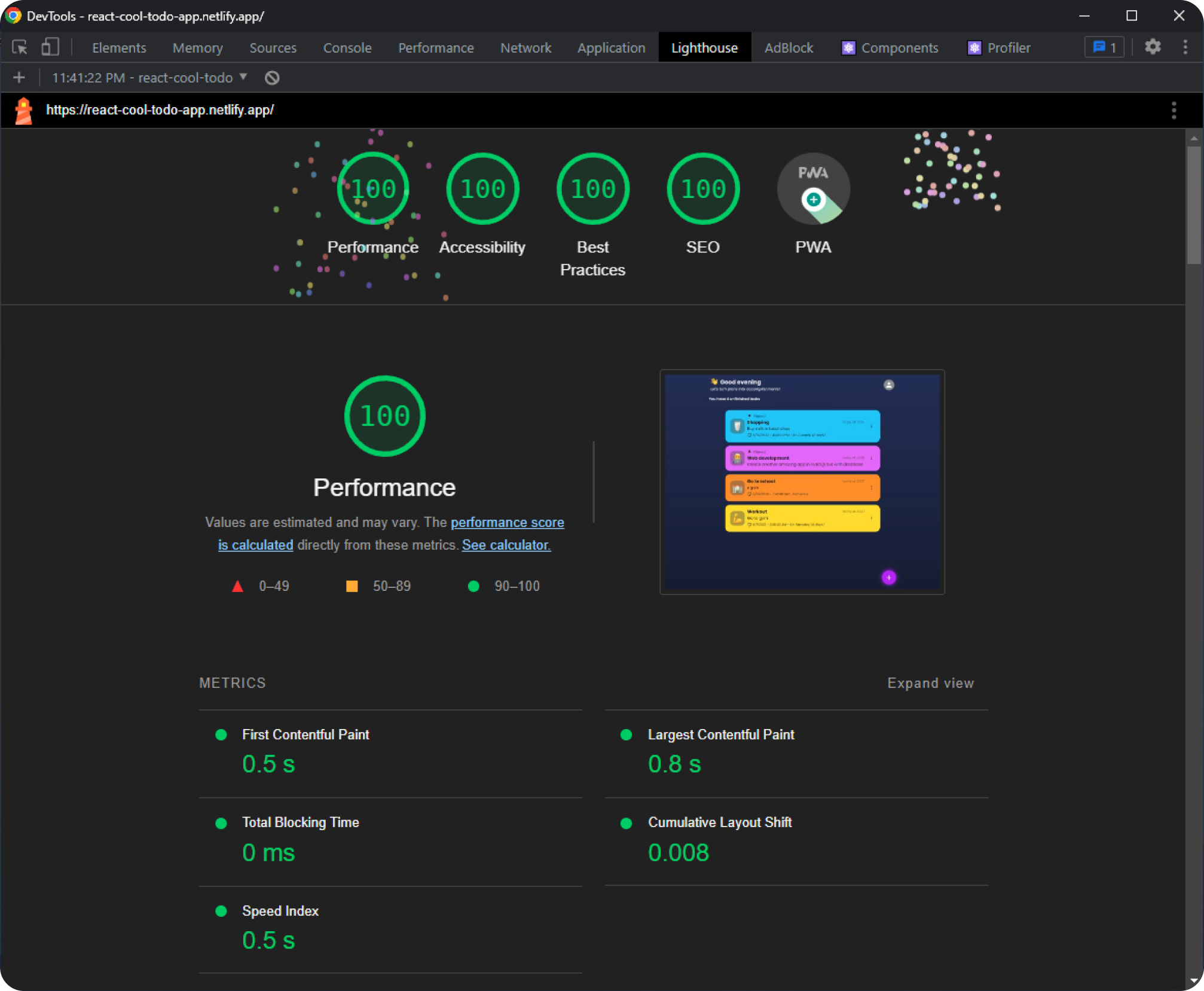
## Credits
Made with ❤️ by [maciekt07](https://github.com/maciekt07), licensed under [MIT](https://github.com/maciekt07/TodoApp/blob/main/LICENSE).