https://github.com/macket/paidagogos_bot
Telegram bot for remote learning
https://github.com/macket/paidagogos_bot
python telegram-bot
Last synced: 24 days ago
JSON representation
Telegram bot for remote learning
- Host: GitHub
- URL: https://github.com/macket/paidagogos_bot
- Owner: Macket
- Created: 2020-04-11T21:44:41.000Z (about 6 years ago)
- Default Branch: master
- Last Pushed: 2021-01-20T19:09:34.000Z (over 5 years ago)
- Last Synced: 2025-02-26T16:24:54.673Z (over 1 year ago)
- Topics: python, telegram-bot
- Language: Python
- Homepage:
- Size: 6.12 MB
- Stars: 2
- Watchers: 2
- Forks: 0
- Open Issues: 0
-
Metadata Files:
- Readme: README.md
Awesome Lists containing this project
README
# Paidagogos Bot
Paidagogos is a Telegram bot for remote learning. It is recommended to use it in conjunction with a [Paidagogos Drawer](https://github.com/Macket/paidagogos_drawer), which provides the review interface for teachers.
There are two types of users: **teachers** and **students**. They can do the following things.
#### Teachers
- create classrooms and add students to them
- assign tasks in any format: text, photo, video, files or audio messages
- review submissions ([Paidagogos Drawer](https://github.com/Macket/paidagogos_drawer)), rate and comment them
#### Students
- get tasks from teachers
- send submissions to teachers
- get teachers reviews ([Paidagogos Drawer](https://github.com/Macket/paidagogos_drawer)) on their submissions as well as rates and comments
## Getting Started
Paidagogos bot requires Python 3.7 and packages specified in ```requirements.txt```.
You can install them with
```
pip install -r requirements.txt
```
Before you start Paidagogos it is necessary to create ```.env``` file:
```
touch .env
```
and fill in this file according to the example below:
```
DEBUG = True
BOT_TOKEN = XXXXXXXXXXXXXXXXXXXXXXXXXXXXXXXXXXXXXXXXXXXXXXX
ADMIN_ID = XXXXXXXXXXX
DATABASE_URL = postgres://XXXXXXXXXXXXXXXXXXXXXXXXXXXXXXXXXXXXXXXXXXXXXXX
DB_NAME = paidagogos_db
DB_USER = user
DB_PASSWORD = XXXXXXXXXXX
DB_HOST = localhost
PROXY = https://XXX.XXX.XXX.XXX:XXXX
```
```DEBUG``` should be **False** in prod
```BOT_TOKEN``` is the token got from [BotFather](https://t.me/BotFather)
```ADMIN_ID``` is the telegram id of the admin
```DATABASE_URL``` is used to access the database in prod
```DB_NAME```, ```DB_USER```, ```DB_PASSWORD``` and ```DB_HOST``` are used to access the database in dev
```PROXY``` is used if Telegram is blocked in your country (also uncomment appropriate code in ***bot.py***)
Then you can start Paidagogos bot with this command:
```
python app.py
```
## Use case
Let's see how [Karl Weierstrass](https://en.wikipedia.org/wiki/Karl_Weierstrass) could teach [Sofya Kovalevskaya](https://en.wikipedia.org/wiki/Sofya_Kovalevskaya) if they had this bot.
First of all, Karl should start the bot and create the classroom.
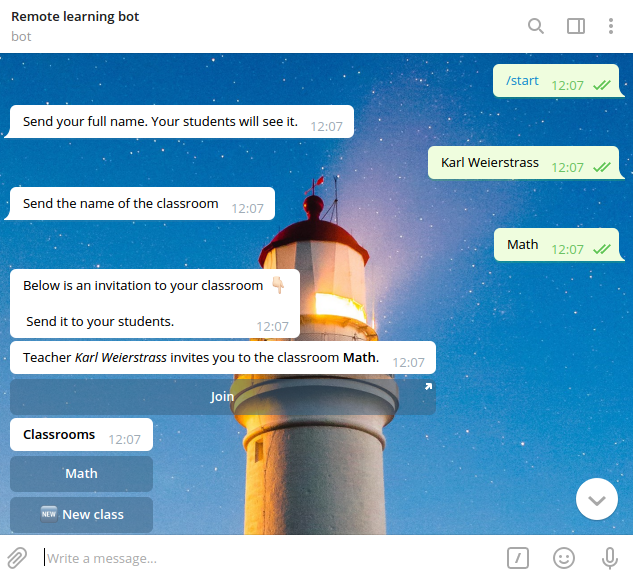
Then he invites Sofya.
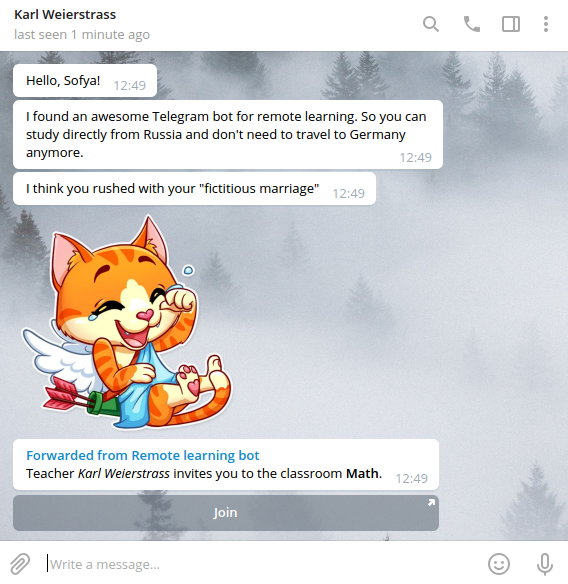
And Sofya joins his classroom.
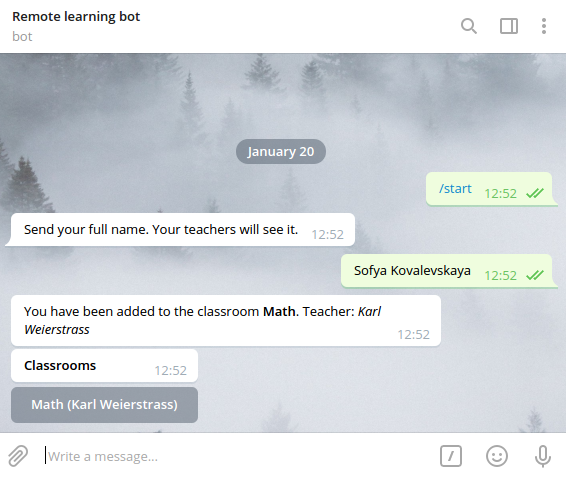
So Karl can see her in the students list now.
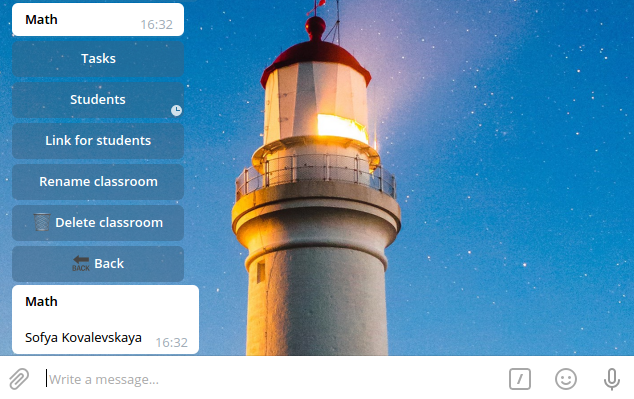
To create the new task for Sofya, Karl goes to **Tasks**, taps **New task** and sends the name of the task.
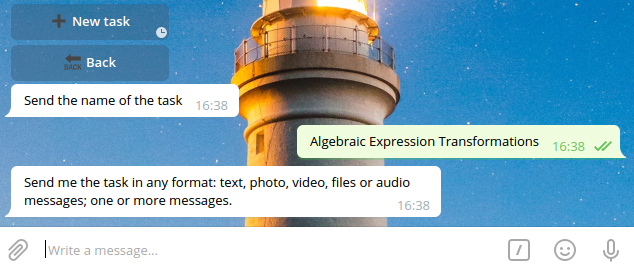
Then he sends the task itself.
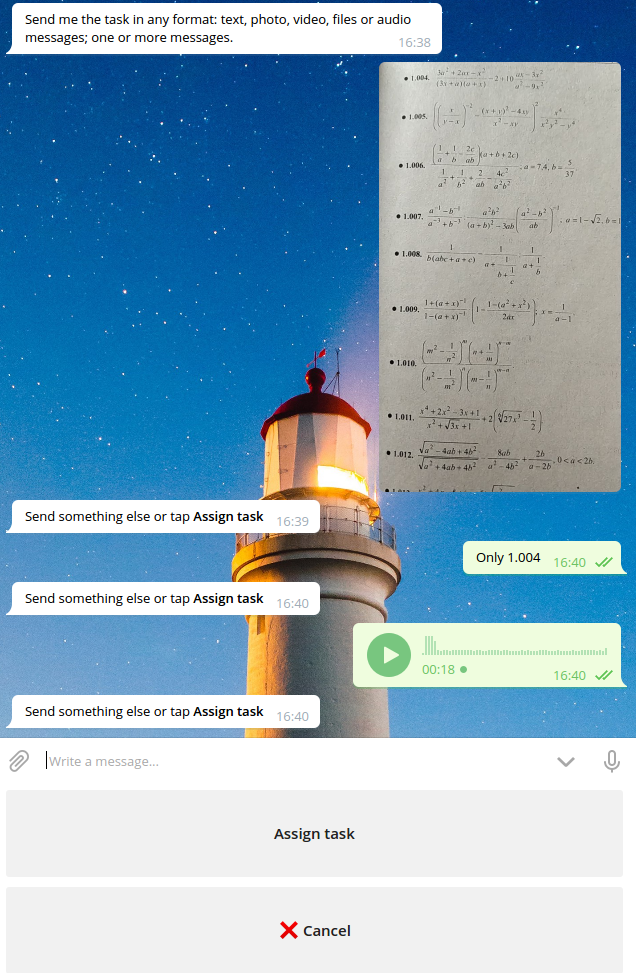
And assigns it.
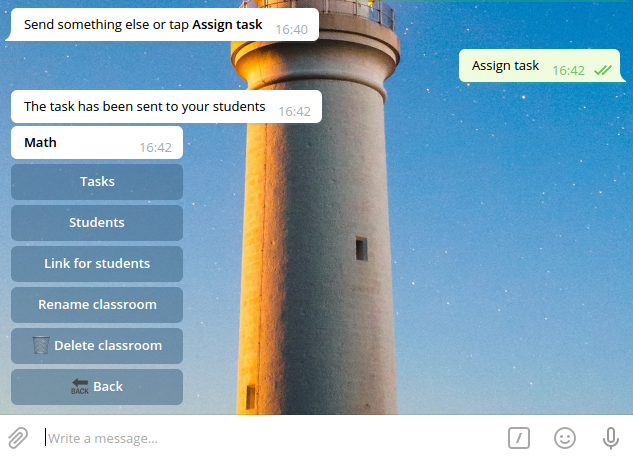
Let's return to Sofya and see that she got notified about the new task.
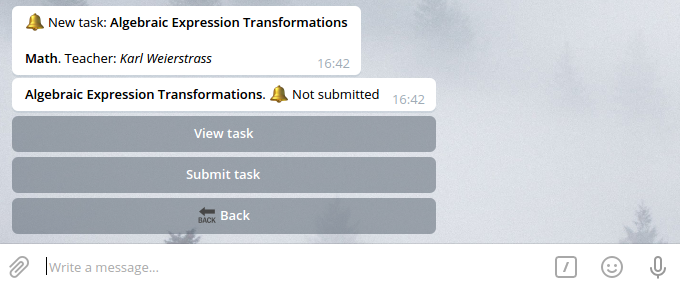
She can view it.
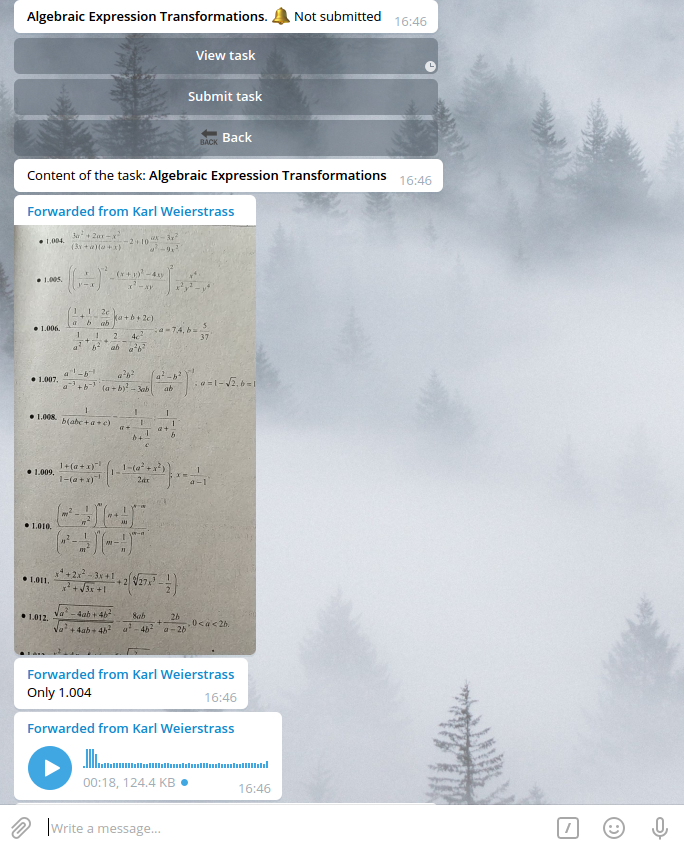
Send her solution in any format.
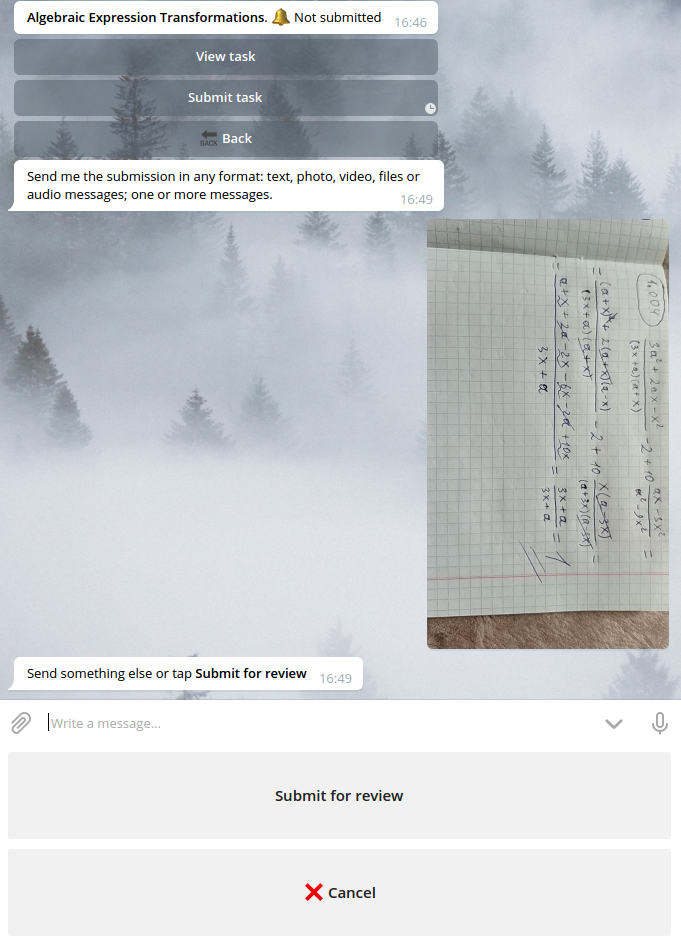
And submit for Karl's review.
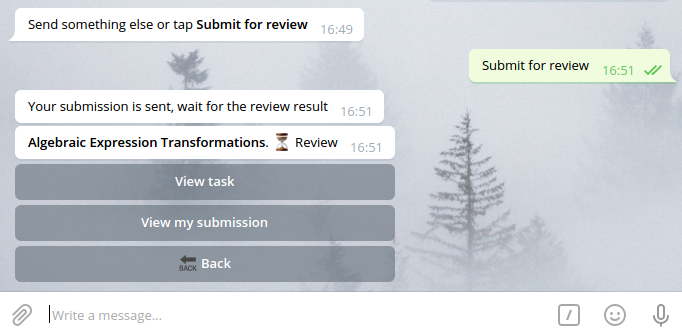
Karl can see now that he has submissions for review in the appropriate classroom task list.
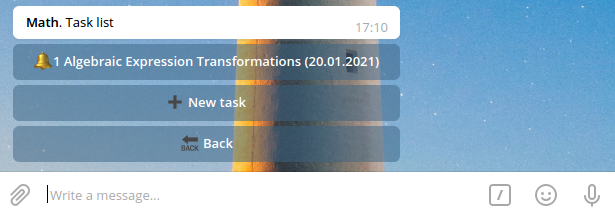
He has 1 submission for review and 0 reviewed submissions.
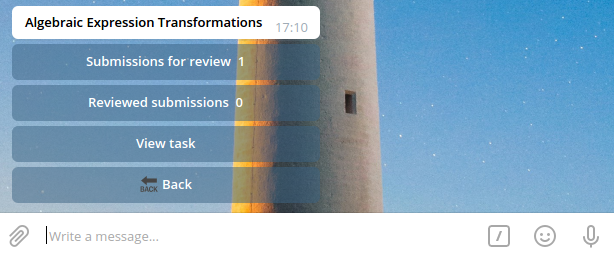
So Karl starts to review Sofya's solution.
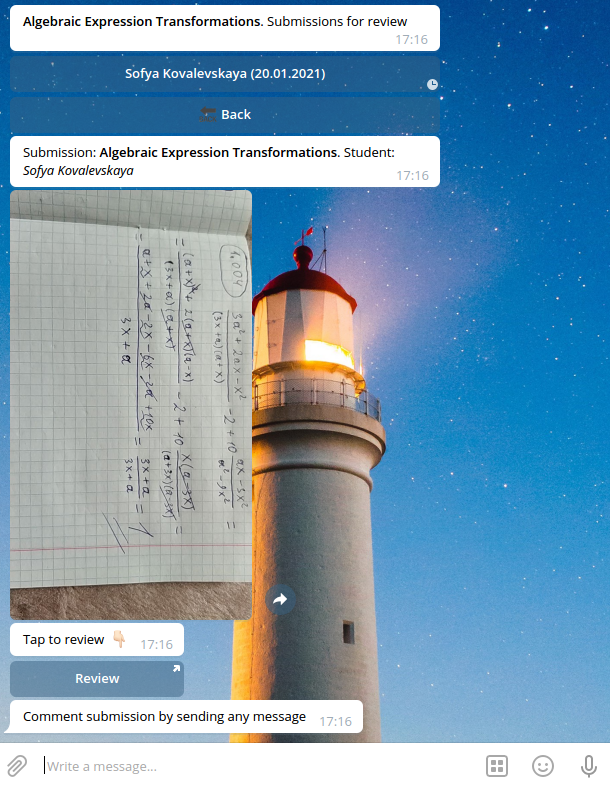
If Paidagogos Bot is used in conjunction with a [Paidagogos Drawer](https://github.com/Macket/paidagogos_drawer), Karl can tap **Review** and make notes for Sofya in WEB interface.
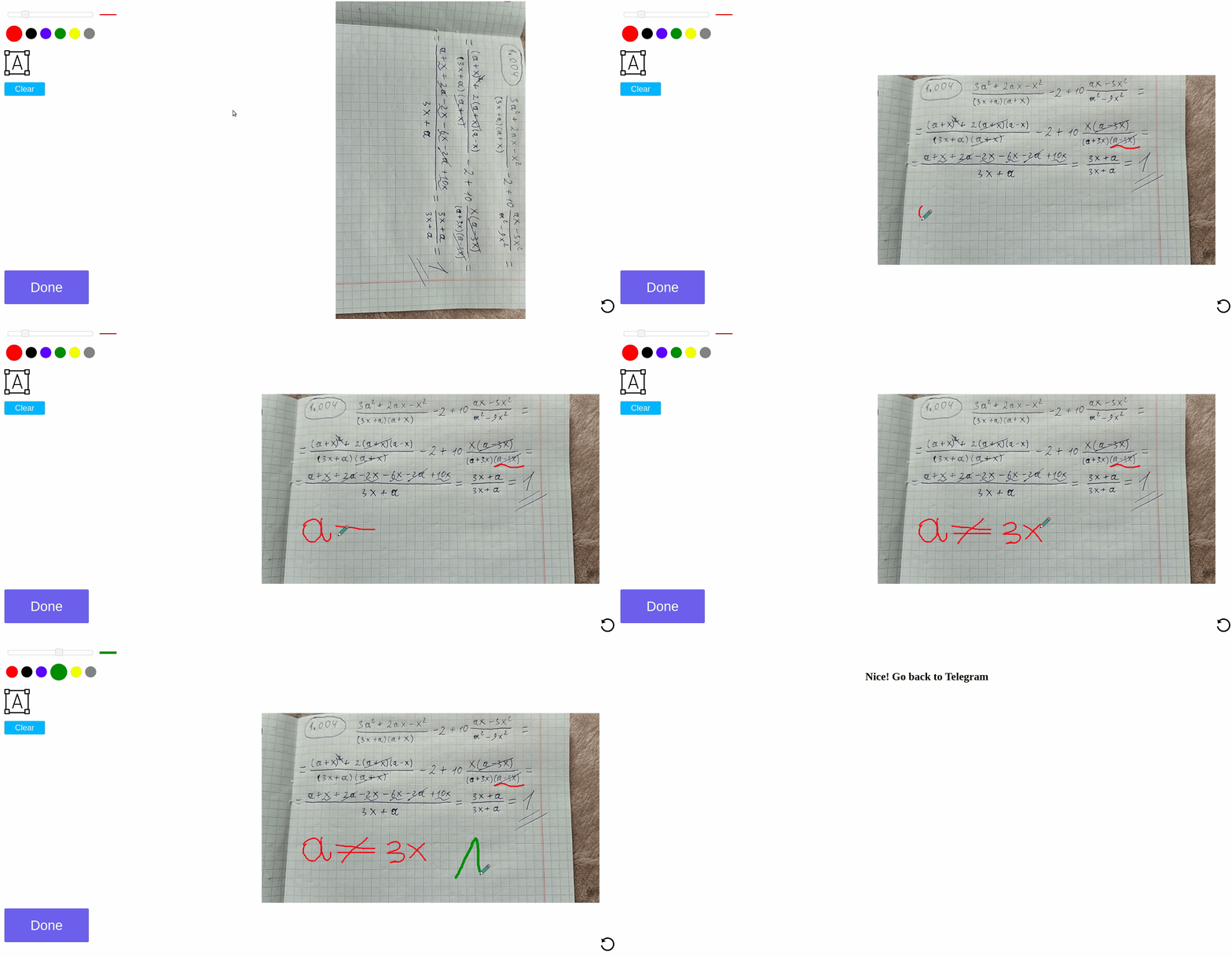
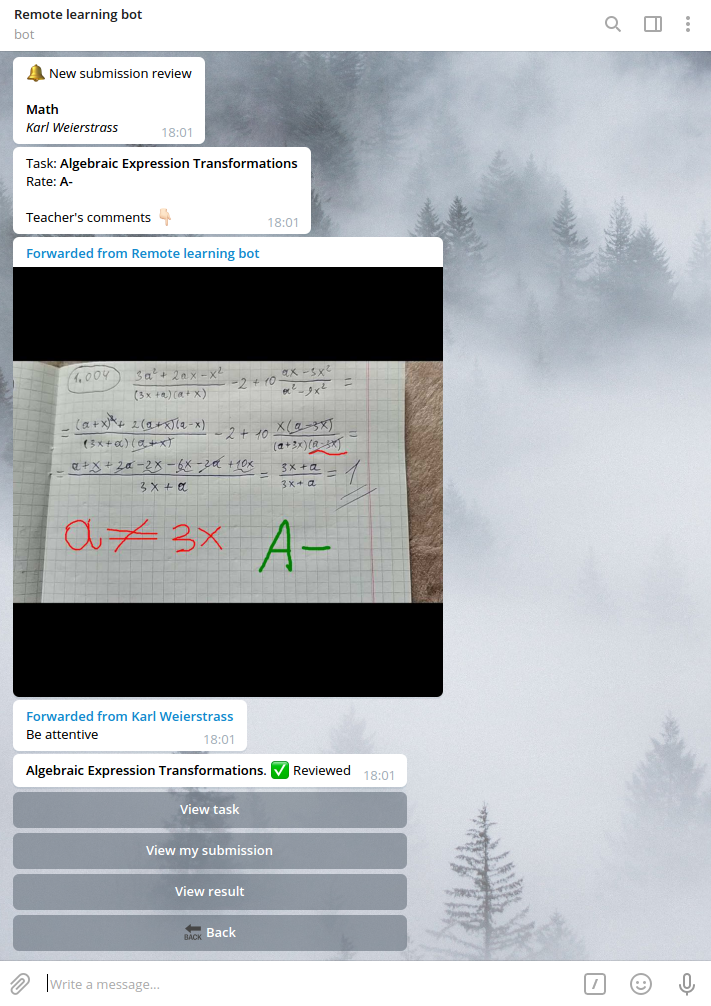
As review is done Karl has the photo with his notes in the bot.
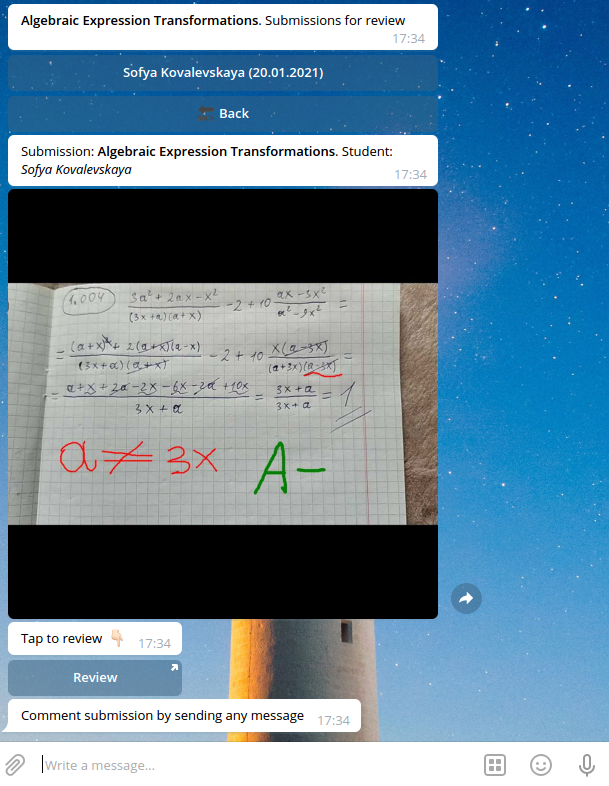
Then he writes comments for Sofya and rates her.
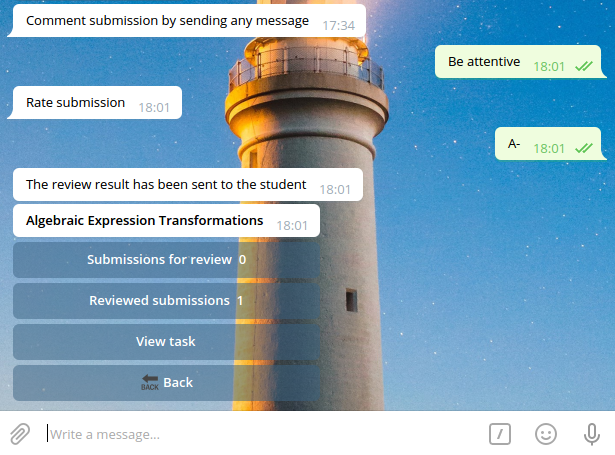
After that Sofya gets notified that her submission is reviewed and can see the result.