https://github.com/magiclabs/wp-magic
WordPress Plugin for Magic
https://github.com/magiclabs/wp-magic
Last synced: about 1 year ago
JSON representation
WordPress Plugin for Magic
- Host: GitHub
- URL: https://github.com/magiclabs/wp-magic
- Owner: magiclabs
- License: mit
- Created: 2021-08-05T19:51:32.000Z (almost 5 years ago)
- Default Branch: master
- Last Pushed: 2023-05-29T18:06:56.000Z (about 3 years ago)
- Last Synced: 2023-05-29T19:24:32.372Z (about 3 years ago)
- Language: PHP
- Homepage: https://magic.link/docs/introduction/wordpress
- Size: 8.16 MB
- Stars: 4
- Watchers: 12
- Forks: 5
- Open Issues: 2
-
Metadata Files:
- Readme: README.md
- Contributing: CONTRIBUTING.md
- License: LICENSE
Awesome Lists containing this project
README
# Login by Magic
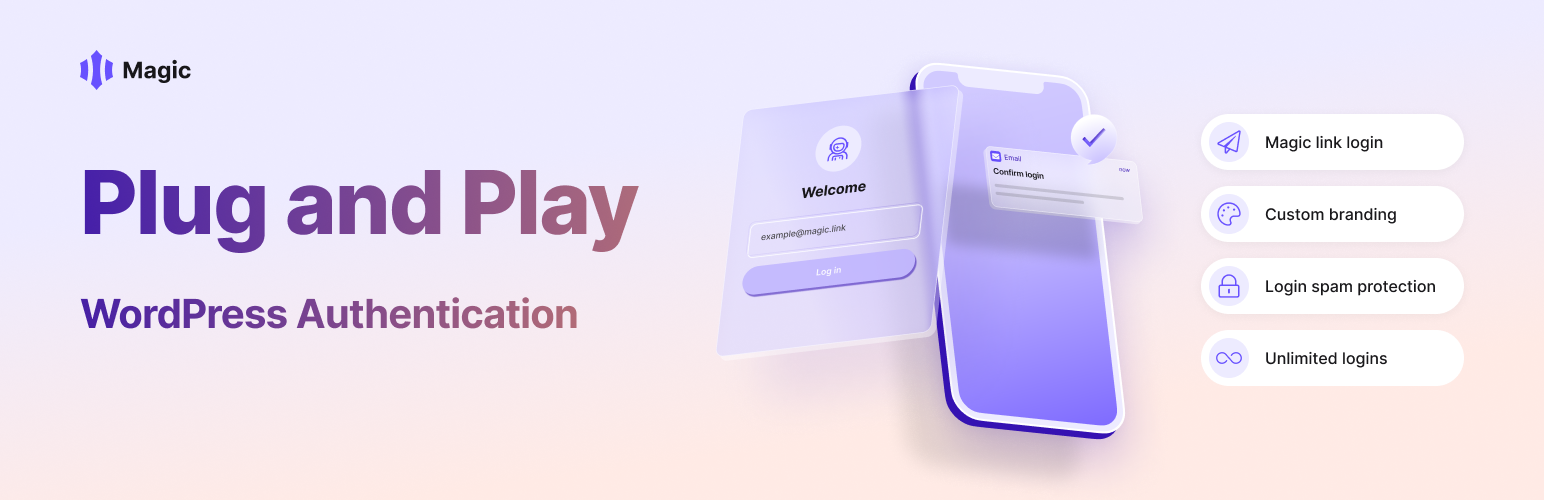
This plugin replaces the standard WordPress login form with one powered by Magic that enables passwordless email magic link login. Please see the https://magic.link/docs for more details on functionality.
Login by Magic plugin also supports the WooCommerce login.
Note: Make sure your admin user in WordPress has an email address that matches a Magic user.
## Installation
* Upload the Plugin files to the `/wp-content/plugins/` directory, or install the plugin through the WordPress plugins screen directly.
* Activate the plugin through the `Plugins` screen in WordPress.
* Go to the Magic settings page and enter the followings:
* Publishable API Key: Your Magic API key from the [dashboard](https://dashboard.magic.link/).
* Secret Key: Your Magic secret key from the [dashboard](https://dashboard.magic.link/).
* Redirect URL(Optional): The URL to which Magic should redirect after login.
* Select User role: The role of the user. Select Administrator, Editor, Author, Contributor, Subscriber, or any other role.
* Select Login Type: Check Admin login or WooCommerce login based on your choice.
* Save the settings.

## Development
Install WordPress and move the plugin to the `wp-content/plugins` directory.
Run `composer install` to install the dependencies.
Run `composer test` to run the tests.
## Contribution
We appreciate feedback and contribution to this plugin! Before you get started, please see the CONTRIBUTING.md file for more details.
## Support
* Use [Issues](https://github.com/magiclabs/wp-magic/issues) for code-level support
* Use [Discord](https://discord.gg/magiclabs) for usage, questions, and feedbacks
* You can also use the WP.org support forum for questions
## Vulnerability Reporting
Please do not report security vulnerabilities on the public GitHub issues.
If you find any security vulnerability, please report it to security@magic.link. If you are not in our bounty program, we would love to invite you to join our program on HackerOne. Bounty will be awarded if it is confirmed a valid vulnerability.
## What is Magic?
Magic offers passwordless authentication and cryptographically secured user identity to your applications. With just a few lines of code, your application’s security is instantaneously upgraded, and your end users can enjoy a future-proof and blockchain-enabled login solution.
Visit https://magic.link to learn more.