https://github.com/mahmud0808/colorblendr
An Android app for customizing Material You colors on devices with Android 12+. It lets you tweak accent colors, background saturation, and more for a personalized look.
https://github.com/mahmud0808/colorblendr
accent-color color-scheme material saturation theme-ui
Last synced: about 1 year ago
JSON representation
An Android app for customizing Material You colors on devices with Android 12+. It lets you tweak accent colors, background saturation, and more for a personalized look.
- Host: GitHub
- URL: https://github.com/mahmud0808/colorblendr
- Owner: Mahmud0808
- License: gpl-3.0
- Created: 2023-12-06T13:20:16.000Z (over 2 years ago)
- Default Branch: master
- Last Pushed: 2025-04-27T01:36:24.000Z (about 1 year ago)
- Last Synced: 2025-04-27T02:27:44.364Z (about 1 year ago)
- Topics: accent-color, color-scheme, material, saturation, theme-ui
- Language: Kotlin
- Homepage:
- Size: 39.5 MB
- Stars: 1,296
- Watchers: 8
- Forks: 25
- Open Issues: 3
-
Metadata Files:
- Readme: README.md
- Funding: .github/FUNDING.yml
- License: LICENSE
Awesome Lists containing this project
README
#



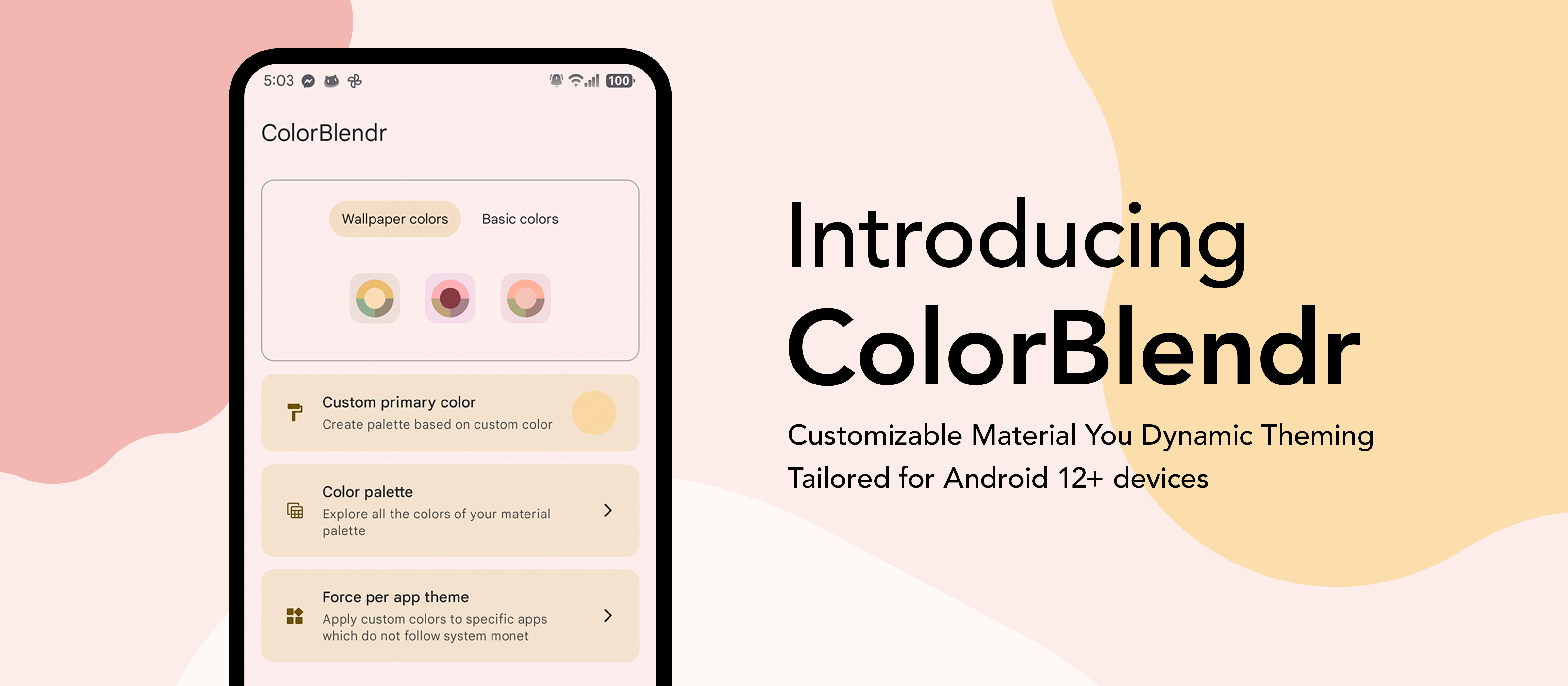
# ColorBlendr
### Customize Material You colors of your device.
Elevate your creativity with effortless material customization. Instantly tweak colors for a personalized touch in just a few taps.


## Features 🔥
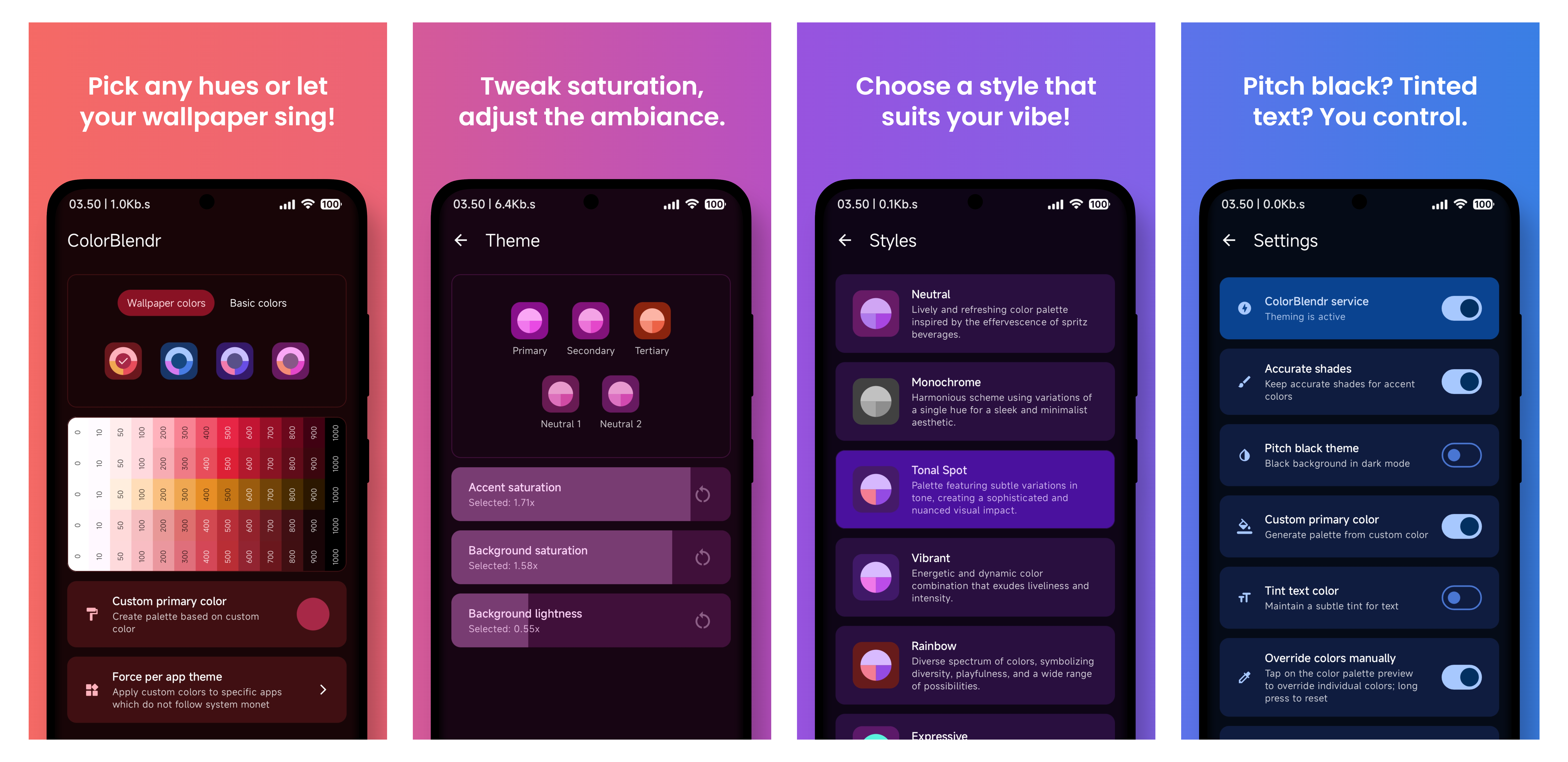
- Accent saturation changer
- Background saturation changer
- Background lightness changer
- Pitch black theme in dark mode
- Manual color overriding
- and many more...
## Requirements 🛠
- Android 12+ device
- Working Root or Shizuku environment
## How to Use 🚀
- Download and install the apk
- Allow permissions for the app
- Select root or shizuku mode
- That's it. Now you are good to go!
## Note 📝
- Root is recommended if you want to have the full experience
- Shizuku is also supported but customizations are limited
## FAQ 🤓
How does ColorBlendr work without root access?
- ColorBlendr utilizes adb commands to change Material You colors, allowing users to modify these colors without needing root access.
How does ColorBlendr work with root access?
- ColorBlendr leverages the [FabricatedOverlay](https://developer.android.com/reference/android/content/om/FabricatedOverlay) API to dynamically change Material You colors at runtime without creating any permanent files.
Why doesn't ColorBlendr work properly on OneUI?
- OneUI uses its own color palette for system apps, not Material You colors. As a result, ColorBlendr's modifications only affect Google apps and other apps that support Material You, but not OneUI system apps.
Why are some features grayed out or cannot be enabled?
- These features either require a specific Android version or higher, or you need root access to unlock all features.
How do I properly uninstall ColorBlendr?
- First, disable the ColorBlendr Service from app settings. Then, uninstall the app and reboot your device.
## Translation 🌐
- Assist in translating ColorBlendr into your preferred language through [our Crowdin platform](https://crowdin.com/project/ColorBlendr). Your contribution will help make ColorBlendr accessible to a wider audience.
## Credits 🤝
- [@siavash79](https://github.com/siavash79) for helping me.
- [@fennifith](https://github.com/fennifith) for color picker.
- And everyone who [contributed](https://github.com/Mahmud0808/ColorBlendr/blob/master/docs/contributors.md) and [translated](https://github.com/Mahmud0808/ColorBlendr/blob/master/docs/translators.md)... :)