https://github.com/makaroni4/focused_youtube
Browser extension to be more focused on Youtube. 15000+ users. Supports Chrome, Firefox, Brave and Edge.
https://github.com/makaroni4/focused_youtube
brave chrome-extension edge firefox focus productivity youtube
Last synced: 6 months ago
JSON representation
Browser extension to be more focused on Youtube. 15000+ users. Supports Chrome, Firefox, Brave and Edge.
- Host: GitHub
- URL: https://github.com/makaroni4/focused_youtube
- Owner: makaroni4
- License: mit
- Created: 2018-06-28T21:37:16.000Z (about 8 years ago)
- Default Branch: main
- Last Pushed: 2025-12-21T11:06:34.000Z (7 months ago)
- Last Synced: 2026-01-20T01:38:39.050Z (6 months ago)
- Topics: brave, chrome-extension, edge, firefox, focus, productivity, youtube
- Language: JavaScript
- Homepage: https://makaroni4.com/focused-youtube
- Size: 5.48 MB
- Stars: 98
- Watchers: 2
- Forks: 27
- Open Issues: 5
-
Metadata Files:
- Readme: README.md
- Contributing: CONTRIBUTING.md
- License: LICENSE.md
Awesome Lists containing this project
README
# Focused YouTube 
:mag: **Focused YouTube** (FY) is a browser extension that helps you stay focused by blocking recommendations and other elements on YouTube.
:computer: **Focused YouTube** is available for
* [Chrome](https://chromewebstore.google.com/detail/focused-youtube/nfghbmabdoakhobmimnjkamfdnpfammn)
* [Brave](https://chromewebstore.google.com/detail/focused-youtube/nfghbmabdoakhobmimnjkamfdnpfammn)
* [Firefox](https://addons.mozilla.org/en-US/firefox/addon/focused-for-youtube)
* [Edge](https://microsoftedge.microsoft.com/addons/detail/fkipbhecgloafeodihbhahjnhmainlil)
:cookie: FY **does not track any user data**. It's a simple Vanilla JS application made with only one purpose – to help you avoid YouTube's rabbit hole.
## Table of Contents
- [Focused YouTube ](#focused-youtube-)
- [Table of Contents](#table-of-contents)
- [Features](#features)
- [🏠 Distraction-free YouTube homepage](#-distraction-free-youtube-homepage)
- [🔍 Clean search page](#-clean-search-page)
- [📺 Noise-free video page](#-noise-free-video-page)
- [🌚 Dark mode (depends of your system settings)](#-dark-mode-depends-of-your-system-settings)
- [💬 Options to show/hide comments/description](#-options-to-showhide-commentsdescription)
- [🔗 Hover over YouTube logo to see the navigation menu](#-hover-over-youtube-logo-to-see-the-navigation-menu)
- [📱 Works in mobile browser as well](#-works-in-mobile-browser-as-well)
- [Development](#development)
- [How to load the extension locally](#how-to-load-the-extension-locally)
- [Chrome](#chrome)
- [Firefox](#firefox)
- [Edge](#edge)
- [Debugging storage API](#debugging-storage-api)
- [For Chromium browsers (Chrome, Edge, Brave)](#for-chromium-browsers-chrome-edge-brave)
- [For Firefox](#for-firefox)
- [Testing](#testing)
- [Releasing](#releasing)
- [Contributing](#contributing)
- [Credits](#credits)
## Features
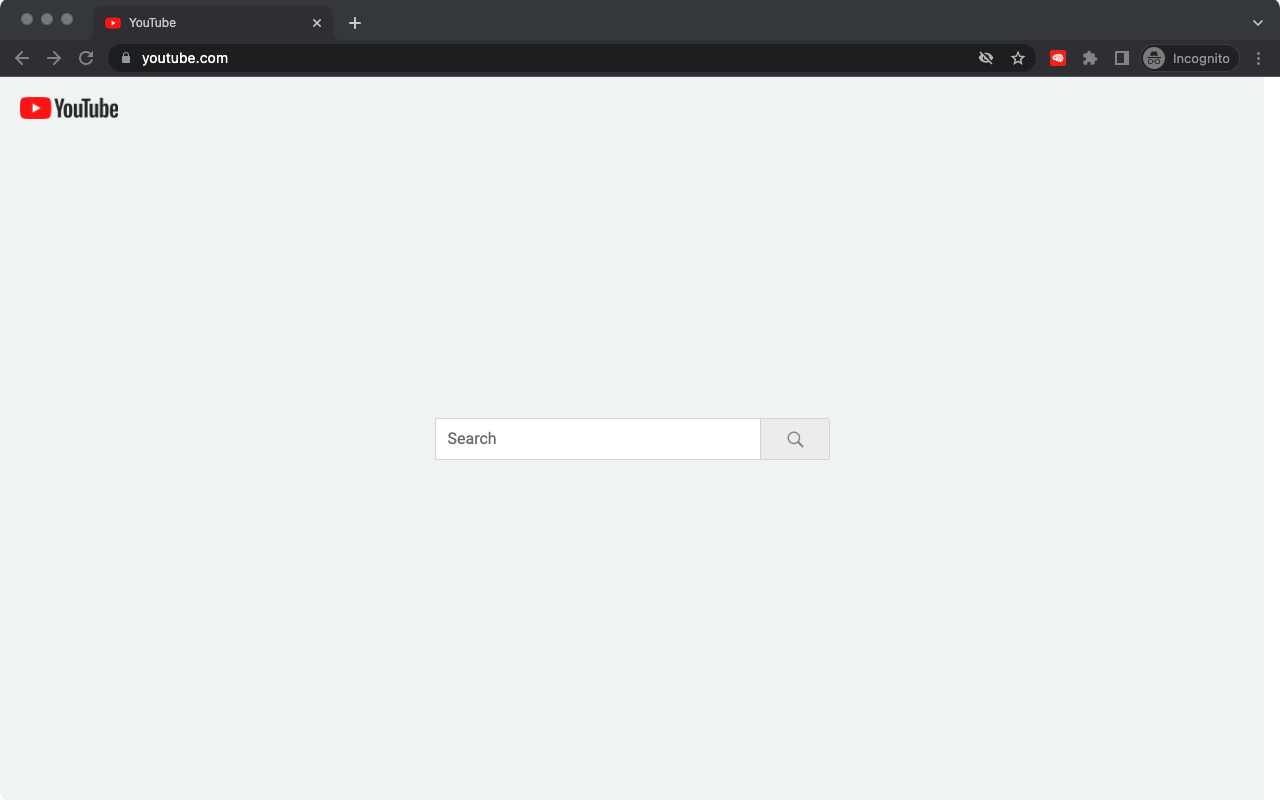
### 🏠 Distraction-free YouTube homepage
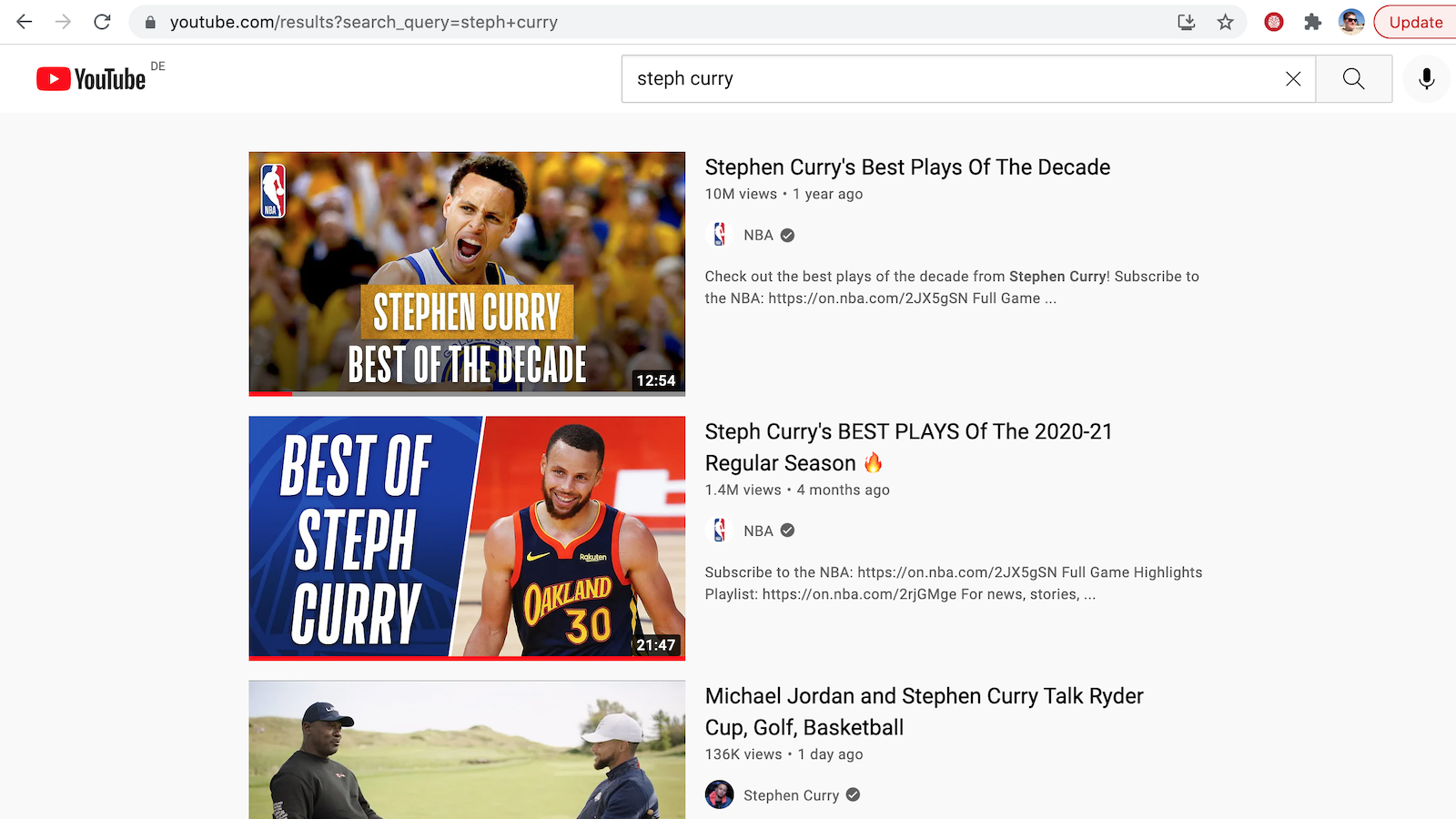
### 🔍 Clean search page
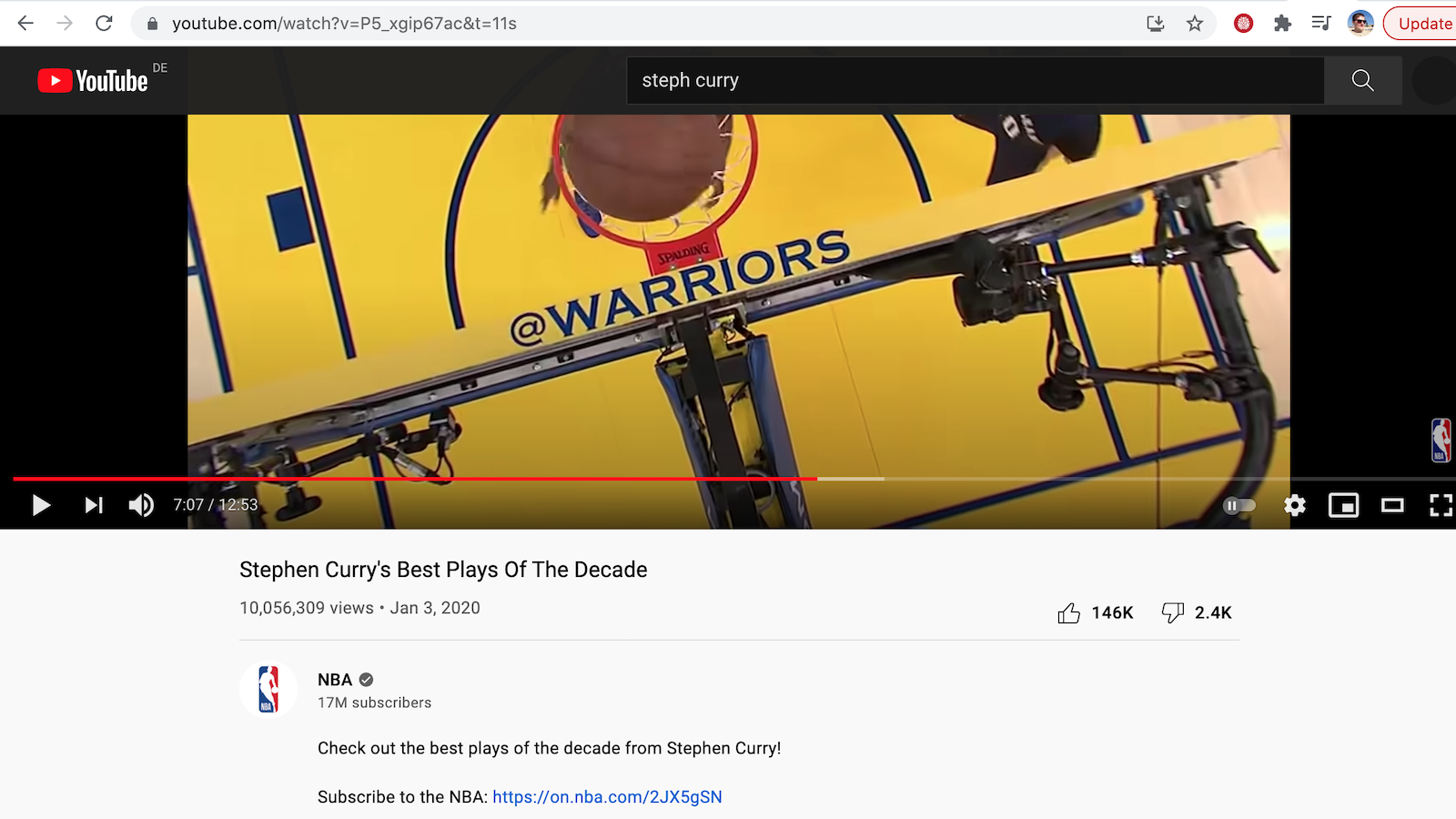
### 📺 Noise-free video page
### 🌚 Dark mode (depends of your system settings)
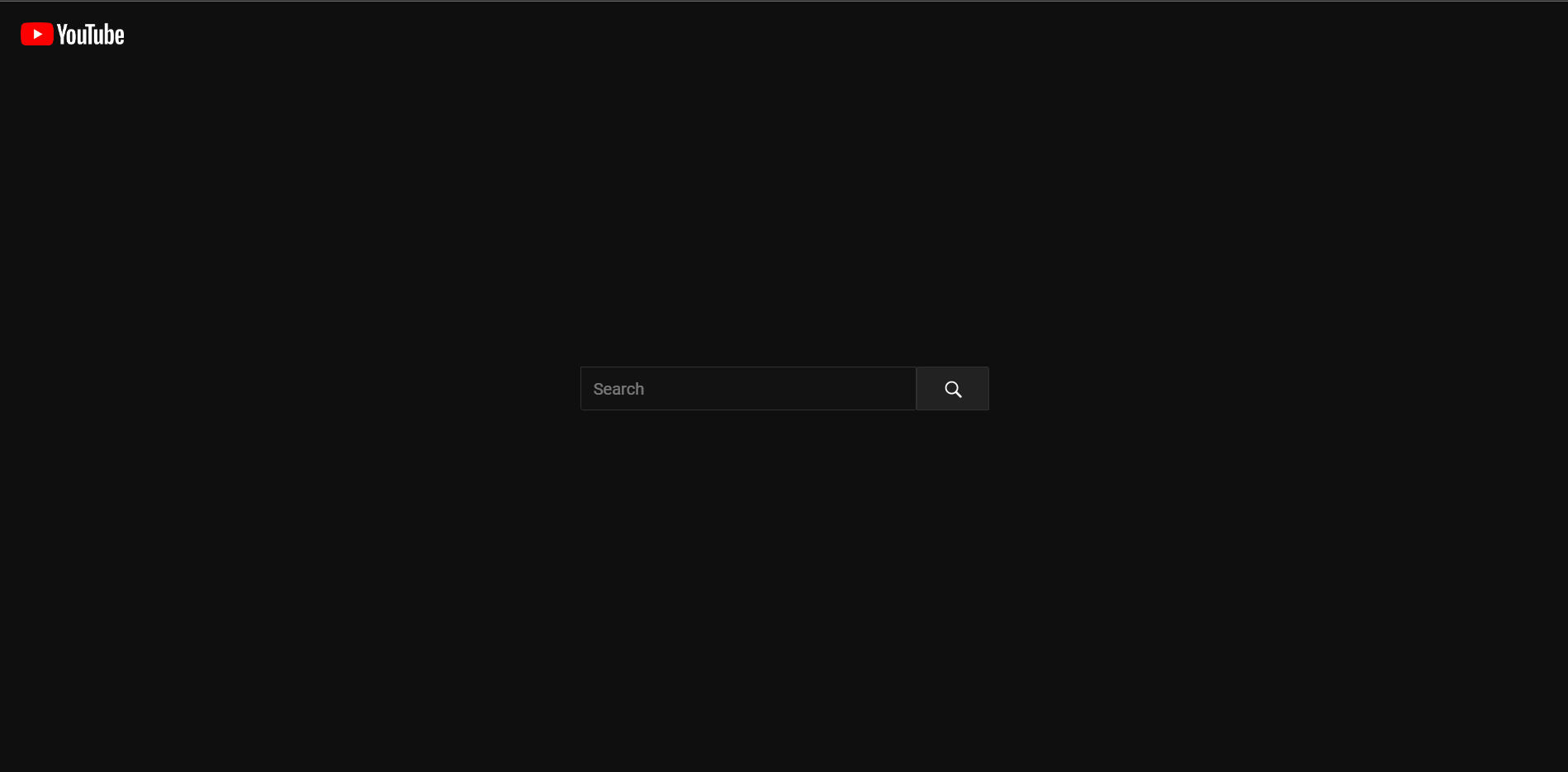
Big shout out to [@jakubkloc](https://github.com/jakubkloc) for introducing Dark Mode! :raised_hands:
Make sure to enable Dark Mode in your browser before testing it:
https://support.google.com/chrome/answer/9275525?hl=en&co=GENIE.Platform%3DDesktop
### 💬 Options to show/hide comments/description
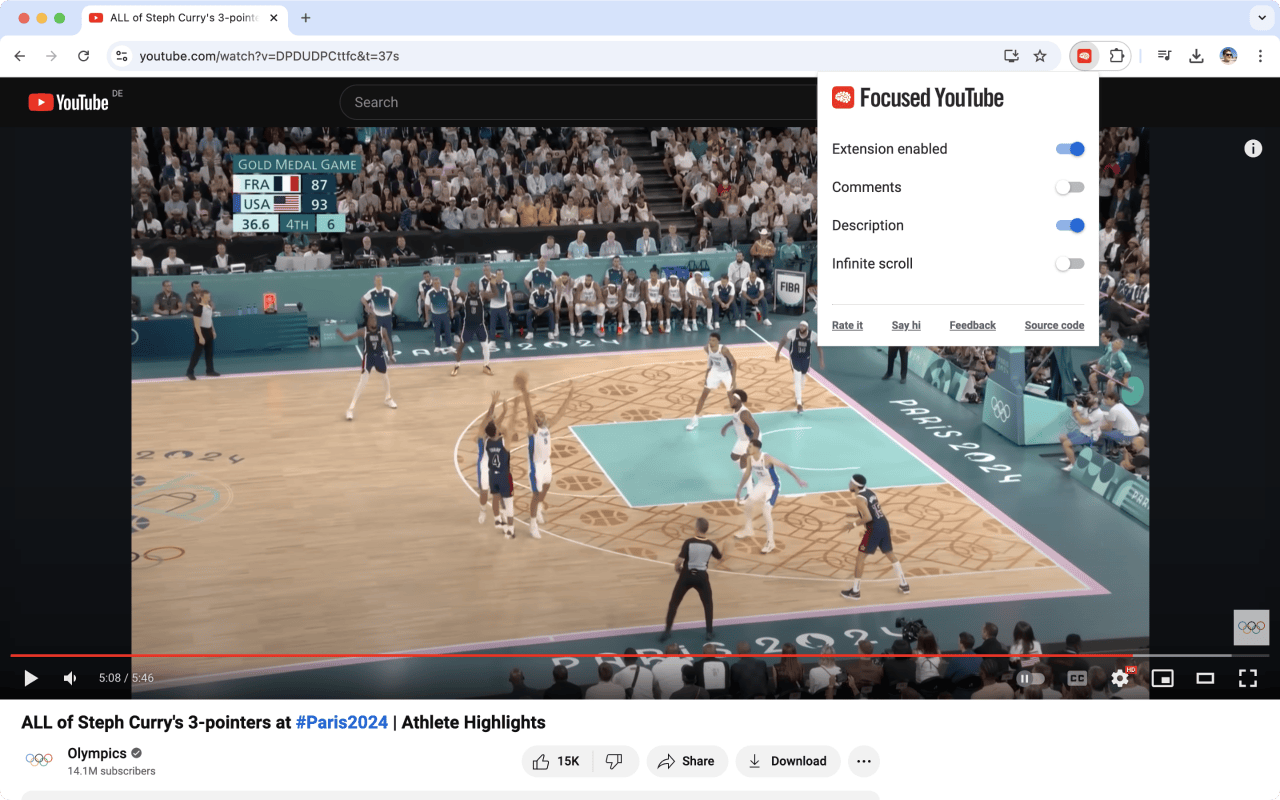
Big thank you to [@KParthSingh](https://github.com/KParthSingh) and [@Ohnoimded](https://github.com/Ohnoimded) for adding an option to temporarily disable the extension! :raised_hands:
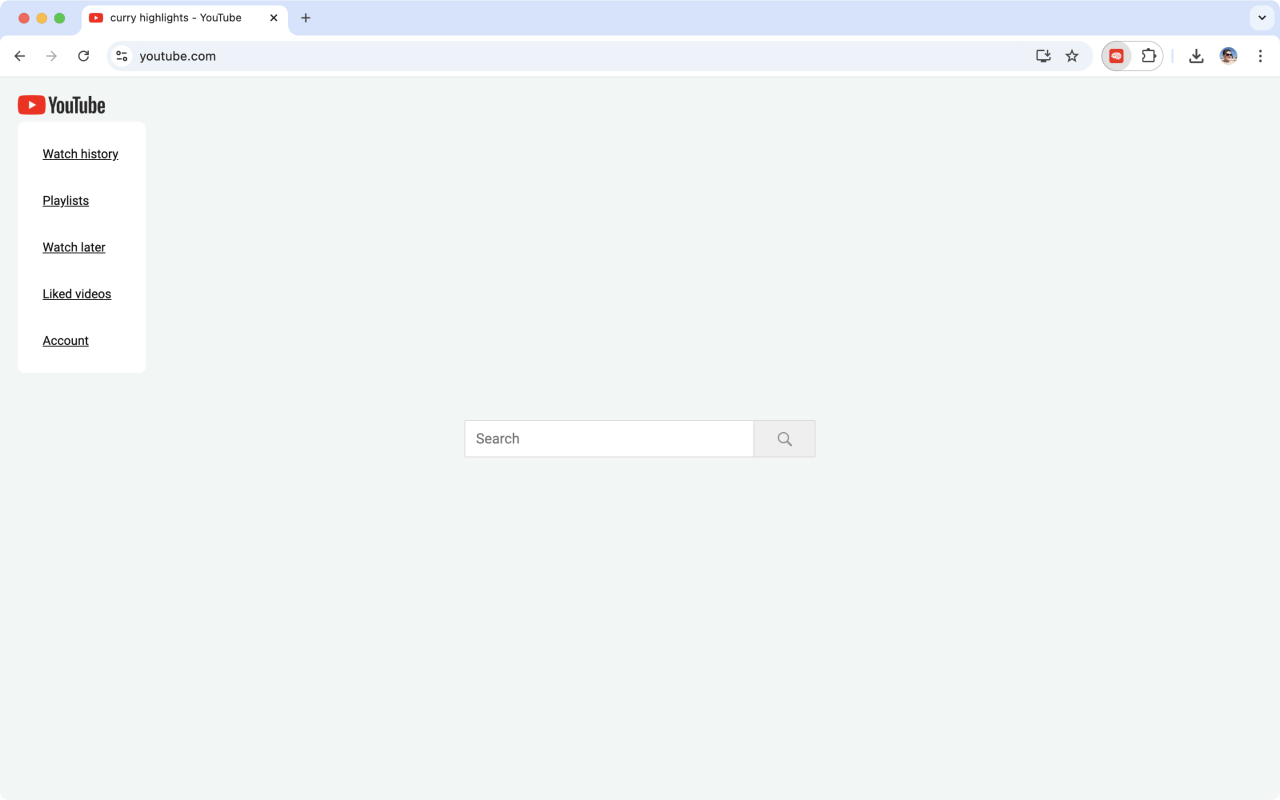
### 🔗 Hover over YouTube logo to see the navigation menu
### 📱 Works in mobile browser as well
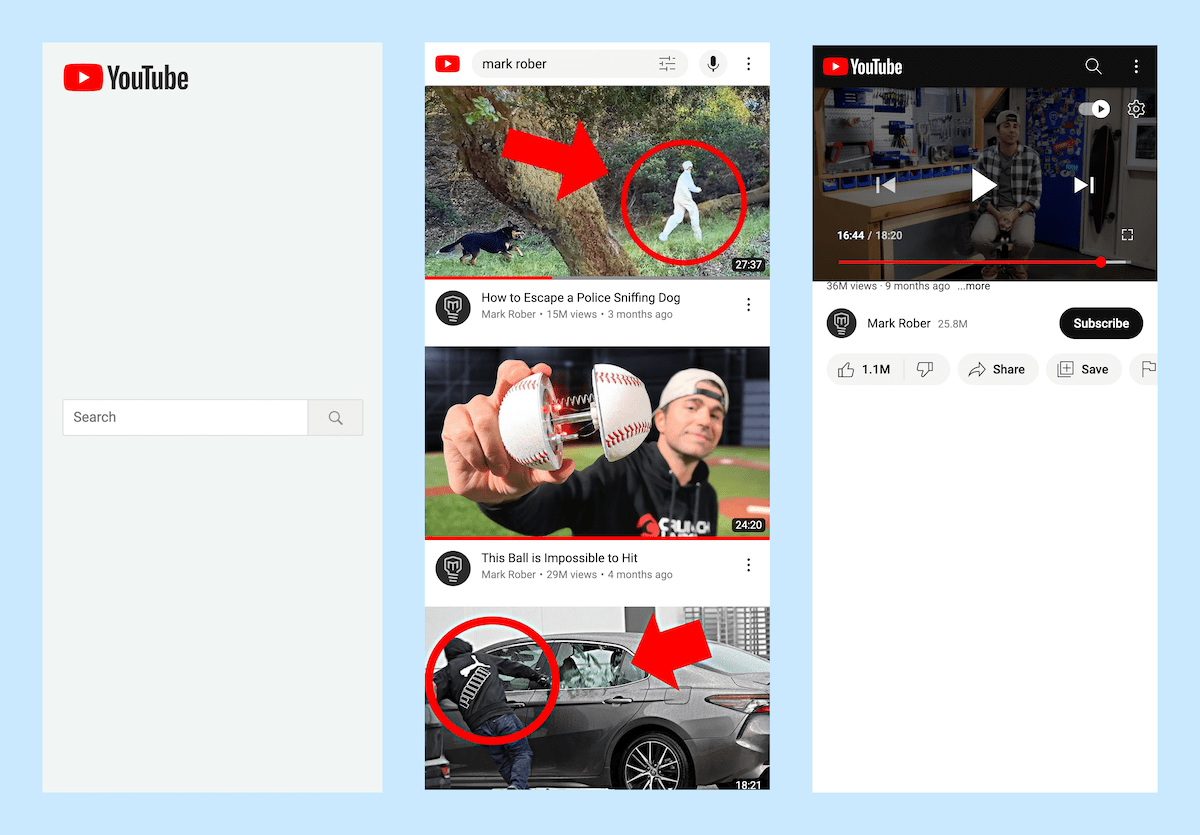
Big shout out to [@fauzanabrar](https://github.com/fauzanabrar) for making Focused Youtube work in mobile browsers! :raised_hands:
## Development
Clone FY's repo to your computer.
You need to have [`nvm`](https://github.com/nvm-sh/nvm?tab=readme-ov-file#installing-and-updating) installed in order to have [a correct Node version for this project](https://github.com/makaroni4/focused_youtube/blob/main/.nvmrc).
Install dependencies and run a command to re-build the extension (update files in the `dist_chrome` or `dist_firefox` folder) on any file change:
```bash
# 1. Install the correct node version.
nvm install
# 2. Install dependencies.
npm install
# 3. Monitor file changes to re-build the extension during development.
npm run dev --mode=chrome|firefox|edge
```
### How to load the extension locally
The `npm run dev` command will generate a build folder: `dist_chrome`, `dist_firefox` or `dist_edge`. Browser differ slightly in how they load local extensions.
#### Chrome
For Chrome, load the `dist_chrome` folder as a local extension at [chrome://extensions/](chrome://extensions/) via "Load unpacked":

:warning: Note, that you'll need to update the extension (by clicking on the update icon) :point_up: every time you want to test the latest version.
#### Firefox
In Firefox, head over to [about:debugging#/runtime/this-firefox](about:debugging#/runtime/this-firefox) and click on the "Load Temporary Add-on..." button on top of the page. :warning: For Firefox, you'll need to select the `focused-youtube-firefox.zip` file instead of the `dist_firefox` folder.
#### Edge
With Edge, open the [edge://extensions/](edge://extensions/) page and click on the "Load unpacked" button on top of the page. :warning: Select the `dist_edge` folder instead.
### Debugging storage API
Focused Youtube extension uses Storage API (see [Storage API for Chrome](https://developer.chrome.com/docs/extensions/reference/api/storage) or [Storage API for Firefox](https://developer.mozilla.org/en-US/docs/Mozilla/Add-ons/WebExtensions/API/storage)) for keeping track of user settings and some additional data (installation timestamp, etc).
#### For Chromium browsers (Chrome, Edge, Brave)
To check out current storage data, right click on the extension icon and select "Inspect pop-up". In the dev console run:
```js
chrome.storage.local.get(console.log)
```
To clear storage run the following code in the dev console:
```js
chrome.storage.local.clear(() => {
console.log("Cleared!")
})
```
#### For Firefox
Head over to the [about:debugging#/runtime/this-firefox](about:debugging#/runtime/this-firefox) page and click on the "Inspect" button next to the "Focused for YouTube" extension.
```js
browser.storage.local.get(console.log)
```
To clear storage run the following code in the dev console:
```js
browser.storage.local.clear(() => {
console.log("Cleared!")
})
```
## Testing
When adding a new PR or releasing a new version, make sure the extension works (menu is shown, all distracting sections are hidden + dark mode) on the following pages:
1. [Home page](https://www.youtube.com/).
2. [Video page](https://www.youtube.com/watch?v=dQw4w9WgXcQ).
3. [Search results page](https://www.youtube.com/results?search_query=never+gonna+give+you+up).
4. [Channel page](https://www.youtube.com/@veritasium).
5. [History page](https://www.youtube.com/feed/history).
6. [Playlist page](https://www.youtube.com/playlist?list=LL).
7. [Playlists page](https://www.youtube.com/feed/playlists).
8. [Subscriptions page](https://www.youtube.com/feed/subscriptions).
## Releasing
1. Bump version in `package.json`.
2. Build extension for all browser platforms:
```
npm run build:all
```
3. Upload zip files to all stores:
```
bin/publish
```
## Contributing
You're more than welcome to contribute. In fact, I'm really looking forward to it! :rocket:
Just make sure to check out the [contribution guidelines](https://github.com/makaroni4/focused_youtube/blob/main/CONTRIBUTING.md). :pray:
## Credits
The [info icon](https://github.com/makaroni4/focused_youtube/blob/main/src/assets/info_icon.svg) was created by [@Remartwork](https://dribbble.com/remartwork?ref=svgrepo.com) and was taken [from SVG Repo](https://www.svgrepo.com/svg/356331/info-circle).