https://github.com/mapbox/mapbox-android-demo
Google Play demo app for the Mapbox Maps SDK for Android
https://github.com/mapbox/mapbox-android-demo
demo java mapbox mapbox-android-demo mapbox-android-sdk mobile
Last synced: 5 months ago
JSON representation
Google Play demo app for the Mapbox Maps SDK for Android
- Host: GitHub
- URL: https://github.com/mapbox/mapbox-android-demo
- Owner: mapbox
- License: bsd-2-clause
- Archived: true
- Created: 2014-02-10T21:01:59.000Z (over 12 years ago)
- Default Branch: master
- Last Pushed: 2024-10-07T09:01:47.000Z (almost 2 years ago)
- Last Synced: 2025-04-21T08:56:52.628Z (about 1 year ago)
- Topics: demo, java, mapbox, mapbox-android-demo, mapbox-android-sdk, mobile
- Language: Java
- Homepage: https://play.google.com/store/apps/details?id=com.mapbox.mapboxandroiddemo
- Size: 113 MB
- Stars: 718
- Watchers: 190
- Forks: 494
- Open Issues: 88
-
Metadata Files:
- Readme: README.md
- Changelog: CHANGELOG.md
- License: license
Awesome Lists containing this project
README
# Mapbox Android Demo app [ARCHIVED]
**Note: This repository has been archived and is no longer maintained.**
This repository contains a public demo of the Mapbox Maps SDK for Android. The app is no longer actively maintained or updated and will be removed/was removed from the Google Play store on October 25,2024.
For up-to-date information and examples of using Mapbox in Android applications, please refer to:
- [Mapbox Maps SDK for Android Documentation](https://docs.mapbox.com/android/maps/guides/)
- [Mapbox Maps SDK for Android GitHub Repository](https://github.com/mapbox/mapbox-maps-android/)
## Historical README Content
# Mapbox Android Demo app

[](https://circleci.com/gh/mapbox/mapbox-android-demo)
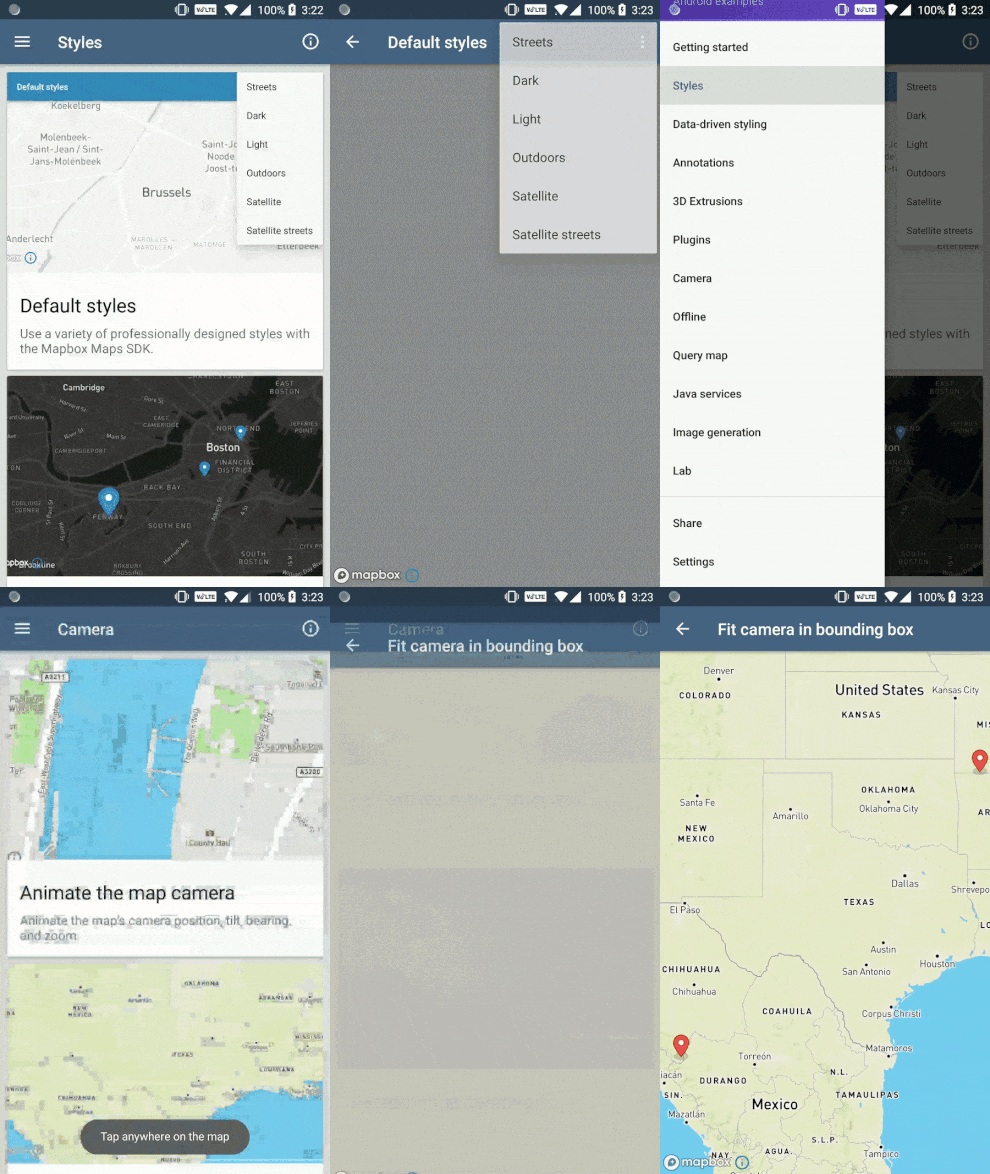
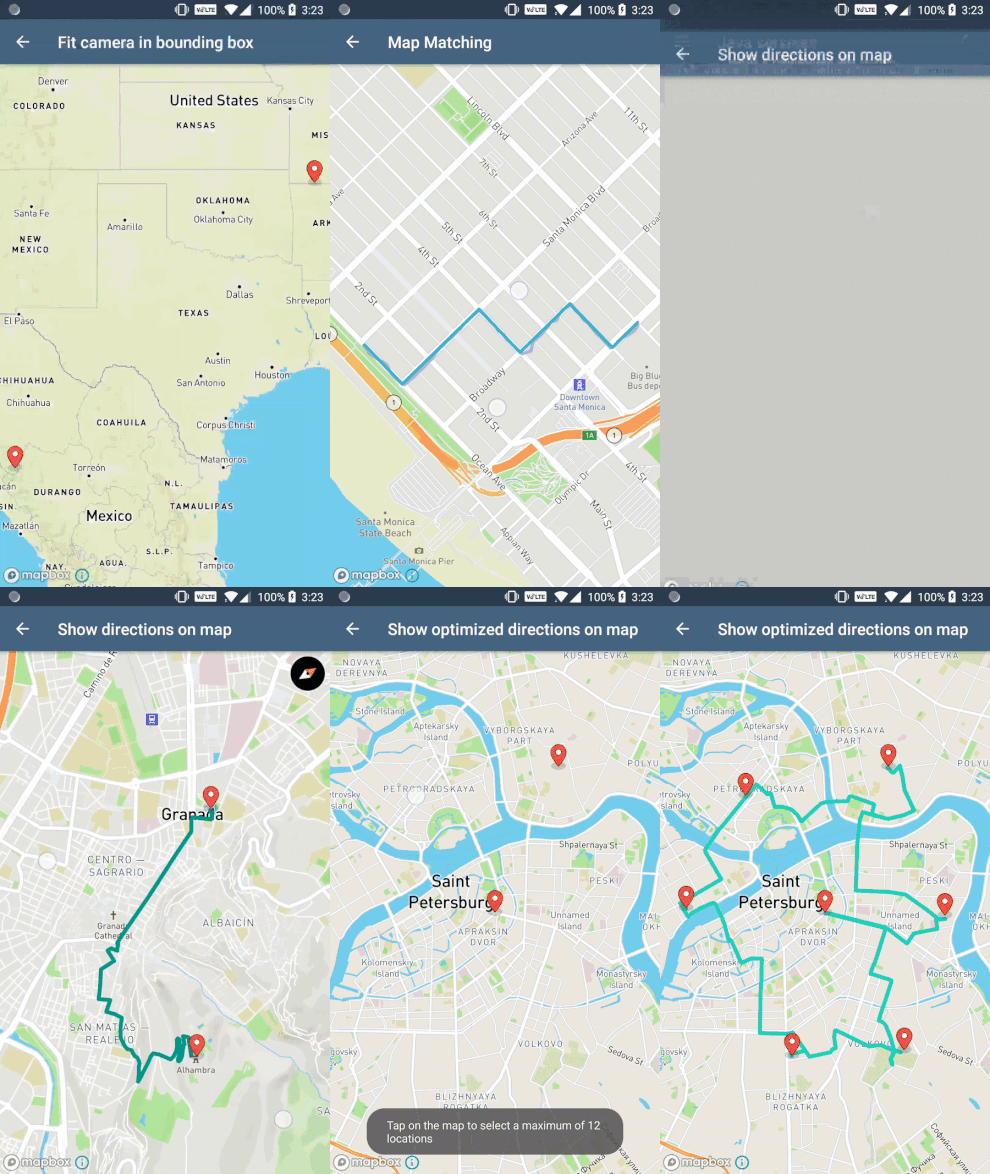
This is a public demo of the Mapbox Maps SDK for Android. The demo app is [available now in the Google Play Store](https://play.google.com/store/apps/details?id=com.mapbox.mapboxandroiddemo) and it shows off many of the examples found on:
- [https://docs.mapbox.com/android/maps/examples](https://docs.mapbox.com/android/maps/examples/)
- [https://docs.mapbox.com/android/java/examples](https://docs.mapbox.com/android/java/examples/)
- [https://docs.mapbox.com/android/plugins/examples](https://docs.mapbox.com/android/plugins/examples/)
There are also examples that only live in the app. The app's "labs" section has examples which often combine various Mapbox tools to create more complex examples.
Visit [the overview page](https://docs.mapbox.com/android/maps/overview/) to get started using the Mapbox Maps SDK for Android in your Android project.
### Steps to adding a new example
Feedback and contribution are encouraged in this repo. If you'd like to see a new example added into the app, either [open an issue](https://github.com/mapbox/mapbox-android-demo/issues) or create it yourself and open a pull request following these steps:
* Create a new java file and place in the acceptable folder (`examples` or `labs`) giving it a descriptive name and ending the title with `*Activity`. It's important that all activities extend `AppCompat`.
* If the activity needs a layout, add one with the naming convention `activity_*`.
* Add the activity to the `AndroidManifest.xml` file.
* Open the `MainActivity.java` file and scroll down to the `listItems` method. You'll notice a switch statement, pick one of the cases (categories) and add the new example so it matches the others.
* Code your example and test to make sure it works properly.
* Open a pull request with the new example.
**Note:** This repo uses checkstyle to make sure code contributed follows the Mapbox Style standards. When a pull request is opened, Bitrise will check that no style issues occur in the code. Read this [wiki entry](https://github.com/mapbox/mapbox-android-demo/wiki/Setting-up-Mapbox-checkstyle) to set up checkstyle in Android Studio.
### Running locally
##### Setting the Mapbox access token
_This demo app uses Mapbox vector tiles, which require a Mapbox account and a Mapbox access token. Obtain a free access token on the [Mapbox account page](https://www.mapbox.com/studio/account/tokens/)._
With the first Gradle invocation, Gradle will take the value of the `MAPBOX_ACCESS_TOKEN` environment variable and save it to `SharedCode/src/main/res/values/developer-config.xml`. If the environment variable wasn't set, you can create/edit the `developer-config.xml` file. Create an `access_token` String resource and paste your access token into it:
```xml
YOUR_MAPBOX_ACCESS_TOKEN
```
### Inside the app