https://github.com/mariosantosdev/fitmanager
A React-Native app that manager and monitoring the fitness life style.
https://github.com/mariosantosdev/fitmanager
Last synced: about 1 month ago
JSON representation
A React-Native app that manager and monitoring the fitness life style.
- Host: GitHub
- URL: https://github.com/mariosantosdev/fitmanager
- Owner: mariosantosdev
- License: mit
- Created: 2020-08-24T18:09:01.000Z (almost 6 years ago)
- Default Branch: master
- Last Pushed: 2022-01-24T20:28:37.000Z (over 4 years ago)
- Last Synced: 2025-02-22T13:39:57.415Z (over 1 year ago)
- Language: TypeScript
- Homepage:
- Size: 1.69 MB
- Stars: 0
- Watchers: 1
- Forks: 0
- Open Issues: 0
-
Metadata Files:
- Readme: README.MD
- License: LICENSE
Awesome Lists containing this project
README

# Links
If you wish download the app, you can acces the below link!
- [Google Play](https://play.google.com/store/apps/details?id=com.mariotech.fitmanager)
# Tools
This project using the below tecnologies
- [Expo](https://docs.expo.io/versions/latest/)
- [Expo Vector Icons](https://icons.expo.fyi/)
- [React Native](https://facebook.github.io/react-native/)
- [React Navigation](https://reactnavigation.org/)
- [Native Base](https://nativebase.io/)
- [Axios](https://axios-http.com/ptbr/)
- [VSCode](https://code.visualstudio.com/)
- [Styled-Componets](https://styled-components.com/)
- [DayJS](https://day.js.org/)
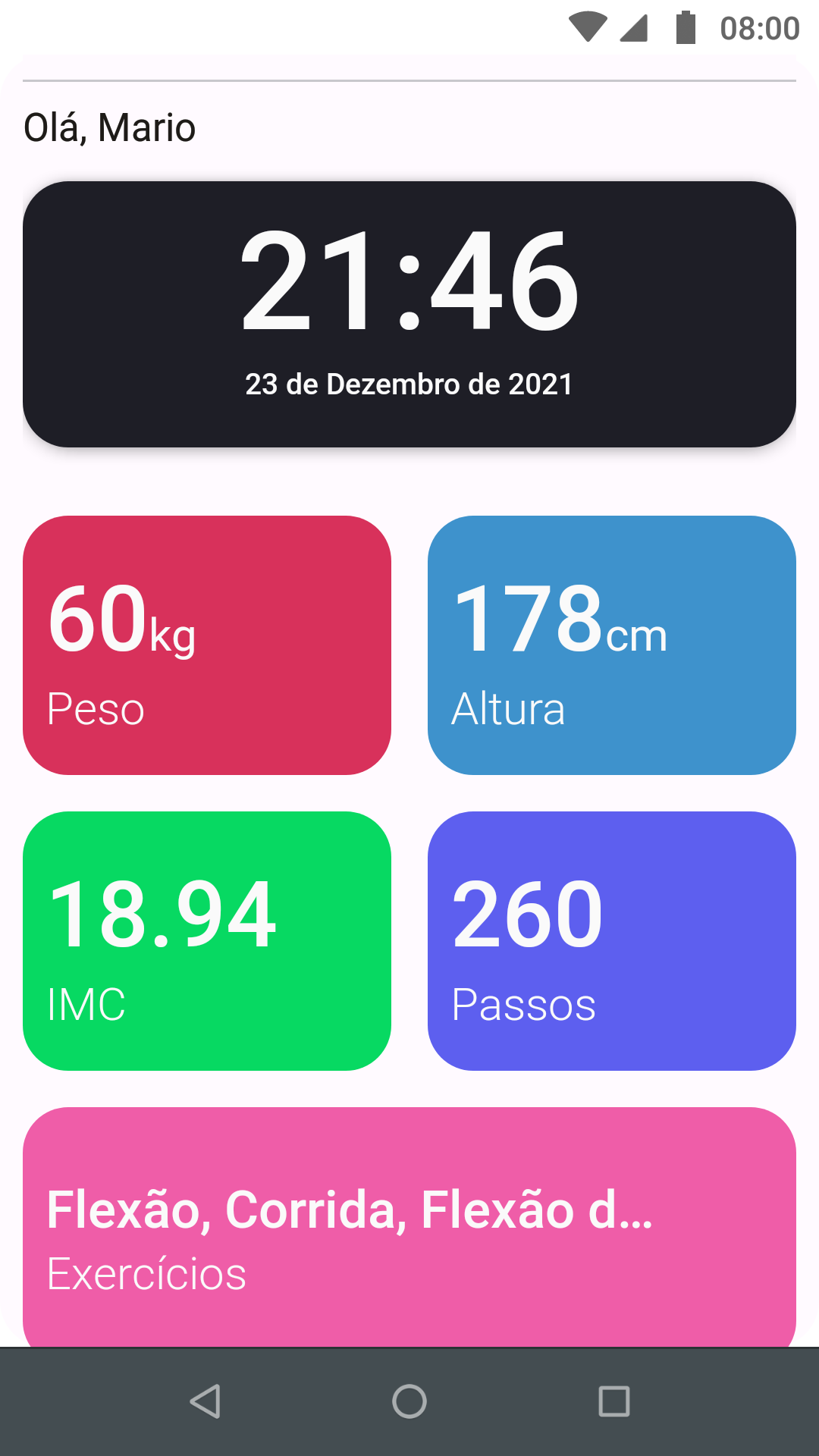
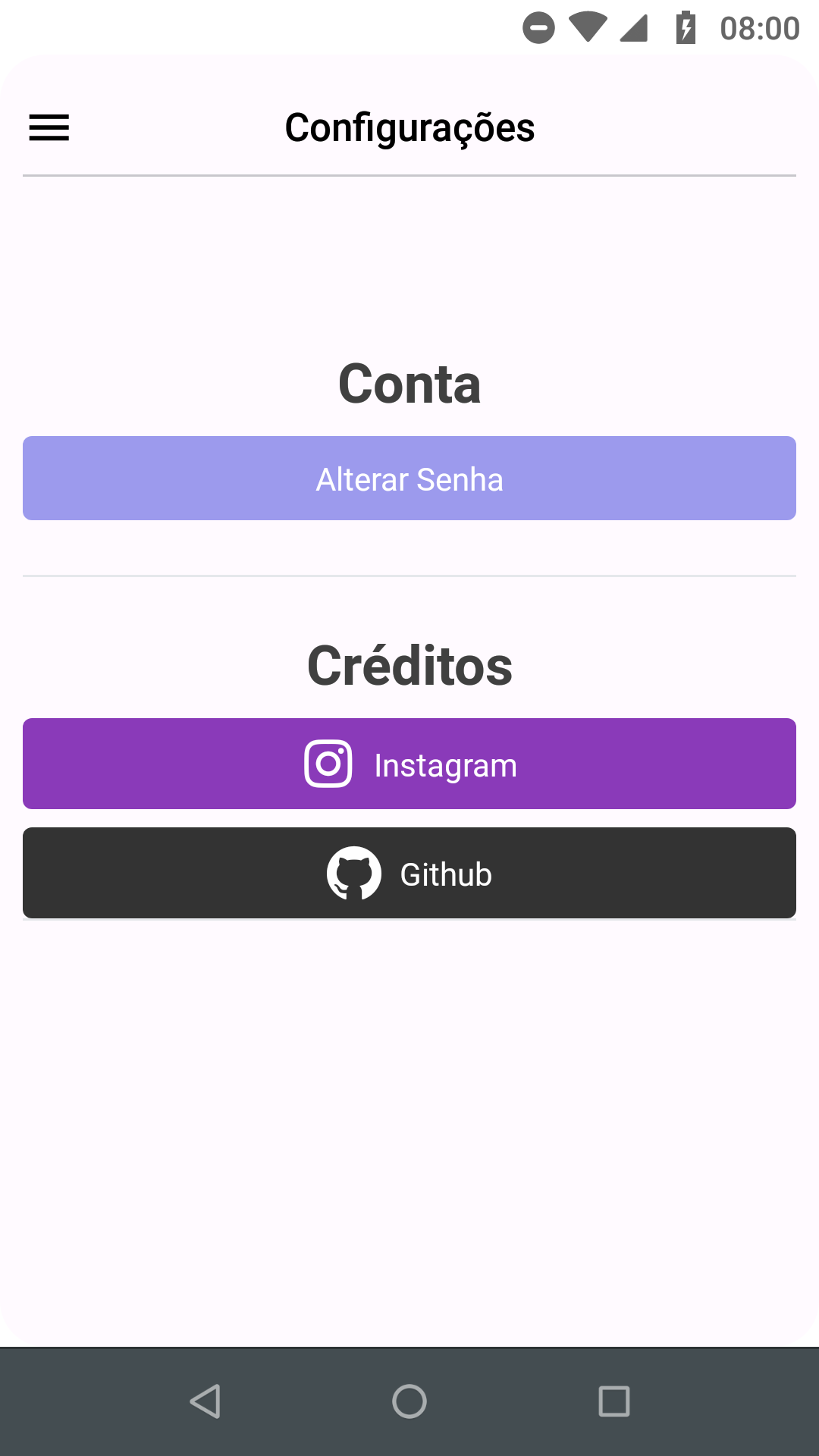
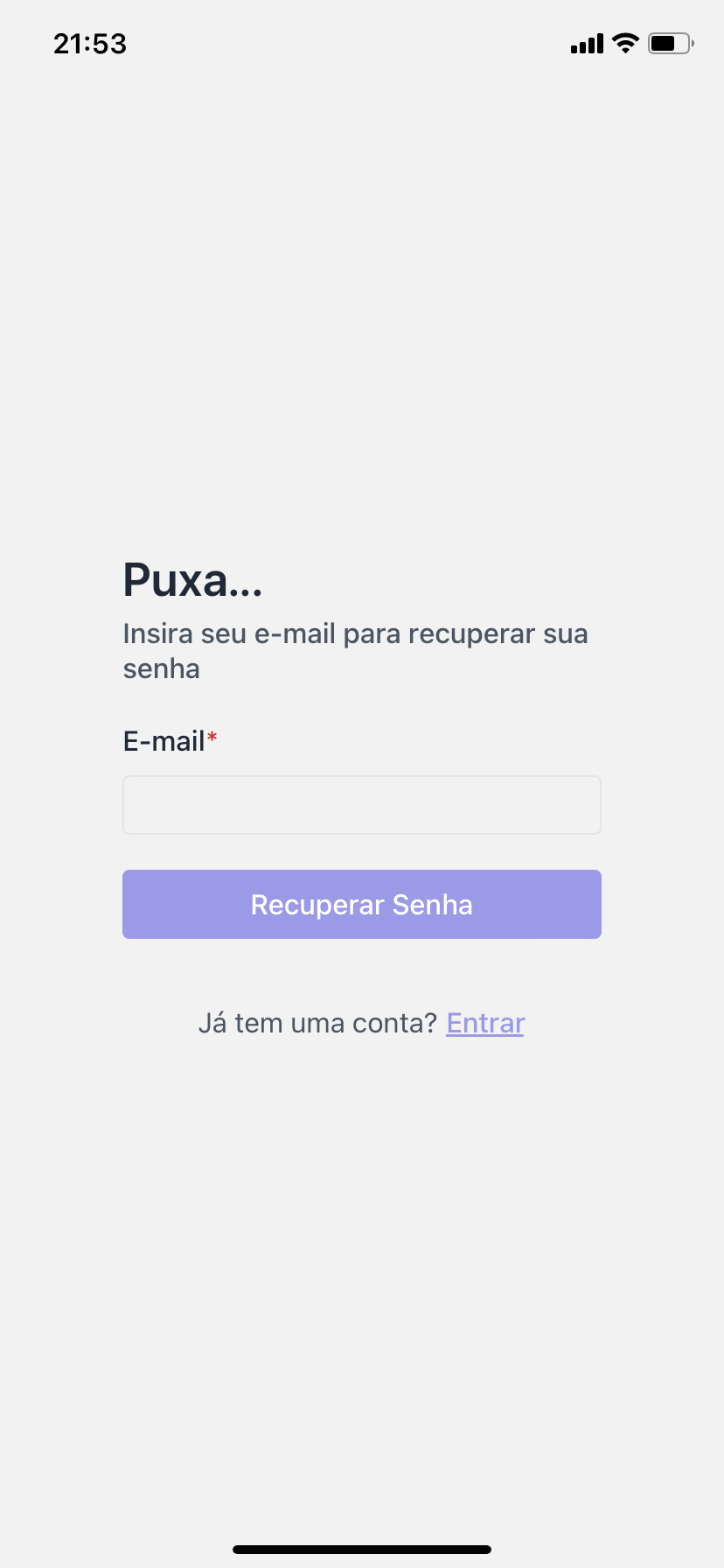
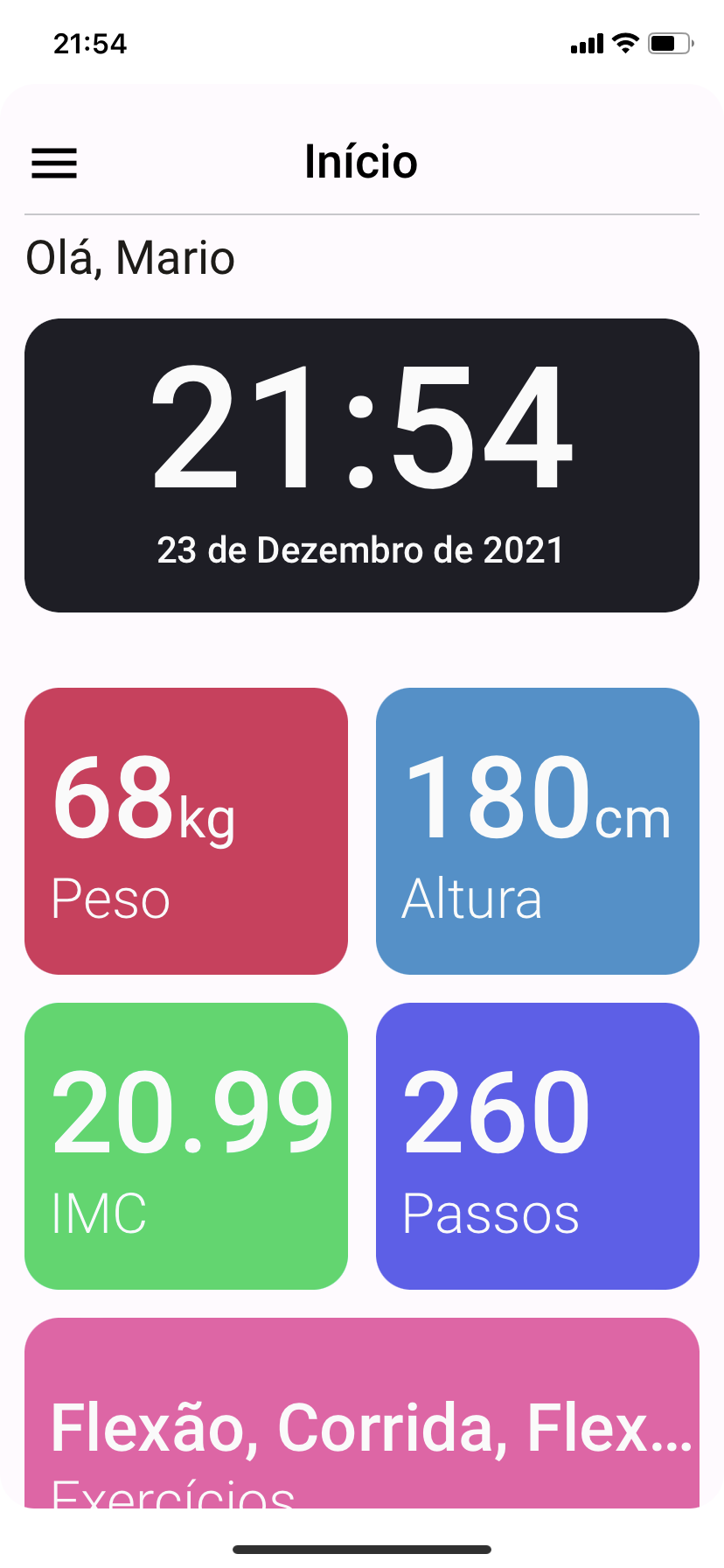
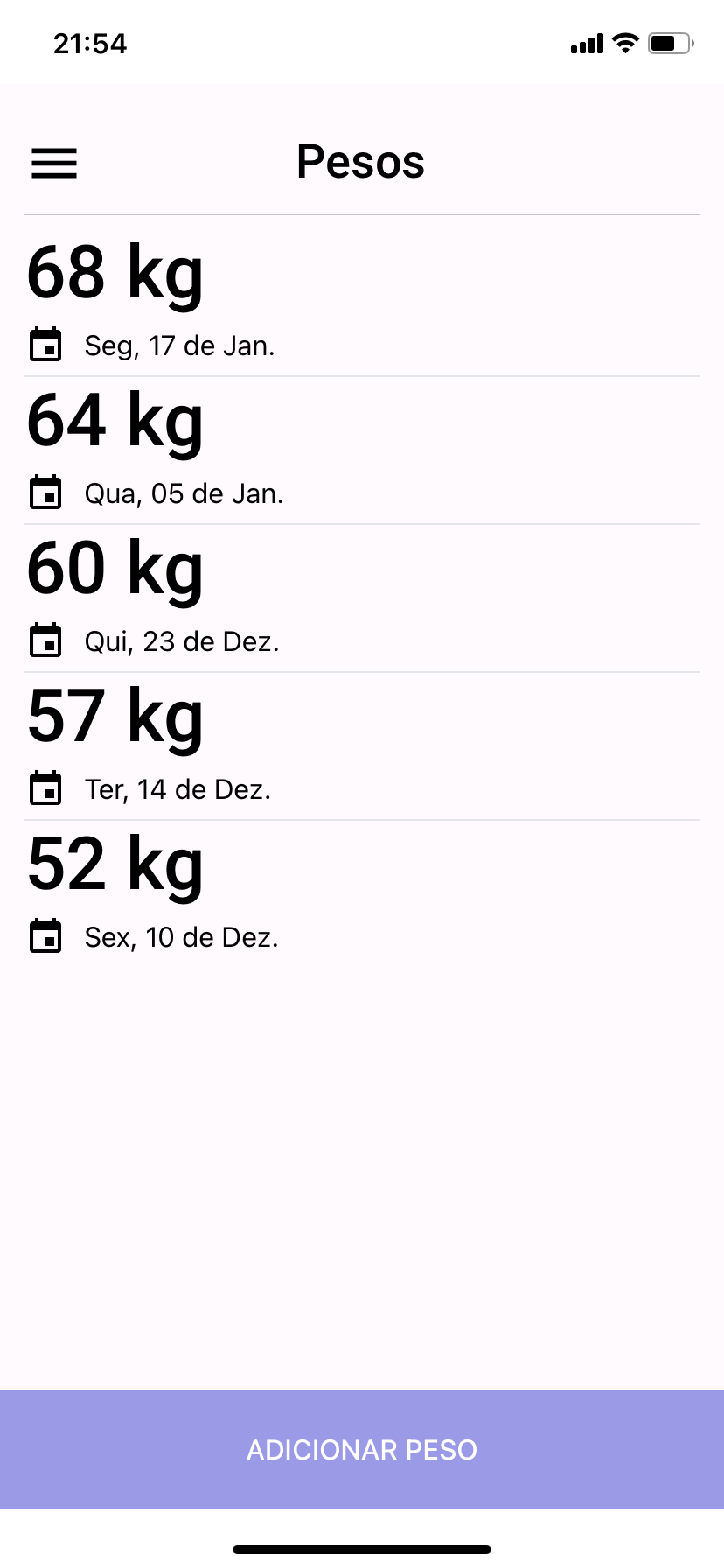
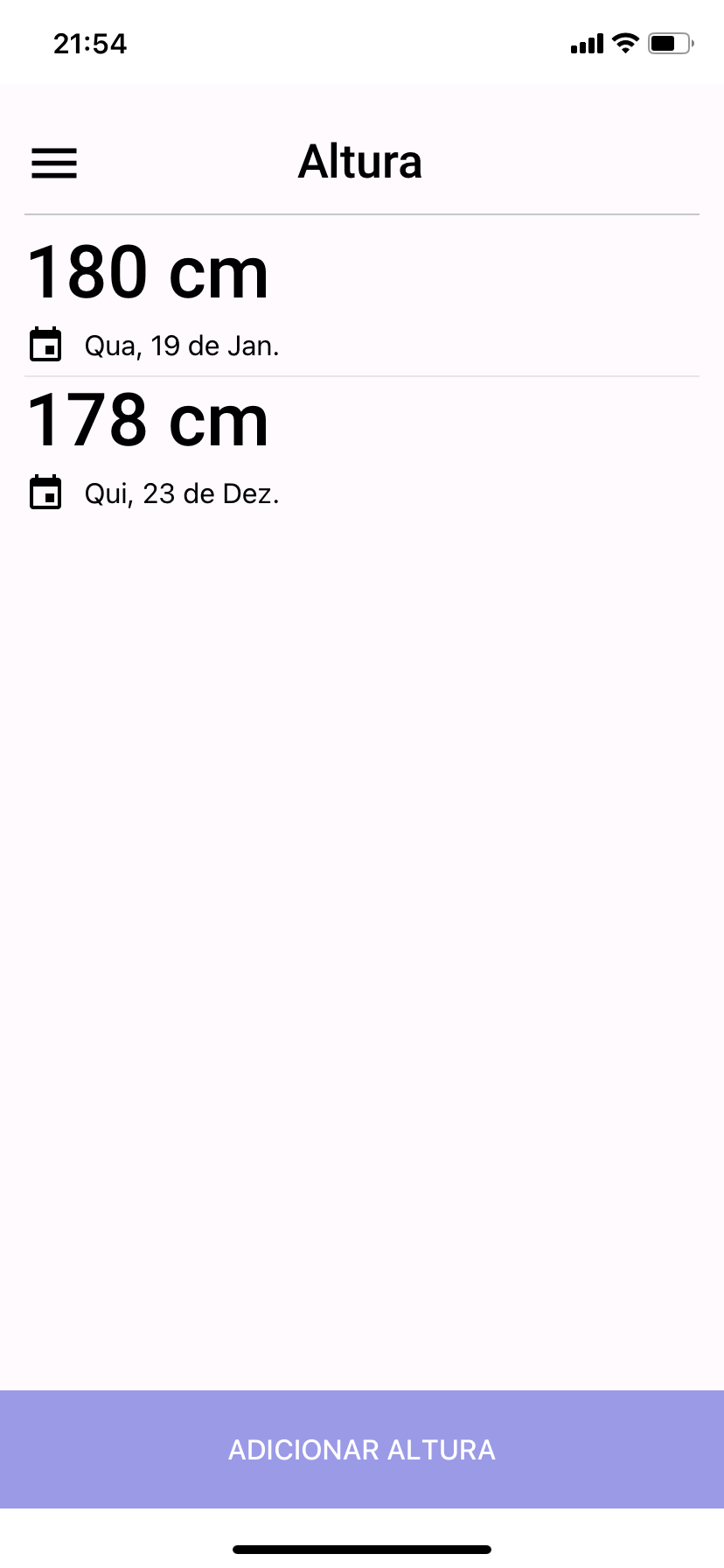
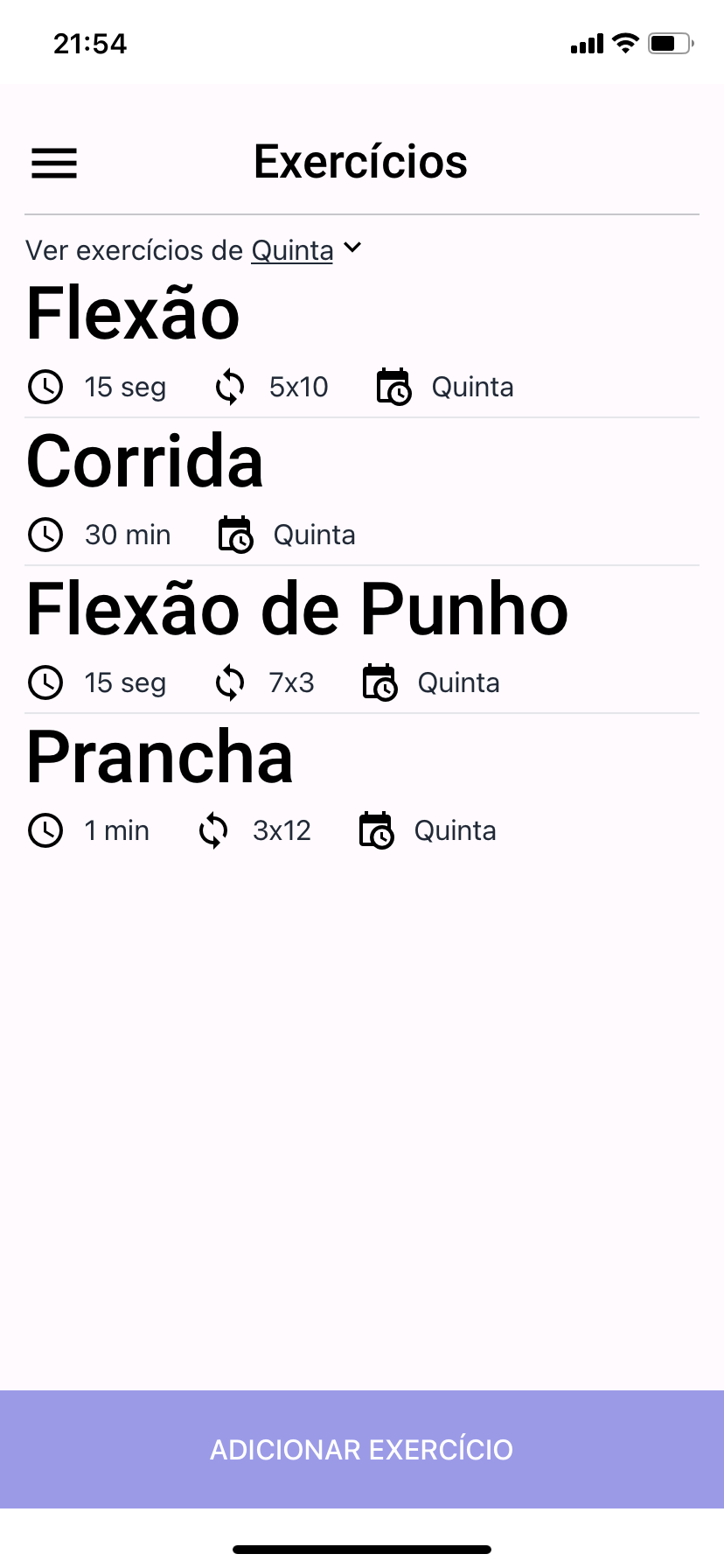
# Images
## Android




## iOS
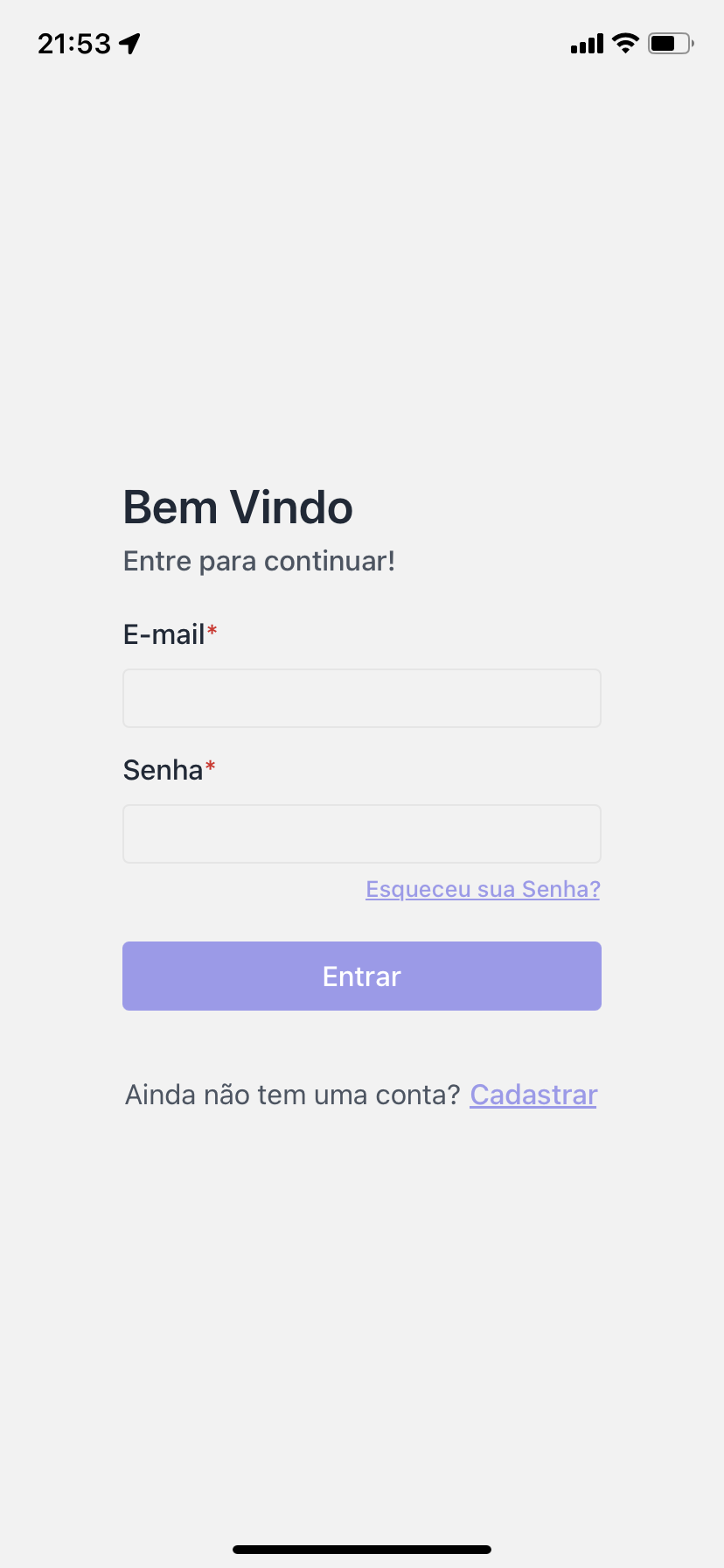
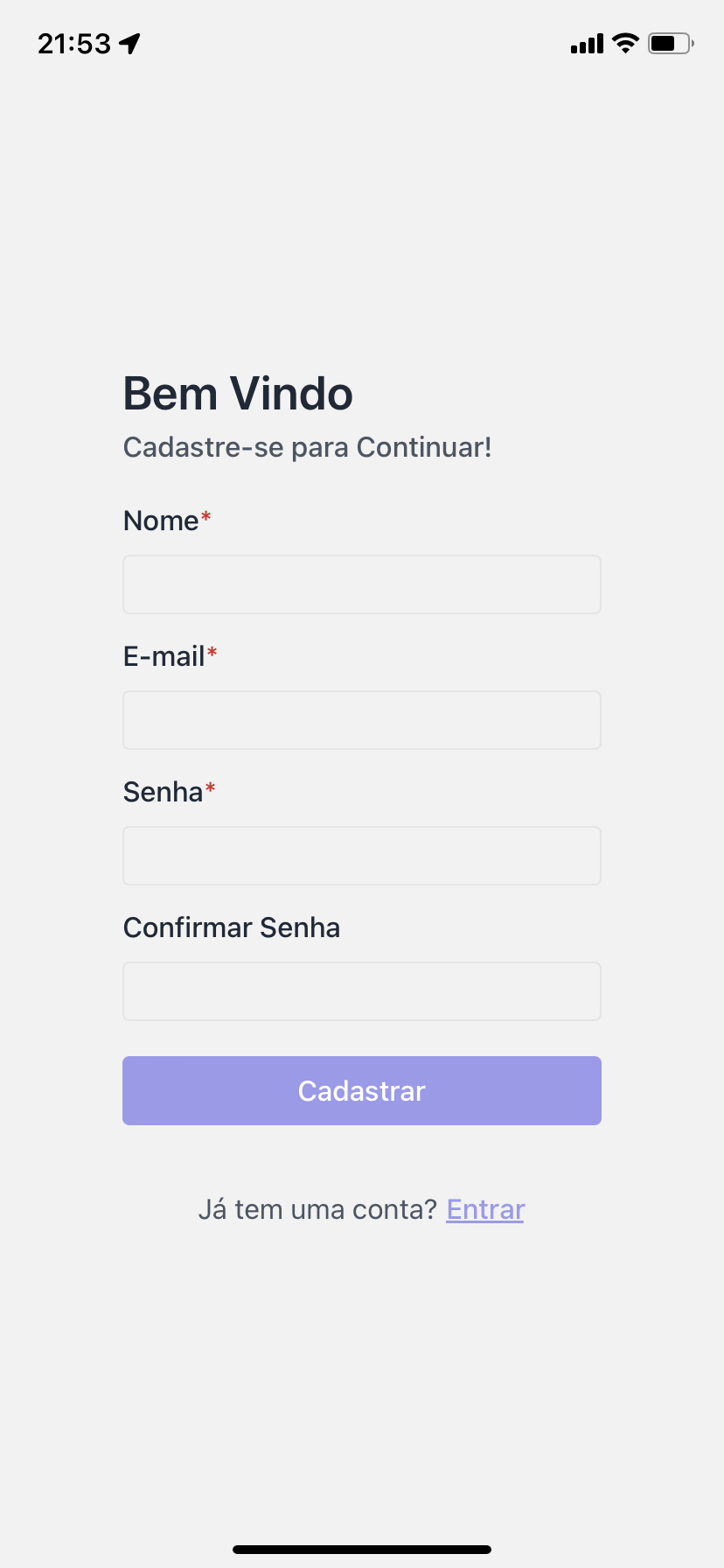

# Getting Started
## Prerequisites
This project was built with NodeJS 14.6, I recommend you use this version or similar.
You'll needed that the server is running, for this follow that [documentation](https://github.com/nvrsantos/FitManager-server#readme)
## Installing
### Clone the repo
```
$ git clone https://github.com/nvrsantos/FitManager.git
$ cd FitManager
```
### Installing dependencies
```
$ yarn
```
_or_
```
$ npm install
```
### Running Project
The application was developing using Expo, this allow us start the project in our own mobile device.
First install all dependences of project, to this, execute:
```
$ yarn install
```
_or_
```
$ npm install
```
Now you can run the project in your mobile device, for this execute:
```
$ yarn android
```
_or_
```
$ npm android
```
You need of application EXPO installed your mobile device, you can found it in Google Play or App Store:Agora você precisa do aplicativo do EXPO instalado no seu dispositivo móvel, você pode encontrar por ele na Google Play ou App Store:
- [Expo Android](https://play.google.com/store/apps/details?id=host.exp.exponent&hl=pt_BR)
- [Expo Ios](https://apps.apple.com/br/app/expo-client/id982107779)
Your browser should open a screen with a code similar the below, use the QRCode reader, that the Expo App will open the application.

## Thanks
This README was based in [README](https://github.com/leoobarbosa2/ifood-clone#readme)