https://github.com/marksowell/ssl-labs-screenshot
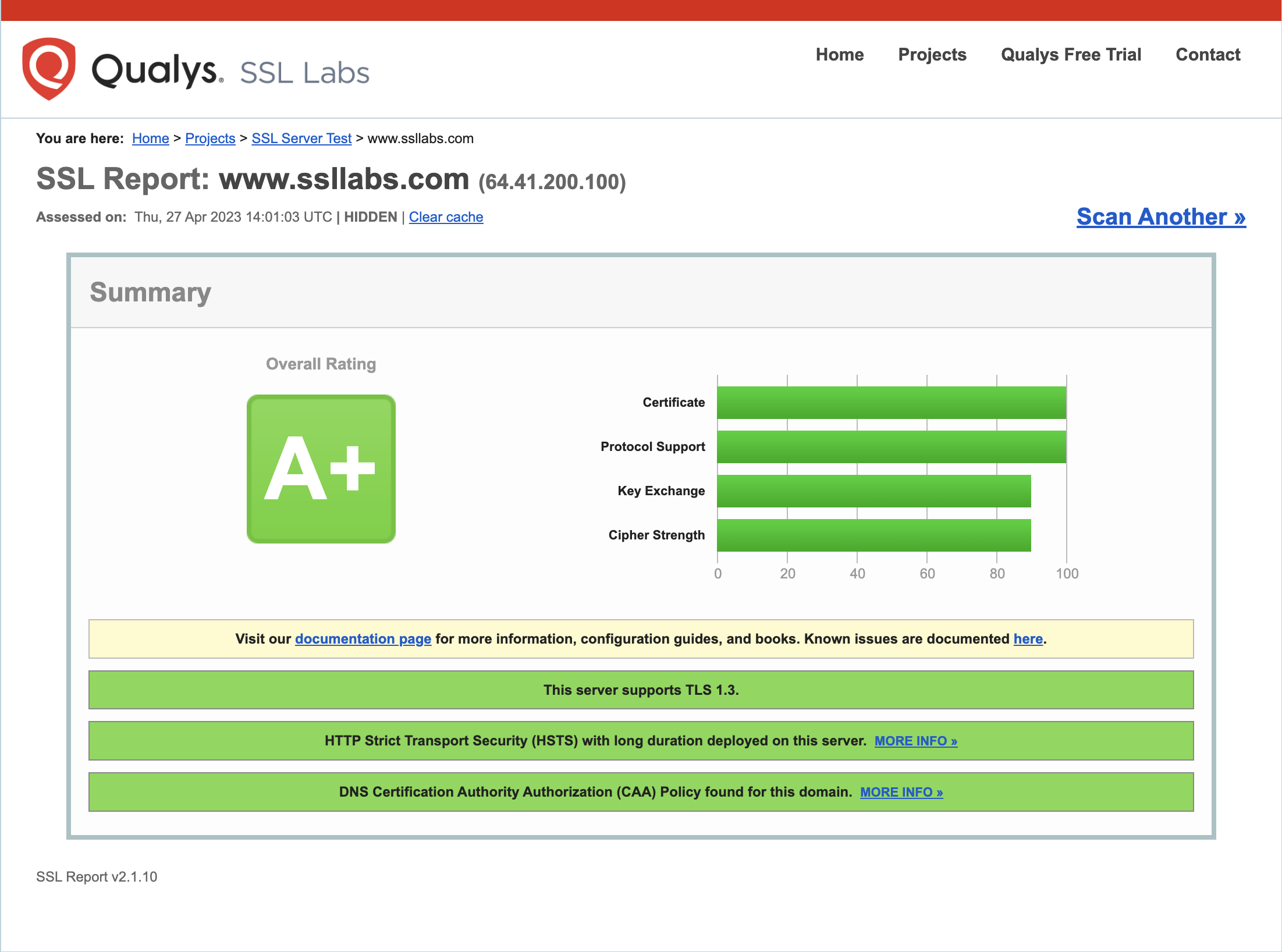
A Python package to capture a trimmed screenshot of the SSL Labs report for a given domain.
https://github.com/marksowell/ssl-labs-screenshot
appsec appsec-testing appsec-tools reports-generation ssl ssl-certificate-check ssl-certificates ssl-checker sslchecker ssllabs ssllabs-rating ssllabs-scan sslscan
Last synced: over 1 year ago
JSON representation
A Python package to capture a trimmed screenshot of the SSL Labs report for a given domain.
- Host: GitHub
- URL: https://github.com/marksowell/ssl-labs-screenshot
- Owner: marksowell
- License: mit
- Created: 2023-05-01T05:26:31.000Z (about 3 years ago)
- Default Branch: main
- Last Pushed: 2023-05-01T13:33:20.000Z (about 3 years ago)
- Last Synced: 2025-02-09T08:46:02.866Z (over 1 year ago)
- Topics: appsec, appsec-testing, appsec-tools, reports-generation, ssl, ssl-certificate-check, ssl-certificates, ssl-checker, sslchecker, ssllabs, ssllabs-rating, ssllabs-scan, sslscan
- Language: Python
- Homepage:
- Size: 178 KB
- Stars: 1
- Watchers: 1
- Forks: 0
- Open Issues: 0
-
Metadata Files:
- Readme: README.md
- License: LICENSE.txt
Awesome Lists containing this project
README
# SSL Labs Screenshot
A Python package to capture a trimmed screenshot of the SSL Labs report for a given domain.
## Requirements
- Python 3.6 or newer
- Chrome browser version 89 or later
- ChromeDriver
## Installation
1. Install using pip:
```
pip install ssl-labs-screenshot
```
2. Download the latest version of ChromeDriver from the following link: https://sites.google.com/chromium.org/driver/downloads
3. Extract the contents of the downloaded ZIP file.
4. Either move the ChromeDriver executable to a directory that is already included in your system's `PATH` environment variable, or add the directory containing the extracted ChromeDriver executable to your system's `PATH` variable.
## Usage
Run the script with the following command:
```
ssl-labs-screenshot domain.com
```
Replace domain.com with the domain you want to test. The script will open a headless Chrome browser and load the SSL Labs report for the domain. It will capture a temporary screenshot of the report and save it as a PNG file in the same directory as the script, with the name domain_report_tmp.png. The script will delete the temporary screenshot after the trimmed image is created with the name domain_report.png
## Limitations
The script only captures the first server's report for domains with multiple servers.
## License
The scripts and documentation in this project are released under the [MIT License](https://github.com/marksowell/SSL-Labs-Screenshot/blob/main/LICENSE)