https://github.com/marktawa/supreme-disco
Filter deeply nested results in Strapi
https://github.com/marktawa/supreme-disco
cms filter javascript koajs nodejs strapi webdev
Last synced: about 2 months ago
JSON representation
Filter deeply nested results in Strapi
- Host: GitHub
- URL: https://github.com/marktawa/supreme-disco
- Owner: Marktawa
- License: mit
- Created: 2025-01-16T04:52:41.000Z (over 1 year ago)
- Default Branch: main
- Last Pushed: 2025-02-07T10:56:40.000Z (over 1 year ago)
- Last Synced: 2025-03-06T20:17:20.845Z (over 1 year ago)
- Topics: cms, filter, javascript, koajs, nodejs, strapi, webdev
- Language: JavaScript
- Homepage: https://strapi.io/blog/deep-filtering-alpha-26
- Size: 982 KB
- Stars: 0
- Watchers: 1
- Forks: 0
- Open Issues: 0
-
Metadata Files:
- Readme: README.md
- License: LICENSE
Awesome Lists containing this project
README
# How to Filter deeply nested results in Strapi

## Description
This repository contains the source code for the article: [How to Filter Results on Deeply-Nested fields in Strapi](https://strapi.io/blog/deep-filtering-alpha-26), written for [Strapi's Blog](https://strapi.io/blog).
## Prerequisites
To test out the source code you will need the following installed:
- [Node.js LTS v18 or v20](https://nodejs.org)
## Getting started
Clone the repository.
```bash
git clone https://github.com/Marktawa/supreme-disco.git
```
## Install dependencies
```bash
cd supreme-disco/my-strapi-project
```
```bash
npm install
```
## Setup environment variables.
```bash
cp .env.example .env
```
## Register Admin
Create admin user with email `chef@strapi.io` and password `Gourmet1234`.
```bash
npm run strapi admin:create-user -- --firstname=Kai --lastname=Doe --email=chef@strapi.io --password=Gourmet1234
```
## Test out code
Run your Strapi app.
```bash
npm run develop
```
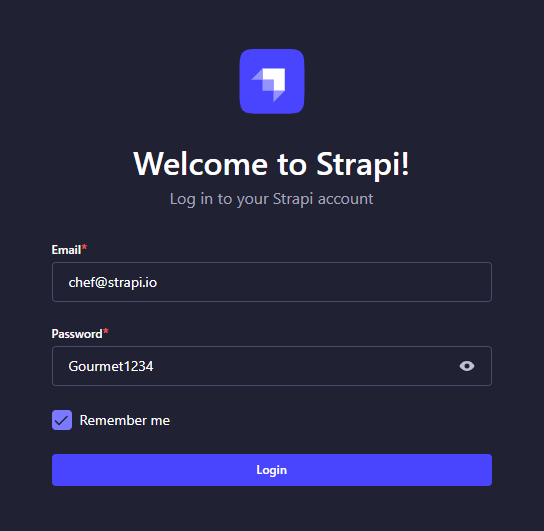
Login to your Strapi admin by visiting [localhost:1337/admin](http://localhost:1337/admin) and login using admin user with email `chef@strapi.io` and password `Gourmet1234`.
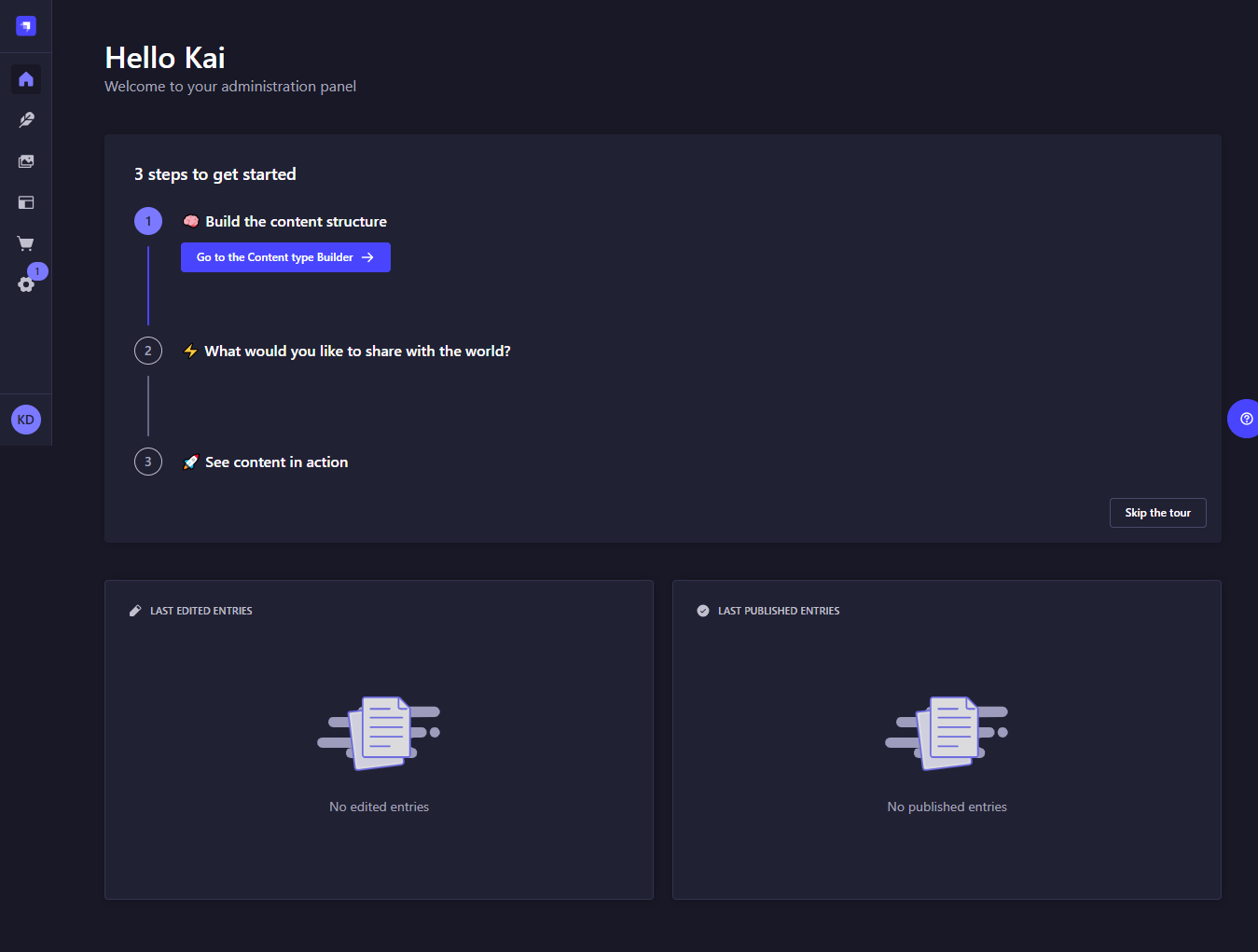
Clicking on **Login** gives you the Strapi Admin Dashboard Home page:
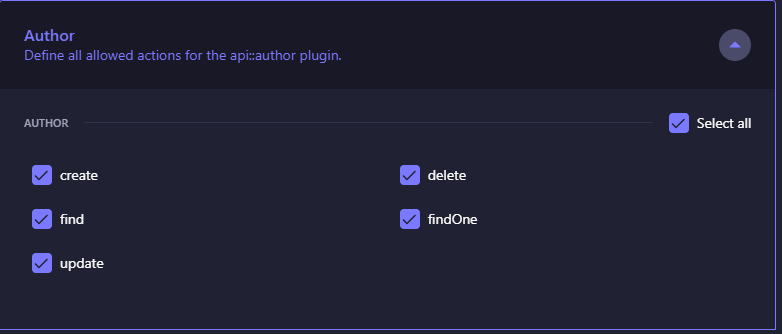
Check to see if Public Read access to your API is enabled
Click on `Settings` > `Users & Permissions Plugin` > `Roles` > `Public` > `Permissions`.
If not enable Public Read access to your `Book` and `Author` collection API.
## Deep Filtering Using the REST API
Run the following command in your terminal:
```shell
curl --globoff localhost:1337/api/books?filters\[authors\][hobby][$contains]=dance
```
You should get the following response:
```json
{
"data": [
{
"id": 10,
"documentId": "kte9yxf6oami3680br3gapfl",
"title": "How to be Flexible",
"createdAt": "2025-01-16T05:49:53.037Z",
"updatedAt": "2025-01-16T06:06:43.838Z",
"publishedAt": "2025-01-16T06:06:43.851Z"
},
{
"id": 6,
"documentId": "mfnvnveobtf4fzporv9k2z3x",
"title": "How to Dance",
"createdAt": "2025-01-16T05:49:27.517Z",
"updatedAt": "2025-01-16T05:49:27.517Z",
"publishedAt": "2025-01-16T05:49:27.522Z"
}
],
"meta": {
"pagination": {
"page": 1,
"pageSize": 25,
"pageCount": 1,
"total": 2
}
}
}
```
## Deep Filtering Using the Document Service API
>*NOTE: Instructions apply for `Query Engine API` and `Entity Service API` as well*
Run the following command in your terminal:
```shell
curl localhost:1337/api/dance-books
```
Expected response:
```json
[
{
"id": 5,
"documentId": "mfnvnveobtf4fzporv9k2z3x",
"title": "How to Dance",
"createdAt": "2025-01-16T05:49:27.517Z",
"updatedAt": "2025-01-16T05:49:27.517Z",
"publishedAt": null,
"locale": null
},
{
"id": 7,
"documentId": "kte9yxf6oami3680br3gapfl",
"title": "How to be Flexible",
"createdAt": "2025-01-16T05:49:53.037Z",
"updatedAt": "2025-01-16T06:06:43.838Z",
"publishedAt": null,
"locale": null
}
]
```
## Deep Filtering Using the GraphQL API
Navigate to GraphQL Playground. [localhost:1337/graphql](http://localhost:1337/graphql)
The following GraphQL query will give back all the books whose author’s hobby contains the word “dance”:
```js
query {
books (filters: { authors:{hobby : { contains: "dance" }}} ){
authors {
hobby
}
title
}
}
```
The playground should look like the image below:

## Resources
- [Article](https://strapi.io/blog/deep-filtering-alpha-26)
- [REST API Docs](https://docs.strapi.io/dev-docs/api/rest)
- [Document Service API Docs](https://docs.strapi.io/dev-docs/api/document-service)
- [Query Engine API Docs](https://docs.strapi.io/dev-docs/api/query-engine)
- [GraphQL API Docs](https://docs.strapi.io/dev-docs/api/graphql)
- [Entity Service API Docs](https://docs.strapi.io/dev-docs/api/entity-service)

## Author
Mark Munyaka
[dev.to/markmunyaka](https://dev.to/markmunyaka)