https://github.com/markusand/bocins
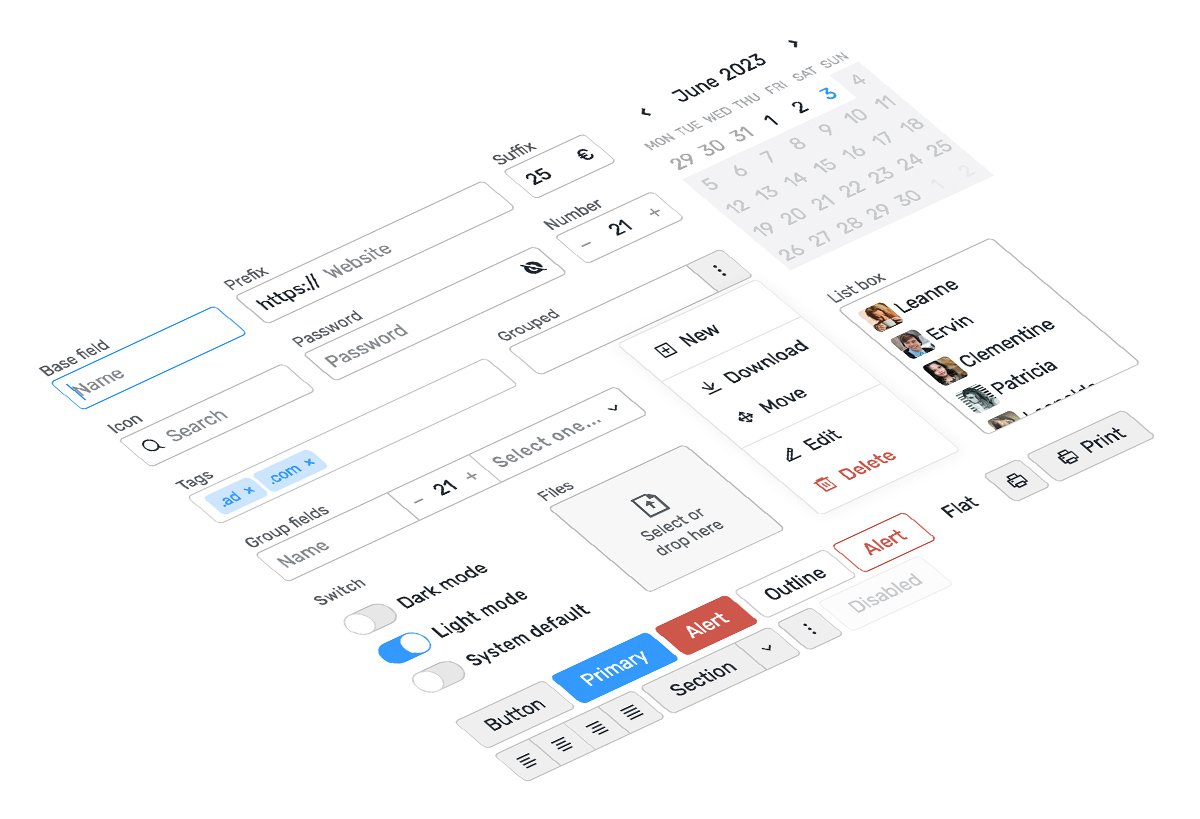
Collection of reusable UI components for Vue 3
https://github.com/markusand/bocins
components ui vue3
Last synced: 6 months ago
JSON representation
Collection of reusable UI components for Vue 3
- Host: GitHub
- URL: https://github.com/markusand/bocins
- Owner: markusand
- License: isc
- Created: 2022-10-12T18:26:36.000Z (almost 4 years ago)
- Default Branch: main
- Last Pushed: 2025-12-30T20:02:15.000Z (7 months ago)
- Last Synced: 2026-01-03T18:15:59.167Z (7 months ago)
- Topics: components, ui, vue3
- Language: TypeScript
- Homepage: https://bocins.netlify.app
- Size: 2.37 MB
- Stars: 1
- Watchers: 1
- Forks: 0
- Open Issues: 0
-
Metadata Files:
- Readme: README.md
- License: LICENSE
Awesome Lists containing this project
README
# Bocins
Collection of reusable UI components for Vue 3 that can be used standalone or combined together to create flexible and customized interfaces. The term **bocins** is derived from catalan and means *small bits or pieces of something*.
Explore all components in [Storybook](https://bocins.netlify.app).
[](https://npmjs.org/package/bocins)
[](https://npmjs.org/package/bocins)
[](https://npmjs.org/package/bocins)
[](https://app.netlify.com/sites/bocins/deploys)
## Get started
Install the library
```bash
npm i bocins
```
Default icons are copied from `/node_modules/bocins/dist/icons` to `/public/icons/`. Replace them to use your own icons. Existing icons won't be replaced.
Import styles in your app entry point file or in your styles entry point
```ts
// main.ts
import 'bocins/dist/style.css';
// main.scss
@import 'bocins/dist/style.css';
```
You can customize the theme using CSS variables and extending some base styles
```css
:root {
font-size: 16px;
font-family: system-ui, Arial, sans-serif;
color-scheme: light dark;
--color-bg: light-dark(#f8f8f8, #333);
--color-text: light-dark(#333, #efefec);
--color-error: #d33;
--color-accent: #39f;
--btn-color: var(--color-accent);
}
body {
background-color: var(--color-bg);
color: var(--color-text);
}
.btn[alert] { --color: var(--color-error); }
.switch {
--color-on: lightgreen;
--color-off: var(--color-error);
}
```
## Usage
Import and use components directly in your vue files
```html
{{ user.name }}
import { ref } from 'vue';
import { Selector, Avatar } from 'bocins';
import store, { type User } from './store';
const user = ref<User>();
.avatar { --size: 1.5rem; }
```