https://github.com/mayurjadhav2002/udemy-coupons-api
Udemy Coupon code api is built using flask and Beautifulsoup, can be used to provide more resources to the student by integrating it in your application.
https://github.com/mayurjadhav2002/udemy-coupons-api
api flask
Last synced: about 1 month ago
JSON representation
Udemy Coupon code api is built using flask and Beautifulsoup, can be used to provide more resources to the student by integrating it in your application.
- Host: GitHub
- URL: https://github.com/mayurjadhav2002/udemy-coupons-api
- Owner: mayurjadhav2002
- Created: 2022-10-29T10:13:18.000Z (over 3 years ago)
- Default Branch: main
- Last Pushed: 2023-04-25T15:28:27.000Z (about 3 years ago)
- Last Synced: 2025-07-01T07:11:45.579Z (12 months ago)
- Topics: api, flask
- Language: Python
- Homepage: https://flask-udemy-coupon-code.mayurjadhav.repl.co/data
- Size: 26.4 KB
- Stars: 3
- Watchers: 1
- Forks: 0
- Open Issues: 0
-
Metadata Files:
- Readme: README.md
- Contributing: contributing.md
Awesome Lists containing this project
README
# Udemy Coupons API v.1.0.0
Udemy Coupon code API v.1.0.0 is built using flask and Beautifulsoup, can be used to provide more resources to the student by integrating it in your application.
Data scrapped from the websites such as discudemy, real.discout, freeudemies etc. Sqlite3 used to make the flask application more flexible and extension of the database would be easy for anyone who wanted to upgrade this API.
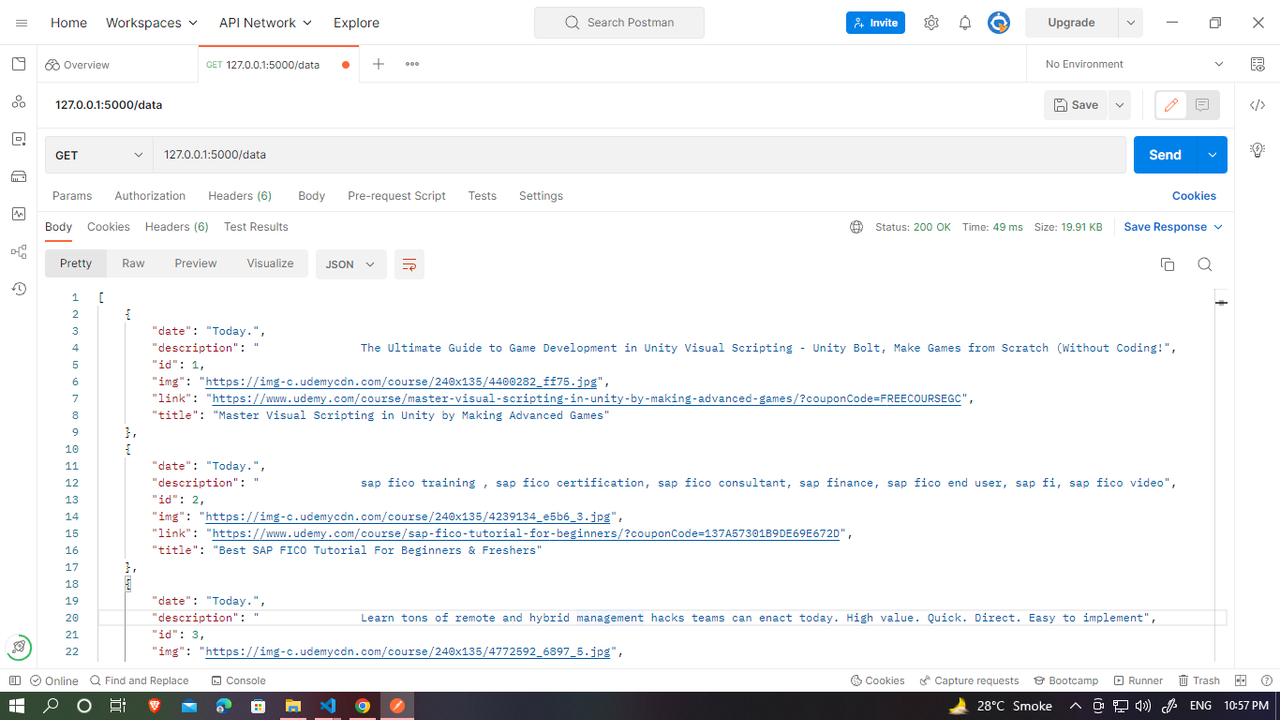
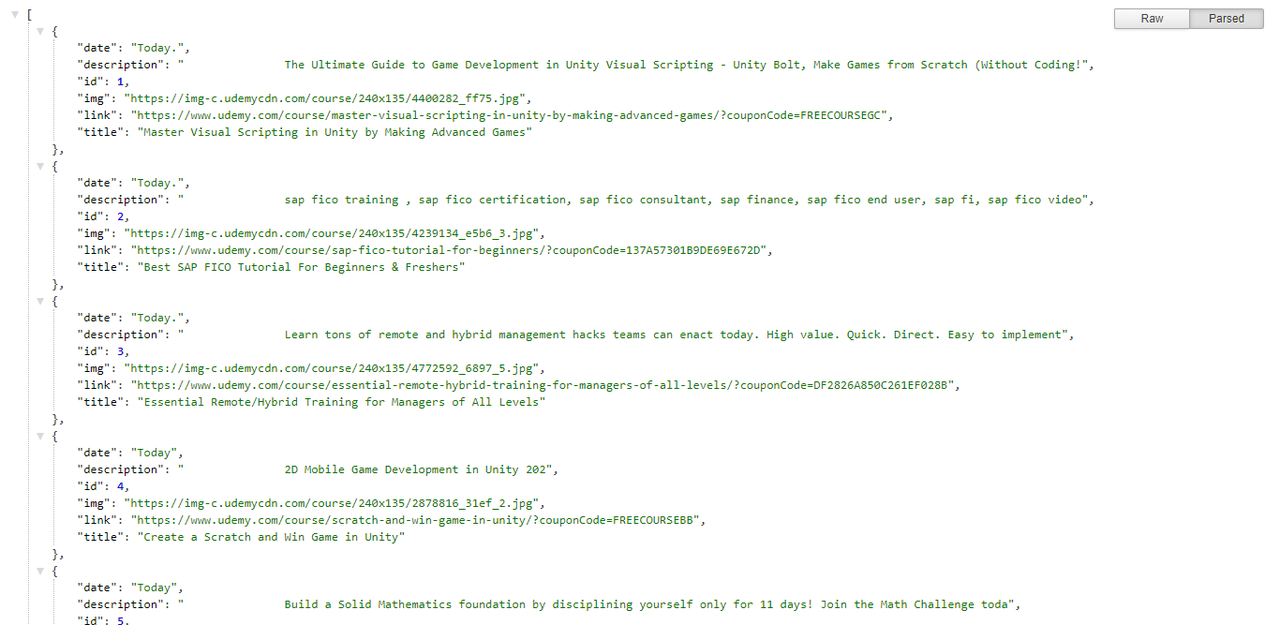
## Demo Output
Postman Application:
Browser:
## Installation
Install this api to local environment with git
```bash
git clone https://github.com/mayurjadhav2002/Udemy-Coupons-API.git
cd Udemy-Coupons-API
```
## Run Locally
Clone the project
```bash
git clone https://link-to-project
```
Go to the project directory
```bash
cd my-project
```
Install dependencies
```bash
pip3 install -r requirements.txt
```
Start the server
```bash
$env:FLASK_APP = "app"
flask run
```
OR
```bash
python app.py
```
## Use in your Project
```javascript
import React, { useEffect, useState } from "react";
function App() {
const [user, setUser] = useState([]);
const fetchData = () => {
return fetch("http://127.0.0.1:5000/")
.then((response) => response.json())
.then((data) => setUser(data));
}
useEffect(() => {
fetchData();
},[])
return (
{user && user.length > 0 && user.map((userObj, index) => (
- {userObj.title}
))}
);
}
```
## Contributing
Contributions are always welcome!
See `contributing.md` for ways to get started.
Please adhere to this project's `code of conduct`.