https://github.com/mdtahsinurrahman/dwellio
Dwellio is a MERN stack-based full-stack web application for real estate, allowing users to browse, wishlist, and purchase properties. Agents can list and manage properties, while admins oversee user management, property verification, and platform moderation. It offers a secure, responsive, and seamless experience across devices.
https://github.com/mdtahsinurrahman/dwellio
axios context-api css3 expressjs firebase html5 javascript jwt-token mongodb nodejs reactjs reactnpm stripe sweetalert2 tailwindcss tanstack-query
Last synced: 2 months ago
JSON representation
Dwellio is a MERN stack-based full-stack web application for real estate, allowing users to browse, wishlist, and purchase properties. Agents can list and manage properties, while admins oversee user management, property verification, and platform moderation. It offers a secure, responsive, and seamless experience across devices.
- Host: GitHub
- URL: https://github.com/mdtahsinurrahman/dwellio
- Owner: MDTAHSINURRAHMAN
- Created: 2025-02-04T21:13:43.000Z (over 1 year ago)
- Default Branch: main
- Last Pushed: 2025-02-19T02:40:26.000Z (over 1 year ago)
- Last Synced: 2025-02-19T03:27:53.680Z (over 1 year ago)
- Topics: axios, context-api, css3, expressjs, firebase, html5, javascript, jwt-token, mongodb, nodejs, reactjs, reactnpm, stripe, sweetalert2, tailwindcss, tanstack-query
- Language: JavaScript
- Homepage: https://dwellio-22657.web.app/
- Size: 305 KB
- Stars: 0
- Watchers: 1
- Forks: 0
- Open Issues: 0
-
Metadata Files:
- Readme: README.md
Awesome Lists containing this project
README
# Dwellio - A Real Estate Platform
## 📌 Project Overview
Dwellio is a full-stack web application built using the MERN stack. It enables users to browse, wishlist, and purchase properties, while agents can list and manage their real estate offerings. Administrators have full control over user management, property verification, and platform moderation. The platform is designed to be fully responsive and secure, providing a seamless experience across different devices.
## 🖼 Screenshots
### Homepage
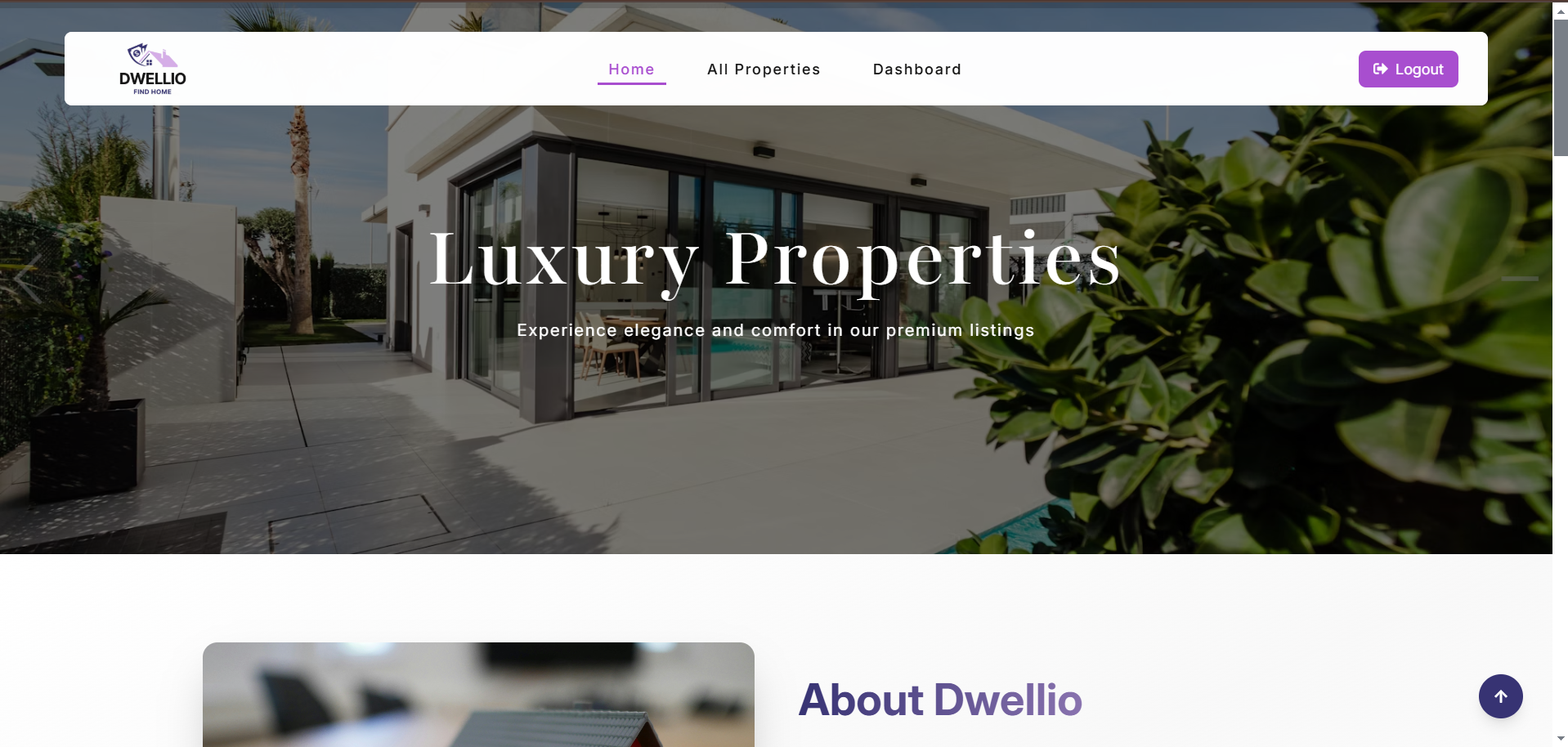
### All Properties Page
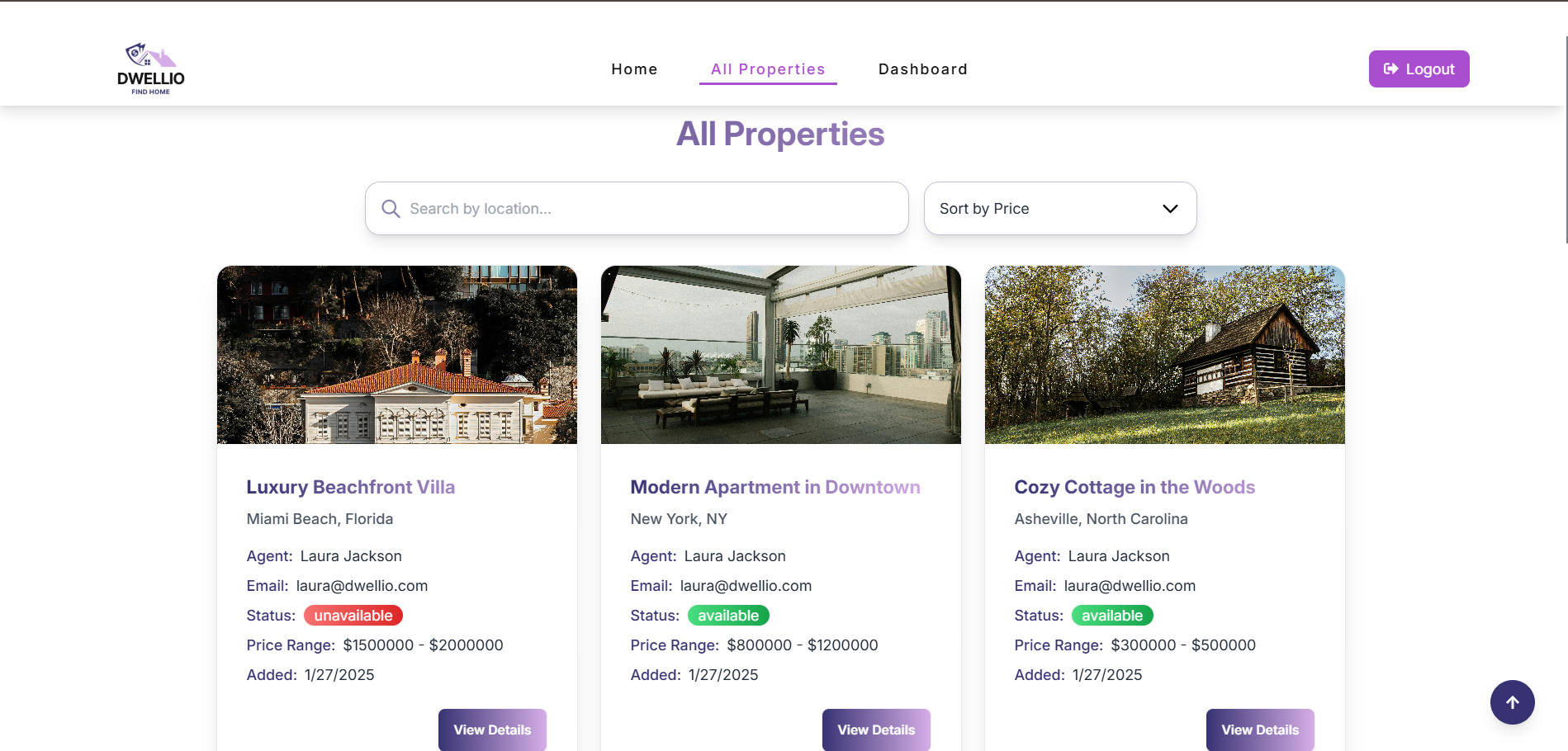
### Agent Property Offer Page
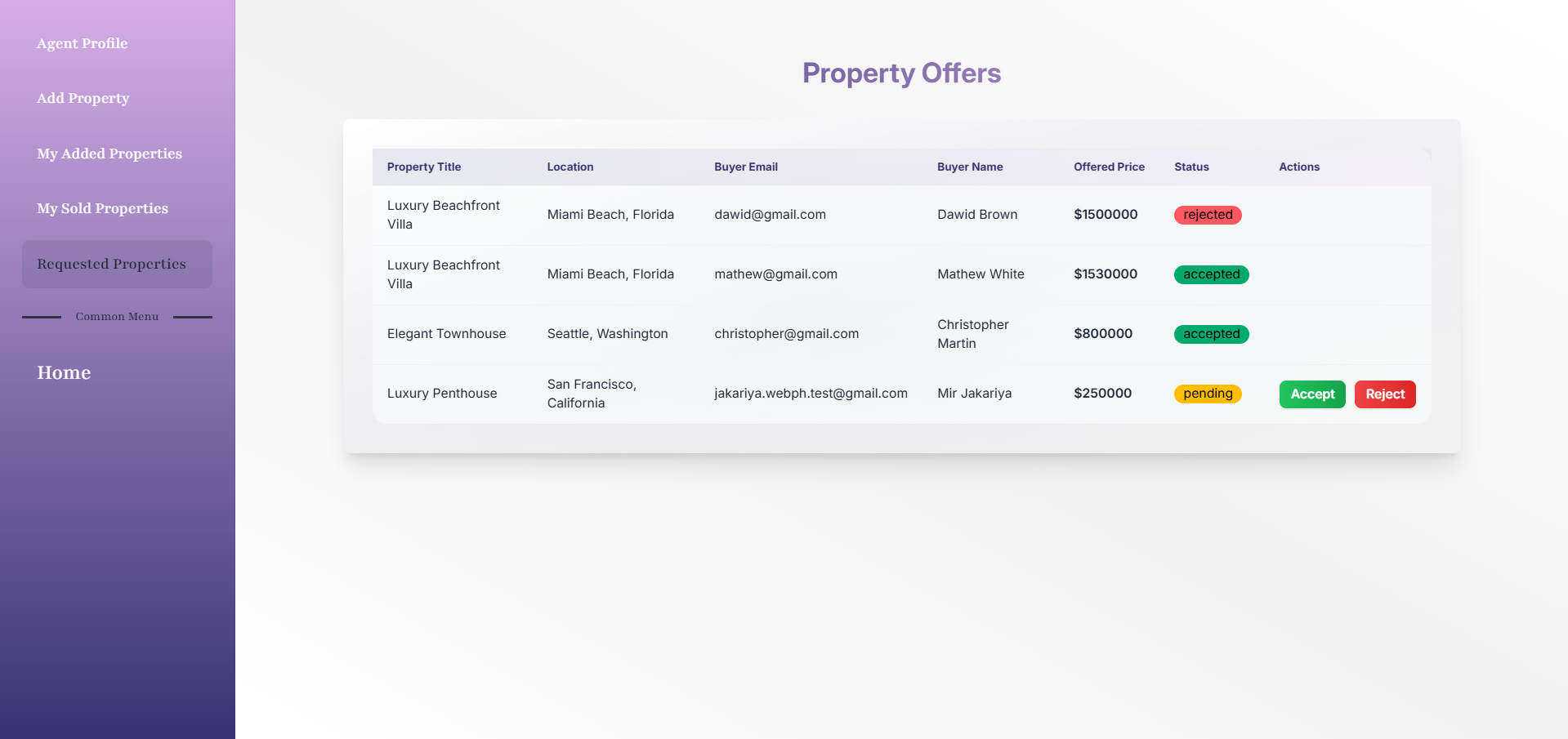
### Admin Manage Review Page

## 🔗 Live Demo
[🌐 View Live Project: ](#) (https://dwellio-22657.web.app/)
## 🛠 Technologies Used
- **Frontend**: React.js, Tailwind CSS, React Router, TanStack Query
- **Backend**: Node.js, Express.js, MongoDB
- **Authentication**: Firebase Authentication, JWT
- **Payments**: Stripe
- **State Management**: Context API
- **Notifications**: SweetAlert, Toast Notifications
## ✨ Core Features
- **User roles:** User, Agent, Admin
- **Users can:**
- Browse and search properties
- Wishlist properties and make offers
- Purchase properties through Stripe payments
- Leave reviews on properties
- **Agents can:**
- Add new properties
- Manage their added and sold properties
- Accept or reject property offers
- **Admins can:**
- Verify or reject property listings
- Manage users (promote to agent/admin, mark as fraud)
- Manage property reviews
- Advertise properties on the homepage
- **Responsive UI:** Fully optimized for mobile, tablet, and desktop
- **Protected Routes:** Users remain logged in after a page refresh
- **Environment Variables:** Secure handling of API keys and credentials
## 📦 Dependencies
### Frontend:
- React.js
- React Router
- TanStack Query
- Firebase
- Tailwind CSS
- Axios
- SweetAlert
### Backend:
- Node.js
- Express.js
- MongoDB & Mongoose
- JSON Web Token (JWT)
- Stripe
- Bcrypt.js
## 🚀 How to Run Locally
### Prerequisites:
- Node.js and npm installed
- MongoDB set up (local or cloud)
- Firebase project configured
- Stripe account for payments
### Steps:
1. **Clone the repository:**
```sh
git clone https://github.com/MDTAHSINURRAHMAN/Dwellio.git
cd Dwellio
2. **Set up environment variables**
```sh
# For Backend:
MONGO_URI=your_mongodb_uri
JWT_SECRET=your_jwt_secret
STRIPE_SECRET_KEY=your_stripe_secret_key
# For Frontend:
REACT_APP_FIREBASE_API_KEY=your_firebase_api_key
REACT_APP_FIREBASE_AUTH_DOMAIN=your_firebase_auth_domain
REACT_APP_STRIPE_PUBLIC_KEY=your_stripe_public_key
3. **Install dependencies:**
```sh
# For backend
cd server
npm install
# For frontend
cd client
npm install
1. **Run the project:**
```sh
# For backend
cd server
npm start
# For frontend
cd client
npm start