https://github.com/mehedi-codes/refind-minimalistic
This forked theme is modified version of refind-theme by kvnbias
https://github.com/mehedi-codes/refind-minimalistic
minimal minimalistic refind refind-bootloader refind-theme
Last synced: 5 days ago
JSON representation
This forked theme is modified version of refind-theme by kvnbias
- Host: GitHub
- URL: https://github.com/mehedi-codes/refind-minimalistic
- Owner: mehedi-codes
- License: mit
- Created: 2023-05-21T07:38:19.000Z (about 3 years ago)
- Default Branch: main
- Last Pushed: 2023-05-23T01:26:13.000Z (about 3 years ago)
- Last Synced: 2026-06-27T06:23:26.771Z (9 days ago)
- Topics: minimal, minimalistic, refind, refind-bootloader, refind-theme
- Homepage:
- Size: 8.18 MB
- Stars: 1
- Watchers: 0
- Forks: 0
- Open Issues: 0
-
Metadata Files:
- Readme: README.md
- License: LICENSE
Awesome Lists containing this project
README
# rEFInd Minimalistic Theme
[rEFInd](http://www.rodsbooks.com/refind/) is an easy to use boot manager for UEFI
based systems. This is a clean and minimal theme for it.
>NOTE: This theme is forked and modified version of [refind-theme](https://github.com/kvnbias/refind-theme) by [kvnbias](https://github.com/kvnbias)
>>The original theme was a combination of [rEFInd-minimal](https://github.com/EvanPurkhiser/rEFInd-minimal) and [refind-dreary](https://github.com/dheishman/refind-dreary).
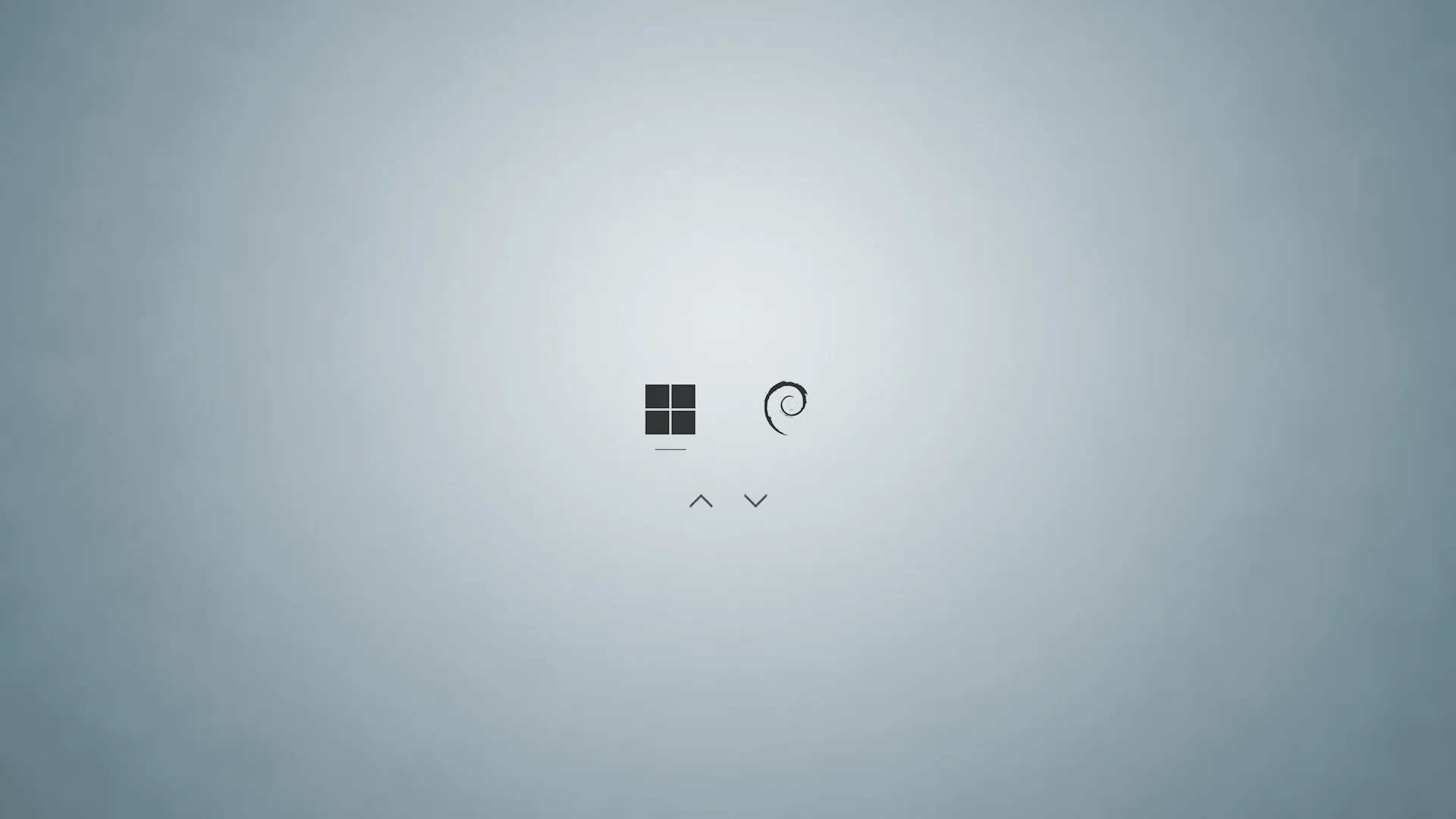
## Installation
Fork this repository to you local directory by running the following command in terminal.
```bash
git clone https://github.com/iammrmehedi/rEFInd-Minimalistic-Theme.git
```
## Usage
1. Locate your refind EFI directory. This is commonly `/boot/EFI/refind`
though it will depend on where you mount your ESP and where rEFInd is
installed. `fdisk -l` and `mount` may help.
2. Create a folder called `themes` inside it, if it doesn't already exist
3. Clone this repository into the `themes` directory.
4. To enable the theme add `include themes/rEFInd-Minimalistic-Theme/theme.conf` at the end of
`refind.conf`.
Here's an example menuentry configuration (from the screenshot)
```text
menuentry "Windows 11 Pro" {
icon \EFI\refind\themes\rEFInd-Minimalistic-Theme\icons\os_win11.png
loader \EFI\Microsoft\Boot\bootmgfw.efi
}
menuentry "Debian" {
icon /EFI/refind/themes/rEFInd-Minimalistic-Theme/icons/os_debian.png
volume 53f60ca1-c118-4885-b66b-3f29039e5a43
loader /boot/vmlinuz-6.1.0-9-amd64
initrd /boot/initrd.img-6.1.0-9-amd64
options "root=UUID=60ebb4c2-e9e3-4ba4-a0a8-f662d51d8b4d ro quiet nomodeset mitigations=off "
}
```
Entries that are autodetected should also show the proper icons.
## Background sizes
If you find the background looks blurry it may be due to the included wallpaper
being an incorrect resolution for your monitor. You can download the [original
high quality wallpaper][wallpaper], resize it as appropriate, and replace the
`background.png`.
You can of course also choose your own background!
## Attribution
The OS icons are from [Lightness for burg][icons] by [SWOriginal][icon-author].
The background is [Minimalist Wallpaper][wallpaper] by
[LeonardoAIanB][wallpaper-author]. Thank you to [Padster][padster] for locating
it!
[icons]: http://sworiginal.deviantart.com/art/Lightness-for-burg-181461810
[icon-author]: http://sworiginal.deviantart.com/
[padster]: https://github.com/theRealPadster
[wallpaper]: http://leonardoalanb.deviantart.com/art/Minimalist-wallpaper-295519786
[wallpaper-author]: http://leonardoalanb.deviantart.com/