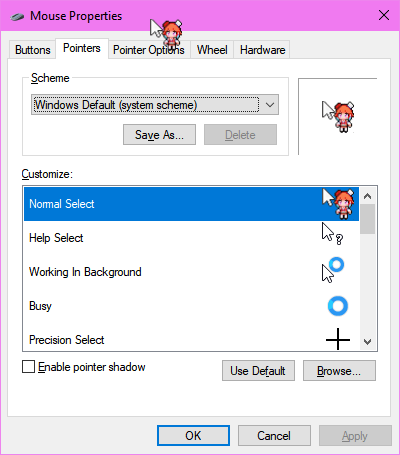
https://github.com/mellowagain/kiawa-cursor
Takanashi Kiara Windows Cursor (.ani)
https://github.com/mellowagain/kiawa-cursor
Last synced: over 1 year ago
JSON representation
Takanashi Kiara Windows Cursor (.ani)
- Host: GitHub
- URL: https://github.com/mellowagain/kiawa-cursor
- Owner: mellowagain
- Created: 2022-04-03T13:00:22.000Z (over 4 years ago)
- Default Branch: main
- Last Pushed: 2022-04-04T15:15:01.000Z (about 4 years ago)
- Last Synced: 2025-01-28T00:49:52.272Z (over 1 year ago)
- Size: 13.7 KB
- Stars: 1
- Watchers: 1
- Forks: 0
- Open Issues: 0
-
Metadata Files:
- Readme: README.md
Awesome Lists containing this project
README
# Note
> The artist posted the `.ani` files for the cursor: https://twitter.com/growowling/status/1510623136558985221?s=20&t=cvJMZ555eGVHYFHTkdgLOw
> Consider using them instead of this as it is sharper. The repository only stays up for archival reasons.
# Kiawa Cursor
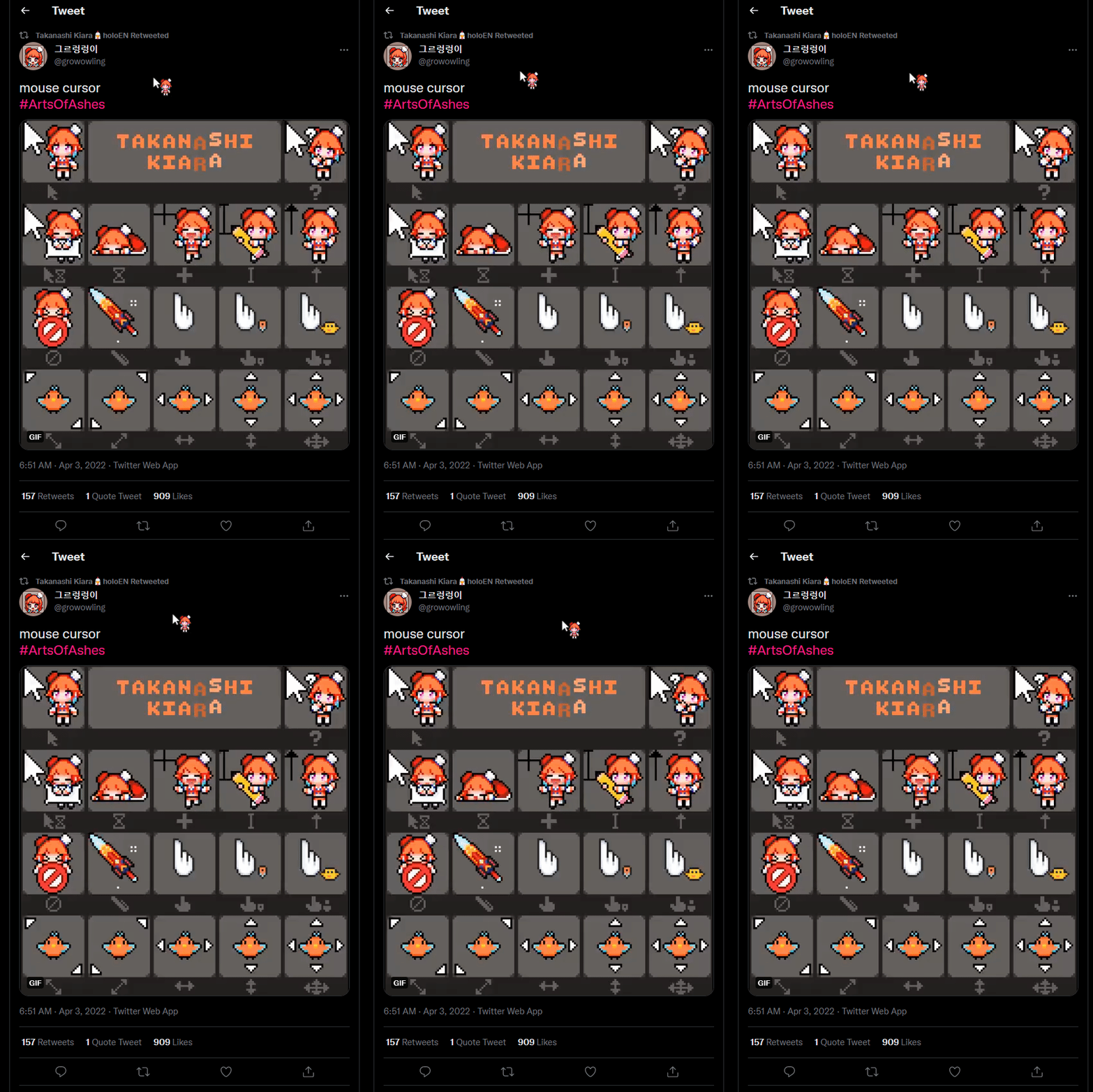
Kiara Takanashi Windows Cursor
Source: https://twitter.com/growowling/status/1510479966491725829
GIF:
# How to use
1. Download the `kiawa.avi` file
2. Press `Download`
3. Go to Windows Cursor Settings (Search "Mouse" -> Right Side -> Additional mouse options)
4. Press `Pointers`
5. Select `Browse` on the standard cursor and put select the `kiawa.avi` file