https://github.com/mellowco/unocss-wechat
unocss use in miniprogram, 原生小程序 unocss demo
https://github.com/mellowco/unocss-wechat
miniprogram unocss wechat wechat-mini-program
Last synced: 8 months ago
JSON representation
unocss use in miniprogram, 原生小程序 unocss demo
- Host: GitHub
- URL: https://github.com/mellowco/unocss-wechat
- Owner: MellowCo
- Created: 2022-09-14T06:12:35.000Z (almost 4 years ago)
- Default Branch: main
- Last Pushed: 2024-03-02T01:01:04.000Z (over 2 years ago)
- Last Synced: 2025-07-24T03:34:37.493Z (11 months ago)
- Topics: miniprogram, unocss, wechat, wechat-mini-program
- Language: JavaScript
- Homepage:
- Size: 285 KB
- Stars: 32
- Watchers: 1
- Forks: 4
- Open Issues: 0
-
Metadata Files:
- Readme: readme.md
Awesome Lists containing this project
README
unocss-wechat
English | 简体中文
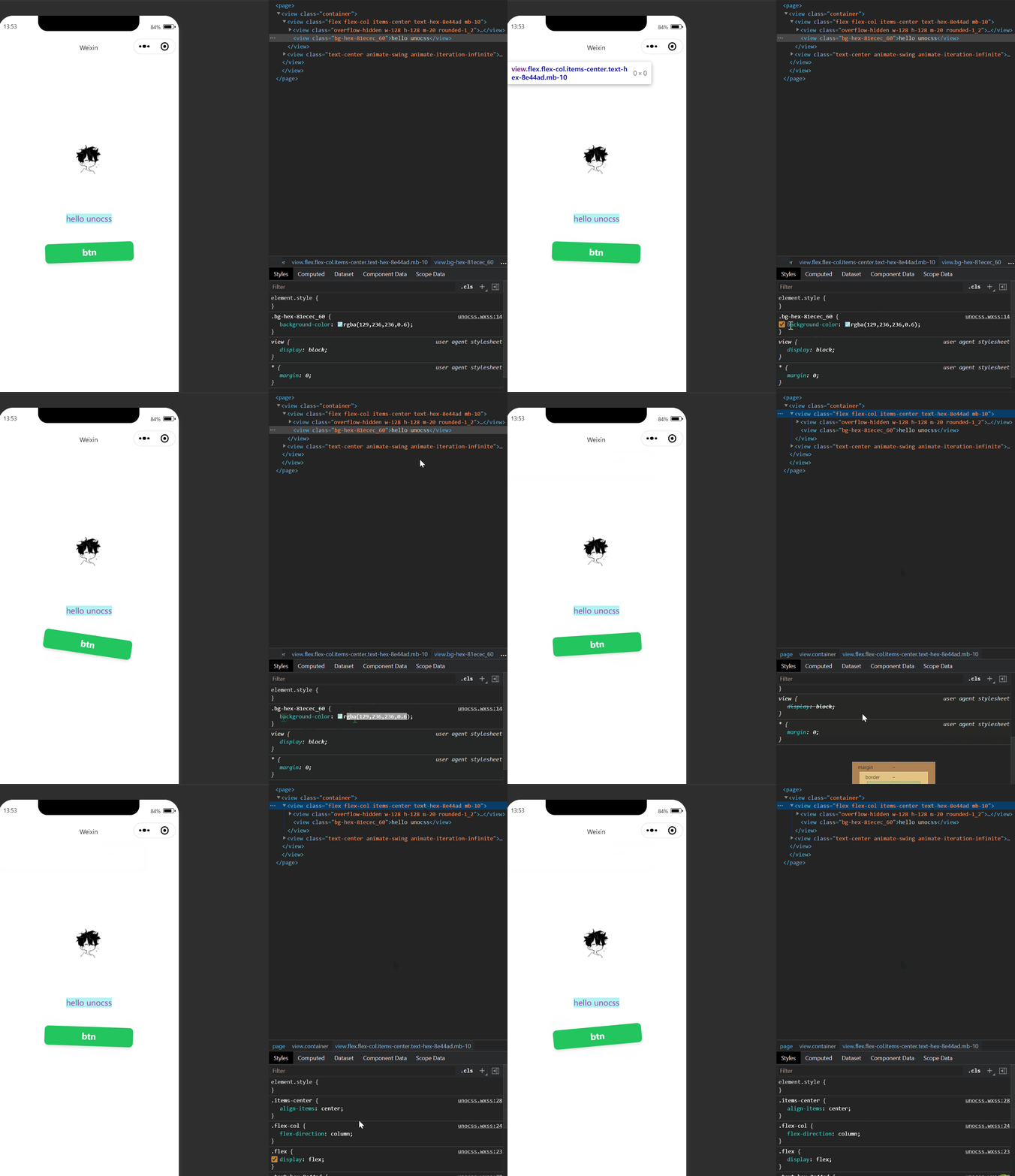
miniprogram,unocss example
---
related links
* [UnoCSS](https://github.com/unocss/unocss) - the instant on-demand atomic css engine.
* [unocss-preset-weapp](https://github.com/MellowCo/unocss-preset-weapp) - the unocss preset for wechat miniprogram.
---
## set unocss preset
> two methods to choose from
### method one: use common configuration
> this method uses the built-in presets in `unocss` and solves the following configuration
>
> 1. solve the problem that the small program does not support the * selector
> 2. rem unit to rpx
1. [use npm in miniprogram](https://developers.weixin.qq.com/miniprogram/dev/devtools/npm.html),install `unocss`
```sh
npm -D unocss
```
2. unocss.config
```js
import { defineConfig, presetUno } from "unocss";
const remRE = /^-?[\.\d]+rem$/
export default defineConfig({
presets: [
presetUno(),
],
theme:{
// 解决小程序不支持 * 选择器
preflightRoot: ["page,::before,::after"]
},
postprocess(util) {
// 自定义rem 转 rpx
util.entries.forEach((i) => {
const value = i[1]
if (value && typeof value === 'string' && remRE.test(value))
i[1] = `${value.slice(0, -3) * 16 * 2}rpx`
})
},
})
```
---
### method two: use unocss-preset-weapp
> this method uses the `unocss-preset-weapp` preset, which solves the following configuration
>
> because the miniprogram does not support escape class, like `\` `\:` `\[` `\$` `\.`, so need transform `bg-#81ecec/50` to `bg-hex-81ecec_50`
- use 'hex' instead of '#' , `_` instead of `:` `/`
* for example, `bg-#81ecec/50` can be converted to `bg-hex-81ecec_50`
- for '`hover:` and `active:`, `separators` can be set to specify the separator
* for example, setting `separators` to `__`, `hover:bg-red-500` can be converted to `hover__bg-red-500`
1. [use npm in miniprogram](https://developers.weixin.qq.com/miniprogram/dev/devtools/npm.html),install `unocss unocss-preset-weapp`
```shell
npm -D unocss unocss-preset-weapp
```
---
2. unocss.config
```js
import { defineConfig } from "unocss";
import presetWeapp from 'unocss-preset-weapp'
const include = [/\.wxml$/]
export default defineConfig({
content:{
pipeline:{
include
}
},
presets: [
presetWeapp(),
],
separators:'__'
})
```
---
## generate unocss.wxss
3. `package.json`,setting `script`
> use `@unocss/cli` to listen to file content,[documents](https://github.com/unocss/unocss/tree/main/packages/cli)
```json
{
"scripts": {
"unocss": "unocss pages/**/*.wxml -c unocss.config.js --watch -o unocss.wxss",
"unocss:build": "unocss pages/**/*.wxml -c unocss.config.js -o unocss.wxss"
}
}
```
---
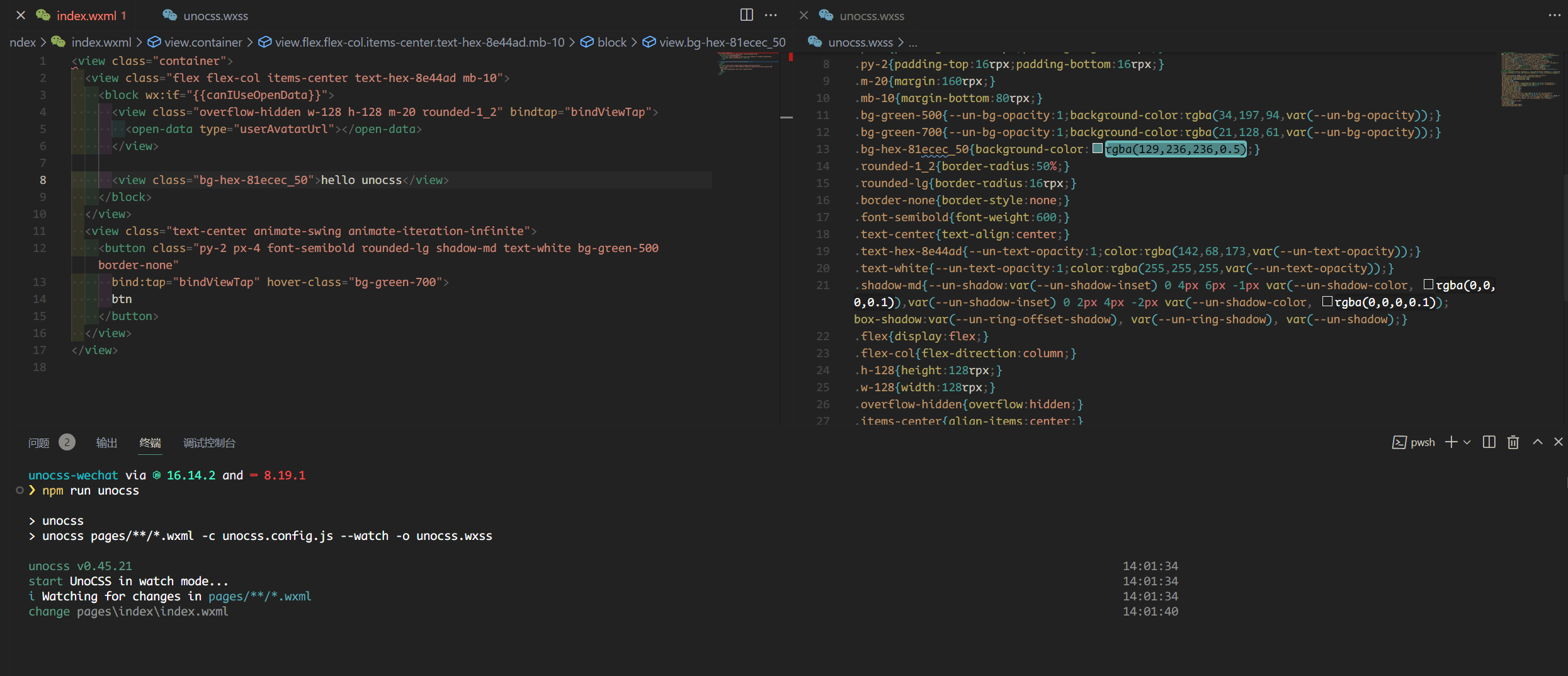
4. run `npm run unocss`
> `wxml` content changes, trigger the generation of new `unocss.wxss`
---
5. import `unocss.wxss`
> in `app.wxss`, impoort generated ` unocss.wxss`
```css
/**app.wxss**/
@import "./unocss.wxss";
.container {
display: flex;
flex-direction: column;
justify-content: space-between;
align-items: center;
box-sizing: border-box;
padding: 200rpx 0;
height: 100%;
}
```

---
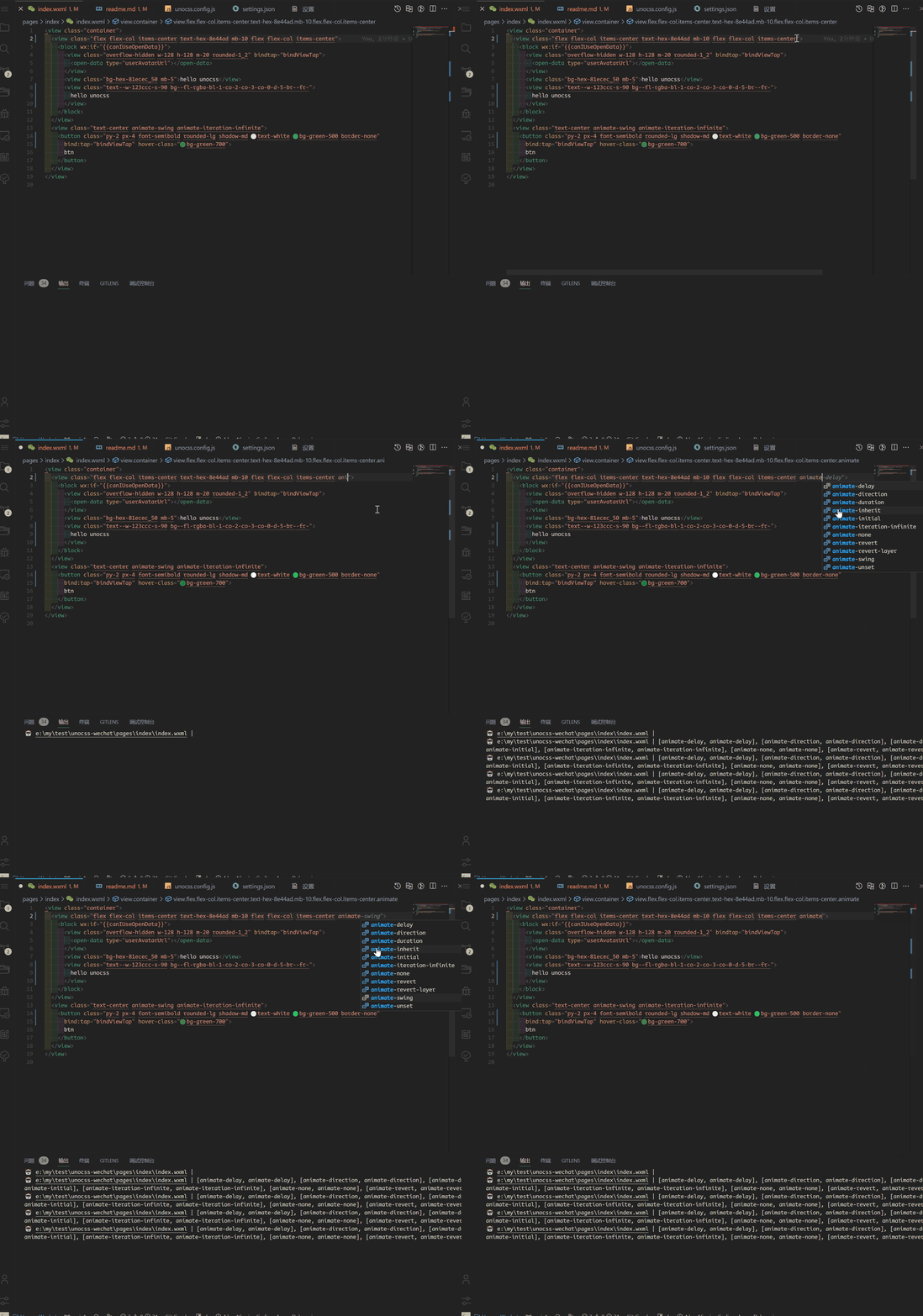
## use vscode `unocss` plugin
* vscode `settings.json`
```json
// 文件类型
"files.associations": {
"*.wxml": "html",
},
```
---
## transformer
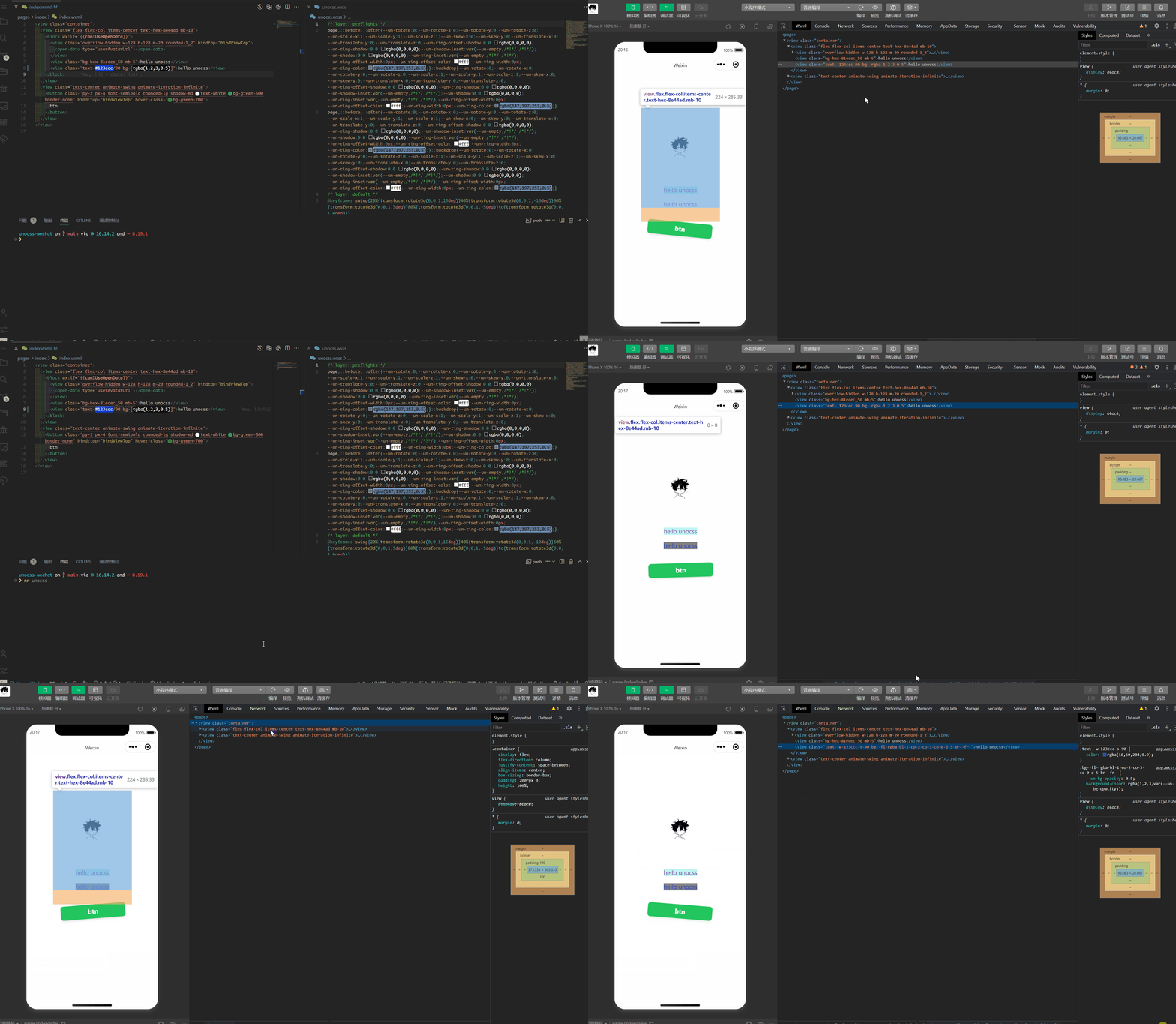
using `transformer` in mini programs will change the original file and is not recommended
* unocss.config.js
> add `transformerClass`,setting include `wxml`
```js
import { defineConfig } from "unocss";
import presetWeapp from 'unocss-preset-weapp'
import { transformerClass } from 'unocss-preset-weapp/transformer';
const include = [/\.wxml$/]
export default defineConfig({
content:{
pipeline:{
include
}
},
presets: [
presetWeapp(),
],
transformers:[
transformerClass({
include
})
]
})
```
## Additional Notes
- At this time, the `box-shadow` shorthand notations like `,` and `[` aren't compatible with native mini-programs. This is due to certain restrictions on the platform that prevent the `transformer` from processing these notations. Therefore, a straightforward solution isn't available. We suggest using the [pre-configured](https://github.com/MellowCo/unocss-preset-weapp#box-shadow) settings instead. If these don't suffice, feel free to write your own CSS. You can find more discussion on this topic in this [thread](https://github.com/MellowCo/unocss-preset-weapp/issues/92).