https://github.com/merlin04/bandcamp
https://github.com/merlin04/bandcamp
Last synced: 4 months ago
JSON representation
- Host: GitHub
- URL: https://github.com/merlin04/bandcamp
- Owner: Merlin04
- License: mit
- Created: 2022-02-07T16:25:29.000Z (over 4 years ago)
- Default Branch: main
- Last Pushed: 2022-04-16T23:04:51.000Z (about 4 years ago)
- Last Synced: 2025-07-08T03:41:24.364Z (12 months ago)
- Language: HTML
- Size: 758 KB
- Stars: 4
- Watchers: 2
- Forks: 0
- Open Issues: 0
-
Metadata Files:
- Readme: README.md
- License: LICENSE
Awesome Lists containing this project
README
# Bandcamp Collector
(WORK IN PROGRESS)
Web extension to add an alternative player UI to Bandcamp album pages, allowing you to easily save albums to your library, navigate between albums in a single page app, and avoid some of Bandcamp's jank
### Ok that's cool and all but what is this horrendous bundling system
I got tired of Vite taking 25 seconds to bundle the content script and all of its dependencies every time I changed a file, so I spent multiple days creating this. Dependencies are bundled (supposedly) whenever `package.json` changes using [a complicated Rollup config](rollup.config.content.deps.ts), sending each module into a separate JS file (`/modules/[module name].js`, kind of like `node_modules`) and Babel transpiles the actual content script code whenever that changes, using a custom Babel plugin to transform imports to use the new `modules` folder.
Also, content scripts don't support ES Modules so Babel and Rollup are outputting SystemJS modules, and [I completely rewrote the SystemJS loader](extension/assets/index.js) to work in a web extension content script
I am sorry
## Instructions for the firefox addon reviewer person
**Your source code must include:**
- **Step-by-step build instructions to create an exact copy of the add-on code, in a README file in your source code or in the reviewer notes on the next page.**
1. `yarn`
2. `yarn build`
3. `yarn pack:xpi`
- **A build script that executes all necessary technical steps.**
(scripts in the package.json, unfortunately there are some manual steps to build)
- Operating system and build environment requirements.
Any OS with a properly configured yarn/node should work, I'm on Ubuntu 20.04
- The required version and installation instructions of any programs used in the build process (such as node and npm).
- [Yarn v1](https://classic.yarnpkg.com/en/docs/install#windows-stable): I have 1.22.5, that or any newer version should work
- [Node.js](https://nodejs.org/en/): I have 16.14.0, but any newer should work
# `vitesse-webext` stuff
Lots of this doesn't apply anymore since I stripped out Vue and have the weird bundling system
# WebExtension Vite Starter
A [Vite](https://vitejs.dev/) powered WebExtension ([Chrome](https://developer.chrome.com/docs/extensions/reference/), [FireFox](https://addons.mozilla.org/en-US/developers/), etc.) starter template.
Popup

Options Page

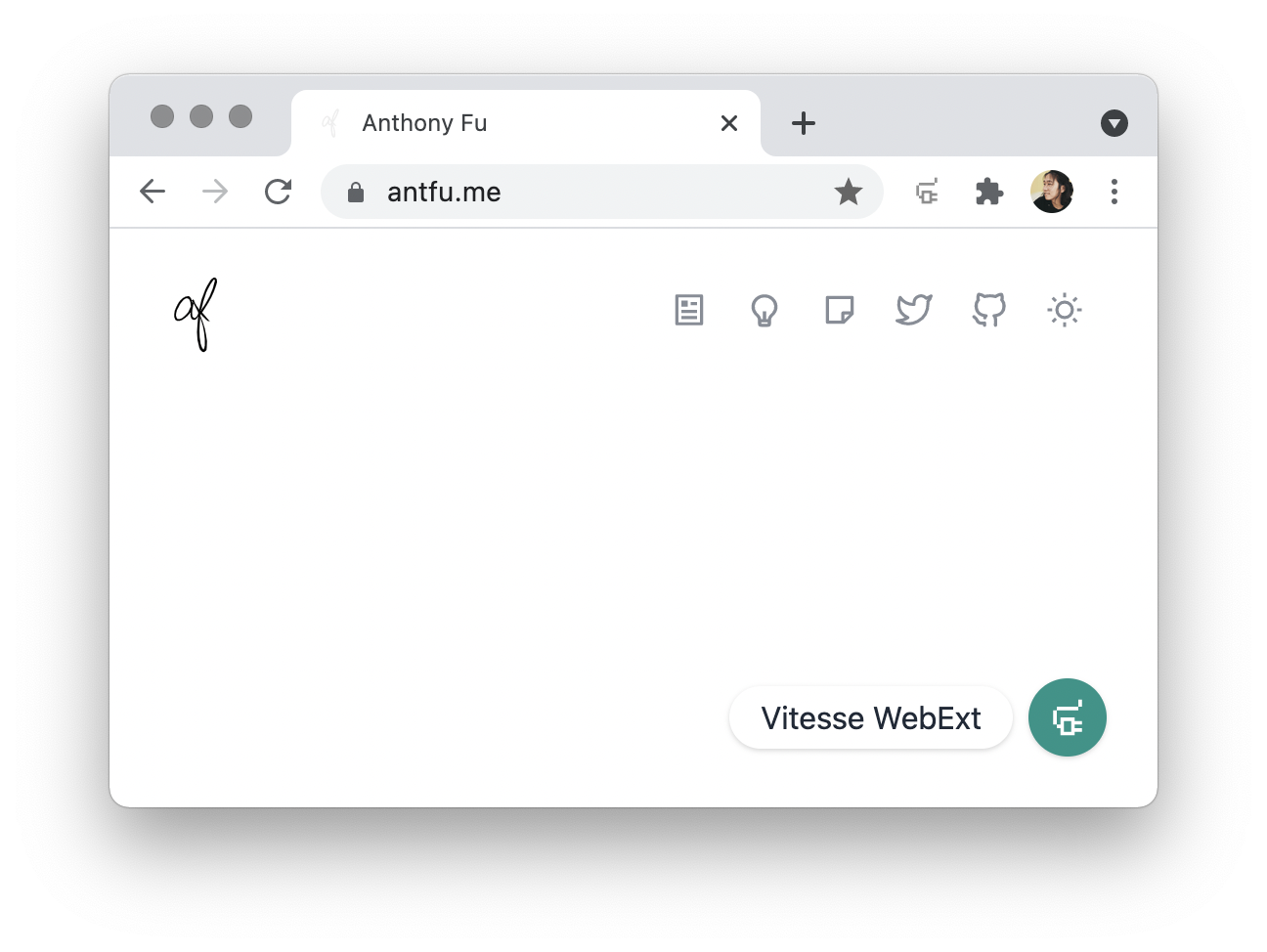
Inject Vue App into the Content Script
## Features
- ⚡️ **Instant HMR** - use **Vite** on dev (no more refresh!)
- 🥝 Vue 3 - Composition API, [`` syntax](https://github.com/vuejs/rfcs/blob/master/active-rfcs/0040-script-setup.md) and more!
- 💬 Effortless communications - powered by [`webext-bridge`](https://github.com/antfu/webext-bridge) and [VueUse](https://github.com/antfu/vueuse) storage
- 🍃 [Windi CSS](https://windicss.org/) - on-demand CSS utilities
- 🦾 [TypeScript](https://www.typescriptlang.org/) - type safe
- 📦 [Components auto importing](./src/components)
- 🌟 [Icons](./src/components) - Access to icons from any iconset directly
- 🖥 Content Script - Use Vue even in content script
- 🌍 WebExtension - isomorphic extension for Chrome, Firefox, and others
- 📃 Dynamic `manifest.json` with full type support
## Pre-packed
### WebExtension Libraries
- [`webextension-polyfill`](https://github.com/mozilla/webextension-polyfill) - WebExtension browser API Polyfill with types
- [`webext-bridge`](https://github.com/antfu/webext-bridge) - effortlessly communication between contexts
### Vite Plugins
- [`unplugin-auto-import`](https://github.com/antfu/unplugin-auto-import) - Directly use `browser` and Vue Composition API without importing
- [`unplugin-vue-components`](https://github.com/antfu/vite-plugin-components) - components auto import
- [`unplugin-icons`](https://github.com/antfu/unplugin-icons) - icons as components
- [Iconify](https://iconify.design) - use icons from any icon sets [🔍Icônes](https://icones.netlify.app/)
- [`vite-plugin-windicss`](https://github.com/antfu/vite-plugin-windicss) - WindiCSS support
### Vue Plugins
- [VueUse](https://github.com/antfu/vueuse) - collection of useful composition APIs
### UI Frameworks
- [Windi CSS](https://github.com/windicss/windicss) - next generation utility-first CSS framework
### Coding Style
- Use Composition API with [`<script setup>` SFC syntax](https://github.com/vuejs/rfcs/pull/227)
- [ESLint](https://eslint.org/) with [@antfu/eslint-config](https://github.com/antfu/eslint-config), single quotes, no semi
### Dev tools
- [TypeScript](https://www.typescriptlang.org/)
- [pnpm](https://pnpm.js.org/) - fast, disk space efficient package manager
- [esno](https://github.com/antfu/esno) - TypeScript / ESNext node runtime powered by esbuild
- [npm-run-all](https://github.com/mysticatea/npm-run-all) - Run multiple npm-scripts in parallel or sequential
- [web-ext](https://github.com/mozilla/web-ext) - Streamlined experience for developing web extensions
## Use the Template
### GitHub Template
[Create a repo from this template on GitHub](https://github.com/antfu/vitesse-webext/generate).
### Clone to local
If you prefer to do it manually with the cleaner git history
> If you don't have pnpm installed, run: npm install -g pnpm
```bash
npx degit antfu/vitesse-webext my-webext
cd my-webext
pnpm i
```
## Usage
### Folders
- `src` - main source.
- `contentScript` - scripts and components to be injected as `content_script`
- `background` - scripts for background.
- `components` - auto-imported Vue components that shared in popup and options page.
- `styles` - styles shared in popup and options page
- `manifest.ts` - manifest for the extension.
- `extension` - extension package root.
- `assets` - static assets.
- `dist` - built files, also serve stub entry for Vite on development.
- `scripts` - development and bundling helper scripts.
### Development
```bash
pnpm dev
```
Then **load extension in browser with the `extension/` folder**.
For Firefox developers, you can run the following command instead:
```bash
pnpm start:firefox
```
`web-ext` auto reload the extension when `extension/` files changed.
> While Vite handles HMR automatically in the most of the case, [Extensions Reloader](https://chrome.google.com/webstore/detail/fimgfedafeadlieiabdeeaodndnlbhid) is still recommanded for cleaner hard reloading.
### Build
To build the extension, run
```bash
pnpm build
```
And then pack files under `extension`, you can upload `extension.crx` or `extension.xpi` to appropriate extension store.
## Credits

This template is originally made for the [volta.net](https://volta.net) browser extension.
## Variations
This is a variant of [Vitesse](https://github.com/antfu/vitesse), check out the [full variations list](https://github.com/antfu/vitesse#variations).