https://github.com/meta-ben/vonkoch-snowflakes
2014 - C++ / SDL Vonkoch Snowflakes implementation
https://github.com/meta-ben/vonkoch-snowflakes
cpp sdl2
Last synced: 28 days ago
JSON representation
2014 - C++ / SDL Vonkoch Snowflakes implementation
- Host: GitHub
- URL: https://github.com/meta-ben/vonkoch-snowflakes
- Owner: Meta-Ben
- Created: 2024-07-15T23:15:28.000Z (almost 2 years ago)
- Default Branch: main
- Last Pushed: 2024-07-15T23:17:42.000Z (almost 2 years ago)
- Last Synced: 2025-02-25T23:13:12.178Z (over 1 year ago)
- Topics: cpp, sdl2
- Language: C++
- Homepage:
- Size: 448 KB
- Stars: 0
- Watchers: 1
- Forks: 0
- Open Issues: 0
-
Metadata Files:
- Readme: README.md
Awesome Lists containing this project
README
``Reupload project from 2014 : This project was recovered so don't take commits into accounts``
❄️ VonKoch SnowFlakes ❄️


## Overview
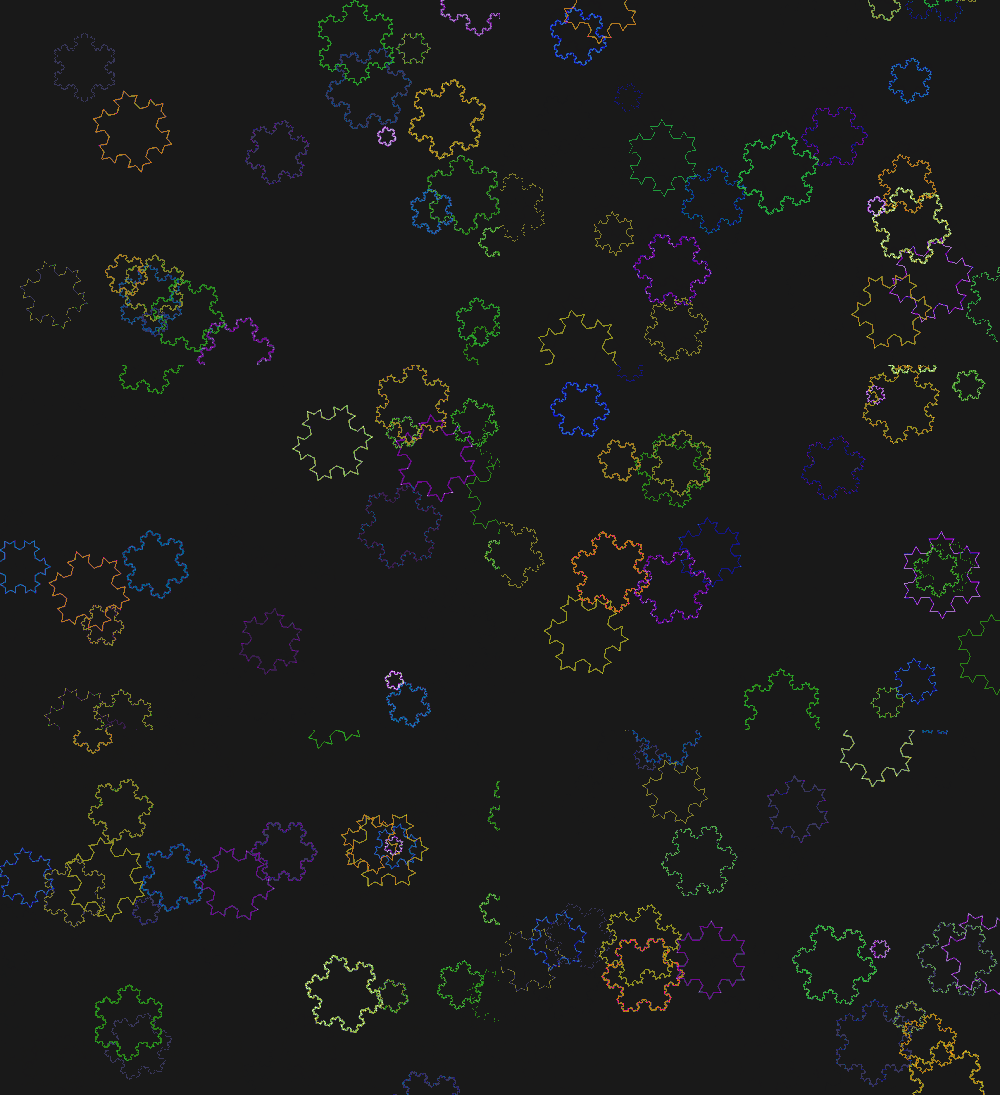
This project is an implementation of the famous [VonKoch SnowFlake](https://fr.wikipedia.org/wiki/Flocon_de_Koch) in C++ using SDL , I generate lot of VonKoch SnowFlakes
using some random parameters ( like complexity or colors ) and make the fall like real snowflakes in a winter night !
## Run it
The github file already provide the ``.exe`` and a ``binary linux file`` just double click on the file regarding your OS
You can also open a terminal and run ``make run`` at the root of the project
## Build the project
If you want to build the project you can follow the steps below :
- Ensure you have ``GCC`` installed
- ( For ``Windows`` users install ``MinGw`` )
- Download [SDL-2.0.9](https://sourceforge.net/projects/libsdl/files/SDL/2.0.9/)
- Open the Makefile and set the var ``SDL_FOLDER`` at the path where your SDL folder is
- And then just run ``make compile`` (`` MinGw32-make compile`` for windows users ) command this will replace the binary in the output folder that match your OS
- Then you can launch the app or run ``make run``
Note : Build with G++11.4.0 using SFML-2.0.9