https://github.com/metaory/github-repo-cards
🚧 [WIP] Sleek, Modern, Static cards for your GitHub repositories
https://github.com/metaory/github-repo-cards
Last synced: about 1 year ago
JSON representation
🚧 [WIP] Sleek, Modern, Static cards for your GitHub repositories
- Host: GitHub
- URL: https://github.com/metaory/github-repo-cards
- Owner: metaory
- License: mit
- Created: 2025-05-14T17:33:00.000Z (about 1 year ago)
- Default Branch: master
- Last Pushed: 2025-05-28T19:13:07.000Z (about 1 year ago)
- Last Synced: 2025-06-11T15:15:07.762Z (about 1 year ago)
- Language: Shell
- Homepage:
- Size: 1.17 MB
- Stars: 1
- Watchers: 1
- Forks: 0
- Open Issues: 0
-
Metadata Files:
- Readme: README.md
- License: LICENSE
Awesome Lists containing this project
README
GitHub Repo Cards

Generate beautiful, static PNG cards for your GitHub repositories
Modern, minimal, and fully offline


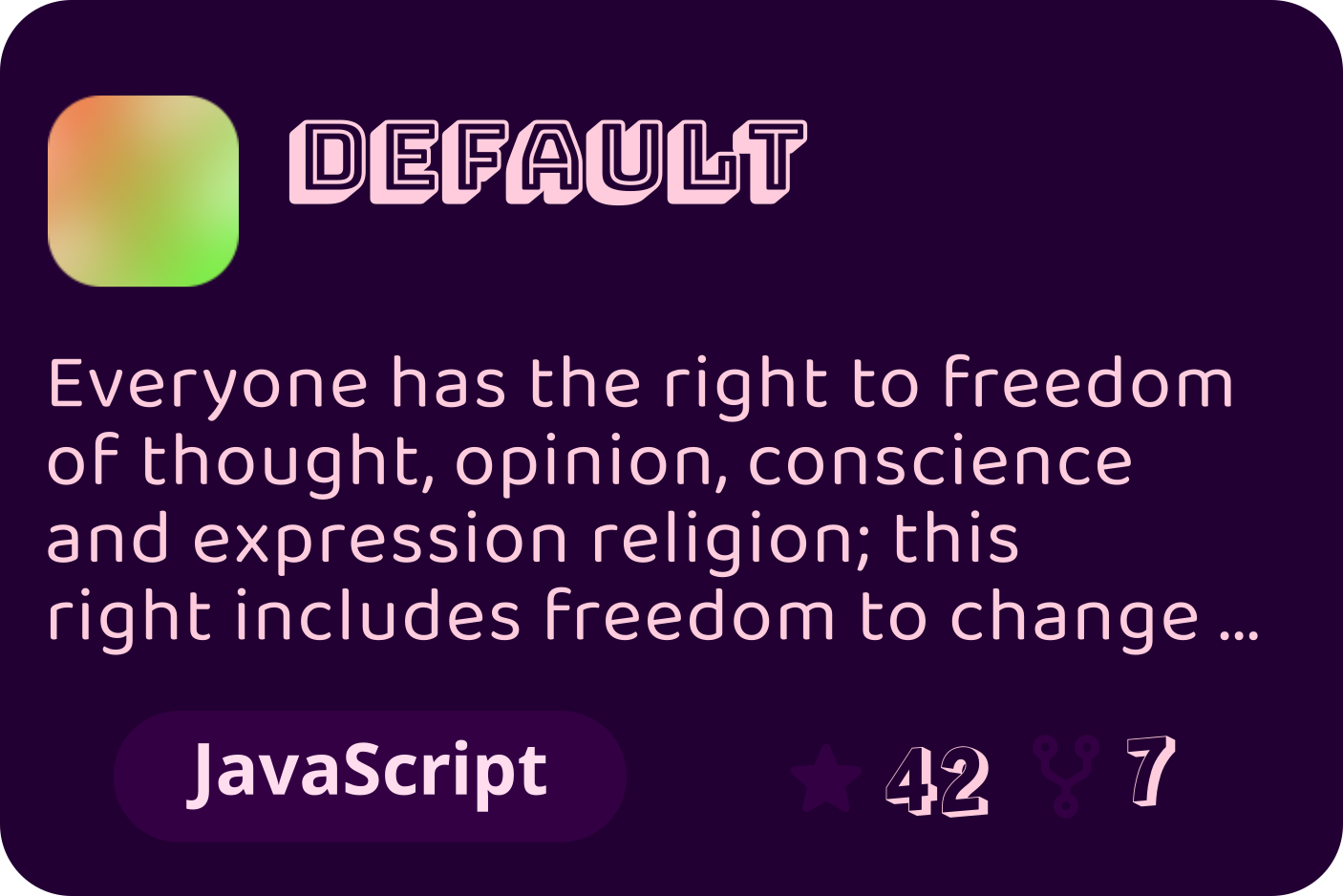
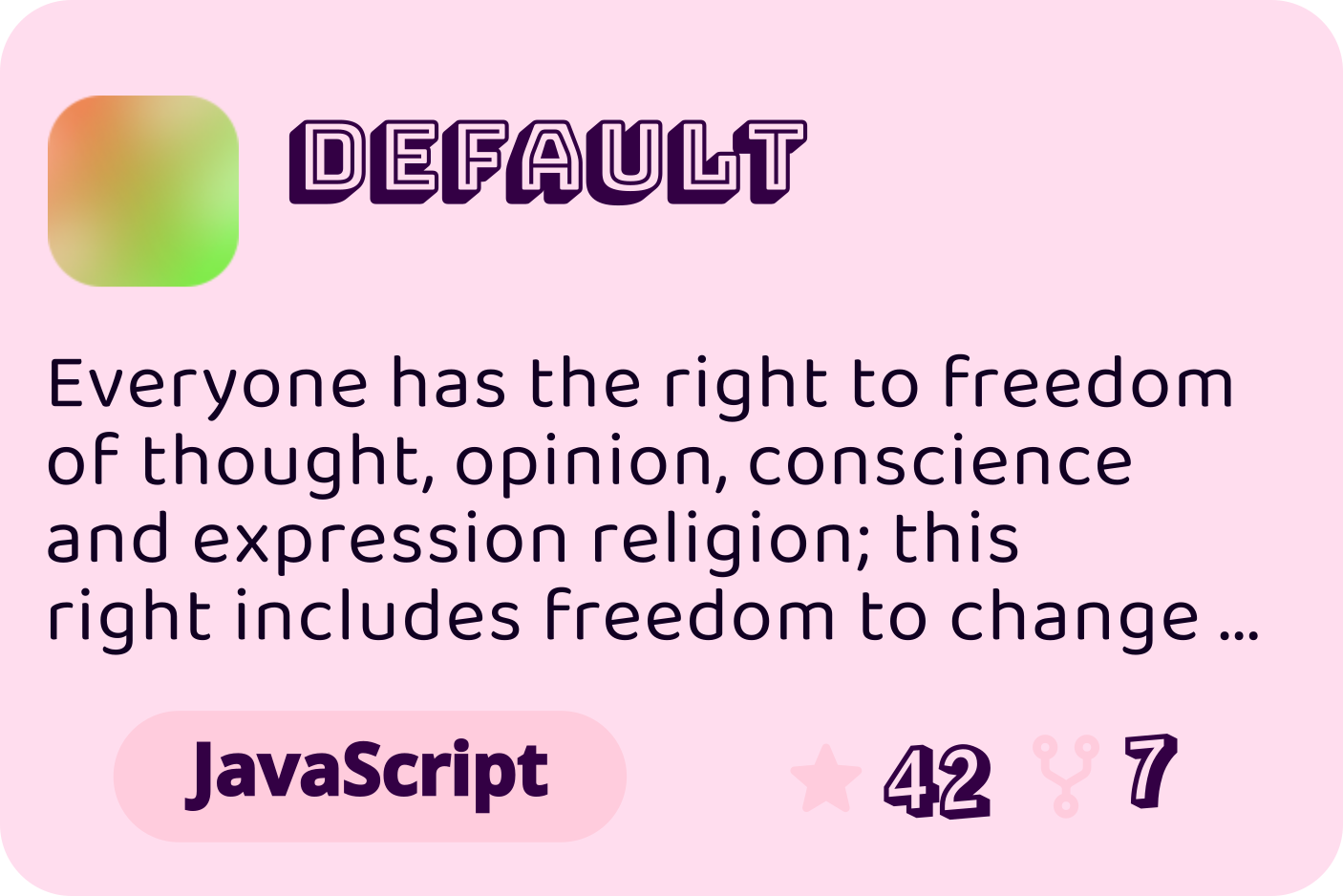






---
## Features
- **Static PNG & SVG output** — no runtime, no servers, zero dependencies
- **Dark & Light themes** — auto-generated for every card
- **Dynamic layout** — adapts to repo name, description, and stats
- **Fast, local rendering** — powered by Inkscape
- **Perfect for dashboards, READMEs, social previews**
---
## Overview
**repo-cards** is a GitHub Action and CLI that generates sleek, static PNG cards for your repositories. Each card is rendered from a theme SVG, with all design and font choices locked in the theme. For every repository, two cards are generated: one light, one dark.
- No runtime, no embeds, no servers
- No configuration—just pick a theme
- Output: two SVGs (default, text as paths) or PNGs per repo (light & dark)
Authoring Custom Themes
You can use any of the built-in themes by name, or provide your own SVG theme template by path via the `theme` input.
**How it works:**
- If `theme` is a name, it uses one of the built-in themes (see available names).
- If `theme` is a path, it uses your custom SVG file from your repository.
**Reference template:** [themes/default.svg](themes/default.svg)
**Template variables available:**
- `${name_tspans}`: repo name (multi-line, tspan)
- `${desc_tspans}`: repo description (multi-line, tspan)
- `${lang}`: primary language
- `${star}`: star count
- `${fork}`: fork count
- `${avatar}`: base64 SVG avatar
- `${lang_width}`: width for language pill
- `${lang_x}`: x for language text
- `${stat_x}`: x for stats group
**Font loader magic:**
Add font URLs as comments at the top of your SVG:
``
These will be auto-downloaded and registered for rendering.
**SVG class placeholder:**
The top-level `` must have `class="__THEME__"`. This will be replaced with `light` or `dark` during generation.
Keep your SVG self-contained. All CSS variables will be inlined and the `:root` block removed automatically.
---
## Quick Start
> [!NOTE]
> You must provide a GitHub token with repository read access via the `GITHUB_TOKEN` environment variable.
### Minimal Usage
```yaml
name: Generate Repository Cards
on:
workflow_dispatch:
schedule:
- cron: '0 0 * * 1'
permissions:
contents: write
jobs:
generate-cards:
runs-on: ubuntu-latest
steps:
- uses: actions/checkout@v4
- uses: metaory/github-repo-cards@v1
with:
repositories: |
repo-cards
dotfiles
theme: default # Theme name (default|highlight|pixel|rubik) or Path to theme file
output: cards # Output directory (default: cards)
format: svg # svg (default, text as paths) or png
env:
GITHUB_TOKEN: ${{ secrets.GITHUB_TOKEN }}
```
> [!TIP]
> For each listed repository, two SVG cards (default, text as paths) or PNG cards are generated: one for light mode and one for dark mode.
> [!TIP]
> **Supported formats:**
> - svg (default, text as paths)
> - png
> [!NOTE]
> If the theme is not provided or not found, it falls back to the default built-in theme.
Advanced Usage
```yaml
name: Generate Repository Cards
on:
workflow_dispatch:
schedule:
- cron: '0 0 * * 1'
permissions:
contents: write
jobs:
generate-cards:
runs-on: ubuntu-latest
steps:
- uses: actions/checkout@v4
- uses: metaory/github-repo-cards@v1
with:
repositories: |
repo-cards
dotfiles
my-awesome-project
theme: default
output: assets/cards
format: png # svg (default, text as paths) or png
avatar: |
style=glass
radius=28
backgroundType=gradientLinear
env:
GITHUB_TOKEN: ${{ secrets.GITHUB_TOKEN }}
```
---
## Avatar Customization
> [!IMPORTANT]
> The `style` key is required for avatar customization. See the [DiceBear styles documentation](https://www.dicebear.com/styles/) for available options.
You can customize the avatar using [DiceBear](https://www.dicebear.com/styles/) options. Provide newline-separated key-value pairs via the `avatar` input. The `style` key is required.
Example:
```yaml
avatar: |
style=glass
radius=28
backgroundType=gradientLinear
```
---
## License
[MIT](LICENSE)