https://github.com/mgross21/armctl
Agnostic Robotic Manipulation Controller (armctl). A unified Python interface for controlling a variety of industrial and hobbyist robots from different manufacturers.
https://github.com/mgross21/armctl
agnostic cli cli-tool controller dobot elephant-robotics fanuc jaka plc python robotics robots serial socket tcp-ip templete universal-robots ur vention
Last synced: 4 months ago
JSON representation
Agnostic Robotic Manipulation Controller (armctl). A unified Python interface for controlling a variety of industrial and hobbyist robots from different manufacturers.
- Host: GitHub
- URL: https://github.com/mgross21/armctl
- Owner: MGross21
- License: mit
- Created: 2025-03-09T22:48:24.000Z (over 1 year ago)
- Default Branch: main
- Last Pushed: 2026-03-01T18:29:48.000Z (4 months ago)
- Last Synced: 2026-03-01T19:41:39.122Z (4 months ago)
- Topics: agnostic, cli, cli-tool, controller, dobot, elephant-robotics, fanuc, jaka, plc, python, robotics, robots, serial, socket, tcp-ip, templete, universal-robots, ur, vention
- Language: Python
- Homepage: https://pypi.org/project/armctl/
- Size: 34.7 MB
- Stars: 6
- Watchers: 2
- Forks: 1
- Open Issues: 6
-
Metadata Files:
- Readme: README.md
- Contributing: CONTRIBUTING.md
- License: LICENSE
- Citation: CITATION.cff
Awesome Lists containing this project
README



A unified Python interface for controlling a variety of industrial and hobbyist robots from different manufacturers.
## Supported Manufacturers & Robot Series
The `armctl` library currently supports the following manufacturers and robot models:
Universal Robots
Vention
Elephant Robotics
UR3, UR5, UR5e, UR10, UR16
7th Axis Plate
myCobot Pro600
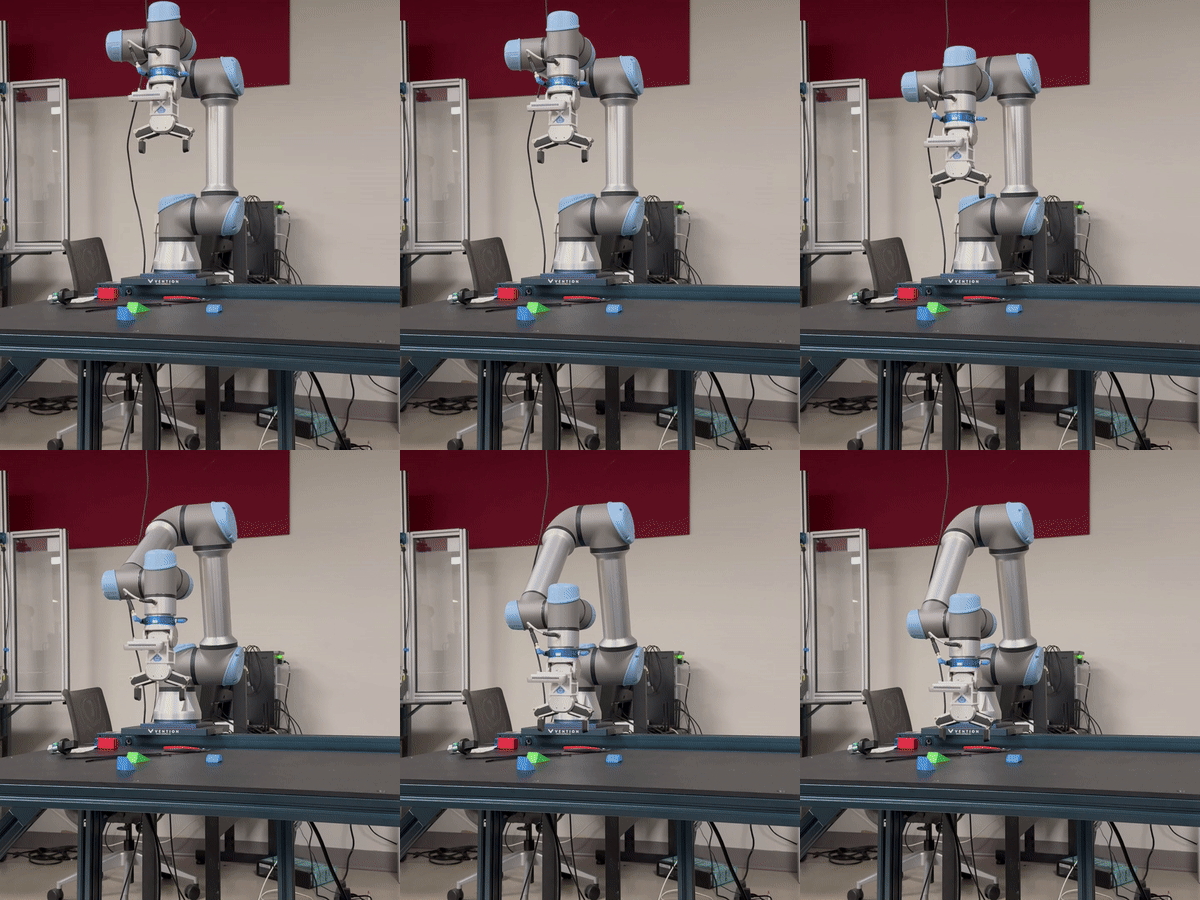
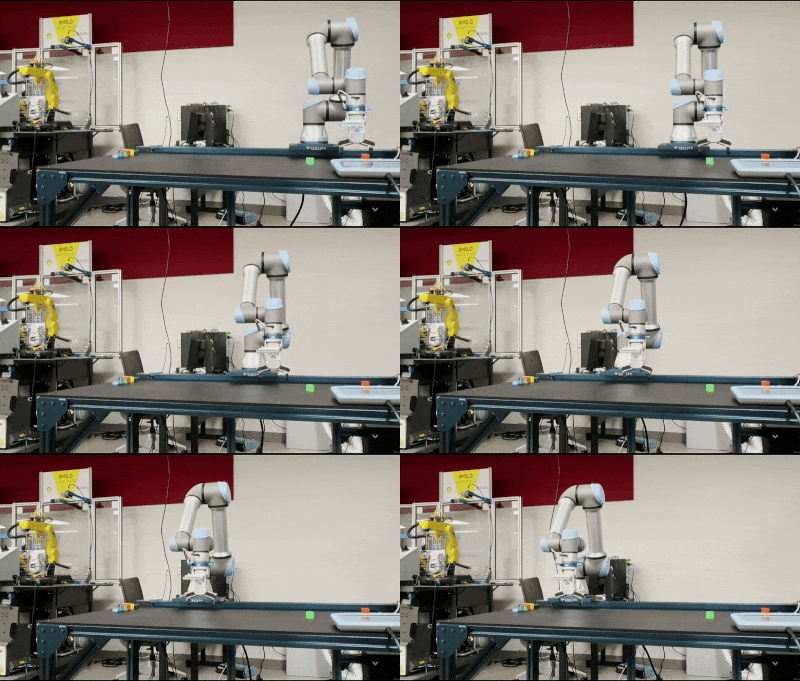
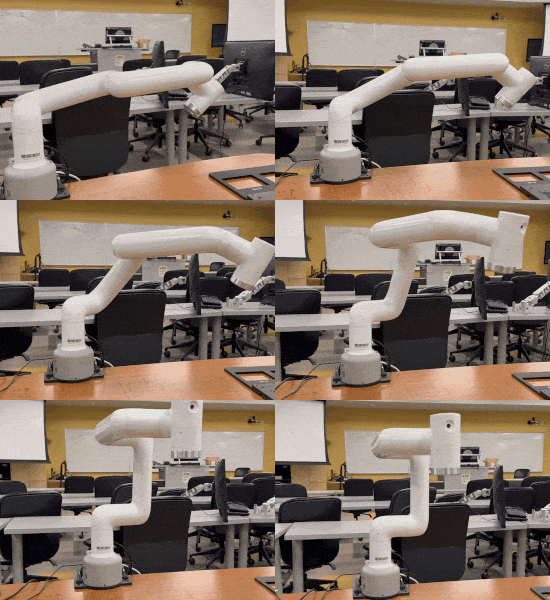
> **Want to see your robot supported?**
> [Open an issue](https://github.com/MGross21/armctl/issues) or contribute a pull request!
## Quick Start
### Installation
*From PyPI:*
```bash
pip install armctl
```
*From GitHub:*
```bash
pip install git+https://github.com/MGross21/armctl.git
```
### Importing the Library
```python
from armctl import *
```
> **Note:**
> For improved runtime performance and clarity, you may import specific manufacturers and robot series directly.
### Simple Example with Manufacturer Defaults
```python
with Manufacturer("ROBOT_IP_ADDRESS") as robot:
robot.move_joints([...])
robot.get_joint_positions()
robot.move_cartesian([...])
robot.get_cartesian_position(...)
robot.sleep(...)
robot.get_robot_state()
```
### Simple Example with Specific Robot Series
```python
with RobotSeries("ROBOT_IP_ADDRESS") as robot:
robot.home()
robot.move_joints([...])
robot.get_joint_positions()
robot.move_cartesian([...])
robot.get_cartesian_position()
robot.sleep(...)
robot.get_robot_state()
```
### Multi-Robot Control
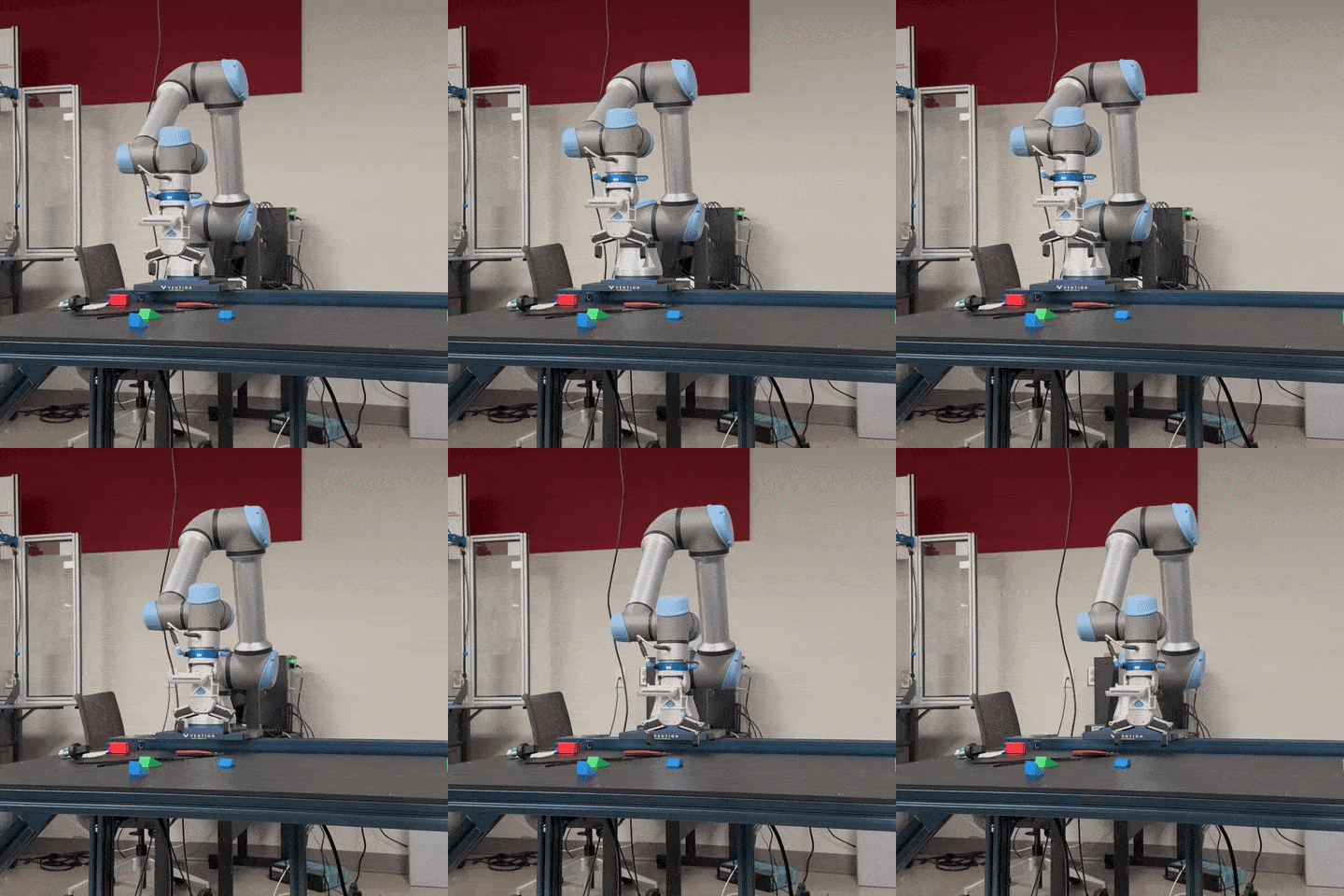
```python
with (
Robot1("ROBOT1_IP_ADDRESS") as r1,
Robot2("ROBOT2_IP_ADDRESS") as r2,
):
r1.home()
r2.home()
r1.move_joints([...])
r2.move_joints([...])
```
> **Tip:**
> For more precise and synchronous control of two or more robots, it is recommended to manage each robot within its own thread or process.
#### Multithread Control
Replicating the prior example,
```python
import threading
def control_robot(robot, ip):
with robot(ip) as r:
r.home()
r.move_joints([0] * r.DOF)
threads = [
threading.Thread(target=control_robot, args=(Robot1, "ROBOT1_IP")),
threading.Thread(target=control_robot, args=(Robot2, "ROBOT2_IP"))
]
for t in threads:
t.start()
for t in threads:
t.join()
```
## API Reference
> **Note:**
> The API has been designed for maximum compatibility across supported robots. Additional commands, such as gripper controls and other advanced features, are planned for future releases to further expand functionality.
### Control Template
The following methods are available to users of the library to control various supported robots.
| Method Name | Description |
|------------------------------|-----------------------------------------------------------------------------|
| `move_joints(pos)` | Move the robot to specified joint positions. |
| `get_joint_positions()` | Retrieve the current joint positions of the robot. |
| `move_cartesian(pose)` | Move the robot to a specified Cartesian pose. |
| `get_cartesian_position()` | Retrieve the current Cartesian position of the robot. |
| `stop_motion()` | Stop all robot motion immediately. |
| `get_robot_state()` | Retrieve the current state of the robot. |
| `sleep(seconds)` | Pause execution for a specified number of seconds. |
| `home()` *(Available only for specific robot series, not for generic manufacturer control)* | Move the robot to its home position. |
Robot Homing Behavior
The "home" position refers to a predefined, manufacturer-specific pose that is safe and repeatable for initialization and calibration.
```txt⠀⠀⠀⠀⠀⠀⠀⠀⠀⠀⠀⠀⠀⠀⠀⠀⠀⠀⠀⠀⠀⠀⠀⠀⠀⠀⠀⠀⠀⠀⠀⠀⠀⠀⠀⠀⠀⠀
⠀⠀⠀⠀⠀⠀⠀⠀⢀⢠⢰⢡⢣⢢⢀⠀⠀⠀⠀⠀⠀⠀⠀⠀⠀⠀⠀⠀⠀⠀⠀⠀⠀⠀⠀⠀⠀⠀⠀⠀
⠀⠀⠀⠀⠀⠀⢀⡶⣿⣺⢜⡜⡜⡜⡜⡜⡔⡄⡀⠀⠀⠀⠀⠀⠀⠀⠀⠀⠀⠀⠀⠀⠀⠀⠀⠀⠀⠀⠀⠀
⠀⠀⠀⠀⠀⠀⠈⢯⣯⡿⣗⣕⡗⡵⡱⡱⡱⡱⡱⡱⡠⣀⠀⠀⠀⠀⠀⠀⠀⠀⠀⠀⠀⠀⠀⠀⠀⠀⠀⠀
⠀⠀⠀⠀⠀⠀⠀⣻⢾⣿⠱⣲⢫⢞⢵⣳⡵⡱⣱⣵⣻⣟⣿⢶⡤⡀⠀⠀⠀⠀⠀⠀⠀⠀⠀⠀⠀⠀⠀⠀
⠀⠀⠀⠀⠀⠀⠀⢽⣟⣿⢘⣯⣿⡕⢹⢺⡽⡕⣯⣿⢷⢿⣽⣟⡿⡳⡠⡀⠀⠀⠀⠀⠀⠀⠀⠀⠀⠀⠀⠀
⠀⠀⠀⠀⠀⠀⠀⣻⣽⢿⢨⣷⢿⡇⠀⠀⠈⠣⢟⡷⡽⢽⡾⣅⢇⢇⢇⢇⢇⢆⢄⠀⠀⠀⠀⠀⠀⠀⠀⠀
⠀⠀⠀⠀⠀⠀⠀⣺⡿⣿⠰⣿⣻⡇⠀⠀⠀⠀⠀⠉⠛⢟⠿⣻⣯⡾⣜⢜⢜⢜⢜⢜⢔⢄⠀⠀⠀⠀⠀⠀
⠀⠀⠀⠀⠀⠀⠀⣺⣟⣿⠸⣯⣿⡇⠀⠀⠀⠀⠀⠀⠀⠀⠀⠈⠈⠛⠿⣷⢷⣕⣕⡵⣵⣟⠀⠀⠀⠀⠀⠀
⠀⠀⠀⠀⠀⠀⠀⣺⡿⣯⢎⢭⢓⢇⠀⠀⠀⠀⠀⠀⠀⠀⠀⠀⠀⠀⠀⠈⢙⣿⣾⣻⢷⢿⠀⠀⠀⠀⠀⠀
⠀⠀⠀⠀⠀⠀⢠⣟⣿⣿⢸⢸⢸⢸⢸⢰⢀⠀⠀⠀⠀⠀⠀⠀⠀⠀⠀⠀⠰⣿⣽⣳⢣⣿⠀⠀⠀⠀⠀⠀
⠀⠀⠀⠀⠀⣤⡾⣯⣻⡾⣏⡮⣪⢪⢪⢪⢪⢲⣄⠀⠀⠀⠀⠀⠀⠀⠀⠀⢸⣯⣟⡷⣿⣽⣦⠀⠀⠀⠀⠀
⠀⠀⠀⠀⢸⣷⢿⣽⢽⡻⡣⣣⢷⡣⡇⡇⡇⣇⡿⡇⠀⠀⠀⠀⠀⠀⠀⢀⣿⢾⣽⡿⢛⣷⢿⡇⠀⠀⠀⠀
⠀⠀⠀⠀⢸⣾⢿⡽⣯⡿⣵⢧⡫⡕⣇⣧⣗⣿⣻⡇⠀⠀⠀⠀⠀⠀⠀⣞⣯⣿⠁⠀⢐⣟⣿⡇⠀⠀⠀⠀
⠀⠀⠀⠀⠀⣹⢿⣻⣯⡿⣯⣟⣯⣿⣽⡷⣿⣽⡫⠀⠀⠀⠀⠀⠀⠀⠀⣯⣟⣾⠀⠀⠀⠋⠻⠃⠀⠀⠀⠀
⠀⠀⠀⠀⢠⢮⢺⡱⡫⡟⡯⣻⢝⢗⡟⣝⢝⢼⢸⡄⠀⠀⠀⠀⠀⠀⠀⢯⣿⣽⠀⠀⠀⠀⠀⠀⠀⠀⠀⠀
⠀⠀⠀⠀⢸⣗⡵⡣⡏⣞⢜⡕⡗⣝⢼⢪⡺⣱⢽⡇⠀⠀⠀⠀⠀⠀⠀⠈⠈⠁⠀⠀⠀⠀⠀⠀⠀⠀⠀⠀
⠀⠀⠀⠀⠘⢯⡿⣾⣳⢵⣝⣼⣱⣣⢯⣞⣾⣽⡿⠁⠀⠀⠀⠀⠀⠀⠀⠀⠀⠀⠀⠀⠀⠀⠀⠀⠀⠀⠀⠀
⠀⠀⠀⠀⠀⠀⠉⠻⠻⢿⢾⡷⣿⣽⢟⠿⠓⠋⠀⠀⠀⠀⠀⠀⠀⠀⠀⠀⠀⠀⠀⠀⠀⠀⠀⠀⠀⠀⠀⠀
```
#### Standard Units
All inputs and outputs use these standard units:
| Type | Unit |
| ---------------------- | ------------------------ |
| **Joint Angle** | radians |
| **Cartesian Position** | meters (`[x, y, z]`) |
| **Cartesian Rotation** | radians (`[rx, ry, rz]`) |
### Connection Template
The following methods facilitate explicit connection management and low-level command execution. These are primarily intended for advanced scenarios, such as when not using Python's `with/as` context manager or when sending custom commands outside the standard API. *Use with caution*.
| Method Name | Description |
|------------------------------|------------------------------------------------------------------|
| `connect()` | Establish a connection to the robot controller. |
| `disconnect()` | Close the connection to the robot controller. |
| `send_command(cmd)` | Send a low-level command to the robot controller. |
### Properties Template
The properties template exposes key robot class attributes as variables, allowing you to query important specifications programmatically. These include:
| Property Name | Description |
|--------------------------|--------------------------------------------------|
| `JOINT_RANGES` | List of allowed ranges for each joint (radians). |
| `DOF` | Number of degrees of freedom (joints). |
| `MAX_JOINT_VELOCITY` | Maximum joint velocity (radians/second). |
| `MAX_JOINT_ACCELERATION` | Maximum joint acceleration (radians/second²). |
| `HOME_POSITION` *(Available only for specific robot series, not for generic manufacturer control)* | Joint positions of robot home position (radians) |
### Graphical Overview
Below is a high-level diagram illustrating the architecture of the `armctl` library. This design emphasizes the careful templatization of connection and control APIs, ensuring a consistent and extensible interface across different manufacturers and robot series.

### System Logging
By default, the library will show the outgoing commands and incoming data. An example can be seen below:
```console
2025-02-12 13:18:11,350 - INFO - Connected to ElephantRobotics(192.168.1.159:5001)(SEND/RECV)
2025-02-12 13:18:11,351 - SEND - Sending command: power_on()
2025-02-12 13:18:11,954 - RECV - Received response: [ok]
2025-02-12 13:18:11,954 - SEND - Sending command: state_on()
2025-02-12 13:18:12,647 - RECV - Received response: [ok]
2025-02-12 13:18:12,647 - SEND - Sending command: get_angles()
2025-02-12 13:18:12,663 - RECV - Received response: get_angles:[0.290562,-95.891321,-74.804509,-162.949219,1.845703,12.041016]
2025-02-12 13:18:12,663 - SEND - Sending command: task_stop()
2025-02-12 13:18:13,466 - RECV - Received response: [ok]
2025-02-12 13:18:13,466 - SEND - Sending command: state_off()
2025-02-12 13:18:14,176 - RECV - Received response: [ok]
2025-02-12 13:18:14,176 - SEND - Sending command: power_off()
2025-02-12 13:18:14,176 - RECV - Received response: [ok]
2025-02-12 13:18:14,176 - INFO - Disconnected from ElephantRobotics
```
#### Disabling Logging
To disable logging in your Python code:
```python
from armctl import Logger
Logger.disable()
```
Or, set the environment variable before running your script:
```bash
export ARMCTL_LOG=0
```
#### Re-Enabling Logging
To re-enable logging in your code:
```python
Logger.enable()
```
Or, remove the environment variable in your shell:
```bash
unset ARMCTL_LOG
```
### CLI Tooling
To get started with the command-line interface, run:
```bash
armctl --help
```
## Under Development
- [JAKA](https://www.jaka.com/en)
- **Models:** Zu 5
- [Dobot](https://www.dobot-robots.com)
- **Models:** Magician Lite
## Future Development
- [FANUC](https://www.fanucamerica.com)
- **Models:** LR Mate 200iD Series
- **More manufacturers and robot series will be supported in future releases.**
## Contributing
Please feel free to submit a pull request or open an issue for any enhancements or bug fixes. See [CONTRIBUTING](https://github.com/MGross21/armctl/blob/main/CONTRIBUTING.md) for more details.
## License
This project is licensed under the MIT License. See the [LICENSE](https://github.com/MGross21/armctl/blob/main/LICENSE) file for more details.
### Notice
> This package automatically installs the [Universal Robots RTDE Python Client Library](https://github.com/UniversalRobots/RTDE_Python_Client_Library) when needed.
> The RTDE library is provided by Universal Robots and is subject to their licensing terms.