https://github.com/midoks/nezha
Nezha Monitoring
https://github.com/midoks/nezha
Last synced: about 1 year ago
JSON representation
Nezha Monitoring
- Host: GitHub
- URL: https://github.com/midoks/nezha
- Owner: midoks
- License: apache-2.0
- Created: 2023-06-15T14:29:58.000Z (about 3 years ago)
- Default Branch: main
- Last Pushed: 2023-06-29T03:43:50.000Z (about 3 years ago)
- Last Synced: 2024-12-26T10:42:15.911Z (over 1 year ago)
- Language: Go
- Homepage:
- Size: 24 MB
- Stars: 1
- Watchers: 2
- Forks: 1
- Open Issues: 0
-
Metadata Files:
- Readme: README.md
- License: LICENSE
Awesome Lists containing this project
README

LOGO designed by 熊大 .
:trollface: Nezha Monitoring: Self-hostable, lightweight, servers and websites monitoring and O&M tool.
Supports monitoring system status, HTTP (SSL certificate change, upcoming expiration, expired), TCP, Ping and supports push alerts, run scheduled tasks and web terminal.
\>> Telegram Group: [Nezha Monitoring Global (English Only)](https://t.me/nezhamonitoring_global), [哪吒监控(中文群组)](https://t.me/nezhamonitoring)
\>> [Use Cases | 我们的用户](https://www.google.com/search?q=%22powered+by+Nezha+Monitoring%22+OR+%22powered+by+%E5%93%AA%E5%90%92%E7%9B%91%E6%8E%A7%22) (Google)
## User Guide
- [English](https://nezhahq.github.io/en_US/index.html)
- [中文文档](https://nezhahq.github.io/index.html)
## Screenshots
| Default Theme | DayNight [@JackieSung](https://github.com/JackieSung4ev) | hotaru |
| ---------------------------------------------------------------------------------------- | ------------------------------------------------------------------------------------------------------ | -------------------------------------------------------------------------- |
|  |  |
|  |
|
|
Default modified [Guide] | Neko Mdui @MikoyChinese | AngelKanade @adminsama |
| 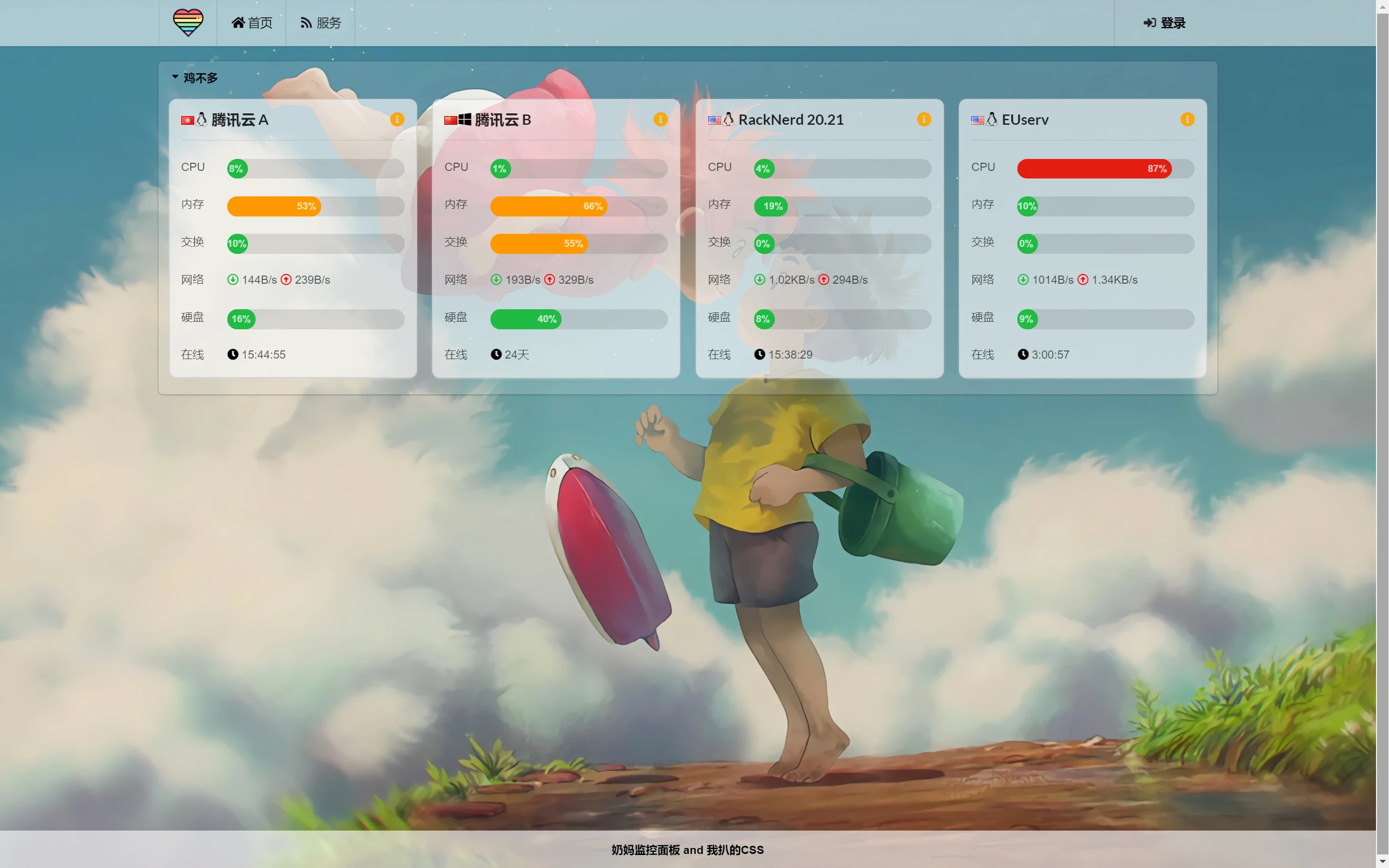 |  |  |
## Supported Languages
- English
- 中文
- Español
## Install
```
curl -L https://cdn.jsdelivr.net/gh/midoks/nezha@latest/script/install.sh -o nezha.sh && chmod +x nezha.sh && sudo CN=true ./nezha.sh
curl -L https://cdn.jsdelivr.net/gh/midoks/nezha@latest/script/install.sh -o nezha.sh && chmod +x nezha.sh && sudo ./nezha.sh
curl -L https://raw.githubusercontent.com/midoks/nezha/main/script/install.sh -o nezha.sh && chmod +x nezha.sh && sudo CN=true ./nezha.sh
curl -L https://raw.githubusercontent.com/midoks/nezha/main/script/install.sh -o nezha.sh && chmod +x nezha.sh && sudo ./nezha.sh
```
You can change the dashboard language in the settings page (`/setting`) after the dashboard is installed.