https://github.com/migsilva89/markmind
AI-powered bookmark organization that helps you keep your bookmarks clean and organized using artificial intelligence.
https://github.com/migsilva89/markmind
ai api artificial-intelligence chrome-extension gemini google javascript productivity tools
Last synced: over 1 year ago
JSON representation
AI-powered bookmark organization that helps you keep your bookmarks clean and organized using artificial intelligence.
- Host: GitHub
- URL: https://github.com/migsilva89/markmind
- Owner: migsilva89
- Created: 2025-02-22T15:49:03.000Z (over 1 year ago)
- Default Branch: main
- Last Pushed: 2025-03-03T12:24:12.000Z (over 1 year ago)
- Last Synced: 2025-03-03T13:29:57.608Z (over 1 year ago)
- Topics: ai, api, artificial-intelligence, chrome-extension, gemini, google, javascript, productivity, tools
- Language: JavaScript
- Homepage: https://www.markmind.xyz/
- Size: 193 KB
- Stars: 2
- Watchers: 1
- Forks: 0
- Open Issues: 0
-
Metadata Files:
- Readme: README.md
Awesome Lists containing this project
README
# MarkMind - AI-Powered Bookmark Organization

Transform your chaotic bookmarks into organized bliss with AI



## ✨ Why MarkMind?
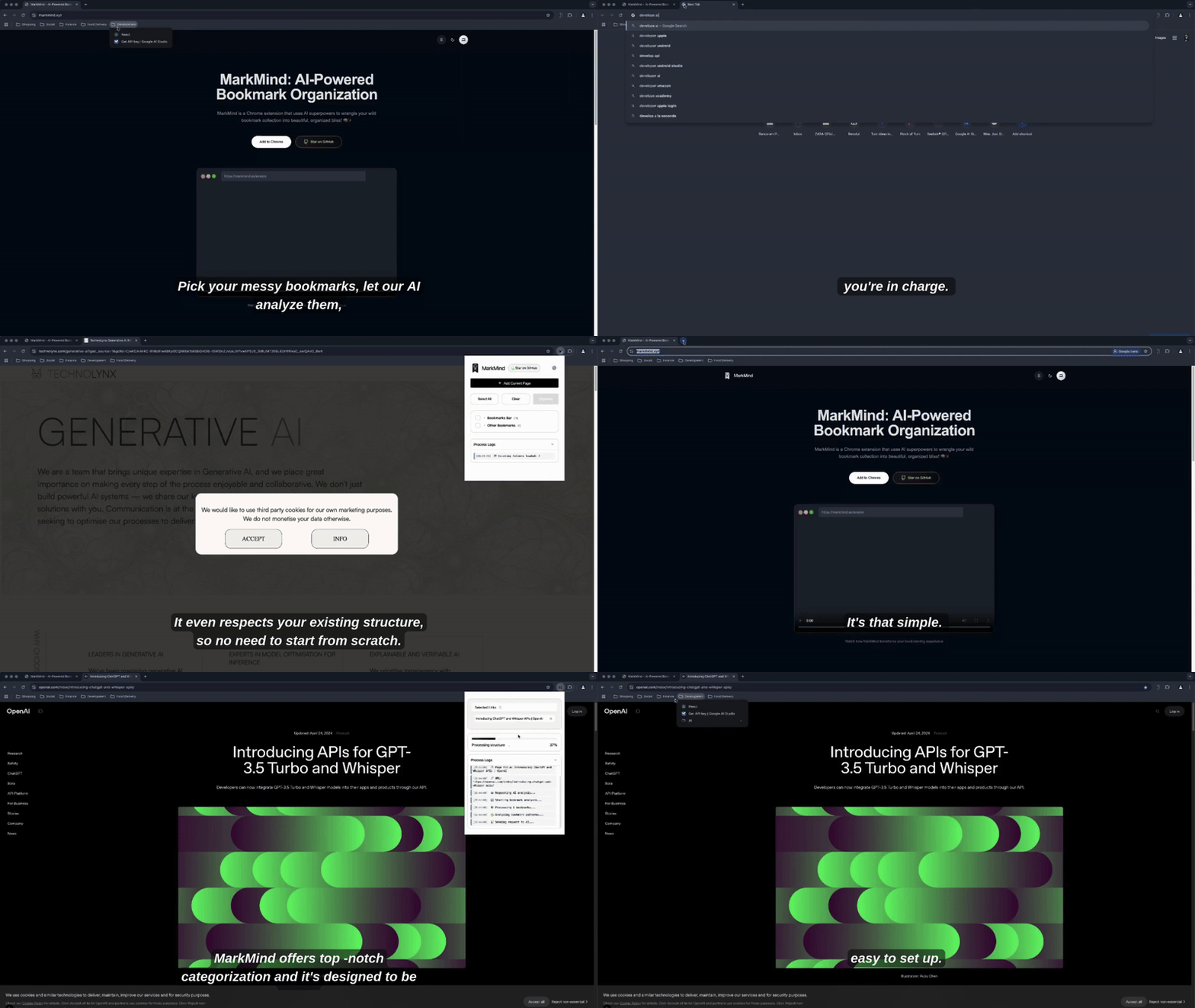
MarkMind replaces Chrome's native bookmark button with AI-powered organization that actually understands what you're saving. One click and your bookmarks find their perfect home - automatically!
### 🌟 Key Features
- **Smart Organization**: AI that understands your bookmarks and categorizes them intelligently
- **Bulk Processing**: Organize hundreds of bookmarks while you grab coffee ☕
- **Privacy Obsessed**: All processing happens locally - your bookmarks are YOUR business
- **You're The Boss**: Review and approve all changes before applying them
- **Respects Your Chaos**: Works with your existing folder structure (no judgment here!)
## 🚀 Getting Started
### Quick Install
1. [Add MarkMind from the Chrome Web Store](https://chrome.google.com/webstore/detail/markmind/[your-extension-id])
2. Get a free [Google AI Studio](https://aistudio.google.com/app/apikey) API key
3. Click the MarkMind icon and enter your API key in settings
4. Start organizing your bookmarks with AI!
### Using MarkMind
**Organize Existing Bookmarks:**
1. Click the MarkMind icon
2. Select bookmarks to organize
3. Click "Organize Selected"
4. Review and approve the suggested structure
**Add Current Page:**
1. Click the MarkMind icon while browsing
2. Select "Add Current Page"
3. Watch as the page is bookmarked and automatically organized
## 🔒 Privacy & Security
- Your bookmarks never leave your browser
- Only bookmark titles and URLs are sent to Google's AI
- API key is stored securely in your browser
- No personal data is collected or tracked
## 🛠️ For Developers
MarkMind is open source and welcomes contributions!
### Project Structure
```
src/
├── js/
│ ├── popup.js # Main UI logic
│ ├── background.js # Background service worker
│ ├── config.js # Configuration settings
│ └── services/
│ └── geminiService.js # AI service integration
├── css/
│ └── style.css # Styles for the extension
├── assets/
│ └── icons/ # Extension icons
├── manifest.json
└── popup.html
```
### Local Development
1. Clone this repository
```bash
git clone https://github.com/migsilva89/MarkMind.git
cd MarkMind
```
2. Load the extension in Chrome:
- Go to `chrome://extensions/`
- Enable "Developer mode"
- Click "Load unpacked"
- Select the `src` folder
3. Get a [Google AI Studio](https://makersuite.google.com/app/apikey) API key
4. After making changes, reload the extension in Chrome to test
### Contributing
We welcome contributions! Here's how:
1. Fork the project
2. Create your Feature Branch (`git checkout -b feature/AmazingFeature`)
3. Commit your changes (`git commit -m 'Add some AmazingFeature'`)
4. Push to the Branch (`git push origin feature/AmazingFeature`)
5. Open a Pull Request
## 📋 Roadmap
- [ ] Export/Import functionality
- [ ] Custom folder depth configuration
- [ ] Additional AI models support
- [ ] Batch processing improvements
- [ ] Cross-device synchronization
## 📸 Screenshots
Add current page feature
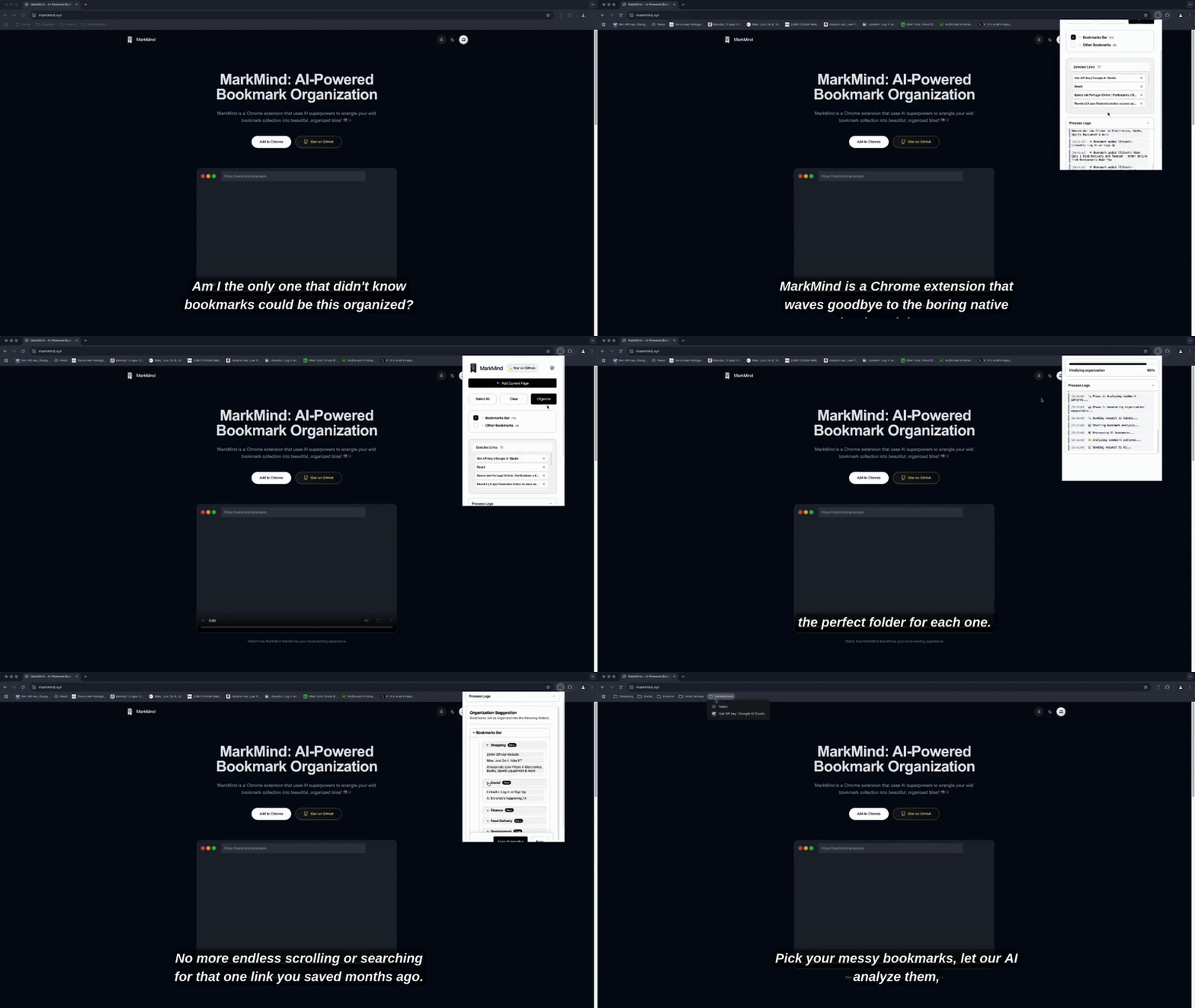
Add multiple feature
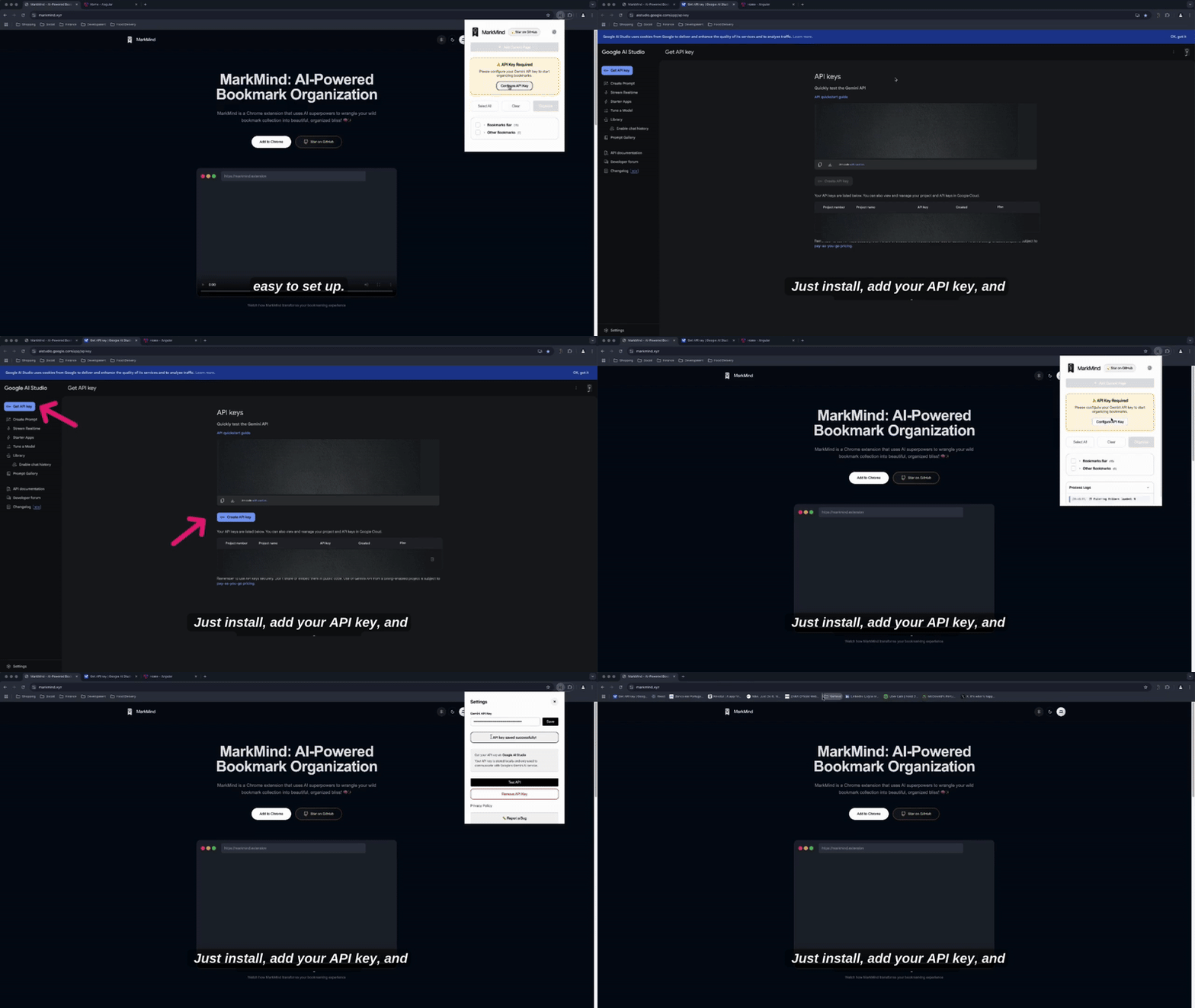
Get Gemini Api key
## 🤝 Support
Need help or have questions?
- [Open an issue](https://github.com/migsilva89/MarkMind/issues) on GitHub
- Email us at: themarkmind@gmail.com
- Visit our website: [markmind.xyz](https://markmind.xyz)
## 📜 License
This project is licensed under the MIT License - see the [LICENSE](LICENSE) file for details.
---
Made with ❤️ for better bookmark organization
If you find MarkMind useful, consider giving it a star ⭐