https://github.com/mikkotikkanen/supermon
Restart your node.js application when files change and sync your npm modules to Docker container automatically
https://github.com/mikkotikkanen/supermon
docker nodejs
Last synced: 6 months ago
JSON representation
Restart your node.js application when files change and sync your npm modules to Docker container automatically
- Host: GitHub
- URL: https://github.com/mikkotikkanen/supermon
- Owner: mikkotikkanen
- Created: 2019-11-14T21:27:19.000Z (over 6 years ago)
- Default Branch: master
- Last Pushed: 2023-01-07T13:47:14.000Z (over 3 years ago)
- Last Synced: 2025-08-09T16:51:55.722Z (11 months ago)
- Topics: docker, nodejs
- Language: TypeScript
- Homepage:
- Size: 3.36 MB
- Stars: 6
- Watchers: 0
- Forks: 0
- Open Issues: 22
-
Metadata Files:
- Readme: README.md
Awesome Lists containing this project
README

[](https://badge.fury.io/js/supermon)
[](https://github.com/mikkotikkanen/supermon/actions/workflows/npm-test.yml)
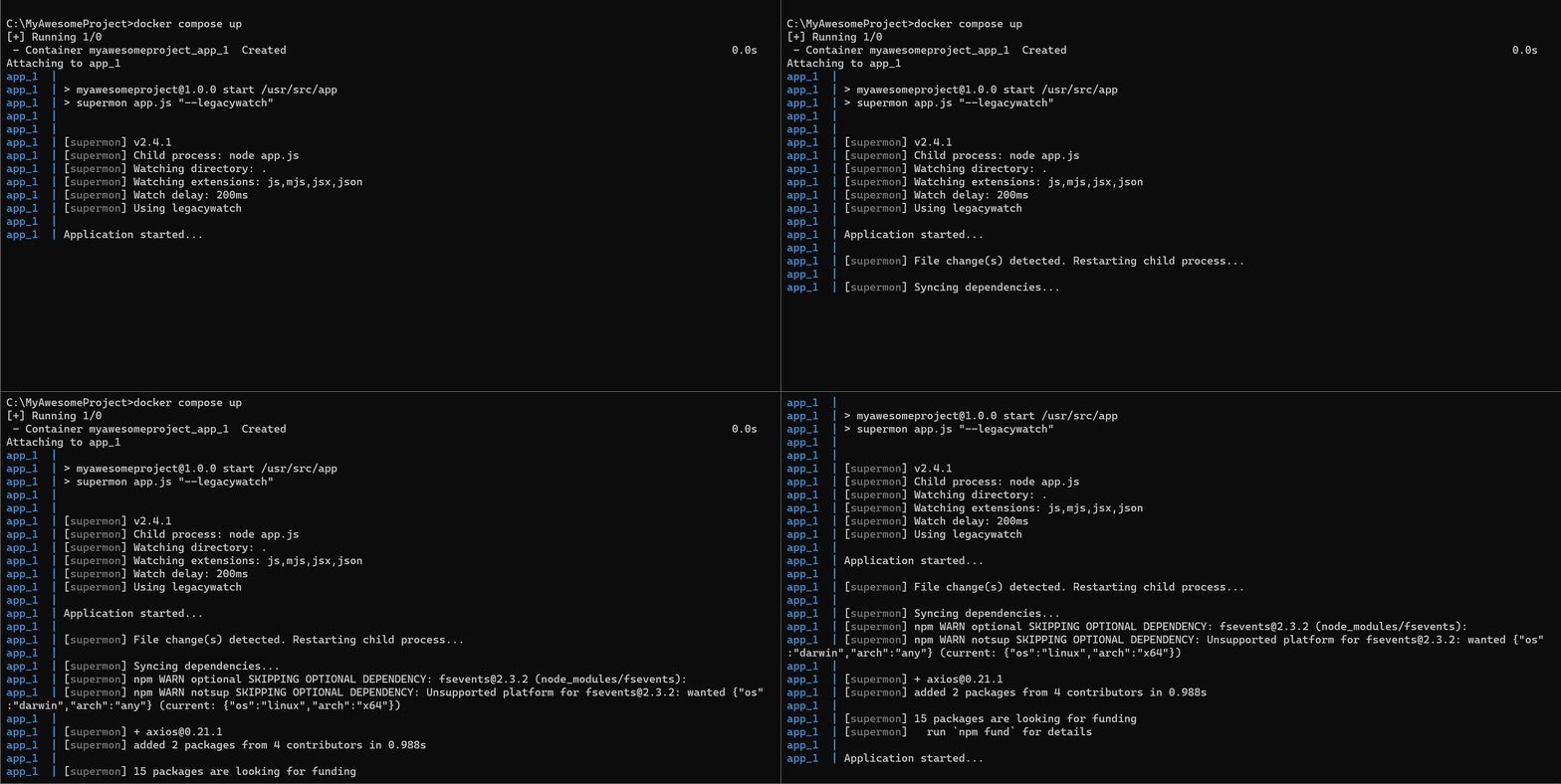
Ease your Node.js development by _automatically restarting your application on file changes_ and
_solve the notorious Docker node_modules sync issue_ as supermon monitors package.json file and
installs any missing modules to the internal Docker volume as well.
Supports TypeScript applications out of the box through [ts-node](https://www.npmjs.com/package/ts-node).
## Install
```bash
npm install supermon --save-dev
```
To use supermon with TypeScript you also need to install `ts-node`
```bash
npm install ts-node --save-dev
```
## Usage
```bash
supermon [application file]
```
Examples
```bash
supermon app.js
supermon app.ts
supermon --delay=2000 app.ts
supermon --delay=2000 -- app.ts --port=80
```
## Options
```help
Options:
--config Path to JSON config file [default: "supermon.json"]
--watch Directory to watch for file changes [string] [default: "."]
--ignore Directories to ignore for file changes [array]
--ext Comma separated list of file extensions to watch [array]
--delay How many ms to wait after file changes[number] [default: 200]
--exec Executable to run the command on [string]
--legacywatch Use polling instead of FS events [boolean]
--pmexec Package manager executable to use [string] [default: "npm"]
--skipfirstsync Don't do full sync on first run [boolean]
--version Show version number [boolean]
--help Show help [boolean]
--debug Show debug information [boolean]
Note: If both, supermon and application arguments are provided, it is recommended
to use "--" as separator between supermon and application command & arguments.
Example: "supermon --delay=2000 -- app.js --port=80"
Note: Boolean options do not require value to be specified
Example use: "supermon app.js"
Example use: "supermon --delay=2000 -- app.js --port=80"
```
### Config file
Supermon supports setting all your options through single configuration file, `supermon.json`.
__Example:__
```json
{
"delay": 2000
}
```
### package.json
If you want to keep your amount of config files to minimum, you can also set the options through `supermon`
object in `package.json`.
__Example:__
```json
{
"name": "my-awesome-project",
"version": "0.0.1",
"...": "...",
"supermon": {
"delay": "2000"
}
}
```
### Environment variables
All options can also be set though environment variables with `SUPERMON_` prefix.
Example:
```env
SUPERMON_DELAY=2000
```
## Contributing
### Master branch
Master branch must always represent the current deployed state, no commits are allowed directly to
master.
### Feature branches
All work should be done in feature branches. Branches should have human readable name.
### Merging
Merging to master should happen through pull requests. Any pull request should have working tests
for any new added feature added in the branch, should pass existing tests and should have been
approved by at least one person before merging.